
How to Increase Your PUBG Mobile Gameloop Experience 5x Over
Discover the right emulator settings, FPS optimization, and graphics tips to leave your rivals behind in PUBG Mobile Gameloop. Boost your performance now!
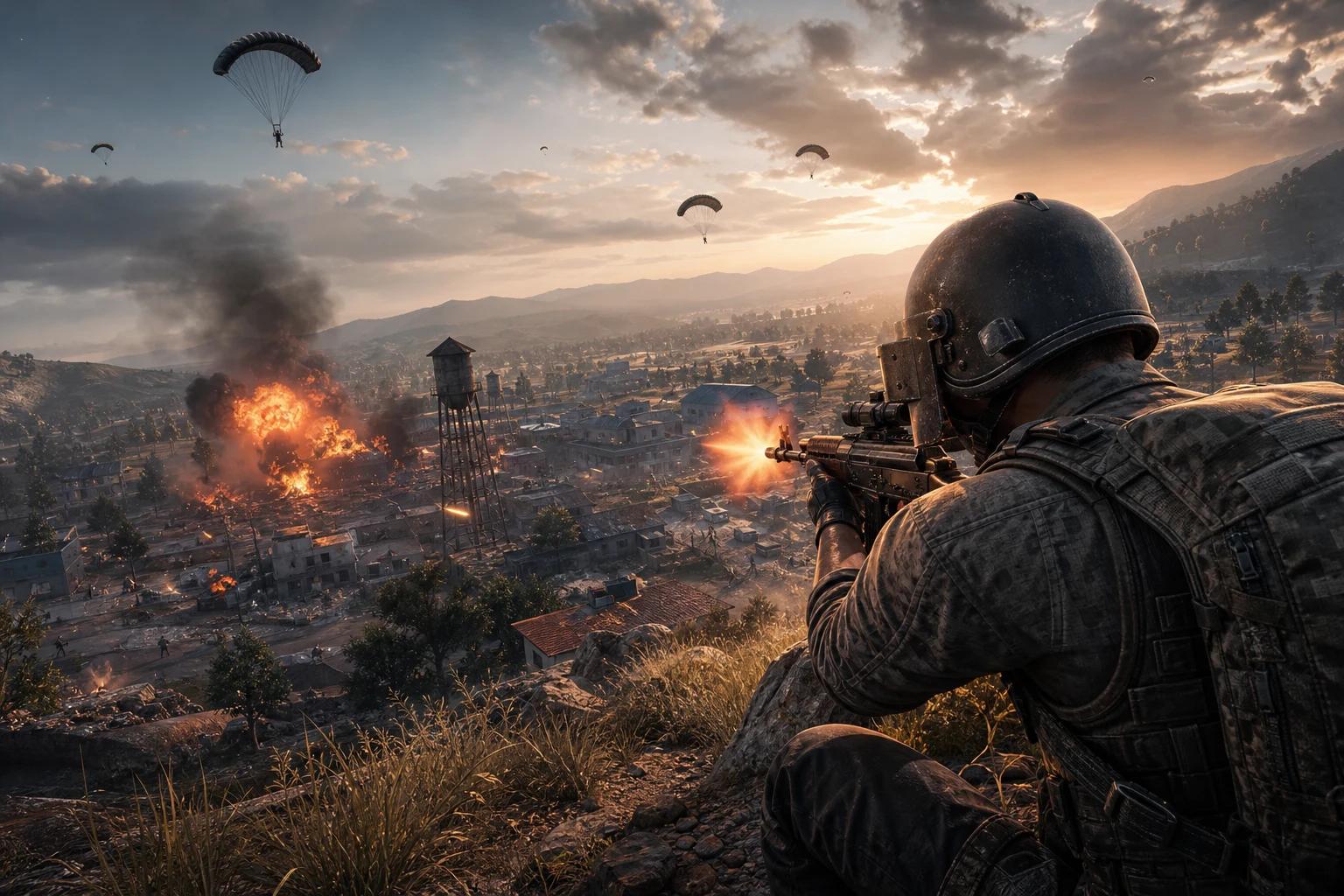

Introduction: The Real Way to Reach the Top Level in PUBG Mobile Gameloop
When PUBG Mobile is played on PC through the Gameloop emulator, it takes on a completely different dimension. The precision of mouse and keyboard, the wide screen field of view, and the combined power of hardware take you far beyond mobile players. However, breaking through among thousands of players competing fiercely between Conqueror and Ace ranks is not possible with just good hardware. Without the right tools, the right settings, and the right software support, climbing to the top ranks in this competition requires serious time and effort.
This is where ForceCheat comes in. ForceCheat stands out as one of Turkey's most reliable premium gaming software platforms, offering tools that will dramatically increase your performance and map awareness when playing PUBG Mobile on Gameloop. Its product range extends from bypass solutions to ESP (Extra Sensory Perception) tools, each optimized specifically for the Gameloop environment.
In this review, we will examine ForceCheat's PUBG Mobile Gameloop product family in depth. What does each product do, how does it work, who is it suitable for, and what are its pros and cons? By answering all these questions, we provide you with a comprehensive guide to make the most informed purchasing decision. If you feel your rivals are always one step ahead in Gameloop and want to turn this balance in your favor, you're in the right place.
To maximize the advantages that come with playing in an emulator environment, FPS settings or graphics optimization alone is not enough. Map control, knowing enemy positions in advance, and taking your aiming precision to the highest level—these three factors transform you from an ordinary Gameloop player into a true Conqueror candidate. ForceCheat's products target exactly these three factors.
Summary: ForceCheat's PUBG Mobile Gameloop products — Cougar Bypass, NİX Bypass, and ESP — provide tangible advantages in map mastery, aiming precision, and system security in the Gameloop environment. A powerful tool set for those targeting Conqueror.
ForceCheat PUBG Mobile Gameloop Product Family: Overview
ForceCheat's PUBG Mobile Gameloop category is built on three complementary core products. Each serves a different need and appeals to different user profiles. Let's first get to know these products in general terms, then examine each one in detail.
Cougar Bypass: Basic Security Layer
Cougar Bypass is a bypass solution that allows you to work compatibly with the game's security systems when playing PUBG Mobile on Gameloop. Its basic function is to prevent additional software you use from being detected by the game client. In terms of price/performance balance, it offers an ideal starting point for entry-level users.
The strongest aspect of Cougar Bypass is its ease of installation. It works seamlessly in the background while keeping Gameloop open and uses system resources at a minimum level. This way, you can keep your additional software active without experiencing FPS loss. This lightness is particularly important on mid-range PCs.
NİX Bypass: Advanced Protection and Stability
NİX Bypass can be positioned as an upgraded version of Cougar. With more advanced bypass layers and more frequent update cycles, NİX proves itself especially in long-term and intensive usage scenarios. If you're a player profile who plays multiple sessions every day and wants to protect your investment long-term, NİX Bypass is tailor-made for you.
NİX's difference also manifests in stability performance. During long match sessions, issues like connection drops or unexpected closures occur less frequently compared to Cougar. This particularly protects you at critical moments in Ranked mode.
ESP (NİX Loop Lite): The Key to Map Mastery
ESP (NİX Loop Lite) is ForceCheat's most comprehensive visual advantage tool for PUBG Mobile Gameloop. Extra Sensory Perception (ESP) visually marks enemy player positions, distances, and equipment status on your screen. Enemies behind walls, distant enemy movements, and high-value loot points now become visible to you.
This tool provides tremendous advantage especially in final circle scenarios. When 5 people remain and every second is critical, knowing the exact position of your enemy allows you to plan your moves in advance.
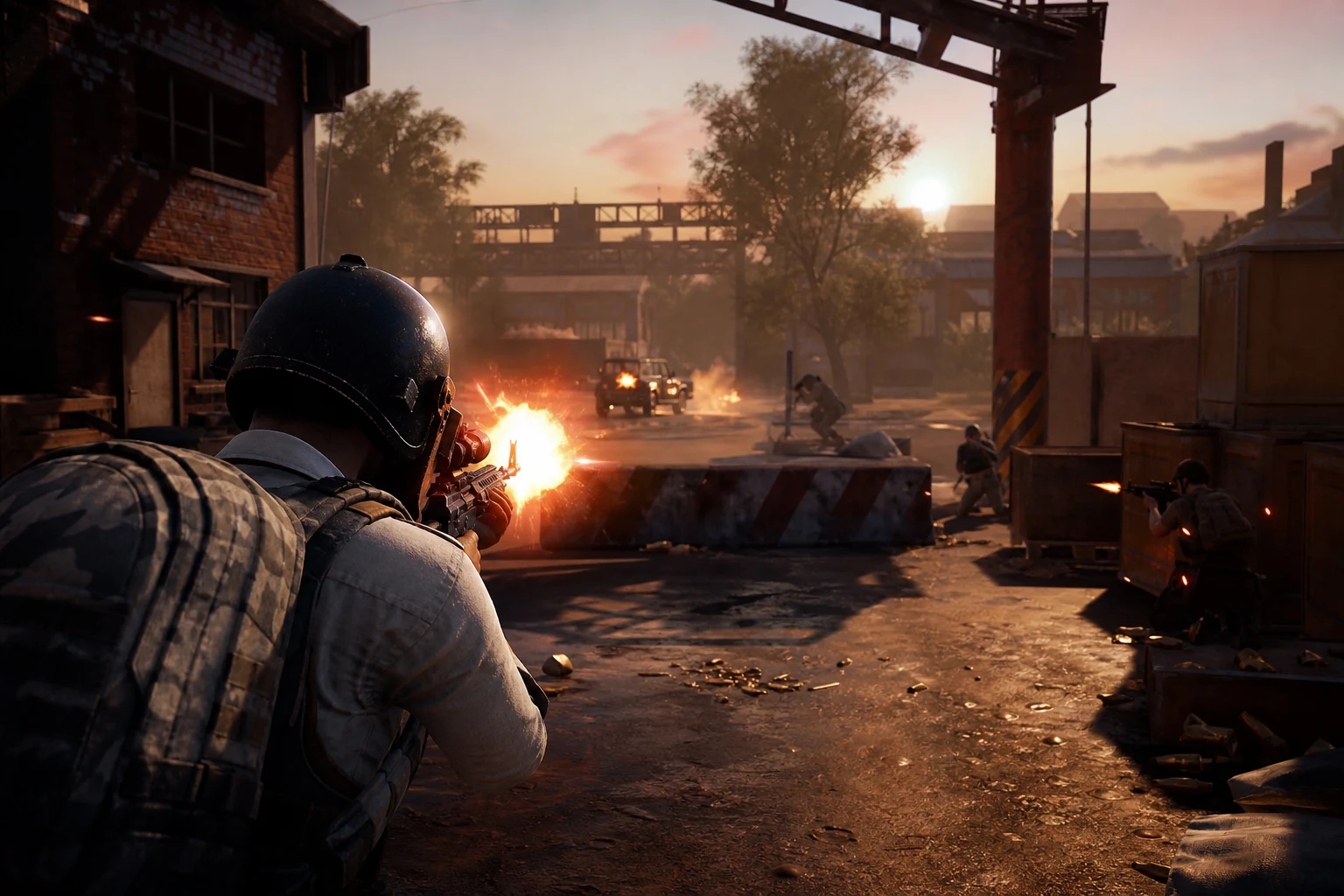
Pros: The Strong Points of ForceCheat Gameloop Products
Gameloop-Specific Optimization
- Emulator compatibility: All products are regularly updated to be compatible with current versions of Gameloop. Unlike general-purpose tools, specialized solutions are developed for Gameloop's memory structure and processing architecture.
- Low system load: Gameloop is already a resource-intensive application on its own. ForceCheat tools are designed to use minimal CPU and RAM in the background, thus not negatively affecting your in-game FPS.
- Easy integration: Doesn't require complex configuration. Install, launch, play. Even users with limited technical knowledge can complete the installation process within 10 minutes.
Map Awareness with ESP
- Real-time enemy position: ESP updates enemy positions instantly. When an enemy moves, the indicator updates as well, giving you dynamic tactical advantage rather than static map information.
- Distance indicator: Distance information in meters is displayed next to each enemy marker. This allows you to optimize weapon selection and approach strategy. You behave differently for an enemy 300 meters away versus one 50 meters away.
- Equipment status visibility: Seeing your opponent's armor level and helmet type helps you calculate in advance how much damage you need to deal. You approach someone with Level 3 armor differently than someone with Level 1 armor.
Reliability of Bypass Solutions
- Regular update cycle: PUBG Mobile security systems are constantly updated. The ForceCheat team monitors these updates and updates bypass solutions in a timely manner.
- Two different options: Cougar and NİX allow you to choose based on different budgets and usage intensity. No one-size-fits-all solution is imposed.
- Turkish support: ForceCheat's support line for Turkish users provides quick assistance with installation issues.
Cons: Things You Should Consider
Usage Requirements
- Minimum hardware threshold: When Gameloop and ForceCheat tools work together, at least 8 GB RAM and a mid-range GPU are recommended for best results. On very low-end systems, performance expectations may not be met.
- Current Gameloop version requirement: Full compatibility with older Gameloop versions is not guaranteed. You need to keep your emulator updated.
- Internet connection requirement: Active internet connection is required for license verification. Offline use is not possible.
Learning Curve
- Optimizing ESP settings takes time: Getting used to the information density provided by ESP requires some practice initially. When too much information appears on screen, it can feel overwhelming at first; however, after a few matches you start processing this information quickly.
- Bypass activation steps: You need to activate the bypass in the correct order at the start of each session. Skipping this step or applying it in the wrong order can cause problems.
Maximizing Performance in Gameloop: Practical Settings
To get the highest return from ForceCheat tools, you also need to optimize Gameloop's own settings. Here are concrete steps:
How to Get 120 FPS in Gameloop?
For 120 FPS, first go to Gameloop's "Engine Settings" section. Select "High Performance" mode here and set the CPU core count to the maximum your system allows. Then activate the "Ultra" FPS option from PUBG Mobile's graphics settings. Finally, enter 1920x1080 from Gameloop's "Custom Resolution" setting. This combination provides stable 90-120 FPS on most mid-to-high-end systems.
Important note: PUBG Mobile's 120 FPS support is not enabled on all device profiles. To exceed this limit in Gameloop, you may need to set the emulator's device profile to a high-end model like "Samsung Galaxy S23 Ultra" or similar.
RAM and CPU Optimization
Before launching Gameloop, close unnecessary applications running in the background. Enable Windows Game Mode (Settings → Gaming → Game Mode: On). Assign "High" priority to Gameloop through Windows Task Manager. These three steps provide a noticeable FPS increase, especially on systems in the 8-16 GB RAM range.
Reducing Network Latency
Ping value is critical in PUBG Mobile. For ping under 50ms: Enable Gameloop's "Network Acceleration" feature, use a wired internet connection (instead of Wi-Fi), and select the closest region in PUBG Mobile server selection (usually Europe). If your ping is above 80ms, even the location information provided by ESP may appear slightly delayed.
Who Is It Suitable For?
ForceCheat's PUBG Mobile Gameloop product family provides value at different levels to players with different profiles:
Those Targeting Rank Advancement
Players wanting to move from Platinum to Diamond, Diamond to Ace, benefit greatly from the ESP and bypass combination. Knowing rival positions especially in the final circle dramatically extends your survival time in rank matches. For those wanting to climb from Ace rank to Conqueror, the NİX Bypass + ESP combination is the best choice.
Beginners
For users new to Gameloop and struggling to deal with the mobile player crowd, Cougar Bypass offers a reasonable starting point. With low cost, easy installation, and basic protection features, it supports the learning process.
Competitive and Heavy Users
For serious players playing 4+ hours daily with tournament or high-rank goals, NİX Bypass's long-term stability and regular updates become decisive factors. For this player profile, the NİX Bypass + ESP package provides full value for the investment.
Comparison with Competing Tools
Various Gameloop tools exist on the market, but there are several critical differences that make ForceCheat stand out:
Currency and Maintenance
Many competing products become non-functional for days or even weeks after PUBG Mobile's security updates. ForceCheat's team typically releases a compatible version within 24-48 hours after major game updates. This speed is critical especially during active rank seasons.
Turkish Support Advantage
The vast majority of foreign-sourced tools offer English or Chinese support. ForceCheat's Turkish support line allows you to resolve installation issues and technical glitches much faster. For users experiencing language barriers on technical matters, this difference is decisive.
Price/Performance Balance
Compared to foreign tools with similar features, ForceCheat products are offered to Turkish users at reasonable price ranges. Cougar Bypass in particular is one of the market's most competitive options for entry-level users.
Additionally, ForceCheat's product range is not limited to PUBG Mobile alone. You can check out our Valorant cheats category or League of Legends category to discover similar advantages for other games. Also, our Rainbow Six Siege aimbot guide and Rust radar usage article might interest you.
Conclusion
ForceCheat's PUBG Mobile Gameloop product family offers a comprehensive and well-thought-out solution for players seeking competitive advantage in the Gameloop environment. While Cougar Bypass provides a solid foundation for entry-level users, NİX Bypass delivers the stability and update guarantee that heavy users need. ESP (NİX Loop Lite) stands out as a tool that can completely change the course of the game in terms of map mastery.
When evaluating all three products together, it's clear that ForceCheat truly understands the Gameloop ecosystem. Emulator-specific optimization, low system load, Turkish support, and regular update cycles are the factors that put these products one step ahead of their market counterparts.
If you're stuck in the Platinum-Diamond band and targeting Ace or Conqueror, the NİX Bypass + ESP combination will significantly accelerate your progress toward that goal. For beginners wanting to try a basic solution first, Cougar Bypass offers a reasonable entry point.
Rating: 9/10 — The best-equipped and best-supported tool set on the market for Turkish players playing PUBG Mobile on Gameloop. Visit our PUBG Mobile Gameloop category to review all PUBG Mobile Gameloop products and select the package that best suits you.
Frequently Asked Questions (FAQ)
How do I get 120 FPS in Gameloop?
To achieve 120 FPS in Gameloop, follow these steps: 1) Select "High Performance" mode from Gameloop Engine Settings. 2) Set CPU core count to maximum. 3) Activate the "Ultra" FPS option in PUBG Mobile graphics settings. 4) Set device profile to a high-end model like Samsung Galaxy S23 Ultra. 5) Set Gameloop resolution to 1920x1080. These steps provide stable 90-120 FPS on mid-to-high-end systems.
Which versions of Gameloop are ForceCheat tools compatible with?
ForceCheat products are regularly updated to be compatible with current versions of Gameloop. For the best experience, it's recommended to keep Gameloop updated at all times. For specific version compatibility, you can contact ForceCheat support.
What is the main difference between Cougar Bypass and NİX Bypass?
Cougar Bypass is designed for entry-level users, offering an affordable and easy-to-install solution. NİX Bypass provides more advanced bypass layers, more frequent update cycles, and higher stability during long-term use. For serious players playing 4+ hours daily and focused on rank, NİX should be preferred.
How does using ESP change my gaming experience?
ESP (NİX Loop Lite) visually marks enemy positions, distances, and equipment status in real-time. This provides tremendous tactical advantage especially in final circle scenarios and close-quarters combat. Knowing your enemy's exact position allows you to optimize your move planning and weapon selection.
Do ForceCheat products work on low-end PCs?
Although ForceCheat tools are designed with minimum system load in mind, at least 8 GB RAM and a mid-range GPU are recommended for best performance. On very low-end systems (below 4 GB RAM), Gameloop itself may not run stably, so first ensure you meet the emulator requirements.
Does ForceCheat offer Turkish support?
Yes, ForceCheat offers Turkish support for Turkish players. You can contact the support team for installation issues, activation errors, and technical glitches. This is a significant advantage compared to competing foreign-sourced tools.
Is the NİX Bypass + ESP combination enough to reach Conqueror rank?
The NİX Bypass + ESP combination provides a powerful tool set for players targeting Conqueror rank. When map mastery, enemy position information, and reliable bypass protection are used together, rank advancement speed increases noticeably. However, knowing basic game mechanics and using tools effectively accelerates the learning process.
Share this post
Related Posts

Hunt Showdown ESP Not Working? 7-Step Enemy Location Fix
Hunt Showdown ESP not showing enemy locations? Overlay won't open, wallhack not working? We solve the 7 most common issues step by step.
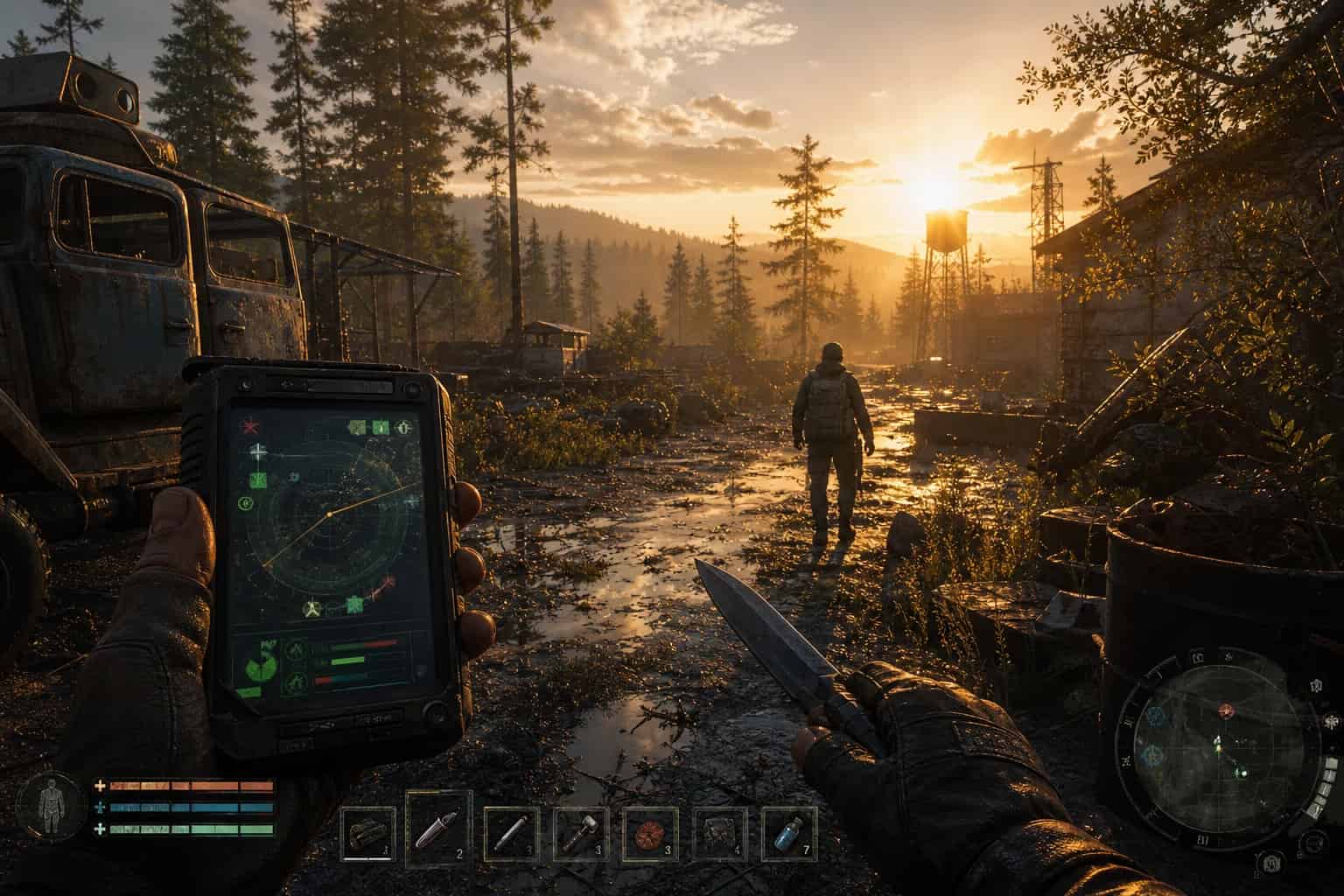
Will to Live Cheats: 5 Ways to Master Survival
Master Will to Live with aimbot and ESP cheats! Discover 5 proven survival strategies to dominate PvP, optimize farming, and stay ahead of rivals with advanced cheat tools.

Hunt Showdown Triggerbot Setup: Automatic Fire Guide in 5 Steps
Having trouble setting up triggerbot in Hunt Showdown? Automatic fire not working or experiencing lag? This guide solves every issue in 6 steps with proven solutions.