Installation overview
Every step comes with clear numbered actions — most setups take just a few minutes.
- 1Turn Off Defender
- 2Use Defender Control
- 3Adjust Screen Mode
- 4Download the Loader
- 5Run the Cheat as Administrator
- 6Wait for the Update
- 7Enter the License
- 8Start the Game
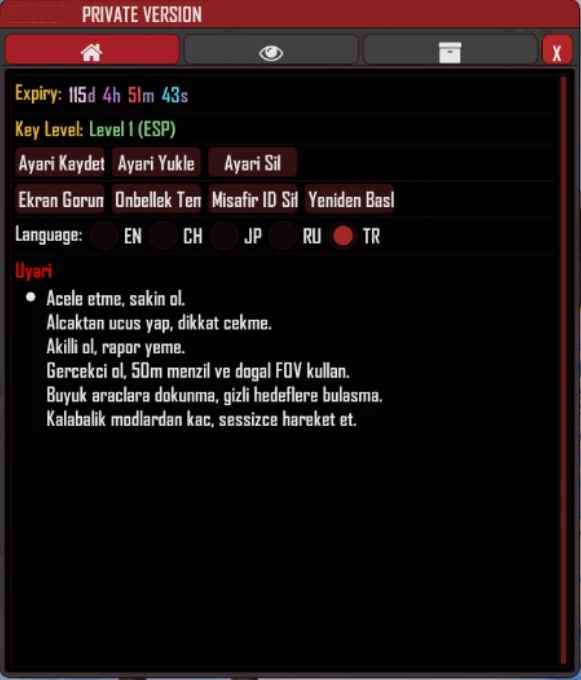
- 9Open the Menu
- 10If You Want to Turn Off the Cheat
Technical Specs
- Windows 10/11 23h2 Gameloop
- 64/32
Payment
Choose a plan
- Instant Delivery
- Secure Payment
- 24/7 Support
Details
Product details
Everything you need to know
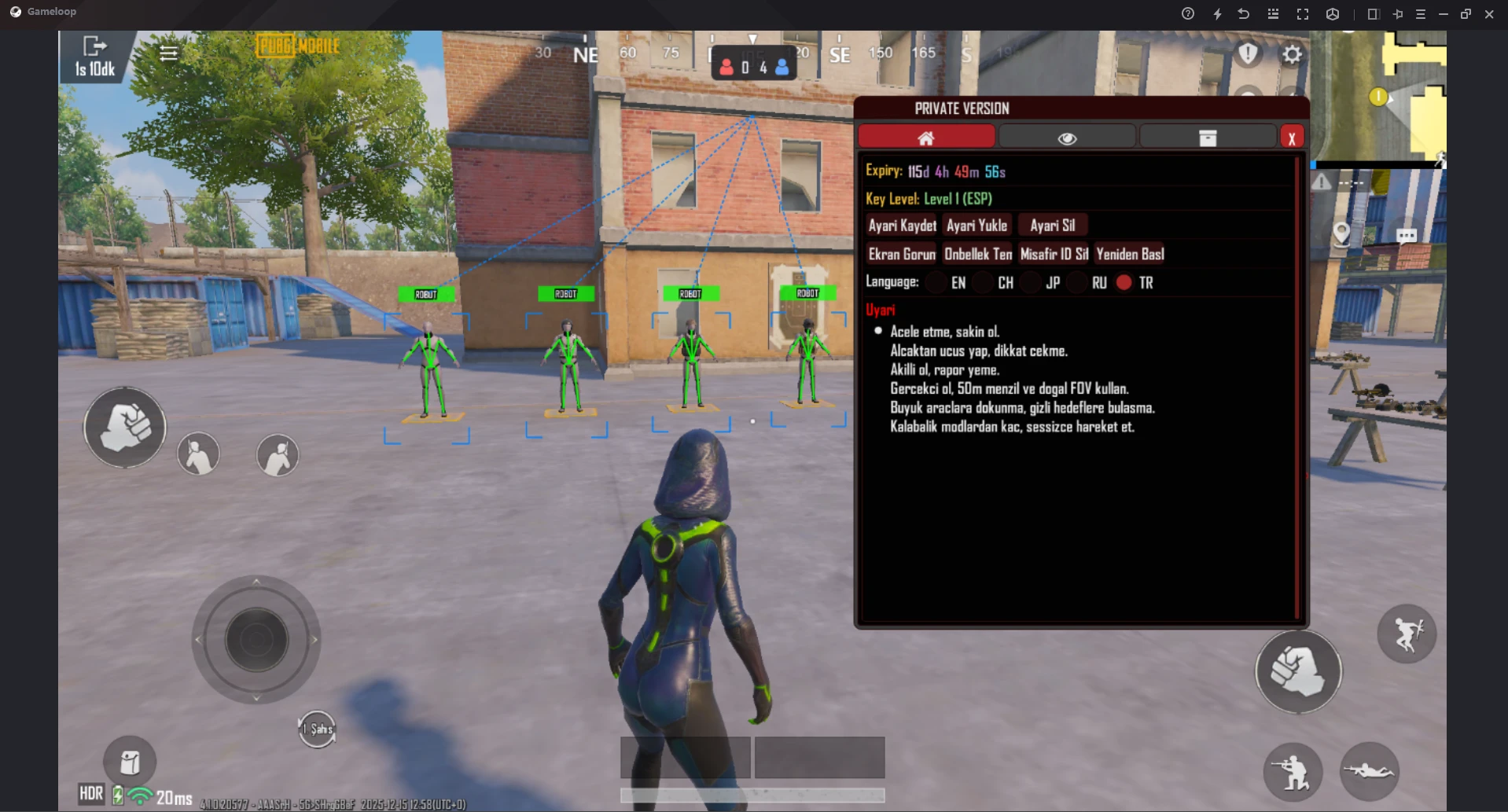
Stop getting caught off guard in PUBG Mobile. This advanced ESP tool gives you a full-picture view of the battlefield — tracking enemies through walls, monitoring their health, and revealing exactly what weapons they're carrying before they ever push your position.
Why Choose This Product?
Most ESP tools give you a basic outline and call it a day. This one layers multiple data points on top of each other so you're not just seeing enemies — you're reading the entire fight before it starts. It's built specifically for PUBG Mobile and keeps pace with the game's updates automatically.
Key Features
- Advanced Wallhack ESP — Spot opponents through walls and solid cover, giving you positional awareness that completely changes how you rotate and hold angles
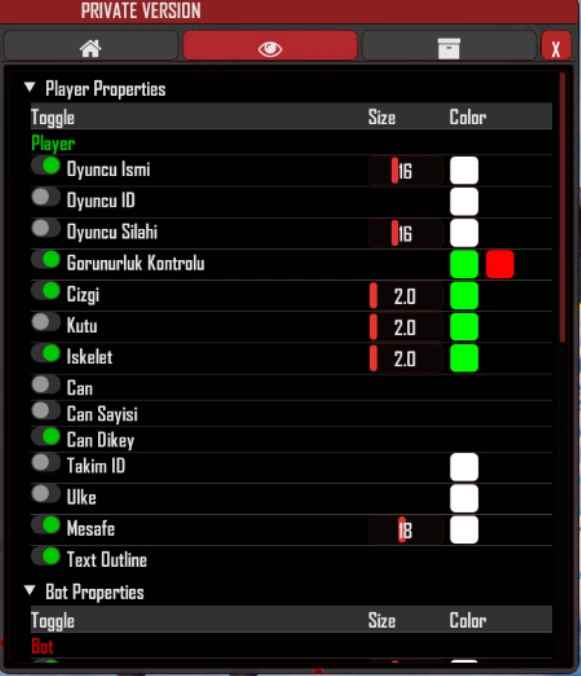
- Real-Time Distance Tracking — Know exactly how far every enemy is at any given moment, so you can prioritize threats and decide when to push or play safe
- Health Bar Display — See live health values on every visible enemy, letting you identify low-HP targets and time your pushes perfectly
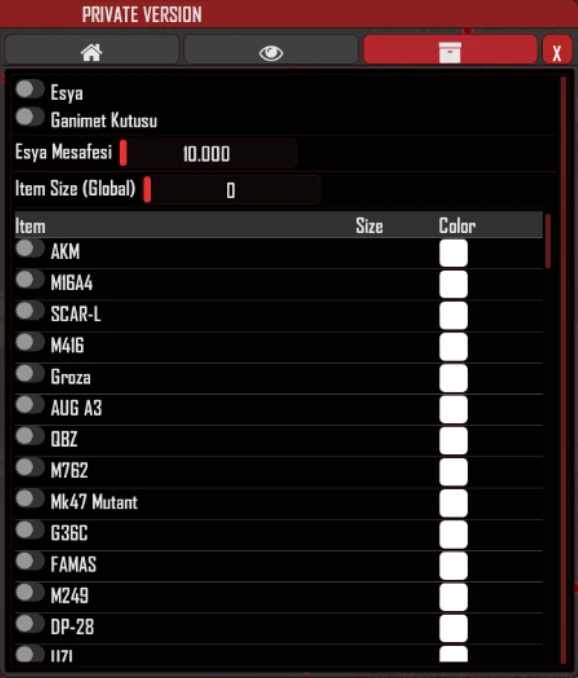
- Weapon Information — Find out what your opponent is running before the engagement even begins — no more walking into a sniper with a shotgun
- Auto-Update Compatibility — Every time PUBG Mobile rolls out a patch, this ESP adjusts accordingly, keeping you functional without waiting for manual fixes
Safety & Detection Status
This product is currently on update, meaning it's being actively maintained to stay aligned with the latest PUBG Mobile anti-cheat measures. While no external tool carries zero risk, this ESP is regularly reviewed and patched to maintain a low detection profile. We recommend using it responsibly and staying tuned to status updates on your account dashboard.
Setup & Usage
Getting started is straightforward — no deep technical knowledge required. Once you complete your purchase, you'll receive step-by-step instructions that walk you through the installation process on your device. The interface is clean and intuitive, so you can configure your ESP settings and jump into a match without wasting time digging through complicated menus.
FAQ
Frequently Asked Questions
Everything you need to know before purchasing
Is there a ban risk and can I use it safely?
How long does it take to receive access after payment?
How do I install it? Is it complicated?
When does the subscription period start and how long is it valid?
Is a refund possible? What is the refund policy?
Can I use the same key or license on multiple computers?
How and when can I reach the support team?
Does the product automatically update when game updates or patches are released?
Check these out
More Pybg Mobile cheats