
R6 Siege Triggerbot Setup: Top 9 Sensitivity Settings
Want to dominate Rainbow Six Siege? Learn everything from triggerbot sensitivity settings to advanced grip mechanics in this complete guide.
Introduction: Creating a Performance Difference in Rainbow Six Siege
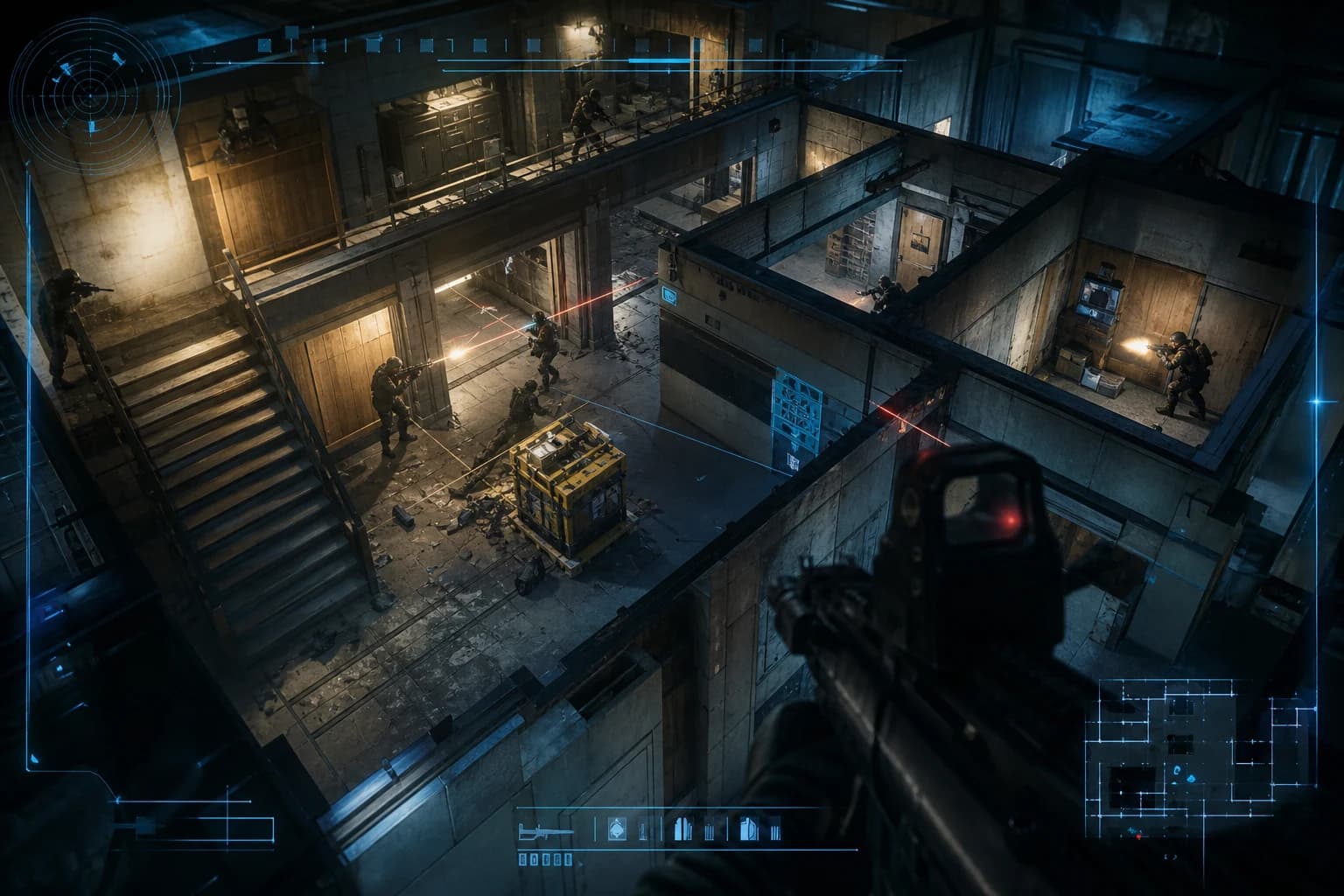
Rainbow Six Siege stands out as one of the most technical and highest skill-ceiling structures among competitive shooter games. Every round requires you to manage dozens of variables simultaneously—from operator selection to wall breach angles, sound tracking to instant reaction times. In such a multi-layered game, climbing the top ranks as an ordinary player becomes nearly impossible without hundreds of hours of practice and deep meta knowledge.
This is where triggerbot and advanced aimbot features come into play. A triggerbot is a mechanism that automatically fires when your crosshair passes in front of the target; however, it's wrong to think of this as raw "automatic fire." Modern triggerbot software has evolved into precision tools customizable with dozens of parameters like delay times, fire intervals, target verification filters, and color/bone-based detection. A properly configured triggerbot simulates reaction times that human reflexes cannot achieve while maintaining a natural-looking fire rhythm.
In R6 Siege's fast-paced, narrow corridor firefights, milliseconds are decisive. The difference between 80 ms and 200 ms when facing an enemy emerging from a door corner often determines whether you win or lose the round. Triggerbot closes this gap and puts you at an advantage in every peek situation.
In this guide, we'll focus on the Rainbow Six Siege tools offered by the ForceCheat platform and cover nine critical steps and settings for triggerbot setup. We'll explain every parameter—from delay values to bone priority filters, fire rate synchronization to team recognition systems—with concrete values and real gameplay scenarios. For those who want to make a difference even in Diamond-ranked lobbies, this list will be your starting point.
You can also check out our article on Rainbow Six Siege Aimbot: Mechanical Analysis and Usage Guide to explore aimbot mechanics in greater depth.
Summary: R6 Siege triggerbot setup encompasses critical parameters like delay adjustment, bone filtering, fire rate synchronization, and team recognition. Properly configured settings provide you with concrete millisecond-level advantages at every peek moment and significantly boost your ranked performance.
What is Triggerbot and Why is it So Effective in R6 Siege?
A triggerbot, in its most basic definition, is a software component that automatically sends a fire command the moment it detects your crosshair is over a target. It should not be confused with aimbot: aimbot actively pulls the crosshair toward the target, while triggerbot fires instantly at a target you've already aimed at. When used together, the result means complete control over both movement and fire timing.
Why Does R6 Siege's Structure Make Triggerbot So Advantageous?
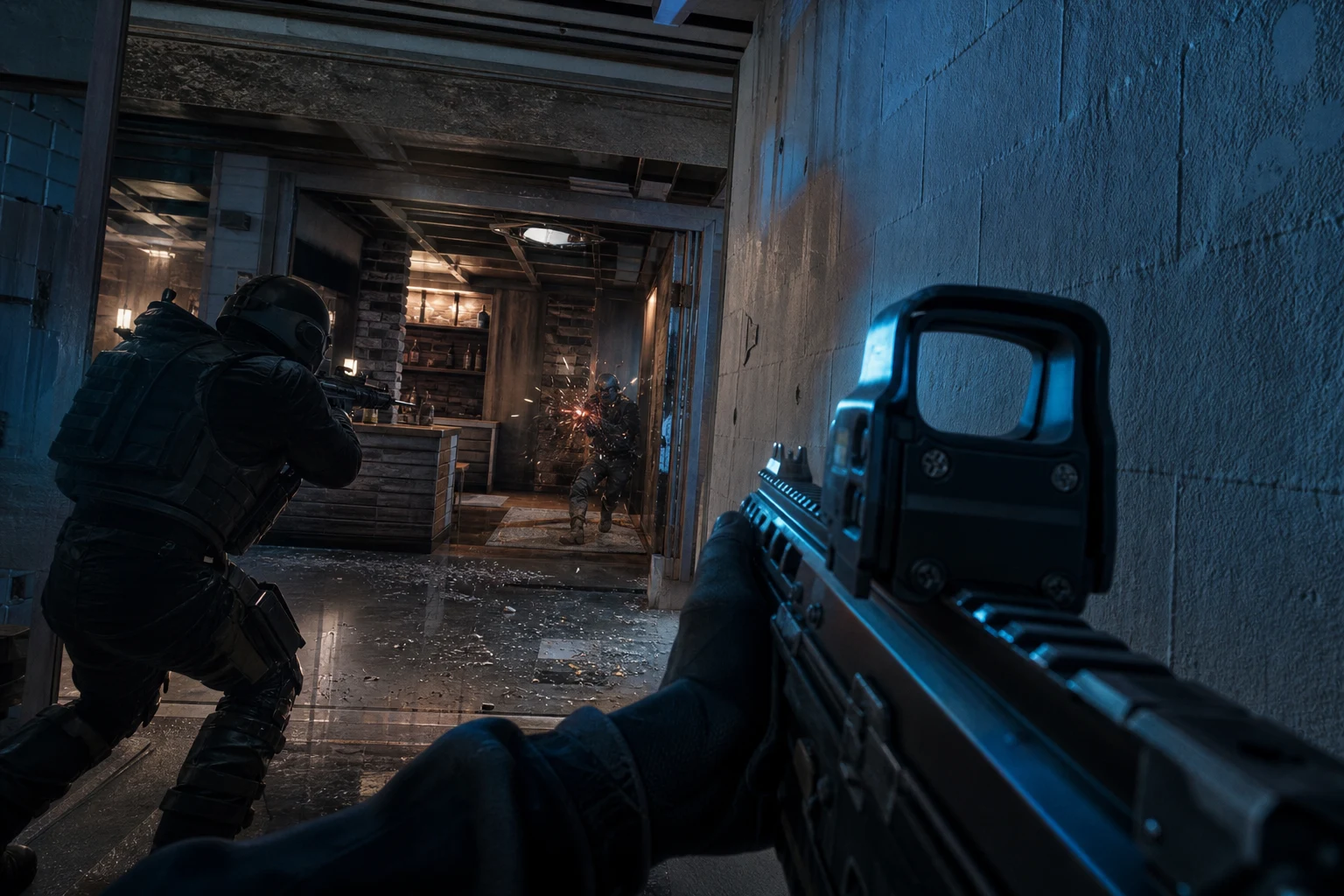
Unlike other shooter games, Siege is extremely sensitive to "peek advantage" mechanics. A player emerging from a door or wall corner appears on the opponent's screen earlier, giving the waiting side a theoretical advantage. However, human reflexes cannot always capitalize on this advantage. Triggerbot evaluates this window with millisecond precision, consistently turning the "waiting side" advantage in your favor. This difference becomes dramatic, especially at high-traffic points like narrow corridors, doorways, and window passages.
Top 9 Triggerbot Settings: Step-by-Step Setup
1. Trigger Delay: 40–80 ms Range
The most fundamental parameter of a triggerbot is the time elapsed between target detection and the fire command. While zero delay is theoretically possible, in practice it both increases detection risk and deviates from human behavior. For R6 Siege, the ideal range is between 40 and 80 milliseconds. This value simulates the lower bound of elite human reflexes—extremely fast but still organic-looking. For example, a 60 ms delay in Platinum lobbies is perceived as a completely legitimate reaction time by opponents. Start with a 65 ms value; then fine-tune ±15 ms based on how the game feels.
2. Bone Priority Filter: Head or Body?
ForceCheat's R6 Siege module allows you to determine which bone point on the target will be detected. "Head" priority is ideal for maximum damage; however, since it's a small and moving target, the miss rate increases. The "Body + Neck" combination offers a wider hit area, providing consistent damage. Our recommendation: head priority in open areas, body + neck combination in doorways and narrow passages. Save these two profiles as separate presets and switch quickly based on the map.
3. Fire Rate Synchronization: Weapon-Based Calibration
If a triggerbot isn't synchronized with the weapon's actual fire rate, it sends wasted fire commands, leading to both performance loss and abnormal behavior patterns. In the ForceCheat module, you can create separate profiles for each weapon. For example, while Ash's R4-C requires a 70 ms fire interval corresponding to 860 RPM, Jäger's M870 in semi-automatic mode requires a 250 ms interval. Set up automatic profile switching when you change weapons.
4. Color-Based Target Verification: Preventing Friendly Fire
In R6 Siege, friendly fire penalties have serious consequences. A color-based verification filter is essential to prevent the triggerbot from accidentally firing at a teammate. The module analyzes the color palette above the target, responding only to enemy operator colors (red name tag or enemy outfit palette). Keep this filter in "Strict" mode; "Loose" mode accepts a wider color range, increasing false positive rates.
5. FOV (Field of View) Radius: 5°–15° Optimal Window
The area around your crosshair center where the triggerbot is active is determined by the FOV radius parameter. Too wide an FOV (30°+) causes unexpected triggers, while too narrow an FOV (2°–3°) causes you to miss opportunities. For R6 Siege's close-range firefights, an 8°–12° range is ideal. If you're using long-range operators (Glaz, Kali), reduce this value to 5°–7°; this increases precision and reduces false triggers.
6. Movement Filter: Stability in Fast Transitions
An enemy operator passing through a door quickly appears on your screen for only 80–120 ms. In this time, both detection and fire decision must occur. The movement filter temporarily marks targets moving above a certain pixel speed as "uncertain," preventing false triggers. Recommended value: add 30% delay when movement exceeds 400 pixels per second. This provides cautious behavior during fast transitions while maintaining full-speed response on slow or stationary targets.
Advanced Settings: Technical Foundations of Staying Undetected
ForceCheat's R6 Siege module uses a multi-layered protection architecture against anti-cheat systems. In this section, we explore how the software operates undetected and how you as a user can maximize this advantage.
7. Input Simulation: Hardware-Level Emulation
Low-quality triggerbot software injects fire commands directly through memory; this method is easily detected by modern anti-cheat systems. ForceCheat performs input simulation at the hardware driver level—meaning the fire command follows the exact same signal chain as a real mouse click. This architecture disables the vast majority of software-based scanning methods. Make sure to enable the "Hardware Input Mode" option during setup.
8. Session-Based Randomization: Different Signature Every Game
Fixed delay values can be detected through statistical analysis methods. ForceCheat's randomization engine adds random variation of ±10–15 ms to your specified delay value at the start of each session. For example, a delay you set to 65 ms will show a natural distribution between 52 ms and 78 ms throughout the game. This distribution aligns with human reaction time variance and deceives behavior analysis-based detection systems.
9. Active Time Management: When Should You Turn Off Triggerbot?
The best undetected strategy isn't keeping triggerbot active at all times, but managing it intelligently. Disable the module when you're in close proximity to teammates, on the operator selection screen, and on the post-match statistics screen. ForceCheat's "Smart Pause" feature automatically recognizes certain game states and temporarily stops the module. Activate this feature along with "Lobby Detection" and "Scoreboard Detection" options. You can also explore all available module options in our Rainbow Six Siege cheat category.
Map and Operator-Based Triggerbot Profiles
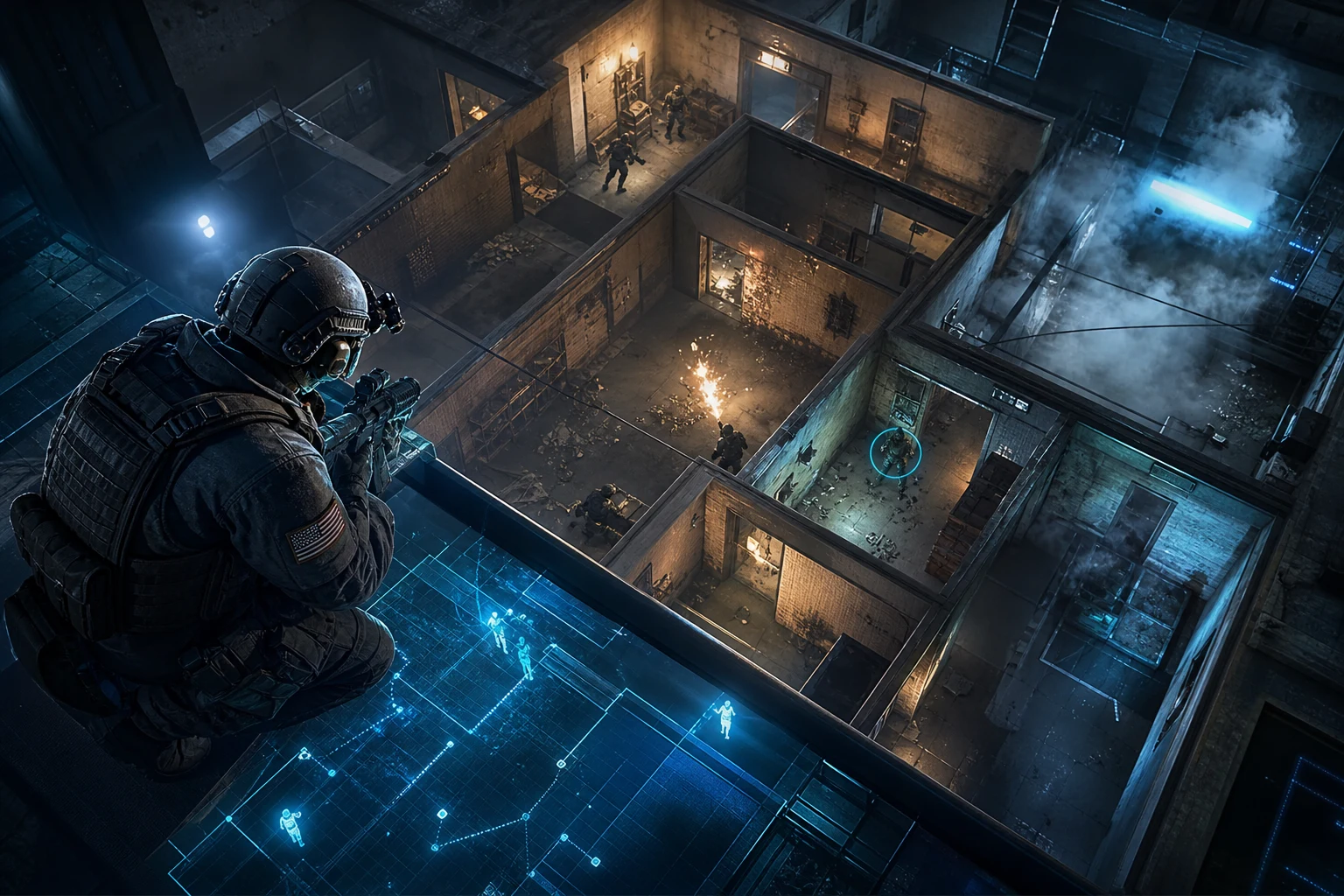
Each R6 Siege map offers different engagement distances and transition points. While Bank emphasizes narrow corridor firefights, Border features long corridors and window peeks that are decisive. These differences create obstacles to achieving optimal performance with a single triggerbot profile.
Solution: create at least three profiles based on map categories. "Closed Area" profile (Clubhouse, Café, Kanal) with FOV 12°, delay 55 ms, bone priority body+neck. "Semi-Open Area" profile (Bank, Border, Consulate) with FOV 8°, delay 65 ms, bone priority head. "Open Area/Long Range" profile (Villa, Outback) with FOV 5°, delay 75 ms, bone priority head. Save these profiles in the "Profile Manager" tab of the ForceCheat interface and activate the appropriate profile before the match starts.
Operator selection also affects profile choice. Hard breach operators like Thermite or Hibana typically engage in intense firefights at entry points; in these scenarios, the "Closed Area" profile should be preferred. For fast-moving operators like Ash or Sledge, reduce the movement filter value to 350 pixels/second to maintain stability even during your own quick transitions.
Triggerbot Use in Ranked Mode: Rank Climbing Strategy
Getting maximum value from triggerbot use in ranked mode requires more than just technical settings; strategic usage is also critical. Instead of keeping triggerbot active at all times, focus on specific high-value moments.
Door peeks and window transitions are the moments where triggerbot provides the highest returns. Keep the module active during these moments. In long-range firefights, use it together with aimbot: let aimbot carry your crosshair to the target, and triggerbot fires instantly when a hit occurs. This combination is covered in detail in our Rainbow Six Siege Aimbot guide.
In the rank range from Copper to Platinum, aggressive settings (low delay, wide FOV) provide fast rank climbing. In Diamond and Champion lobbies, use more conservative values: increase delay to 70–80 ms, narrow the FOV. These lobbies contain both more experienced players and tighter monitoring systems; natural appearance carries greater value here.
If you're curious about similar performance-boosting strategies in other games, check out our article on How to Increase Your PUBG Mobile Gameloop Experience 5x and our PUBG Mobile Gameloop category.
Conclusion
Rainbow Six Siege continues to be one of the competitive shooter games with the highest skill ceiling. Triggerbot is a powerful tool that creates millisecond-level advantages within this high ceiling, putting you ahead of your competitors. However, unlocking this tool's true potential requires proper configuration.
The nine critical settings we covered in this guide—trigger delay, bone priority filter, fire rate synchronization, color-based verification, FOV radius, movement filter, hardware-level input emulation, session-based randomization, and active time management—when evaluated as a whole, provide both maximum performance and long-term security. Test each parameter individually, create map and operator-based profiles, and update your settings regularly.
ForceCheat's R6 Siege module allows you to manage all these parameters from an intuitive interface. Use the values we recommend as a starting point; then fine-tune based on your own playstyle. If you're thinking about opening ranked mode and want to learn basic mechanics, we've also covered this topic in the FAQ section below.
Visit our Rainbow Six Siege category to explore all cheat and module options. If you're researching similar tools for Valorant, check out our Valorant cheat category as well. At ForceCheat, our priority is making it easy for every player to find the right tool.
Frequently Asked Questions (FAQ)
How Do I Open Rainbow Six Siege Ranked Mode?
To access ranked mode, your account must have reached a certain level and unlocked a sufficient number of operators. Current requirements vary based on the game's current version; however, as a general rule, an account level of 50 and at least 6 unlocked operators are sufficient. In ranked mode, tools like triggerbot and aimbot significantly accelerate the rank climbing process.
What's the Difference Between Triggerbot and Aimbot?
Aimbot is a mechanism that actively pulls your crosshair toward a target. Triggerbot automatically fires when your crosshair is already over a target. When used together, both movement and fire timing are optimized. In games like R6 Siege where narrow corridor firefights are intense, triggerbot provides a decisive advantage during peek moments.
What Features Does ForceCheat's R6 Siege Module Include?
ForceCheat's Rainbow Six Siege module includes core features like triggerbot, aimbot, wallhack, operator information display, and ESP (Extra Sensory Perception), along with advanced security components like session-based randomization, hardware-level input emulation, and map-based profile management. You can check our product page for the current feature list.
How Should I Determine My Triggerbot Delay Value?
Use 65 ms as a starting point. Then play a few matches and observe the performance. If you're missing too much, reduce the value to 50 ms; if it feels too aggressive, increase it to 75–80 ms. In ranked mode's upper lobbies, always prefer higher delay values.
Do I Need to Buy Separate Modules for Multiple Games?
Yes, since each game's anti-cheat architecture and game engine are different, specially developed modules for each game provide the best performance. ForceCheat offers separate modules for R6 Siege, as well as popular games like Valorant and PUBG Mobile Gameloop. Check out our Valorant category to explore available options.
Share this post
Related Posts

Hunt Showdown ESP Not Working? 7-Step Enemy Location Fix
Hunt Showdown ESP not showing enemy locations? Overlay won't open, wallhack not working? We solve the 7 most common issues step by step.
Will to Live Cheats: 5 Ways to Master Survival
Master Will to Live with aimbot and ESP cheats! Discover 5 proven survival strategies to dominate PvP, optimize farming, and stay ahead of rivals with advanced cheat tools.
Hunt Showdown Triggerbot Setup: Automatic Fire Guide in 5 Steps
Having trouble setting up triggerbot in Hunt Showdown? Automatic fire not working or experiencing lag? This guide solves every issue in 6 steps with proven solutions.