



Stalcraft Undetected Cheats: Complete 9-Step Setup Guide
- Introduction: Why Real Advantage Matters in Stalcraft
- 1. Selecting the Right Stalcraft Cheat Software
- Make Your Decision Based on Feature List
- 2. Preparing Your System for Installation
- Windows Defender and Antivirus Exceptions
- Secure Boot Settings
- 3. Running the Injector File Correctly
- Running as Administrator is Mandatory
- Introducing the DLL File to the Injector
- 4. Opening the In-Game Menu and Making Initial Settings
- Use the Profile Saving Feature
- 5. Optimizing Aimbot Settings
- Setting Smooth and FOV Values Correctly
- Target Priority Order
- 6. Configuring ESP Features
- 7. Activating Radar Cheat
- Mini Radar Configuration
- Adjusting Radar Scale According to Map
- 8. Activating No Recoil and Misc Features
- 9. Keeping Software Updated and Safe Usage Practices
- Update Notifications and Automatic Updates
- Explore ForceCheat for Other Games Too
- Conclusion
- Frequently Asked Questions (FAQ)
- Do I need technical knowledge to install Stalcraft cheats?
- Will the cheat continue to work after a Stalcraft update?
- How do I know if injection was successful?
- Can I use multiple features at the same time?
- Does ForceCheat have cheat software for games other than Stalcraft?
- Can I get support after purchasing the software?
- Is it possible to close the cheat menu in-game?
Introduction: Why Real Advantage Matters in Stalcraft
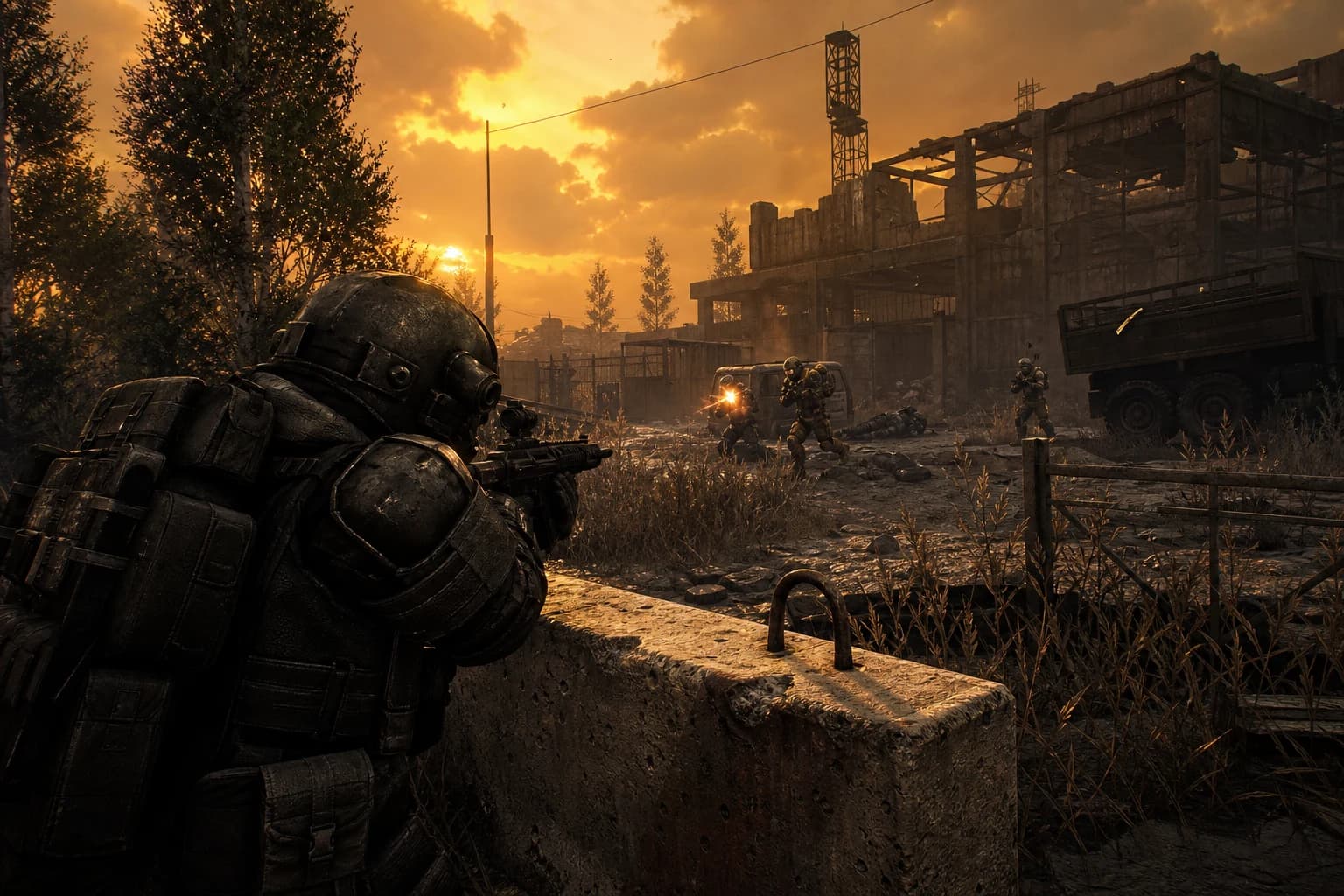
Stalcraft is a challenging MMO shooter inspired by the STALKER universe, combining survival and PvP mechanics in a demanding environment. Encountering enemy players while gathering resources in the open world, losing your entire squad in narrow corridors, or returning empty-handed from hours of raiding — these are ordinary moments in Stalcraft. But what if you want to turn the equation in your favor?
This is where ForceCheat's Stalcraft cheat software comes into play. With aimbot, every bullet reaches its target. With ESP features, you can see enemies, loot boxes, and NPCs behind walls in real-time. With radar cheats, you control the entire map. All these features give you in minutes the advantage you'd gain from hours of practice.
However, properly installing and configuring cheat software directly impacts the benefits you'll receive. A poorly configured aimbot can draw attention; an incompletely set up ESP can cause performance issues. In this guide, we cover how to install undetected cheat software for Stalcraft step by step, which features to activate, and how to achieve maximum performance.
The software offered in the Stalcraft cheat category within ForceCheat stands out with its regularly updated undetected infrastructure. These continuously updated tools keep you one step ahead of new anti-cheat system versions. While the installation process may seem complex at first glance, following the steps below will make everything fall into place.
When preparing this content, we didn't rely solely on theoretical knowledge; we substantiated each step through real installation scenarios. From which file to place where to menu shortcuts, every detail is included in this list. If you're ready, let's begin.
Summary: To set up undetected Stalcraft cheats, choose the right software, add antivirus exceptions, run the injector as administrator, and optimize in-game settings. ForceCheat's current Stalcraft software simplifies this entire process.
1. Selecting the Right Stalcraft Cheat Software
Make Your Decision Based on Feature List
Before proceeding with installation, you need to determine which software suits your needs. If you play PvP-focused in Stalcraft, aimbot and silent aim take priority. If resource gathering and loot optimization are your focus, item ESP and chest visibility become more critical. Among ForceCheat's Stalcraft cheat software, both PvP and PvE-focused packages are available. Carefully review the feature list on the product page: Is aimbot smoothness adjustable? Can ESP colors be customized? Is no recoil active? The answers to these questions will determine your long-term satisfaction.
Practical tip: If you do both PvP and PvE content, prefer packages labeled "full feature." These packages typically offer aimbot + ESP + radar + misc features under one roof and are more economical than purchasing separately.
2. Preparing Your System for Installation
Windows Defender and Antivirus Exceptions
Most cheat software can be flagged by antivirus programs due to its operating principle. This doesn't mean the software is malicious; rather, any software providing deep system process access can be detected this way. The first thing you need to do before installation is add antivirus exceptions.
For Windows Defender: Follow the path Settings → Privacy & Security → Windows Security → Virus & Threat Protection → Manage Settings → Exclusions → Add Exclusion. Add the folder where you'll save cheat files (for example, C:\FC_Stalcraft) to this list. If you use third-party antivirus (Avast, Kaspersky, etc.), perform the same operation from that program's "exclusions" or "whitelist" menu.
Practical tip: Keep your installation folder separate from system folders (like Program Files) in a simple directory. This provides both management convenience and faster file location during updates.
Secure Boot Settings
Some Stalcraft cheat software, especially those running at kernel-level, may not work properly with Secure Boot enabled. Check your Secure Boot status by entering BIOS/UEFI settings. To do this, press F2, F10, or DEL while restarting your computer to enter BIOS, find the Secure Boot option in the "Security" tab. Whether your software requires this will be stated on the product page; ForceCheat product pages clearly share these technical details.
Practical tip: Take a photo of your current BIOS settings before making changes. If something goes wrong, you can easily revert.
3. Running the Injector File Correctly
Running as Administrator is Mandatory
The injector that comes with ForceCheat software is the essential tool that loads the cheat DLL into the game's memory. Since this process requires system-level permissions, you must always run the injector as administrator. Right-click the injector file and select "Run as administrator." A more practical method: right-click the injector shortcut → Properties → Compatibility tab → check "Run this program as an administrator." This way, you won't need to right-click every time.
Practical tip: Run the injector before the game starts. Attempting to inject while the game is already open can sometimes fail or cause the game to close.
Introducing the DLL File to the Injector
After the injector opens, use the "Select DLL" or "Browse" button to select the .dll cheat file you downloaded from ForceCheat. The file path should not contain Turkish characters — avoid using characters like ğ, ü, ş, ı, ö, ç in folder names, otherwise the injector may not read the file. Example correct path: C:\FC_Stalcraft\cheat.dll. After selecting the file, click the "Inject" or "Launch" button. Successful injection typically results in a green confirmation message or sound tone.
Practical tip: If injection fails, first check antivirus exceptions, then check Secure Boot status. These two issues account for over 80% of failed injections.
4. Opening the In-Game Menu and Making Initial Settings
After successful injection, start Stalcraft or switch to the game if it's already open. The default shortcut to open the cheat menu is usually INSERT or F5 — this information is clearly stated in the README file that comes with the product. When the menu opens, your first task is to review all tabs: Aimbot, Visuals (ESP), Radar, Misc, and Settings tabs typically come in standard order.
On first use, instead of activating everything at once, open one feature and test it, then move to the next. This approach allows you to measure performance impact and better understand how each feature works.
Use the Profile Saving Feature
Most ForceCheat Stalcraft software allows you to save your settings as profiles. In your first session, save the configuration you like with a profile name (for example, "PvP_Aggressive" or "Loot_Mode"). In your next session, instead of setting everything from scratch, load the profile and you're ready in seconds. This feature provides great comfort, especially for those who want to use different setting sets for different game modes.
Practical tip: Profile files are usually saved in the same folder as the injector with .cfg or .json extensions. Back up these files; you won't lose your settings after software updates.
5. Optimizing Aimbot Settings
Setting Smooth and FOV Values Correctly
Aimbot is one of the most effective cheat features in Stalcraft — but you need to optimize it rather than leave it raw. There are two critical parameters: Smooth and FOV (Field of View). The smooth value determines how quickly the crosshair locks onto the target. Very low smooth (for example, 1-3) provides instant lock-on but movement doesn't look natural. A smooth value between 8-15 provides both effective and organic-looking aiming movement.
The FOV value determines the screen radius where aimbot will activate. Wide FOV (for example, 180°) covers very distant targets; narrow FOV (30-60°) only locks onto targets in the area where you're aiming. Based on Stalcraft's mid-to-close range combat dynamics, 60-90° FOV is an ideal starting point for most scenarios.
Practical tip: Increase FOV to 120° in open areas for long-range combat, reduce it to 45° in narrow corridors. Some ForceCheat software can do this automatically with distance detection.
Target Priority Order
In multi-enemy scenarios, the "priority" setting that determines which target the aimbot locks onto first is critically important. Options typically include: Closest to Crosshair, Closest Distance (physically nearest), and Lowest Health. In Stalcraft group combat, "Closest to Crosshair" is most practical; it neutralizes the threat you're already looking at first.
Practical tip: In the "bone" targeting setting, select the chest/neck area instead of the head. Head targeting provides maximum damage but creates a more noticeable movement pattern; chest targeting produces a more balanced result.
6. Configuring ESP Features
ESP (Extra Sensory Perception) is one of Stalcraft's most transformative features. Seeing enemies behind walls, dropped items, chests, and even NPCs in real-time fundamentally changes the game's dynamics. ForceCheat's Stalcraft ESP typically offers these layers:
- Player ESP: Location, distance, and health status of enemy and friendly players
- Item ESP: Weapons, equipment, and valuable loot on the ground
- Container ESP: Chests, bags, and storage locations
- NPC ESP: Location of mutants and other enemy NPCs
- Skeleton ESP: Full skeleton view of players, showing which direction they're looking
Activate each layer separately and adjust color coding to your preferences. For example, using red for enemy players, green for friendly players, and yellow for valuable loot makes information density management easier.
Practical tip: Opening all ESP layers at once can clutter the screen. Start with Player ESP, add other layers as you get used to the game. Limit the "Max Distance" setting to 300-500 meters; information beyond that range usually doesn't help with instant decision-making.
7. Activating Radar Cheat
Mini Radar Configuration
The radar feature provides a separate panel in a corner of your screen showing real-time enemy positions, independent of the game's own minimap. In Stalcraft's large maps, this feature is extremely valuable for setting ambushes or planning escape routes. You can adjust the radar panel's size, transparency, and screen position. The bottom-right corner is the most common choice, avoiding overlap with the game's own interface.
Practical tip: Activate the radar's "show direction" feature. This way you can see not just enemy positions but also which direction they're looking. This information is critical for setting up ambushes.
Adjusting Radar Scale According to Map
Stalcraft's different areas contain maps of different sizes. In open-world areas, keep the radar scale wide (for example, 300-500m radius) so you can spot threats across a large area early. In buildings or tunnels, reduce the scale to 50-100m; this way you can track nearby threats much more clearly.
Practical tip: Some ForceCheat software offers automatic scale adjustment. If this feature is available, activate it — the radar will automatically calibrate itself based on map density.
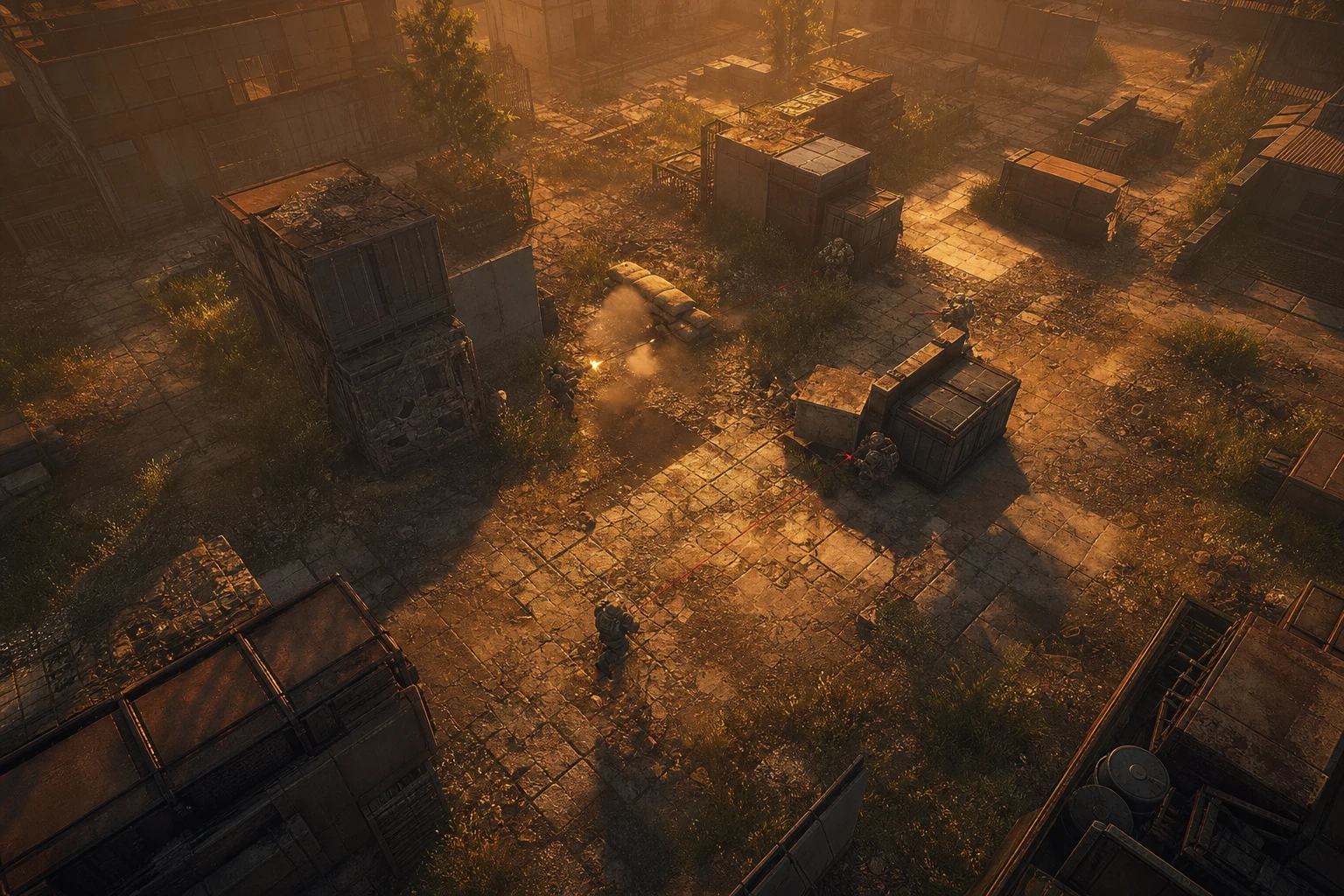
8. Activating No Recoil and Misc Features
In Stalcraft, weapon recoil (kickback) creates a serious disadvantage, especially with automatic weapons in long-range combat. The No Recoil feature reduces this kickback to zero, ensuring every bullet hits the same point. Find the "Recoil Control" or "No Recoil" option in the settings menu and activate it. Some software offers the option to reduce recoil by a certain percentage rather than eliminating it completely — 70-80% reduction is as effective as complete elimination while looking more natural.
In the Misc (miscellaneous) section, pay attention to these features:
- No Spread: Eliminates bullet spread, ensures perfect accuracy
- Speed Hack: Increases character movement speed (use carefully, server-side controls may cause issues)
- Infinite Stamina: Makes running stamina infinite
- No Sway: Eliminates tremor and sway when aiming
Practical tip: Use Speed Hack and similar movement manipulation features in non-PvP, resource-gathering sessions for more efficient results. With these features active, you can scan the map much faster.
9. Keeping Software Updated and Safe Usage Practices
Update Notifications and Automatic Updates
Stalcraft game updates mean anti-cheat system updates as well. The ForceCheat team closely monitors these updates and periodically refreshes cheat software. To ensure your software is on the current version, regularly check your ForceCheat customer panel or join the Discord channel — update announcements are shared instantly there. Playing with an old version increases the software's detection risk.
Practical tip: Don't continue using cheat software immediately after Stalcraft receives a major game update. Wait for ForceCheat's update announcement — this typically comes within 12-48 hours.
Explore ForceCheat for Other Games Too
If you're looking for advantages in games beyond Stalcraft, ForceCheat's extensive catalog comes to your aid. You can explore aimbot and ESP solutions in our PUBG Mobile cheat category, and advanced software specific to Valorant in our Valorant cheat category. These software, optimized separately for each platform, provide the same quality experience in the games you switch to.
If you're looking for more resources on the installation process, check out our PUBG Mobile Aimbot Cheat Setup and Usage Guide and Ways to Stand Out in Wolfteam Ranked Mode content. Also, our detailed article titled Stalcraft's Best Cheat Software: Setup and Usage Guide serves as a perfect complement to this guide.
Conclusion
Stalcraft is a game that requires hours of effort without the right tools, but with the right software, it transforms into an extremely enjoyable and profitable experience. The 9 steps we covered in this guide — from software selection to system preparation, from injector usage to ESP configuration — provide a complete roadmap for undetected cheat installation in Stalcraft.
To summarize: Choose the right software, prepare your system for installation (antivirus exceptions, Secure Boot check), run the injector as administrator, calibrate aimbot and ESP settings from the in-game menu according to your playstyle, use the profile saving feature, and keep the software updated. Each of these steps builds on the previous one — skipping any will negatively affect the overall experience.
At ForceCheat, we keep our Stalcraft software continuously updated. After each game update, we retest and verify anti-cheat compatibility. This provides you with both performance and uninterrupted usage experience. Additionally, our support channels for purchased software are active 24/7 — you can reach out to our Discord server or support system for help at any point where you get stuck during installation.
Ready to stay one step ahead of your competitors in Stalcraft? Review all our Stalcraft cheat software in our category and choose the package that suits you best. After installation, you'll see firsthand how your gaming experience changes.
Frequently Asked Questions (FAQ)
Do I need technical knowledge to install Stalcraft cheats?
No. ForceCheat's Stalcraft software is designed with non-technical users in mind. Run the injector, select the DLL file, click the "Inject" button — that's it. Detailed installation videos and written guides are also provided with the product.
Will the cheat continue to work after a Stalcraft update?
After major game updates, the cheat software may also need updating. The ForceCheat team typically releases these updates within 12-48 hours. You can access the current version by monitoring your customer panel and Discord channel.
How do I know if injection was successful?
On successful injection, you'll see a green confirmation message or "Injection Successful" notification in the injector interface. After entering the game, press INSERT or F5 to test whether the cheat menu opens. If the menu opens, installation is complete.
Can I use multiple features at the same time?
Yes. Features like aimbot, ESP, radar, and no recoil can all be active simultaneously. However, opening too many features at once can cause FPS drops on some systems. Start by activating them one by one and observe performance impact, then move to full configuration.
Does ForceCheat have cheat software for games other than Stalcraft?
Absolutely. Besides Stalcraft, ForceCheat offers cheat software for many popular games. Our Valorant cheat category and PUBG Mobile cheat category are among the most popular choices.
Can I get support after purchasing the software?
Yes. ForceCheat customers can receive technical support through the Discord server and ticket system. The support team is helpful with everything from installation issues to setting recommendations.
Is it possible to close the cheat menu in-game?
Yes. Press the shortcut key that opens the menu (usually INSERT or F5) again to hide the menu. Features continue to work with the menu closed; only the interface becomes hidden. This way you can play the game comfortably.
Share this post
Wolfteam Ranked Guide 2026: Stand Out & Climb Ranks
The First Descendant Aimbot: Top 9 Features for Competitive Edge
// related posts
Related Posts
Marvel Rivals Aimbot Experience: The Path to Quick Wins
Discover how aimbot and other cheat tools work in Marvel Rivals, which features will give you the edge, and how to choose the right tool for your playstyle.
October 9, 2026
Rust ESP Map Control: Seeing Enemy Positions in Advance
Master map control in Rust using ESP to see enemy positions beforehand. Discover optimal settings, profiles, and strategies for dominating the game in this comprehensive guide.
October 8, 2026
PUBG Final Circle: Best Settings and Strategies to Win
Struggling in PUBG's final circle? Master the right cheat settings and configurations to turn every endgame in your favor. Complete guide to dominating the final zone.
October 8, 2026