
Rust Triggerbot Not Working? 7-Step Solution Guide
Is your Rust triggerbot not working as expected? If you're experiencing lag, unresponsiveness, or connection issues, this guide covers the most common problems and step-by-step solutions with ForceCheat support.
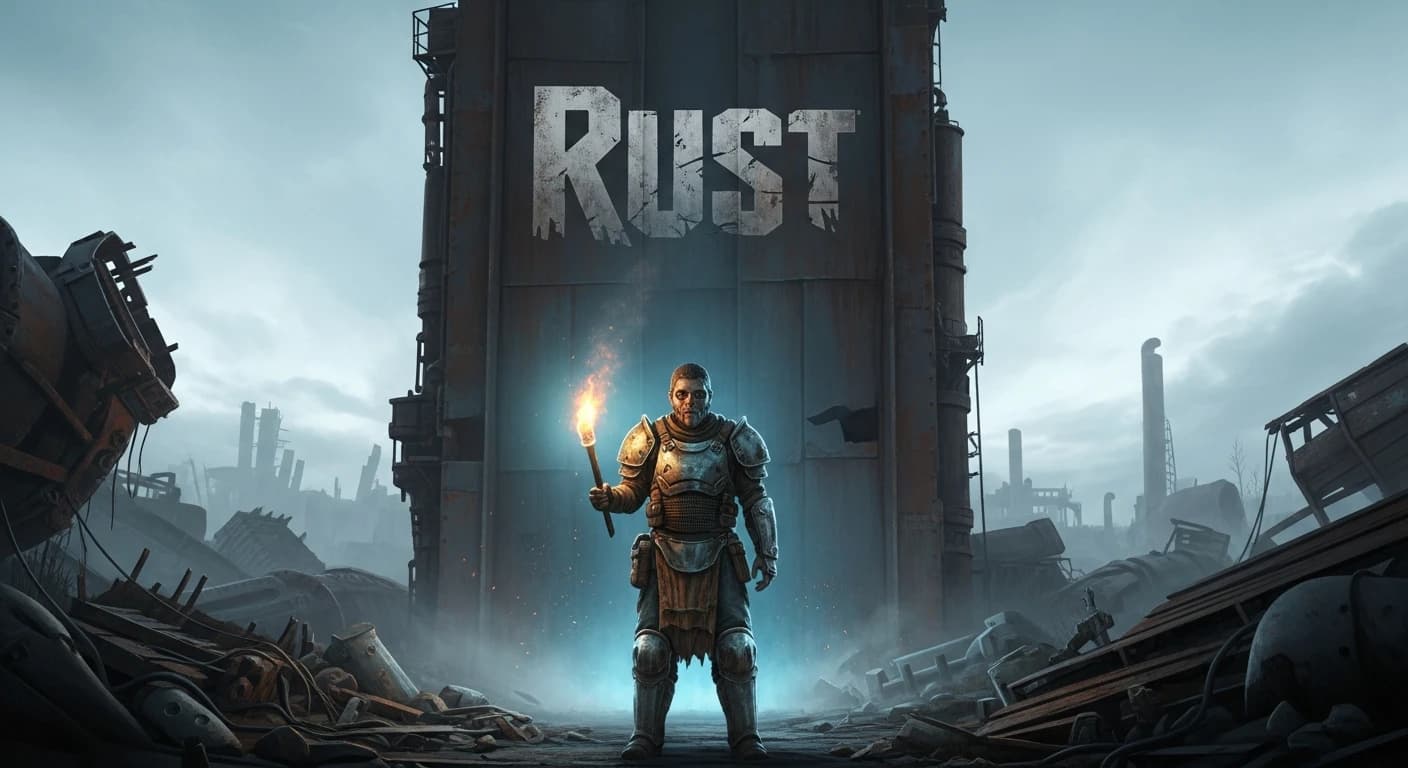
Introduction: Why Rust Triggerbot May Not Work as Expected
Rust is an intense survival game with demanding PvP dynamics and combat systems that require split-second reflexes, forcing players to make every moment count. When you encounter an opponent, the time it takes to aim your weapon and fire often determines whether you survive or not. This is where triggerbot comes in: this software automatically fires the moment your target enters the crosshair, providing reaction speeds that exceed human physical limitations.
However, some users encounter disappointing results after installing triggerbot. Fire may trigger late, not trigger at all, or activate at the wrong moments. While frustrating, most of these issues stem from software settings, system configuration, or in-game parameters that are easily fixable.
Triggerbot lag typically manifests in these scenarios: connecting to a server with high ping, when graphics settings strain your processor, or when the software's delay parameter is misconfigured. Additionally, antivirus programs running in the background or system updates can interrupt the software's operation cycle.
On the other hand, complaints about triggerbot "not firing at all" usually stem from incorrect key binding or improperly configured color/pixel thresholds for target detection. Since Rust's different map areas have varying background colors, a standard pixel threshold may not perform consistently across all environments.
In this guide, we address the most common Rust triggerbot issues in order of likelihood, providing clear and actionable solutions for each. By following these steps, you'll likely resolve your issue with one of the first few solutions. If you still can't find a fix, the ForceCheat support team is ready to help.
Summary: If your Rust triggerbot experiences lag, misfiring, or poor timing, check your delay value, target detection threshold, key binding, and system resource usage. Most issues stem from one of these four parameters and can be resolved within minutes.
Solution 1: Configure the Delay Value Correctly
Symptom: Fire triggers too late or too early
The most critical triggerbot parameter is the delay between your crosshair landing on a target and the shot firing. If this value is set too low, the software fires almost instantly, which can create abnormal reaction patterns on some servers. If set too high, you'll miss fast-moving targets.
- Open the ForceCheat interface and navigate to Triggerbot → Delay.
- Set the delay value to 80–120 ms. This range is close to human reflexes but consistent.
- Save the value and test on a training server: try 10–15 different targets.
- For fast-moving targets, reduce the value to 60 ms; for slow or stationary targets, 120–150 ms looks more natural.
- Consider server ping: for ping under 60 ms, set delay to 80 ms; for ping over 100 ms, use 120–140 ms.
Expected result: Fire timing improves noticeably; consistent triggering begins when on target.
Solution 2: Calibrate the Target Detection Threshold
Symptom: Triggerbot works on some targets but not others
Triggerbot detects targets using pixel color or hitbox data. In Rust's open world, background colors—grass, rock, snow, night darkness—constantly change. This means a fixed threshold value won't perform consistently across all environments.
- In the ForceCheat panel, find Detection → Threshold.
- The default value is usually between 15–20. If your miss rate is high, lower this to 10.
- In night or foggy environments, set threshold to 8–12; in bright daylight, 18–22 works more stably.
- After adjusting, test in different map areas (forest, tundra, desert).
- If false positives (wasted shots) increase, optimize by raising the threshold in 2-unit increments.
Expected result: Triggerbot consistently detects targets across different lighting and terrain conditions.
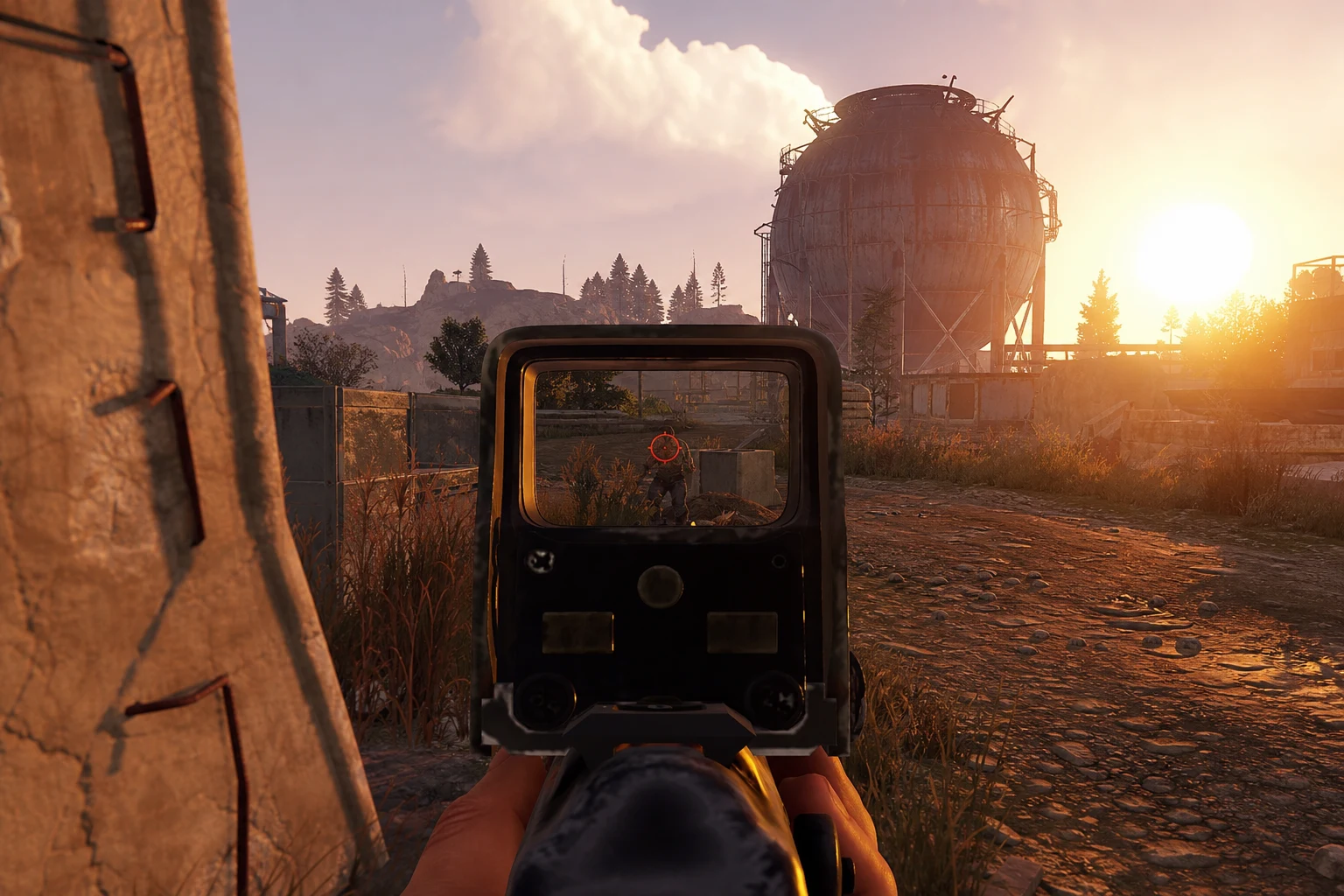
Solution 3: Check Key Binding and Activation Mode
Symptom: Triggerbot never fires, pressing the key doesn't work
One of the simplest yet most frequently overlooked triggerbot issues is incorrect key binding. Some users forget to change the activation key after configuration, or the key conflicts with an in-game function.
- In the ForceCheat interface, check the Triggerbot → Hotkey field.
- The default activation key is usually Alt or Caps Lock. These keys may be assigned to other functions in Rust.
- Check for key conflicts in Rust's in-game settings: open Options → Key Bindings.
- Try changing the activation mode from Hold to Toggle.
- Save the change and restart the game; ensure ForceCheat is running in the background before activating triggerbot.
Expected result: When the correct key is pressed, triggerbot activates immediately and fires when the crosshair is on target.
Solution 4: Close Background Processes and Free System Resources
Symptom: Triggerbot works intermittently, sometimes freezes or skips
Triggerbot analyzes crosshair position every frame. This process can be CPU and RAM intensive. Browsers, music apps, or system updates running in the background interrupt this cycle, causing "skipping" firing issues.
- Open Task Manager (Ctrl + Shift + Esc) and close processes using over 15% CPU.
- Check if Windows Update is downloading in the background: go to Settings → Windows Update → Active Hours and set it outside your gaming time.
- Temporarily disable your antivirus's real-time scanning (for gaming time only).
- Set Rust and ForceCheat processes to High Priority in Task Manager: right-click → Set Priority → High.
- If RAM usage exceeds 80%, free up at least 2 GB; close browser tabs if necessary.
Expected result: Triggerbot runs uninterrupted; skipping and freezing issues disappear.
Solution 5: Update Game and Software Compatibility Settings
Symptom: Triggerbot worked after installation but stopped after an update
Rust receives frequent updates. After each major patch, the game's internal structure can change, requiring software components to be reconfigured. If triggerbot worked before an update and doesn't now, a compatibility issue is likely the root cause.
- Check the ForceCheat website or interface: enable automatic updates if available.
- Note your Rust version (Steam → Library → Rust → Properties → Local Files).
- Request the latest ForceCheat version compatible with your Rust version from the support channel.
- Completely uninstall the old software version and perform a clean installation of the new one.
- After installation, configure all settings from scratch; don't import old profile files, as they may cause conflicts.
Expected result: With the current software version, triggerbot works fully compatible with Rust's current structure.
Quick Compatibility Issue Diagnosis
To determine if it's a compatibility issue or a settings issue, run this test: operate triggerbot with completely default settings. If it doesn't work with defaults, you likely have a compatibility problem. If it works with defaults, the issue stems from your personal configuration.
Solution 6: Optimize Network Latency and Server Synchronization
Symptom: Triggerbot fires but bullets don't hit, no server registration
Triggerbot operates client-side; your computer generates the fire command. However, due to Rust's server-side validation, high ping values cause these commands to reach the server late, and the target has already moved. This creates the impression that triggerbot "doesn't work," but the issue is network latency.
- Check your ping in-game (F1 → net.connect or HUD indicator). Under 80 ms is ideal.
- Select a Rust server geographically closest to you; from Turkey, European servers (Frankfurt/Amsterdam) typically offer the lowest ping.
- Use a wired connection: Wi-Fi, especially on 2.4 GHz, can add 20–40 ms extra latency.
- Enable QoS (Quality of Service) on your router to prioritize gaming traffic; this feature exists on most modern routers.
- If ForceCheat has a Network Compensation option, enable it; this incorporates server latency into the triggerbot cycle.
Expected result: Triggerbot commands reach the server on time; bullets register on targets.
Solution 7: Reinstall Software and Create a Clean Profile
Symptom: None of the above solutions worked
Sometimes software files become corrupted, install incompletely, or get damaged by interference from other programs. In such cases, a complete uninstall and clean reinstall is the most effective solution.
- Completely uninstall ForceCheat via Control Panel → Programs → Uninstall a Program.
- After uninstallation, manually delete remaining ForceCheat files in
%AppData%and%LocalAppData%folders. - Restart your computer.
- Download the latest installation file from your ForceCheat account and run it as administrator (Right-click → Run as Administrator).
- After installation, create a new profile; don't transfer old settings files.
- Test triggerbot with only basic settings (default delay, default threshold); if it works, begin customizing.
Expected result: After clean installation, the software operates fully, and issues from corrupted files disappear.
Still Not Fixed? Contact ForceCheat Support
If you've applied all 7 solutions above and still experience issues, you likely have a system-specific configuration problem requiring expert support. The ForceCheat team is available 24/7 to resolve such issues.
When submitting a support request, prepare this information: your operating system version, your current Rust version number, your ForceCheat software version, and exactly when the problem started. With this information, the support team can resolve the issue much faster.
Visit the ForceCheat Rust cheat category to review current product versions and additional software modules. Sometimes a different module or package may be the permanent solution to your issue.
Conclusion
The vast majority of Rust triggerbot issues stem from a few basic parameters: delay value, target detection threshold, key binding, or system resources. The 7 solutions presented in this guide address the most common scenarios in order from most to least likely. By applying these steps sequentially, you'll likely resolve your issue with one of the first three solutions.
When properly configured, triggerbot fundamentally transforms your Rust PvP experience. Consistent fire timing in reflex-demanding encounters provides a decisive advantage against opponents. This difference becomes even more pronounced when playing on high-population servers or against competitive groups.
If you want to take your Rust experience to the next level alongside triggerbot, check out our guide on Rust Map Control with ESP. Seeing opponent positions in advance multiplies triggerbot's effectiveness. If you're looking for similar advantages in other games, our Marvel Rivals Aimbot Experience article may interest you.
To compare all current Rust software, package options, and feature lists, visit our Rust cheat category. If you're looking for a different game, our Valorant category and PUBG Mobile category are also filled with active and current products. At ForceCheat, we continue to provide the most stable, performant, and current software for every game.
Frequently Asked Questions
What's the difference between triggerbot and aimbot?
Aimbot automatically aims your crosshair at targets. Triggerbot requires you to aim; it only automatically fires when your crosshair is on target. Triggerbot provides a more natural usage profile because the aiming movements are entirely yours.
Why did triggerbot stop working after a Rust update?
Each major Rust patch can change the game's internal structure. These changes require software components to be readapted. Follow ForceCheat update notifications and install the current software version after each major Rust update.
What should my triggerbot delay value be?
For general use, 80–120 ms is ideal. In low-ping environments (under 60 ms), 80 ms works best; in high-ping environments (over 100 ms), 120–140 ms yields better results. Lower delay for fast-moving targets, increase it for stationary targets.
Which weapons in Rust is triggerbot most effective on?
Triggerbot is most efficient on semi-automatic and single-shot weapons: Semi-Automatic Rifle, Bolt Action Rifle, and Python Revolver lead this category. On fully automatic weapons, triggerbot's effect is less pronounced since fire rate is already high.
Do system requirements affect triggerbot performance?
Yes, directly. Triggerbot performs pixel analysis every frame, requiring CPU power. Minimum recommended specs: Intel Core i5 (8th gen or newer) or AMD Ryzen 5 3600, 16 GB RAM, and SSD. Systems below these specs may experience slowdowns and skipping issues.
Does ForceCheat triggerbot work on PUBG or Valorant too?
ForceCheat provides separately optimized software for different games. Check our Valorant category and PUBG Mobile category for game-specific products. Using separate software for each game ensures optimal performance.
Share this post
Related Posts

Hunt Showdown ESP Not Working? 7-Step Enemy Location Fix
Hunt Showdown ESP not showing enemy locations? Overlay won't open, wallhack not working? We solve the 7 most common issues step by step.
Will to Live Cheats: 5 Ways to Master Survival
Master Will to Live with aimbot and ESP cheats! Discover 5 proven survival strategies to dominate PvP, optimize farming, and stay ahead of rivals with advanced cheat tools.
Hunt Showdown Triggerbot Setup: Automatic Fire Guide in 5 Steps
Having trouble setting up triggerbot in Hunt Showdown? Automatic fire not working or experiencing lag? This guide solves every issue in 6 steps with proven solutions.