
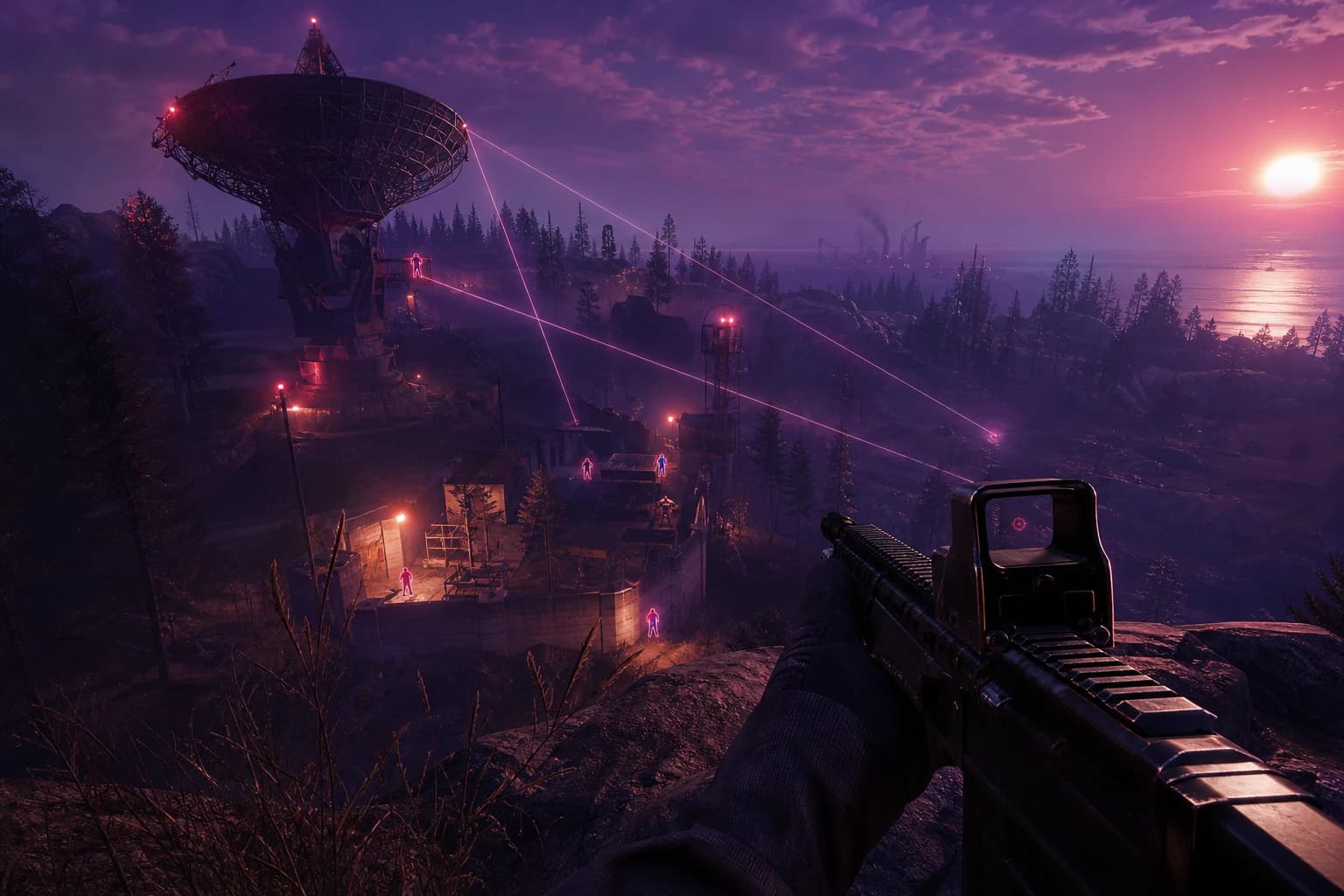



Rust ESP Map Control: Seeing Enemy Positions in Advance
- Introduction: Why Map Control Is Everything in Rust?
- What Is ESP and How Does It Work in Rust?
- Entities That ESP Can Track
- ESP Advantages Specific to Rust
- Basic ESP Settings: Player Box and Skeleton Configuration
- Opacity and Line Thickness Optimization
- Distance Filter and Radar Settings
- Using Dynamic Distance Filter
- ESP Profiles by Playstyle
- Profile 1: Aggressive Raider
- Profile 2: Balanced Survivor
- Profile 3: Cautious Resource Gatherer
- Common ESP Configuration Mistakes
- Mistake 1: Enabling Everything at Once
- Mistake 2: Setting Radar Scale Too Large
- Mistake 3: Choosing Color-Blind Unfriendly Palettes
- Mistake 4: Setting Distance Filter Too Low
- Mistake 5: Not Saving Profiles
- Safe Usage: Technical Foundations of Staying Undetected
- Security-Focused Configuration Tips
- ESP and Map Control in Other Games
- Conclusion
- Frequently Asked Questions
- How much does Rust ESP software affect my FPS?
- Can ESP and radar be used simultaneously?
- Is it possible to see sleeping players (sleepers) with ESP?
- Can I change ESP settings while in-game?
- How does Rust's anti-cheat system try to detect ESP?
- Is using ESP together with aimbot more advantageous?
Introduction: Why Map Control Is Everything in Rust?
Rust is one of the most ruthlessly competitive survival games available. From the moment you enter a server, potential threats lurk around every corner: raid groups attacking your base, established clans controlling resource points, or lone hunters tracking you down. In this environment, the only thing that makes a difference is information — knowing where your rival is, when they move, and which route they take determines the line between survival and instant death.
This is where ESP (Extra Sensory Perception) comes into play. A properly configured ESP software reflects the positions of rival players, chests, resources, and structures across the entire map in real-time on your screen. No longer do you wonder "is there someone around that corner?" — instead, you know exactly how many people are there, what equipment they have, and which direction they're heading. This information advantage elevates you to a completely different league in a high-risk game like Rust.
However, simply installing and launching ESP isn't enough to fully harness its power. Poorly configured ESP clutters your screen with unnecessary information, drops your FPS, and distracts your attention. Properly configured ESP provides you only the information you need, exactly when you need it. An ESP configuration tailored to your playstyle, server population, and current strategic objective multiplies the raw advantage the software provides several times over.
In this guide, we'll explore how to configure the ESP module found in ForceCheat's Rust cheat software most efficiently. We'll examine every setting group — player box colors, distance filters, skeleton view, icon system, and radar integration — with detailed tables; we'll provide profiles tailored to different playstyles such as aggressive raiding, balanced survival, and cautious resource gathering. We'll also address the most common configuration mistakes and how to fix them.
Controlling the map in Rust is no longer a matter of chance. With the right tools and proper settings, you can systematically take this control into your own hands.
Summary: Properly configuring Rust ESP allows you to see enemy positions in advance and take map control into your hands. This guide helps you optimize player boxes, distance filters, radar, and skeleton settings according to your playstyle.
What Is ESP and How Does It Work in Rust?
ESP is a software module that reads enemy and object location data from the game engine and presents this information to you through visual overlays on your screen. Specifically in Rust, ESP can track the following entities:
Entities That ESP Can Track
Rust ESP modules generally support these categories: live players, sleeping players (sleepers), animals, chests and resources, vehicles and helicopters, and structure components. ForceCheat's Rust software allows you to enable and disable each of these categories separately, so your screen fills only with information critical at that moment.
ESP's operating logic is simple: the software reads the target object's 3D coordinates from game memory and converts these coordinates to 2D pixel positions on your screen. As a result, you can see players behind walls, chests beyond mountains, or an approaching raid group in real-time.
ESP Advantages Specific to Rust
Unlike other survival games, Rust offers a persistent world. Bases are built, resources respawn at specific points, and players remain on the server even when in sleep mode. This structure makes ESP particularly powerful: learning your rival's base location, sleeping players, and resource routes provides long-term strategic advantage. While ESP in an FPS game helps you make instant decisions, in Rust it maps out your entire gaming session.
Basic ESP Settings: Player Box and Skeleton Configuration
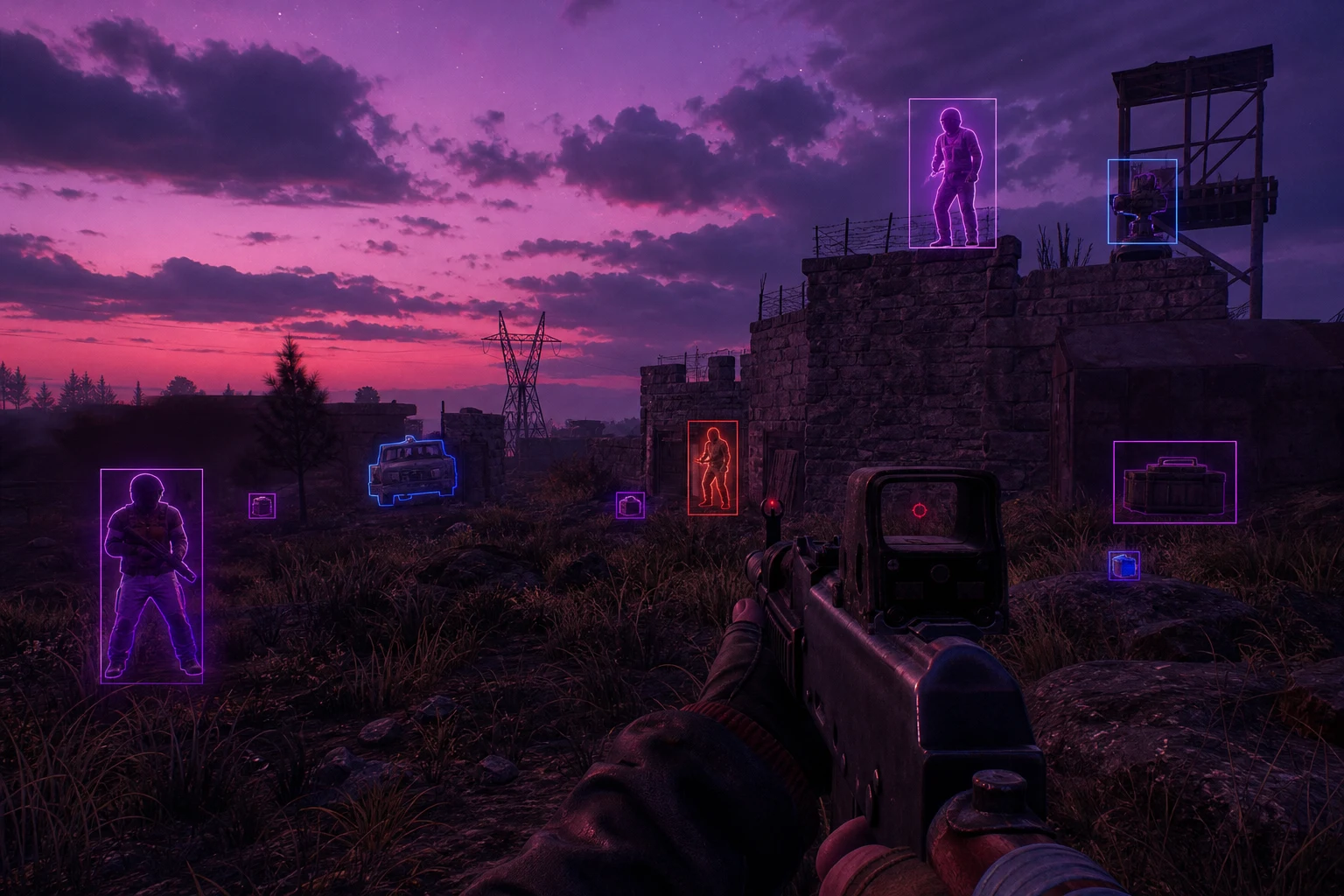
The most critical component of ESP is player visualization. The following table shows recommended values and rationales for basic player settings in ForceCheat's Rust ESP module.
| Setting | Recommended Value | Why |
|---|---|---|
| Box Type | 2D Corner Box | Takes up less screen space than filled boxes, improves readability on crowded servers |
| Box Color (Enemy) | Red / Orange | Stands out clearly from background, remains visible in day and night cycles |
| Box Color (Team) | Green | Standard color code, prevents confusion |
| Skeleton View | Enabled (Low Opacity) | Makes it easier to understand target body orientation and weapon position |
| Health Bar | Enabled (Left Edge) | Speeds up decision to engage or not |
| Name Tag | Enabled (≤200m) | Prevents unnecessary information overload at distance, quickly identifies close threats |
| Distance Tag | Enabled (All Distances) | Critical for engagement decisions; different weapon selection may be needed beyond 300m |
| Weapon Tag | Enabled (≤150m) | At close range, it's important to know if the enemy is armed or has a knife |
Opacity and Line Thickness Optimization
Keeping ESP box opacity between 70-80% presents information clearly without completely obscuring the game visuals. Setting line thickness to 1-2 pixels ensures the screen remains readable even during intense firefights. Thicknesses of 3 pixels and above, especially on multiplayer servers, clutter the screen with noise.
Distance Filter and Radar Settings
A Rust server can host 100-200 active players. Displaying all these players simultaneously with ESP causes both FPS loss and information clutter. The distance filter solves this problem.
| Setting | Recommended Value | Why |
|---|---|---|
| Player ESP Distance | 400m | Covers immediate threat area, filters out distant players |
| Chest ESP Distance | 200m | Sufficient for planning loot routes, performance-friendly |
| Resource ESP Distance | 100m | Adequate distance for instant gathering decisions |
| Sleeping Player ESP | 300m | Critical for base raid planning, excessive distance unnecessary |
| Radar Radius | 250m | Manageable information density on mini-map |
| Radar Scale | 0.3x | Wide area view, location detection easier |
| Radar Position | Top Right Corner | Doesn't block main screen while aiming |
Using Dynamic Distance Filter
Some ForceCheat Rust configurations support dynamic distance filtering: as player density increases, the filter automatically shortens. For example, when 50+ active players are on the server, reducing ESP distance to 300m protects FPS while keeping you focused on critical threats. To enable this feature, open the "Auto Distance Scale" option in the software's advanced settings menu and set the threshold to 40 players.
ESP Profiles by Playstyle
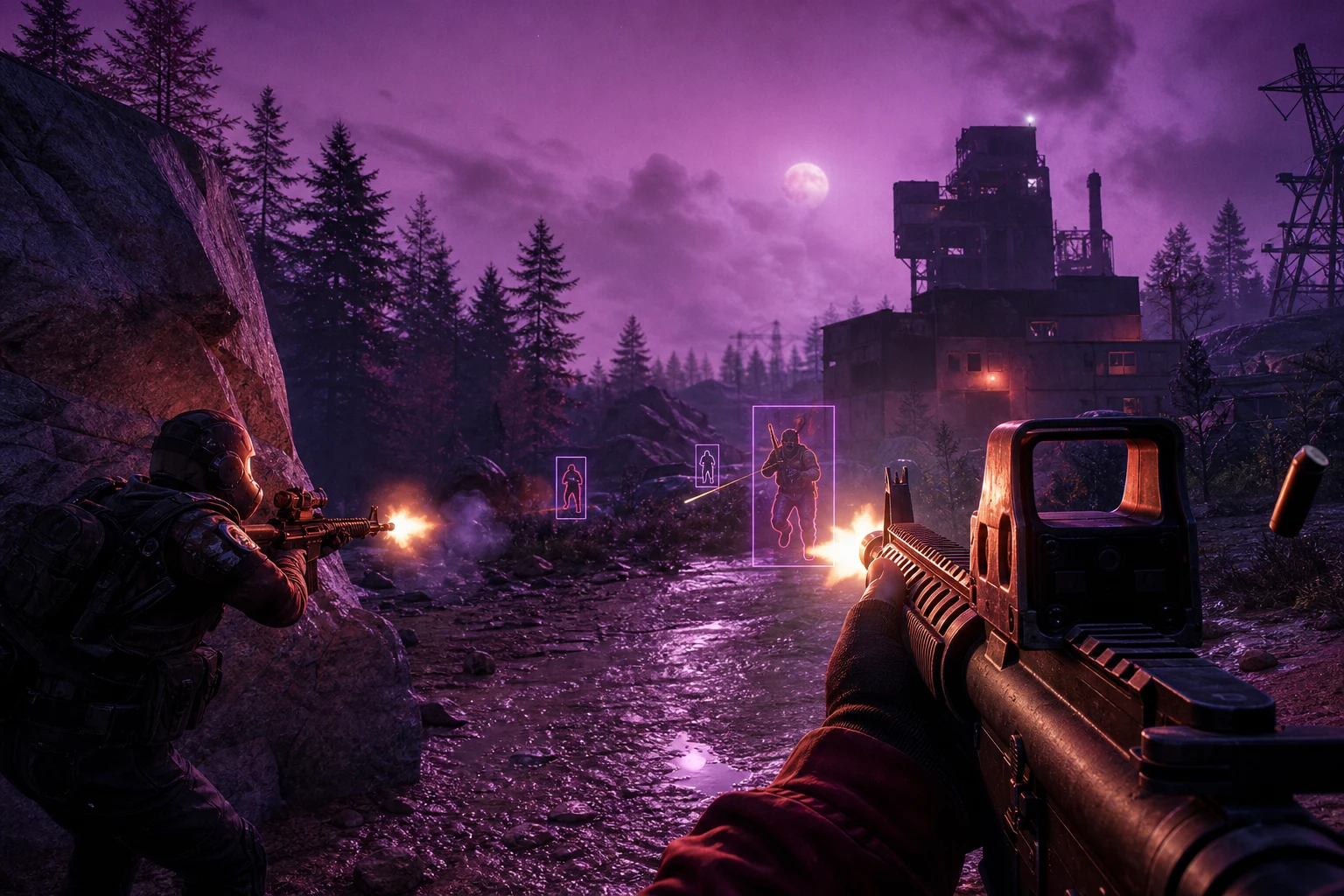
Not every player approaches Rust with the same strategy. Below are three ESP profiles optimized for different playstyles. You can save these profiles using ForceCheat's profile saving feature and switch between them instantly with key combinations.
Profile 1: Aggressive Raider
This profile is designed for players who actively hunt enemies, raid bases, and want to control high-value loot routes. Goal: maximum information, minimum delay.
- Player ESP Distance: 500m — wide area scanning
- Box Type: 2D Corner, Red, Thickness: 2px
- Skeleton: Enabled, 90% opacity
- Health Bar: Enabled — determines engagement priority
- Weapon Tag: ≤200m — for close combat decisions
- Chest ESP: Disabled — avoid distraction
- Radar: Enabled, 300m radius, 0.25x scale
Profile 2: Balanced Survivor
A standard profile suited to most players who want to both gather resources and detect threats in advance. Balances information and performance.
- Player ESP Distance: 350m
- Box Type: 2D Corner, Orange, Thickness: 1px
- Skeleton: Enabled, 70% opacity
- Health Bar: Enabled
- Weapon Tag: ≤150m
- Chest ESP: Enabled, 150m
- Resource ESP: Enabled, 80m
- Radar: Enabled, 200m radius, 0.3x scale
Profile 3: Cautious Resource Gatherer
For players who want to accumulate resources while avoiding conflict during early game or base expansion phases. Priority: threat detection and loot efficiency.
- Player ESP Distance: 500m — maximum for early warning
- Box Type: 2D Corner, Yellow (alert color), Thickness: 1px
- Skeleton: Disabled — keep screen clean
- Health Bar: Disabled
- Weapon Tag: Disabled
- Chest ESP: Enabled, 250m
- Resource ESP: Enabled, 150m
- Sleeping Player ESP: Enabled, 400m
- Radar: Enabled, 400m radius, 0.35x scale
Common ESP Configuration Mistakes
Compiled from feedback from ForceCheat users, this list reveals the most common reasons for not getting full value from ESP.
Mistake 1: Enabling Everything at Once
Turning on all ESP categories (players, chests, resources, animals, vehicles) simultaneously at maximum distance makes the screen unreadable and severely drops FPS. On a 100-player server, this mistake can drop 60 FPS below 30. Solution: enable only relevant categories based on your current game objective.
Mistake 2: Setting Radar Scale Too Large
A radar scale of 0.5x or higher causes the mini-map to cover a large portion of the screen. This both blocks your game view and diverts your attention from the main screen. The 0.25x-0.35x range is optimal for information density and screen usage.
Mistake 3: Choosing Color-Blind Unfriendly Palettes
Red-green color combinations render ESP useless for colorblind players. Using orange or white for enemies and blue or light green for teammates provides better visibility for a wider audience.
Mistake 4: Setting Distance Filter Too Low
A player ESP distance below 100m shows you rivals you can already see, eliminating ESP's true value. A minimum of 250m provides meaningful early warning on Rust's expansive map.
Mistake 5: Not Saving Profiles
Manually changing settings for different situations wastes time and introduces error. ForceCheat's profile system lets you save separate configurations for raiding, survival, and looting, switchable with a single key.
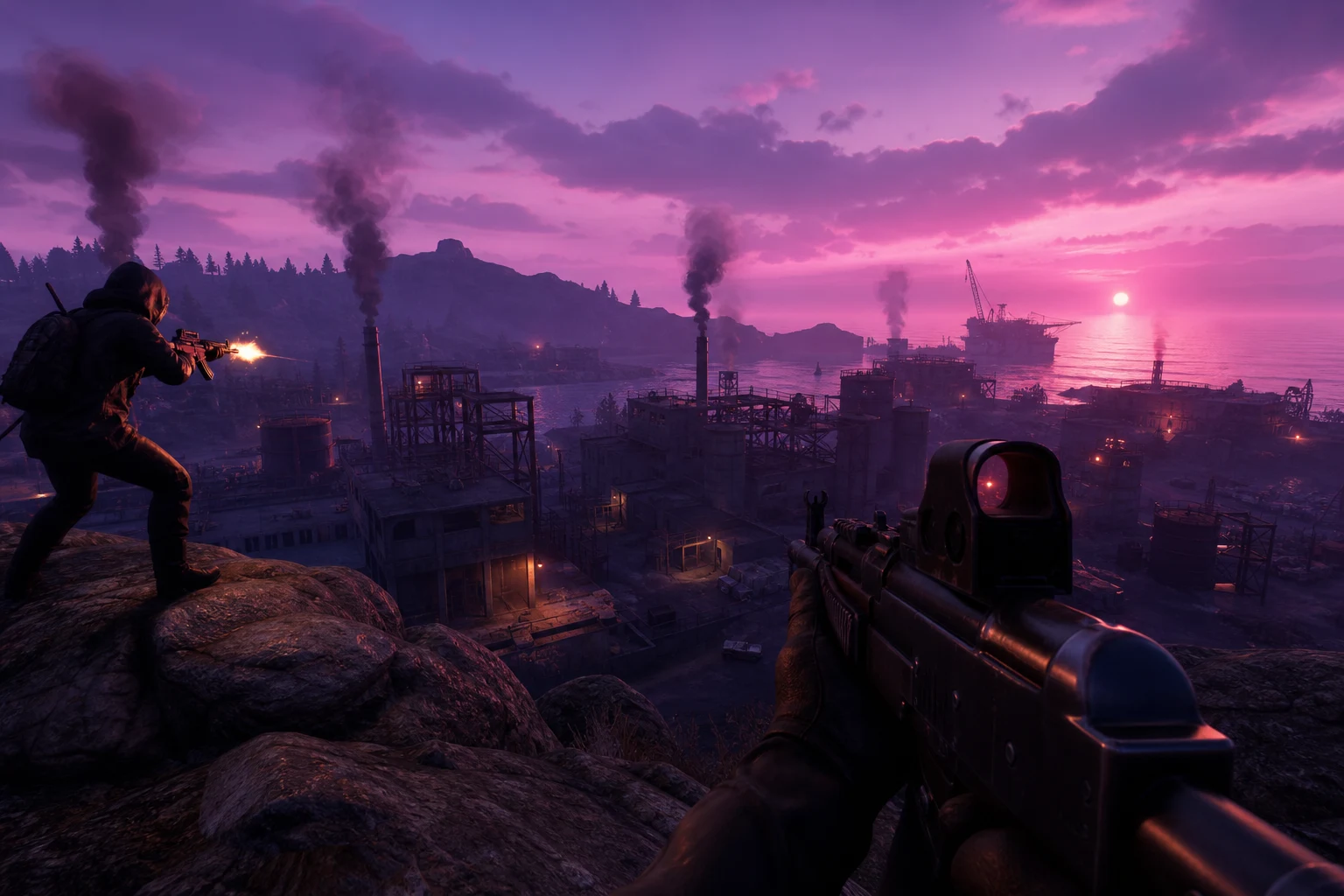
Safe Usage: Technical Foundations of Staying Undetected
ForceCheat Rust software is designed to operate without detection. However, to fully benefit from the technical protection the software provides, you must also shape your usage habits accordingly.
Security-Focused Configuration Tips
The most important security rule in ESP usage is to use the information the software provides in a way that appears natural. Reacting to players behind walls as if you don't see them supports long-term account security. The following table summarizes security-focused setting recommendations.
| Setting | Recommended Value | Why |
|---|---|---|
| ESP Visibility Mode | Out of Line of Sight Only | Reduces wallhack impression |
| Instant Reaction Time | Add Natural Delay (0.3-0.5s) | Conceals wall awareness |
| Software Updates | Update with Each Major Game Patch | Protection against new anti-cheat signatures |
| Overlay Mode | External Overlay | Less interference with game process |
The ForceCheat team closely monitors Rust updates and regularly updates the software. If you have an active subscription, you can automatically receive updates from your control panel. For combined use with the aimbot module, check out our guide on Preventing 4 Common Beginner Mistakes in Rust Aimbot Settings.
ESP and Map Control in Other Games
ESP and map control strategies aren't unique to Rust. You can use similar mechanics very efficiently in battle royale games like PUBG. Our guide on Best Settings and Strategies for Winning in PUBG's Final Circle details how to combine ESP with circle management.
Those seeking similar advantages on mobile platforms can check out our PUBG Mobile cheat category. Players looking for visual advantage in Valorant can find solutions tailored to their needs in our Valorant cheat category.
Conclusion
Using ESP in Rust lets you experience the game from a completely different perspective. Every corner turn is no longer a gamble but a calculated move. A player who knows where their rival is, what they're carrying, and which direction they're moving starts every firefight with an inherent advantage.
However, as we've emphasized repeatedly in this guide, ESP's power comes not just from launching the software but from configuring it correctly. In an aggressive raider profile you want maximum information density, while in a cautious resource gathering profile you prioritize early warning and loot efficiency. Distance filters, color palettes, radar scale, and category selections — each directly impacts the quality of advantage ESP provides you.
Avoid common mistakes: enabling everything at once, oversizing radar scale, setting distance filter too low, and not saving profiles. These mistakes waste much of the software's potential.
ForceCheat's Rust software is designed to provide this advantage most reliably with continuously updated anti-detection infrastructure and a comprehensive ESP module. Visit our Rust cheat category to see all our Rust cheat options and current pricing. If you're looking for advantage on a different gaming platform, check out our other categories — winning is equally satisfying in every game.
Frequently Asked Questions
How much does Rust ESP software affect my FPS?
Properly configured ESP keeps FPS loss minimal. Enabling all categories at maximum distance can cause 20-30% FPS loss, but with the recommended settings in this guide, this loss typically stays below 5%. External overlay mode is the most performance-friendly option as it interferes less with the game process.
Can ESP and radar be used simultaneously?
Yes, ForceCheat's Rust software supports ESP and radar modules simultaneously. Radar complements ESP: while ESP provides 3D positional information, radar gives you a 2D map view of your surroundings. Using both together maximizes situational awareness, especially on crowded servers.
Is it possible to see sleeping players (sleepers) with ESP?
Yes. ForceCheat's Rust ESP module supports sleeping players as a separate category. When you enable this feature, you can see sleeper locations with a distinct color and icon. It's extremely valuable for raid planning and resource detection.
Can I change ESP settings while in-game?
Yes. ForceCheat software provides an in-game menu interface that can be toggled on and off. You can switch between profiles using pre-defined key combinations. This allows you to switch to an aggressive profile during raids and a cautious profile while looting within seconds.
How does Rust's anti-cheat system try to detect ESP?
Rust uses the EasyAntiCheat (EAC) infrastructure. EAC employs methods such as process scanning, memory read detection, and behavioral analysis. ForceCheat's Rust software uses regularly updated signature masking and external overlay technologies against these detection methods. Updating the software from your ForceCheat control panel after each major game update keeps protection at maximum level.
Is using ESP together with aimbot more advantageous?
ESP and aimbot complement each other perfectly. While ESP tells you your rival's location in advance, aimbot enables precise aiming during engagement. When using both modules together, we recommend reviewing our Rust aimbot settings guide.
Share this post
PUBG Final Circle: Best Settings and Strategies to Win
Marvel Rivals Aimbot Experience: The Path to Quick Wins
// related posts
Related Posts
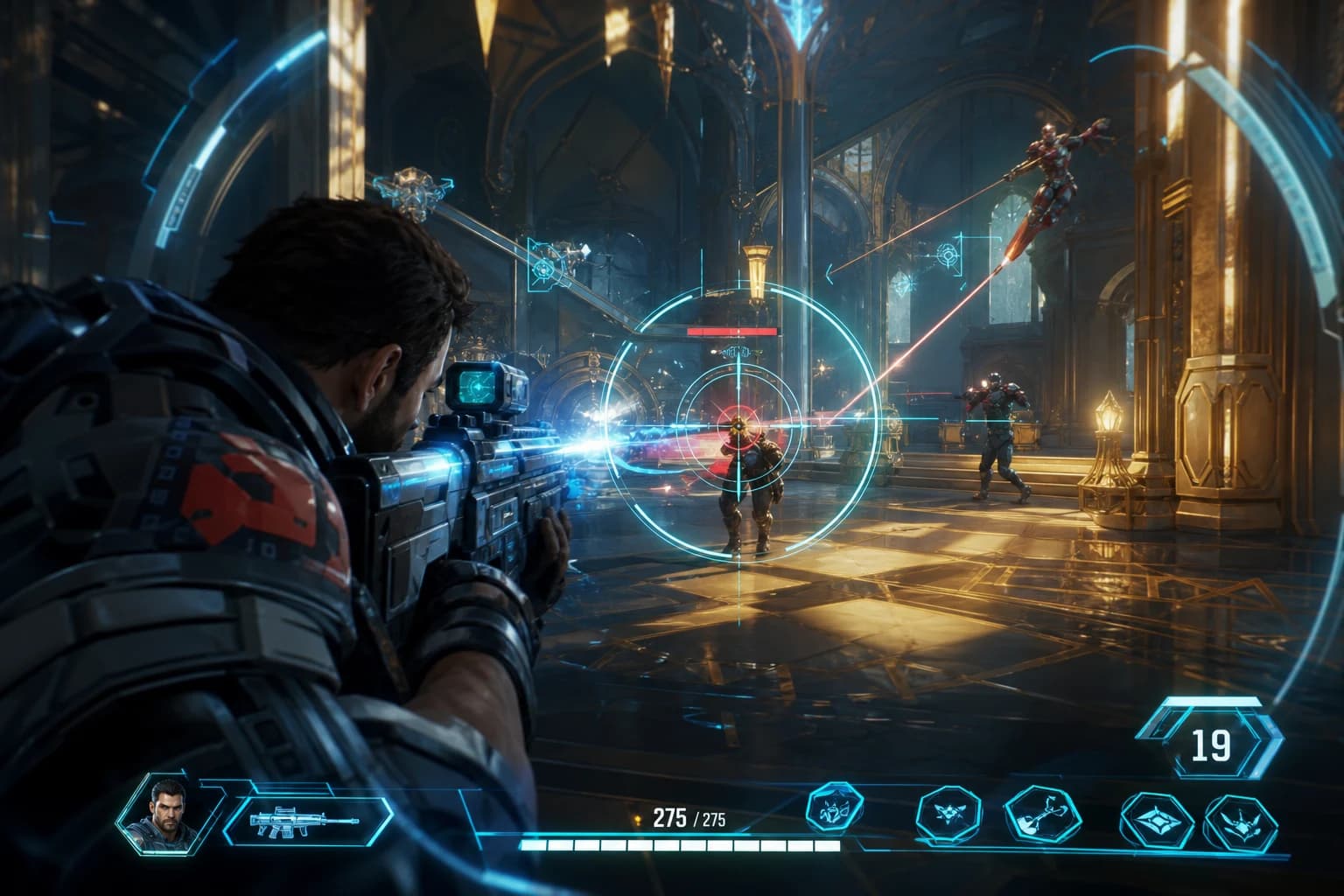
Marvel Rivals Aimbot Experience: The Path to Quick Wins
Discover how aimbot and other cheat tools work in Marvel Rivals, which features will give you the edge, and how to choose the right tool for your playstyle.
October 9, 2026
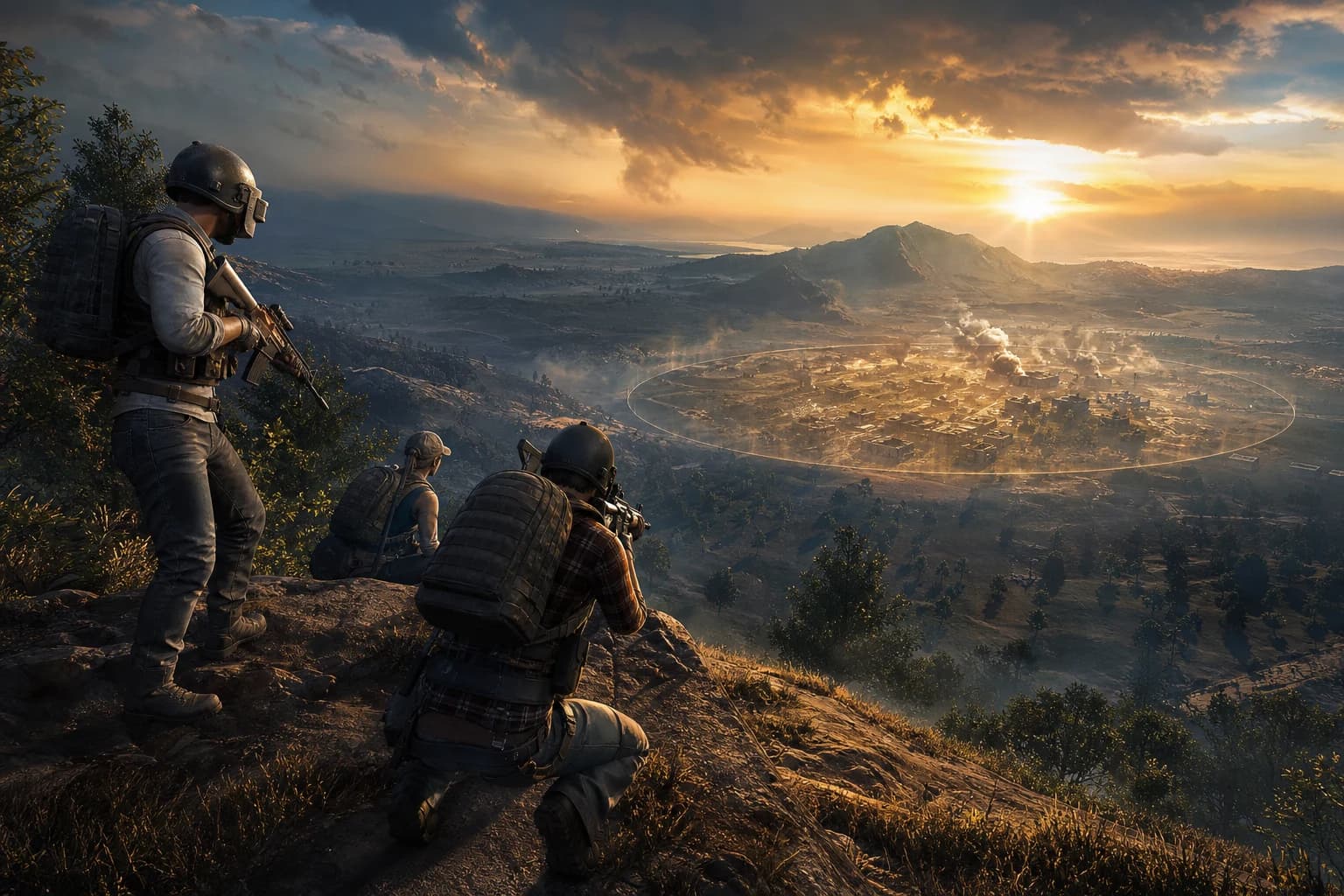
PUBG Final Circle: Best Settings and Strategies to Win
Struggling in PUBG's final circle? Master the right cheat settings and configurations to turn every endgame in your favor. Complete guide to dominating the final zone.
October 8, 2026
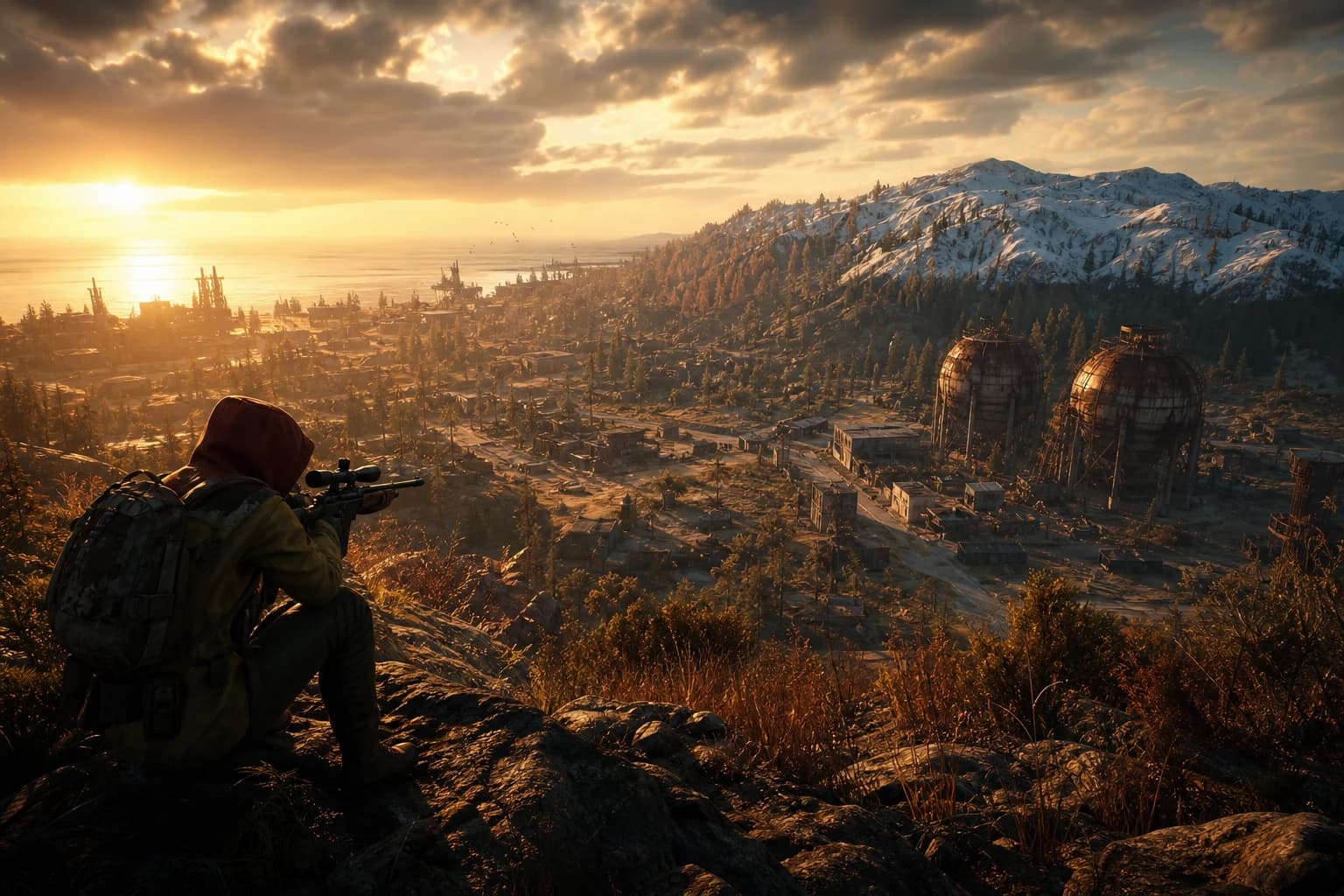
4 Ways to Prevent Beginner Mistakes in Rust Aimbot Settings
Misconfiguring aimbot settings in Rust severely impacts performance. This guide covers 4 critical strategies to avoid startup errors and optimal configuration for peak performance.
October 7, 2026