


PUBG Final Circle: Best Settings and Strategies to Win
- Introduction: Why the Final Circle Changes Everything
- Aimbot Settings: Aiming Advantage in the Final Circle
- FOV and Smooth Values
- Aimbot Calibration by Weapon Type
- ESP and Visual Settings: Seeing the Enemy is Everything
- Player ESP Settings
- Loot and Vehicle ESP
- Performance Settings: Advantage Even at Low FPS
- Software-Side Performance Optimization
- Security Settings: The Right Way to Stay Undetected
- Spoofer Usage and Hardware Security
- Behavioral Security: Looking Human
- Profiles by Playstyle
- Aggressive Profile — "Fragger"
- Balanced Profile — "Ranked Grinder"
- Cautious Profile — "Ghost"
- Common Setting Mistakes
- Keeping FOV Too High
- Leaving Smooth Value Near Zero
- Playing Long Sessions Without Spoofer
- Setting No Recoil to 100%
- Turning Off Visibility Check
- Conclusion
- Frequently Asked Questions
- How long does PUBG cheat software installation take?
- Do I need to change aimbot settings every match?
- How safe is it against BattlEye?
- Is ESP or aimbot more important in the final circle?
- Do the same settings apply to PUBG Mobile?
- Which PUBG cheat package is better for beginners?
Introduction: Why the Final Circle Changes Everything
Reaching the final five in a PUBG match that started with a hundred players is a serious achievement — but losing at that point feels like you never played at all. The final circle is PUBG's most intense, fastest, and most ruthless phase. The zone shrinks, enemies close in, every second demands a decision. While an ordinary player's reflexes struggle to manage this pressure, properly configured cheat software completely changes the equation.
What kills you in the final circle is usually not a luck factor. Your opponent saw you first, aimed faster, or read the position better. The thing that gives you all three of these advantages at once is properly configured PUBG cheat software. With aimbot, your aiming time approaches zero; with ESP, enemies behind walls become visible to you; with radar hack, you control the entire map.
But here's a critical point: simply downloading and opening the software isn't enough. Poorly configured aimbot makes your movements look robotic and makes you easier to detect. Too high FOV values, too sudden snap angles, wrong bone selection — all of these are performance-reducing factors. Conversely, properly configured setup provides both maximum effectiveness and looks completely organic in-game.
In this guide, we'll go through ForceCheat's most optimized setting values for PUBG products step by step, profiles by playstyle, and final circle-specific configurations. The ideal setting set for someone playing aggressive pushes in Diamond rank is completely different from the ideal setting set for someone playing cautiously in Platinum. This guide covers both scenarios and all variations in between, keeping you on the winning side in the final circle every time.
Especially if you're using comprehensive packages like ARCANE FULL, the dozens of setting options inside might seem overwhelming at first glance. But once you understand what each setting does and what value provides an advantage in which situation, this flexibility becomes your greatest weapon. Let's get started.
Summary: To win in PUBG's final circle, keep aimbot FOV between 120-150, set smooth value to 8-12, read opponent positions with ESP beforehand, and use aggressive, balanced, or cautious profiles based on your playstyle. ForceCheat products fully support these settings.
Aimbot Settings: Aiming Advantage in the Final Circle
In the final circle, distances shorten, encounters become instantaneous. In this environment, precise calibration of aimbot settings is the most critical factor that makes the difference. An aimbot configured with wrong values disrupts your movements instead of killing your opponent faster, equalizing your reaction time.
FOV and Smooth Values
FOV (Field of View) determines the screen area the aimbot scans to lock onto targets. Too low FOV causes you to miss targets at close range. Too high FOV leads to locking onto wrong targets and sudden, robotic movements. The ideal range for the final circle is around 120-150 pixels. The smooth value controls how smoothly the aim moves to the target; values between 8-12 provide both effective and organically-looking movement.
| Setting | Recommended Value | Why |
|---|---|---|
| FOV | 120–150 px | Ideal scanning area for close-to-mid range final circle encounters |
| Smooth | 8–12 | Provides organic-looking, non-sudden aiming movement |
| Bone Target | Chest / Neck | Head deals more damage but chest is more reliable on moving targets |
| Fire Trigger | Active only in ADS | Prevents accidental fire, saves ammo |
| Target Priority | Closest / Lowest HP | Optimized for quick elimination in final circle |
| Visibility Check | On | Prevents locking onto targets behind walls |
Aimbot Calibration by Weapon Type
In the final circle, you typically don't use just one weapon type. You might experience mid-range encounters with M416, long-range with Kar98, and close-range with UMP. Create separate profiles for each weapon type if possible. Increasing the smooth value to 15-20 when using a sniper allows you to account for bullet drop and make more accurate shots. When using SMG and shotgun, lowering FOV to 80-100 prevents locking onto wrong targets at close range.
ESP and Visual Settings: Seeing the Enemy is Everything
In the final circle, information is more valuable than weapons. Knowing where your opponent is, which direction they're looking, and how much health they have left turns every move you make into a winning move. With customizable visual tools like Ph ESP, you can access this information at any time.
Player ESP Settings
The most critical ESP setting is how much information you load onto the screen. Too much information creates visual clutter and can cause you to miss the enemy you should be focusing on. The recommended minimalist ESP configuration for the final circle is as follows:
| Setting | Recommended | Why |
|---|---|---|
| Player Box | 2D Corner Box | Corner box creates less visual clutter than filled box |
| Distance Indicator | On, max 300m | Enemies beyond 300m are not an immediate threat |
| HP Bar | On | Determines who to shoot first |
| Name Tag | Off | Name information unnecessary in final circle, keeps screen clean |
| Direction Arrow | On | Seeing which direction enemy is looking optimizes push timing |
| Bone Skeleton | On | Instantly reads enemy posture (lying/sitting/standing) |
Loot and Vehicle ESP
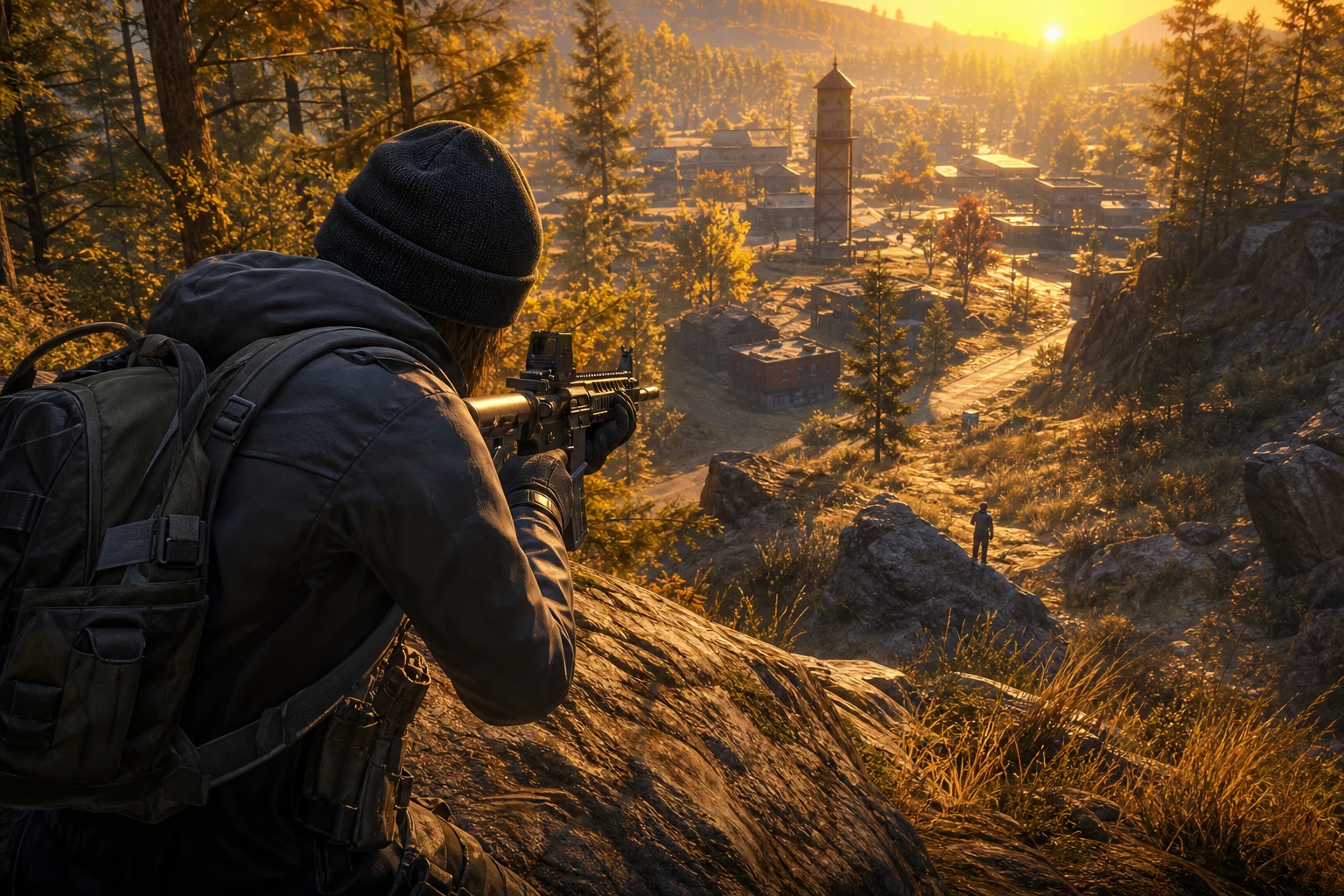
Entering the final circle with incomplete inventory creates a major disadvantage. Keep loot ESP active only for high-priority items (Level 3 armor, 8x scope, med kit). Vehicle ESP is critical in the final circle for planning escape routes — especially being able to see where you can find vehicles as the zone closes directly extends your survival time.
Performance Settings: Advantage Even at Low FPS
PUBG, especially in the final circle due to intense combat effects and shrinking area, is prone to FPS drops. For the cheat software to work stably in this environment, optimization is required on both the game and software side.
Software-Side Performance Optimization
| Setting | Recommended | Why |
|---|---|---|
| Render Loop | Synced with game FPS | Provides stable operation without extra CPU load |
| ESP Render Distance | Max 400m | Reduces unnecessary calculation load |
| Aimbot Calculation Speed | Medium | High speed can cause CPU spikes |
| Overlay Transparency | 85–90% | Maintains visibility while preventing overlay from drawing attention |
Especially if you're using Btg, activate the "Low Resource Mode" option to minimize background processes the software runs. This guarantees the software stays stable even during final circle firefights.
Security Settings: The Right Way to Stay Undetected
ForceCheat products are equipped with continuously updated bypass technology against PUBG's anti-cheat system, BattlEye. However, to maximize the protection the software provides, some settings need to be properly configured on the user side.
Spoofer Usage and Hardware Security
Beyond account security, using Ph Spoofer is critical for protection against hardware-based detection. The spoofer masks your system's hardware ID, also making the ban renewal process easier. Follow these steps for proper usage:
Run the spoofer before each session before launching the game. Don't restart your system while the spoofer is active — this can reset the ID masking. Check spoofer updates after every PUBG patch; anti-cheat updates can affect spoofer compatibility.
Behavioral Security: Looking Human
| Setting | Recommended | Why |
|---|---|---|
| Aimbot Activation | When key is held (Hold) | Always-on aimbot looks robotic |
| Maximum Snap Speed | Medium-Slow | Instant 180° turns look inhuman |
| Miss Simulation | 5–8% | Small miss rate normalizes statistics |
| No Recoil Strength | 70–80% | Complete zero recoil creates anomalies in statistics |
| Session Duration | Max 3–4 hours | Long sessions increase abnormal statistic accumulation |
Profiles by Playstyle
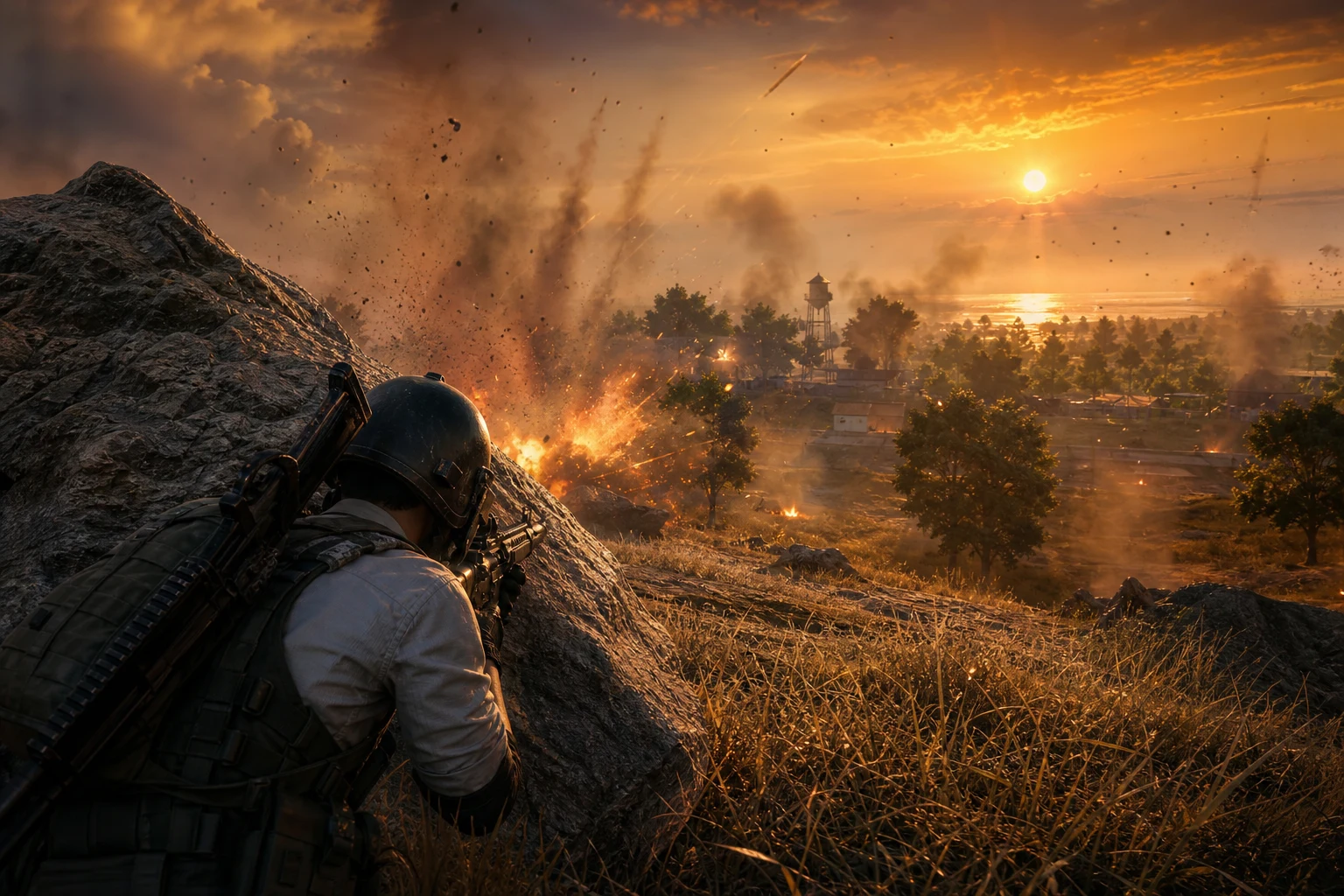
There is no single "correct" configuration. Using different profiles based on your rank goal, playstyle, and current match dynamics optimizes both security and performance. The following three profiles cover the most common PUBG playstyles.
Aggressive Profile — "Fragger"
For players who constantly push, focused on kill count. For this style that attacks even in the final circle instead of retreating, aimbot sensitivity is kept near maximum.
- FOV: 150–180 px
- Smooth: 5–7 (fast snap)
- Bone Target: Head priority
- No Recoil: 90%
- ESP: Fully active, all enemies visible
- Spoofer: Mandatory every session (high kill ratio draws attention)
Balanced Profile — "Ranked Grinder"
For players focused on rank points and Chicken Dinner, preferring survival over kills. This profile balances long-term account security with performance.
- FOV: 120–140 px
- Smooth: 10–12
- Bone Target: Chest / Neck
- No Recoil: 75%
- Miss Simulation: 6%
- ESP: Player + vehicle, loot off
Cautious Profile — "Ghost"
For players prioritizing undetection, focused on long-term account protection. Kill count is kept low, but every Chicken Dinner is secured safely.
- FOV: 90–110 px
- Smooth: 15–20
- Bone Target: Chest
- No Recoil: 60%
- Miss Simulation: 10%
- ESP: Player only, minimal information
- Aimbot Activation: Hold mode only
Common Setting Mistakes
According to feedback from ForceCheat users, the most common pitfalls beginners fall into are:
Keeping FOV Too High
FOV values above 250+ cause the aimbot to react to every movement it sees on screen. With 3-4 enemies visible at the same time in the final circle, this causes the aim to constantly move between different targets. Result: you can't quickly eliminate any enemy. Keep FOV below 150.
Leaving Smooth Value Near Zero
Smooth values between 1-3 cause the aim to nearly instantly teleport to the target. This is easily noticed in replay footage or killcam. For both security and organic appearance, keep smooth value at minimum 7.
Playing Long Sessions Without Spoofer
Running long sessions without masking your hardware ID means that even if you get banned and create a new account, you'll be detected with the same hardware. Using Ph Spoofer every session eliminates this risk.
Setting No Recoil to 100%
Complete recoil elimination creates an abnormal accuracy rate in statistical analysis. 75-80% no recoil provides sufficient control while keeping your statistics in reasonable ranges.
Turning Off Visibility Check
With this setting off, aimbot tries to lock onto enemies behind walls. This both disrupts your aim and increases behavioral detection risk. Always keep it on.
Conclusion
Reaching the final circle in PUBG requires skill, but winning the final circle requires configuring the right tools correctly. Every setting value we covered in this guide is optimized with data obtained from real usage scenarios. From FOV to smooth, from ESP to spoofer usage, every parameter is determined with both maximum performance and long-term account security in mind.
You might want to finish every match as an aggressive fragger with high kill counts, or you might focus solely on Chicken Dinner as a ranked grinder. For both goals, the profiles in this guide provide you with a ready starting point. Over time, fine-tuning these values according to your own playstyle will take your performance to the next level.
Every software in ForceCheat's PUBG product family — from Btg to ARCANE FULL — fully supports the setting structure outlined in this guide. Whichever package you choose, you can apply these values directly. If you still haven't decided which product is right for you, you can compare all our PUBG cheat products comparatively in our category. If you play PUBG Mobile, don't forget to check out our PUBG Mobile cheat category as well.
Finally, if you're looking for tips on aimbot setting optimization that aren't PUBG-specific but transferable, our article on 4 ways to prevent beginner mistakes in Rust aimbot settings will also provide you with valuable perspectives. With the right settings, the right software, and the right strategy, the final circle is now your field.
Frequently Asked Questions
How long does PUBG cheat software installation take?
ForceCheat PUBG products are ready to run within an average of 5-10 minutes. The installation guide provided after purchase visually explains every step. Complete installation including spoofer doesn't exceed 15 minutes.
Do I need to change aimbot settings every match?
No. Balanced profile settings are designed flexible enough for different maps and conditions. However, lowering FOV slightly on open maps like Erangel, or increasing ESP distance on Miramar provides fine optimization.
How safe is it against BattlEye?
ForceCheat products are quickly updated after each BattlEye update. Undetected status is continuously monitored and users are notified of updates. When used with Ph Spoofer, the protection layer doubles.
Is ESP or aimbot more important in the final circle?
They complement each other, but ESP carries more strategic value in the final circle. Knowing your opponent's position and direction allows you to take the right position before aimbot. Position advantage combined with aimbot becomes unstoppable.
Do the same settings apply to PUBG Mobile?
PUBG Mobile has a different anti-cheat infrastructure, so setting values differ somewhat. Platform-specific products and recommended settings are separately provided in our PUBG Mobile Gameloop category.
Which PUBG cheat package is better for beginners?
For beginners, starting with Ph ESP is ideal; learning visual advantage develops your game reading skills before moving to aimbot settings. For a more comprehensive experience, the ARCANE FULL package offers all features under one roof.
Share this post
4 Ways to Prevent Beginner Mistakes in Rust Aimbot Settings
Rust ESP Map Control: Seeing Enemy Positions in Advance
// related posts
Related Posts
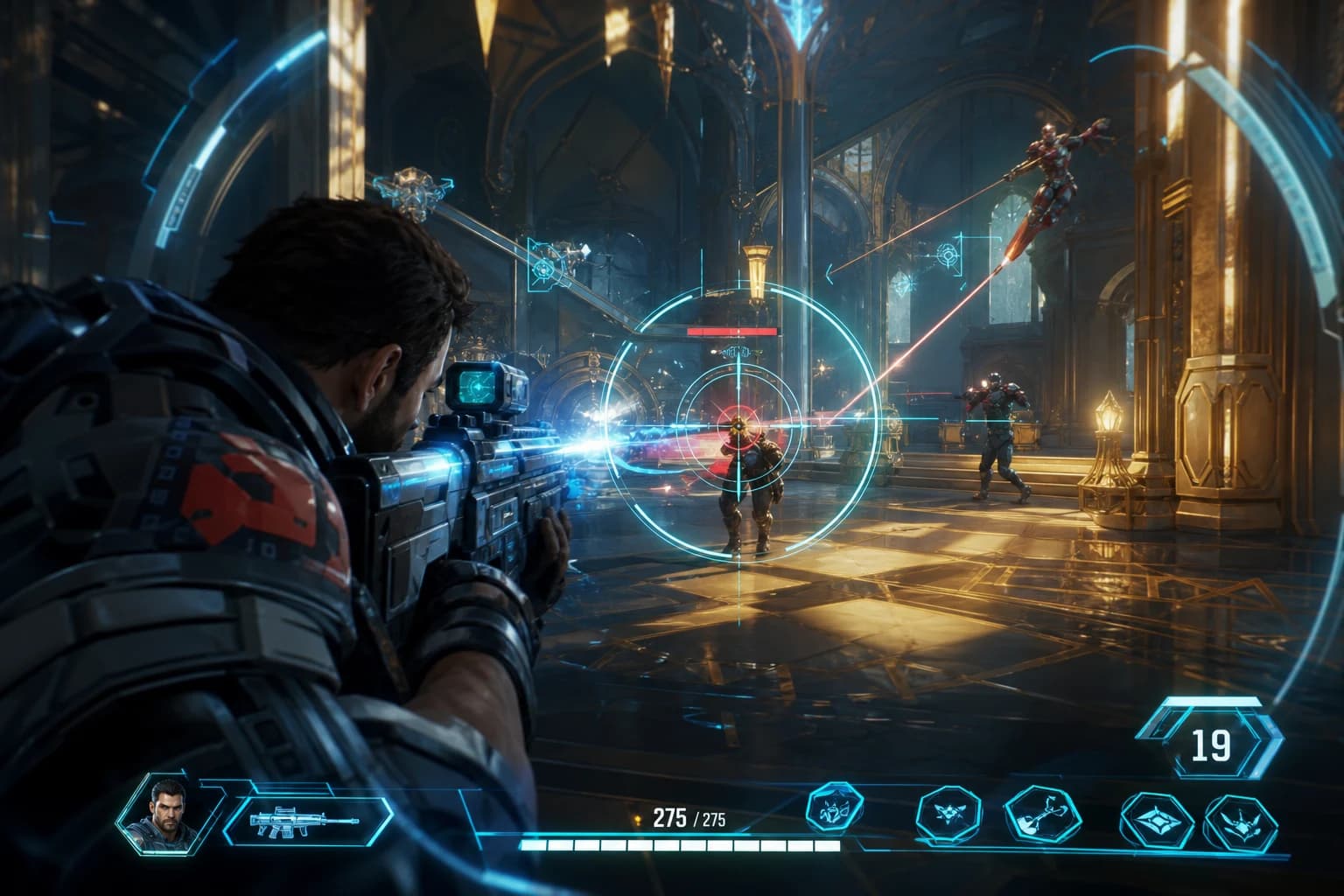
Marvel Rivals Aimbot Experience: The Path to Quick Wins
Discover how aimbot and other cheat tools work in Marvel Rivals, which features will give you the edge, and how to choose the right tool for your playstyle.
October 9, 2026
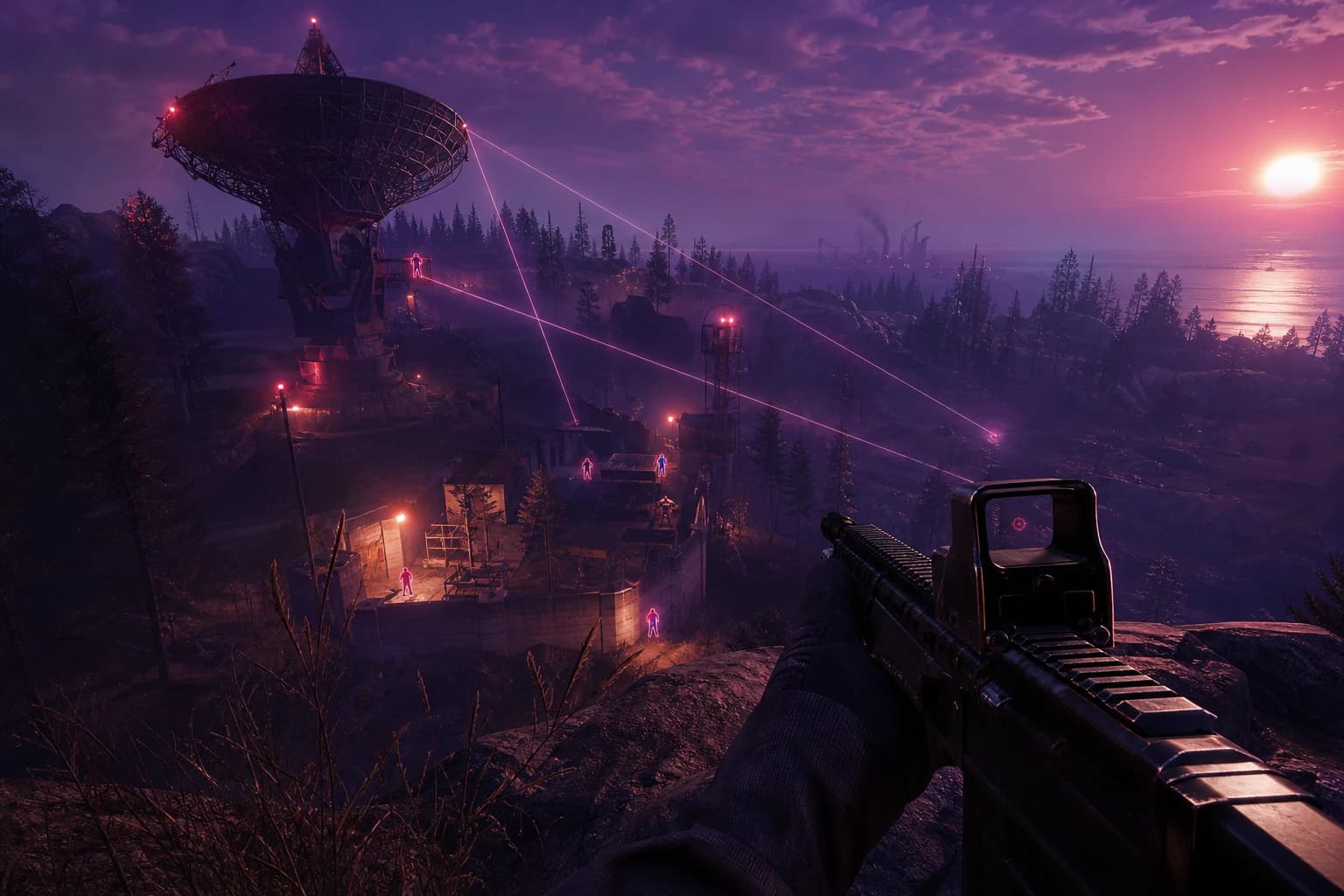
Rust ESP Map Control: Seeing Enemy Positions in Advance
Master map control in Rust using ESP to see enemy positions beforehand. Discover optimal settings, profiles, and strategies for dominating the game in this comprehensive guide.
October 8, 2026

4 Ways to Prevent Beginner Mistakes in Rust Aimbot Settings
Misconfiguring aimbot settings in Rust severely impacts performance. This guide covers 4 critical strategies to avoid startup errors and optimal configuration for peak performance.
October 7, 2026