Installation overview
Every step comes with clear numbered actions — most setups take just a few minutes.
- 1Turn Off Defender
- 2Use Defender Control
- 3Adjust Screen Mode
- 4Download the Loader
- 5Run the Cheat as Administrator
- 6Wait for the Update
- 7Enter the License
- 8Start the Game
- 9Open the Menu
- 10If You Want to Turn Off the Cheat
Technical Specs
- Operating system
- Windows 10 (21H2, 22H2), Windows 11 (21H2, 22H2, 23H2, 24H2, 25H2)
- Processor
- Intel & AMD
- Video card
- Nvidia & AMD
- Client
- Steam
Payment
Choose a plan
- Instant Delivery
- Secure Payment
- 24/7 Support
Details
Product details
Everything you need to know
If you're serious about gaining a real edge in PUBG, the Ph ESP is the awareness tool you've been looking for. Built around a powerful suite of visual overlays, this cheat puts critical enemy data right in front of your eyes — no guessing, no surprises.
Why Choose This Product?
Ph ESP is designed specifically for PUBG players who want full battlefield awareness without the bloat of unnecessary features. Every overlay is tuned to give you clean, readable information so you can make faster, smarter decisions in every firefight. It's a focused tool built for players who know exactly what they need.
Key Features
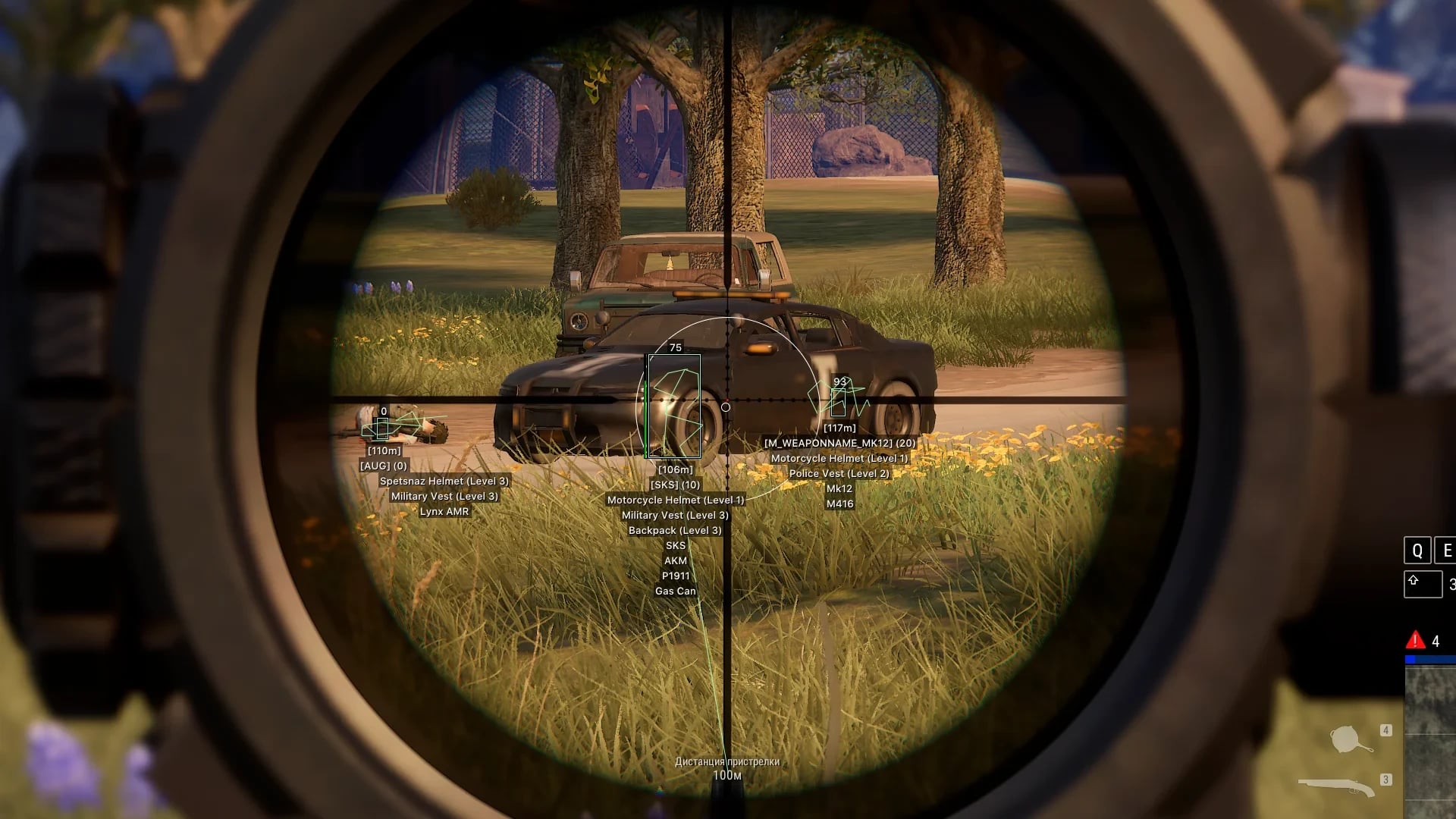
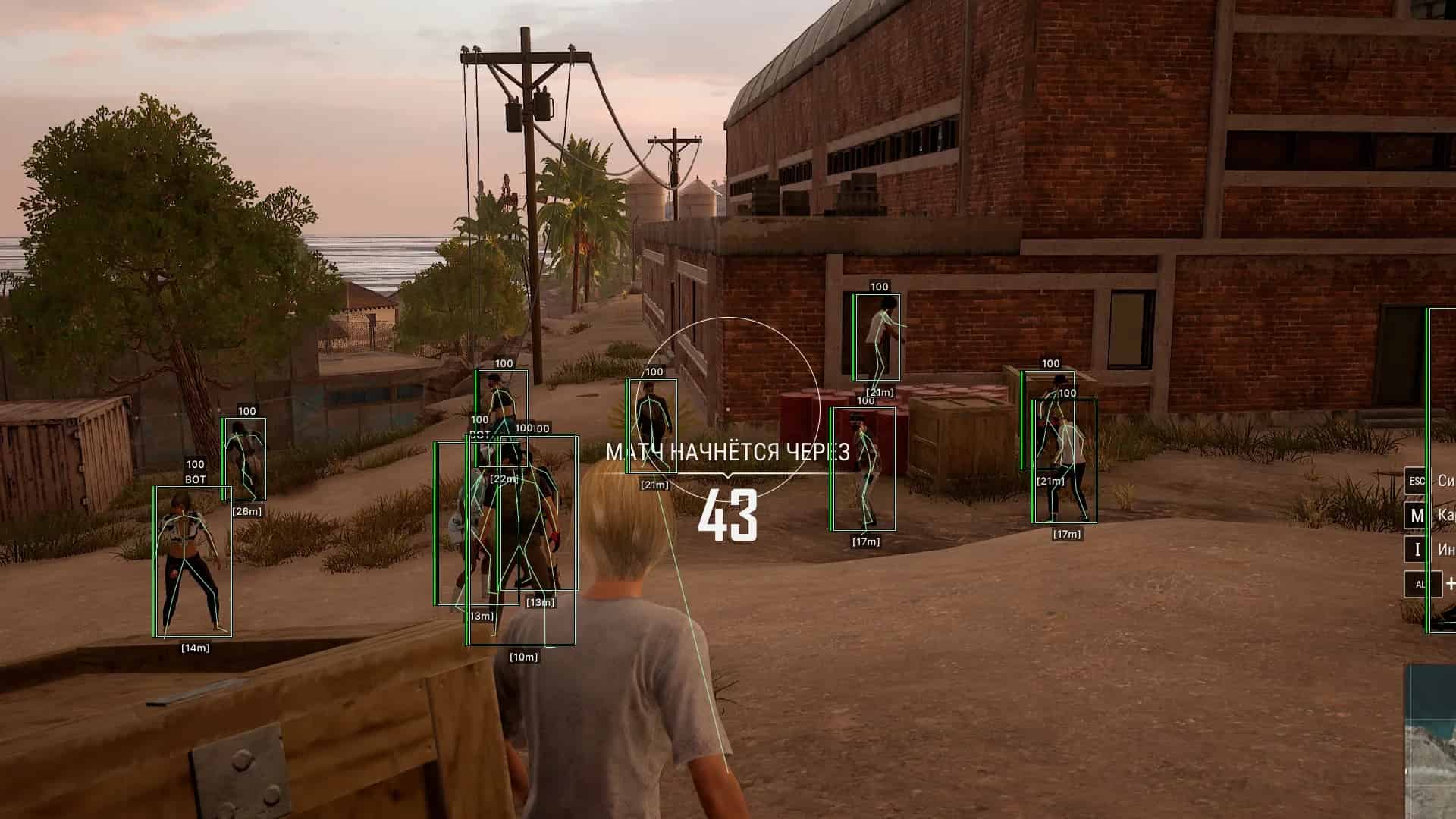
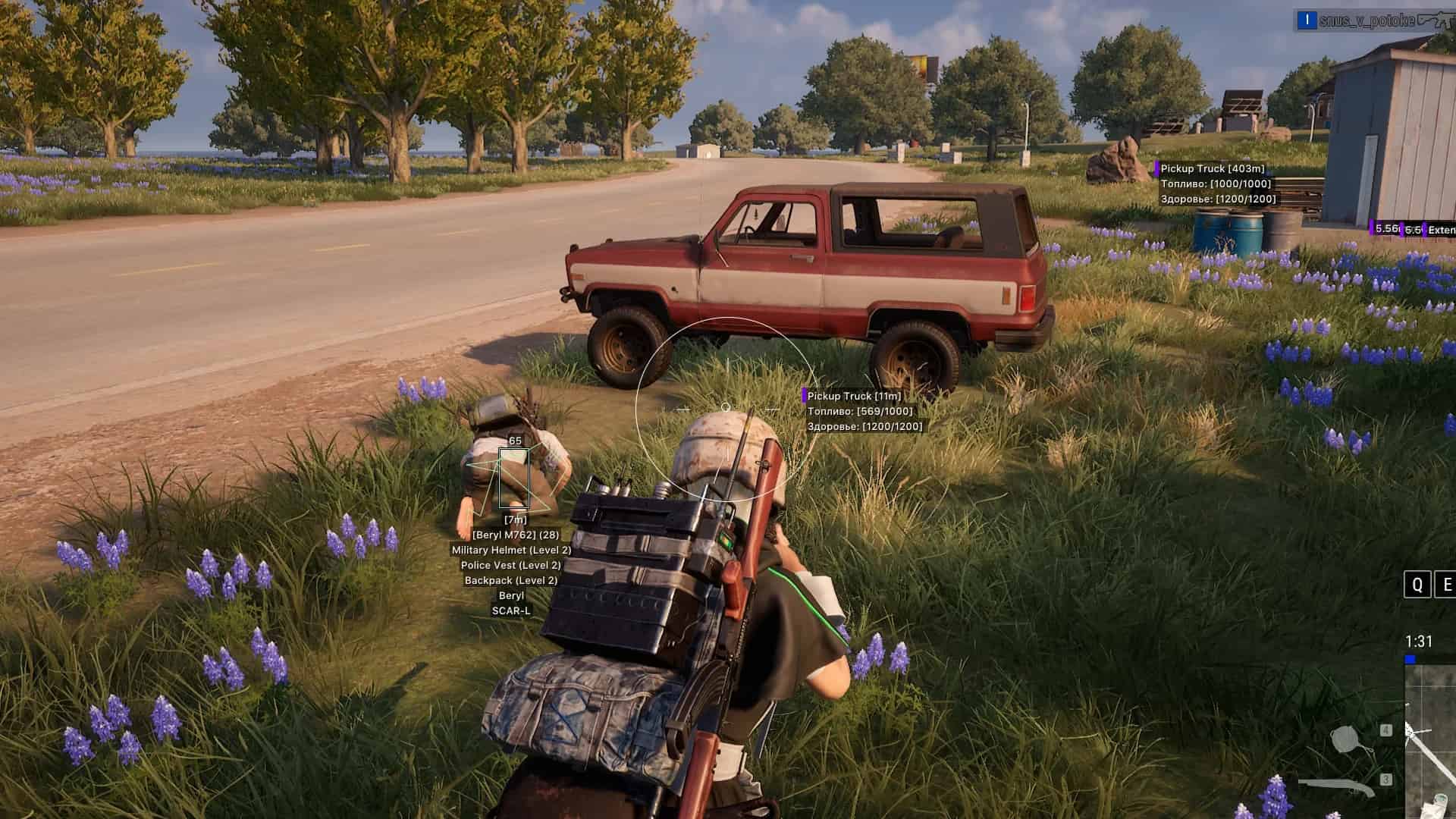
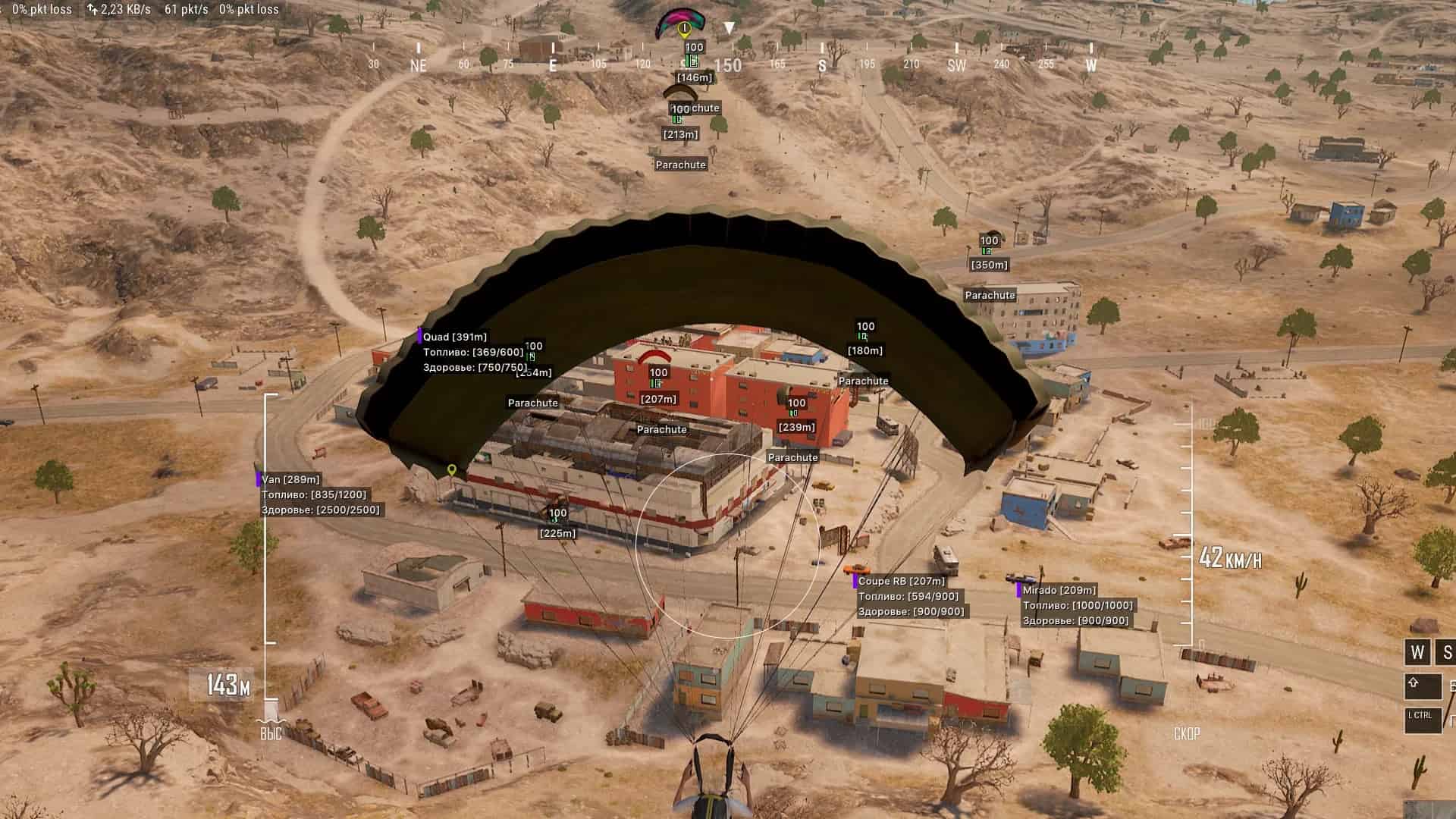
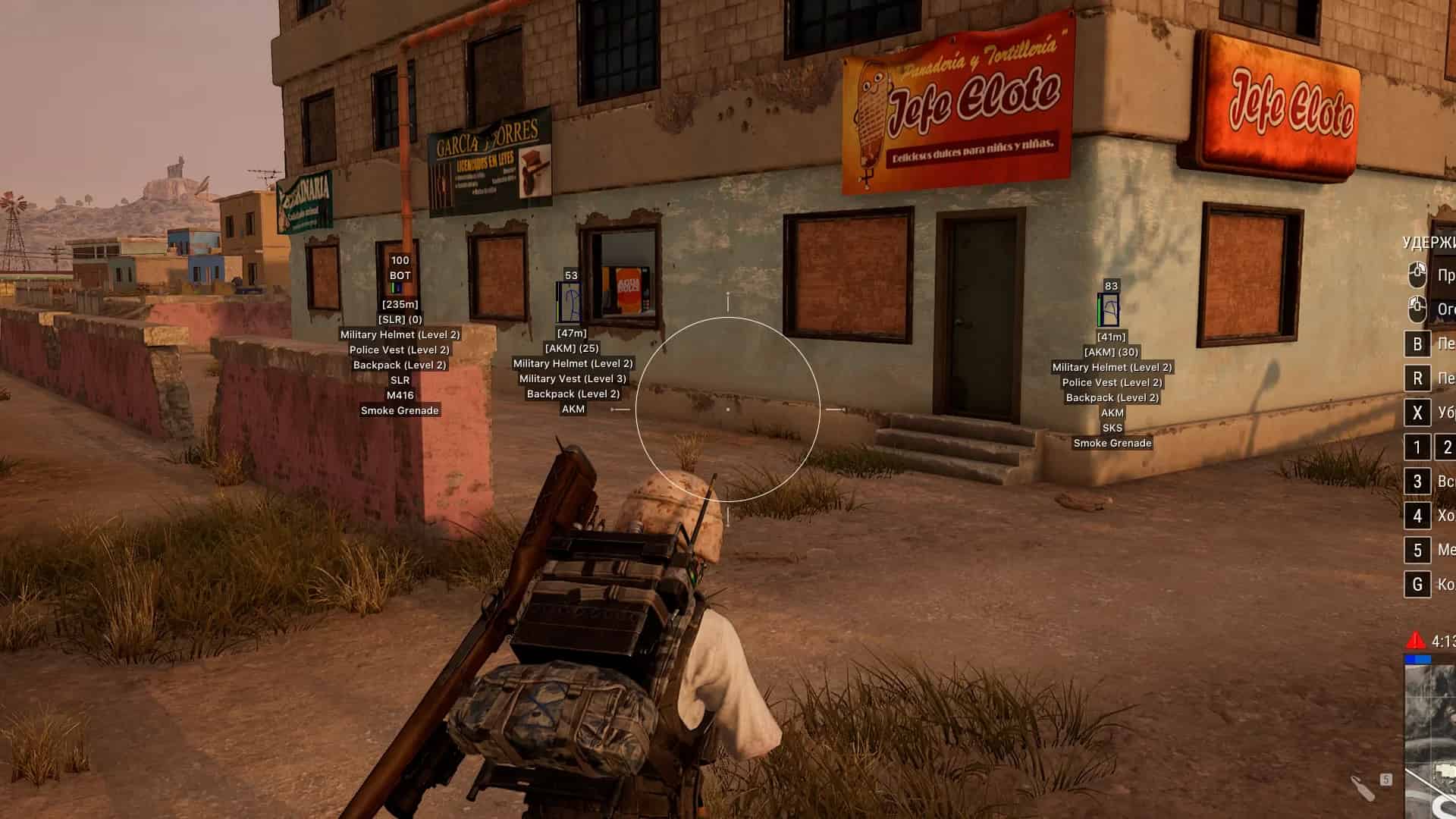
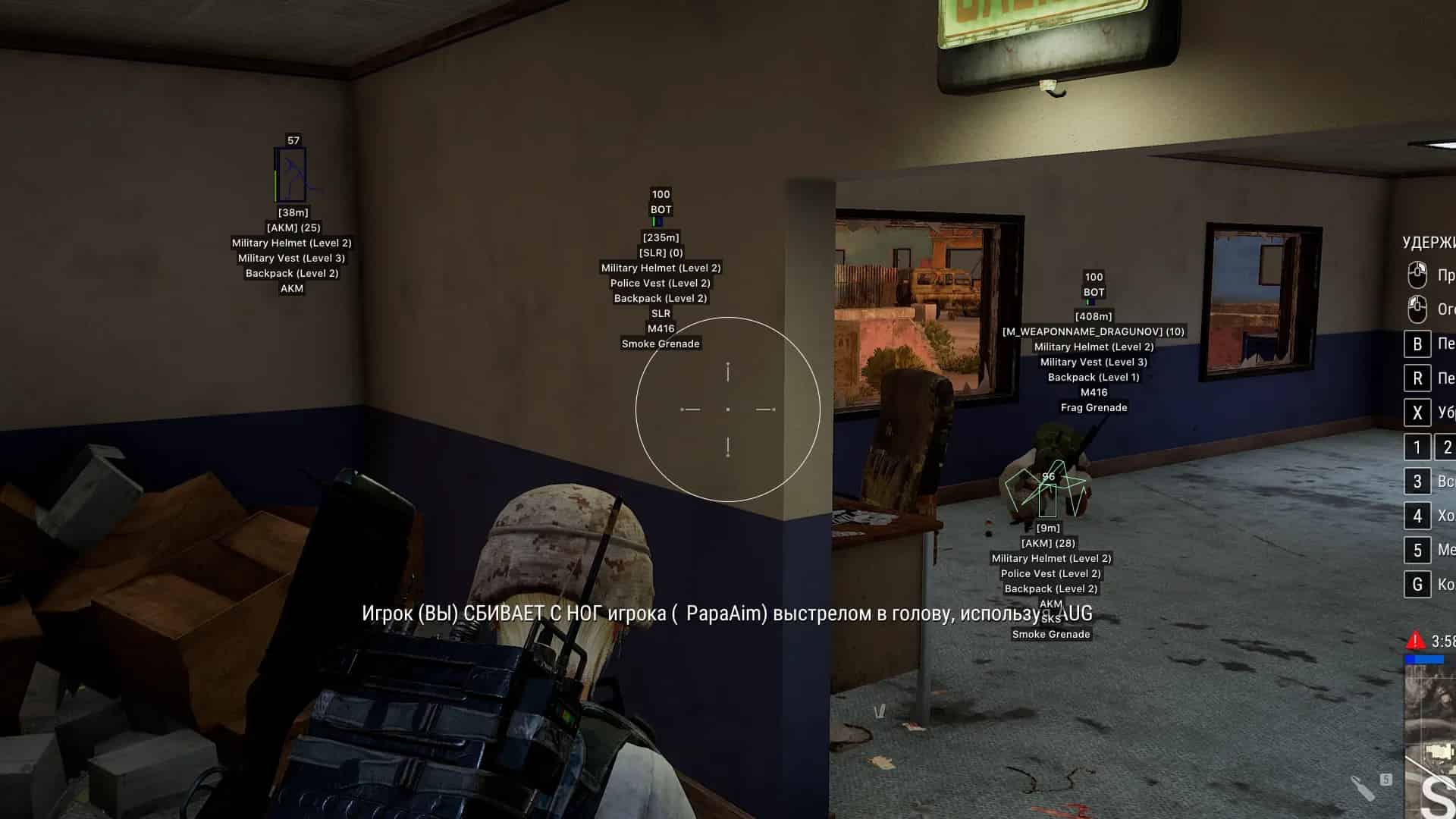
- 2D Box ESP — Instantly spot enemies through terrain with crisp rectangular outlines drawn around every player in your vicinity
- Skeleton ESP — See the full bone structure of opponents, letting you track body position and predict movement before you even peek
- Health ESP — Monitor enemy HP in real time so you know exactly when a target is low and ready to be pushed
- Name ESP — Player names displayed on-screen, helping you identify specific targets or squad members at a glance
- Distance ESP — Know precisely how far away every enemy is, giving you the range data needed to adjust your shots and timing
- Weapon ESP — See what your enemies are carrying before they even see you, so you can plan your engagement accordingly
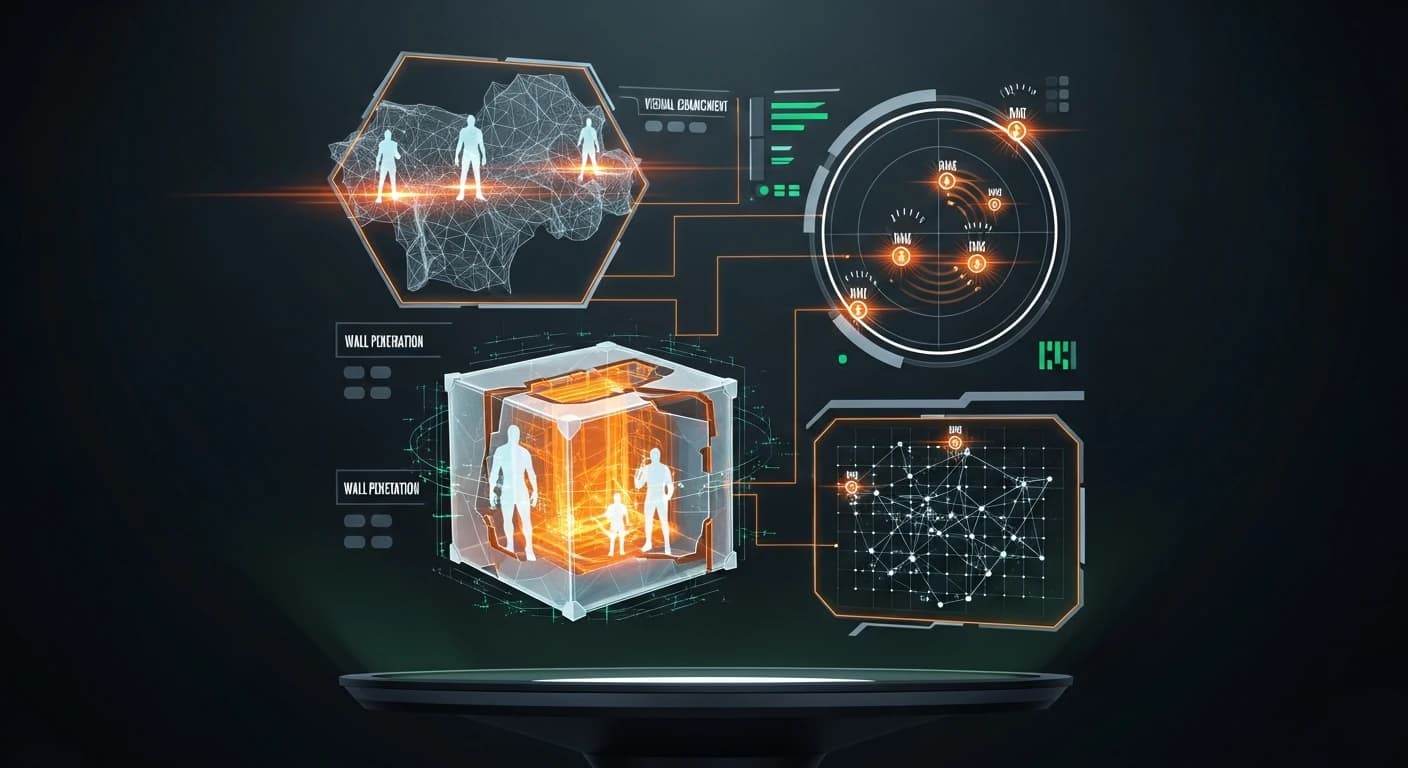
- Radar ESP — A live mini-map overlay that shows enemy positions relative to yours, giving you 360° situational awareness at all times
Setup & Usage
Getting started with Ph ESP is straightforward — once you complete your purchase, you'll receive clear setup instructions that walk you through the injection and configuration process step by step. The overlay system is lightweight and doesn't require heavy system resources, so performance impact stays minimal. You'll be up and running with full visual awareness faster than you might expect.
FAQ
Frequently Asked Questions
Everything you need to know before purchasing
Is there a ban risk and can I use it safely?
How long does it take to receive access after payment?
How do I install it? Is it complicated?
When does the subscription period start and how long is it valid?
Is a refund possible? What is the refund policy?
Can I use the same key or license on multiple computers?
How and when can I reach the support team?
Does the product automatically update when game updates or patches are released?
Check these out
More PYBG cheats