



PUBG Mobile ESP Enemy Tracking: 2026 Tier List Guide
- Introduction: Real-Time Enemy Position Tracking with ESP in PUBG Mobile
- Methodology: How This Tier List Was Prepared
- Evaluation Criteria
- Test Environment
- S Tier: Features Providing Absolute Superiority
- Real-Time ESP (Enemy Position Overlay)
- Aimbot (Automatic Aiming System)
- Wallhack (Wall Vision)
- A Tier: High-Value, Nearly Essential Features
- No Recoil (Zero Recoil)
- Speed Hack (Movement Speed Increase)
- Item ESP (Item Vision)
- B Tier: Situationally Valuable Features
- Vehicle ESP (Vehicle Vision)
- Radar Hack (Mini Map Enhancement)
- No Grass (Grass Removal)
- C Tier: Niche Usage Scenarios
- Auto Loot
- Bullet Trace (Bullet Trail Vision)
- ForceCheat Product Comparison: Which Package Suits You?
- Cougar Bypass: Safe Entry Point
- NİX Bypass: Mid-Level Full Control
- NixLoop Lite and Full: Premium Experience
- Installation on GameLoop: Quick Step-by-Step Guide
- Pre-Preparation
- Injection Process
- Conclusion
- Frequently Asked Questions (FAQ)
- What's the difference between PUBG Mobile ESP and wallhack?
- How to get 120 FPS on GameLoop?
- How to get free UC?
- Which GameLoop versions do ForceCheat products work on?
- What settings give the best results when using ESP?
- What other games can I find cheats for on ForceCheat besides PUBG Mobile?
Introduction: Real-Time Enemy Position Tracking with ESP in PUBG Mobile
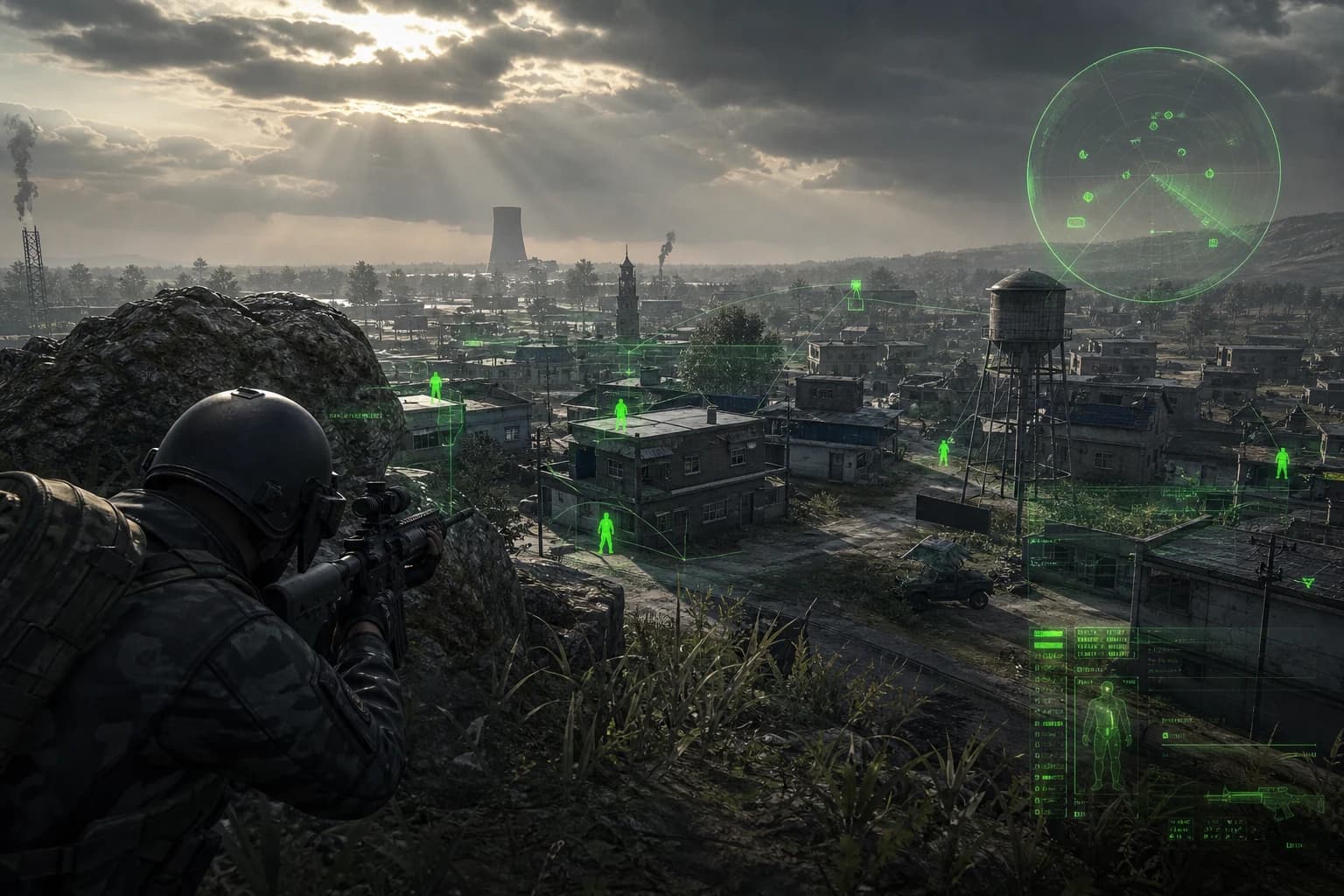
PUBG Mobile is a battle royale game that requires you to make hundreds of split-second decisions in every match, where speed and information are decisive factors. The shrinking circle, unexpected corner rotations, enemies hiding in buildings, and distant gunfire — all of this keeps you under constant pressure. This is where ESP (Extra Sensory Perception) comes in: seeing enemy positions, health status, and distances on your map and screen in real-time is the most direct way to turn every encounter in your favor.
The fundamental function of ESP in PUBG Mobile is to make players visible to you behind walls, vehicles, and buildings. With this feature, when you enter a building, you know in advance how many people are inside, which floor they're on, and exactly which direction they're facing. This system takes the classic wallhack logic much further; with layered data like enemy name, HP bar, distance indicator, and even equipment information, it transforms you into the most informed player on the map.
For PC users playing PUBG Mobile through the GameLoop emulator, this becomes a particularly critical advantage. While the emulator environment offers both a wider screen area and more precise control options, when combined with the right ESP tool, you gain an almost absolute information superiority over your rivals. Using both hardware and information advantages simultaneously against mobile players is the most effective combination for rapid rank climbing.
In this guide, we comprehensively evaluate ESP and related cheat features usable in the PUBG Mobile GameLoop environment in a tier list format. From S Tier to C Tier, you'll clearly see which features add what value, in which scenarios they excel, and where ForceCheat's solutions stand in this ranking. If you want to make a serious jump in PUBG Mobile, choosing the right tool comes first.
Summary: We compared PUBG Mobile ESP, aimbot, and wallhack features in a tier list format from S to C. We ranked the tools offering the highest value on the GameLoop emulator based on installation ease and undetected performance. ForceCheat products rank high on this list.
Methodology: How This Tier List Was Prepared
When creating the tier list, we evaluated based on four fundamental criteria. Each feature and tool was scored on these criteria:
Evaluation Criteria
1. In-Match Impact (40 points): The concrete advantage a feature provides in a match — more kills, longer survival time, higher damage values.
2. Ease of Use (20 points): Installation process, interface simplicity, and learning curve. How quickly a new user can transition to active use.
3. Undetected Duration and Bypass Quality (25 points): How long the tool remains invisible to PUBG Mobile's anti-cheat system and its update cycle.
4. Feature Variety (15 points): Does it offer a single function or does it contain multiple modules combined.
Test Environment
All evaluations were conducted on the GameLoop emulator with the current version of PUBG Mobile. Both Erangel and Miramar maps were included in testing. Solo, Duo, and Squad modes were evaluated separately.
S Tier: Features Providing Absolute Superiority
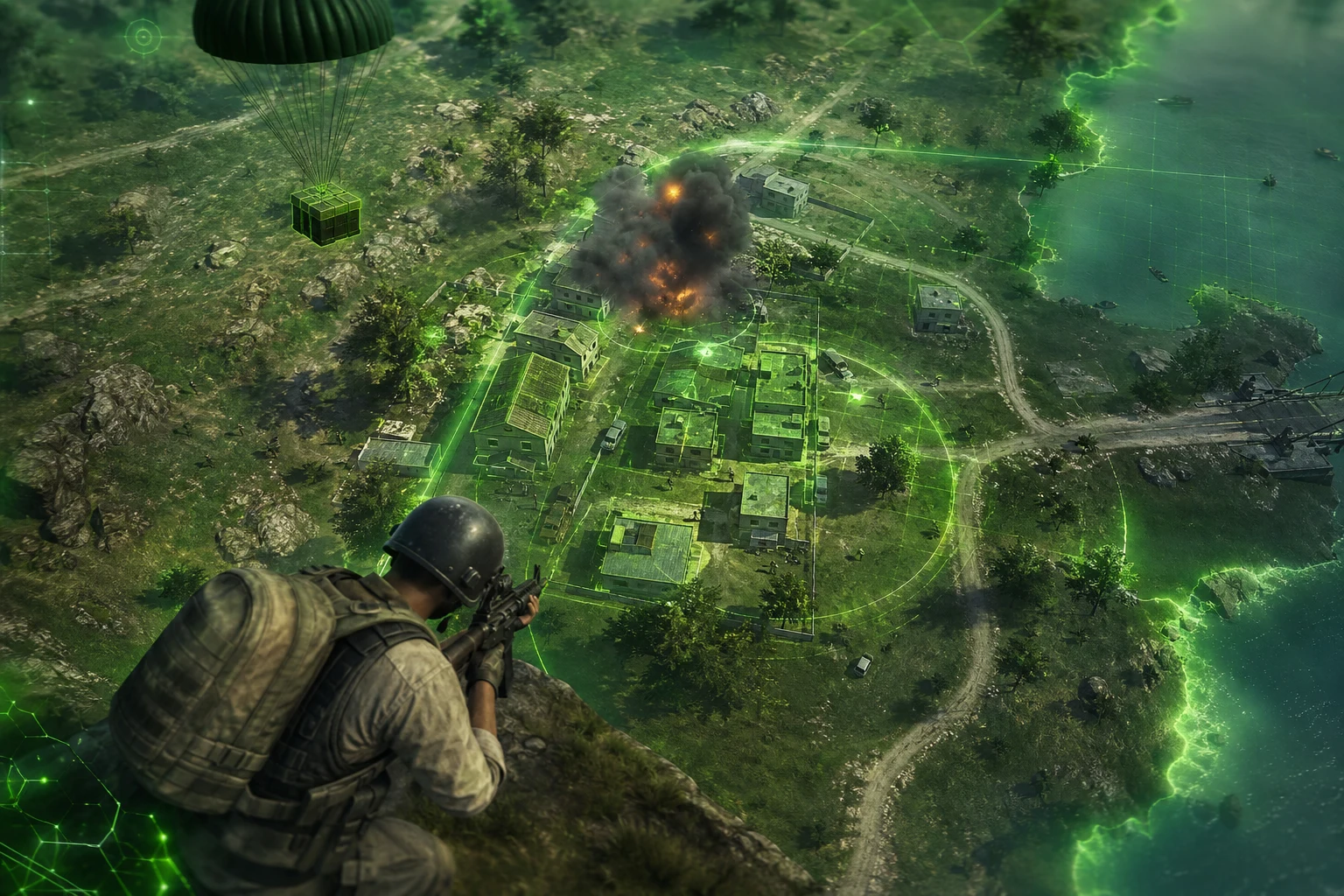
S Tier encompasses features that directly and decisively affect match outcomes, creating an almost impossible-to-close gap against rivals. Each feature in this category scored maximum points in at least three of the four criteria above.
Real-Time ESP (Enemy Position Overlay)
Undisputedly S Tier. Seeing behind walls, inside buildings, and inside vehicles in real-time eliminates all "surprise" mechanics in PUBG Mobile. Knowing that 3 people are inside a house as you approach the door, that one has 20% health, and that two are looking at you — making the decision to enter or not with this information completely changes match dynamics. ForceCheat's ESP module stands at the top of this category with its multi-layered overlay system capable of displaying name, distance, HP, and equipment layers simultaneously on enemies. Especially in final circles with 50 people, seeing every enemy's position on the map in real-time dramatically increases your Chicken Dinner rate.
Aimbot (Automatic Aiming System)
The second major player in S Tier. Especially in long-range firefights and against fast-moving targets, aimbot significantly improves both hit rate and TTK (Time To Kill). The important detail: a good aimbot isn't just "lock onto target" but a system capable of simulating human-like aiming movement with adjustable FOV (target detection angle), bone selection (head/body/legs), and smoothness values. Keeping the FOV value narrow at 10-15 degrees provides both natural appearance and high precision. NixLoop Full package combines aimbot and ESP in a single interface and allows you to configure both independently, offering a fully-equipped solution.
Wallhack (Wall Vision)
Wallhack, a fundamental component of ESP, is the third pillar of S Tier. Even the basic wall-seeing function alone — without overlay, name, or HP — provides a massive advantage in position determination. Especially in dense building areas like Pochinki, School, and Georgopol, playing without wallhack is like driving a car with your eyes closed. With wallhack, your speed and safety in clearing these areas increases exponentially.
A Tier: High-Value, Nearly Essential Features
A Tier features don't directly determine match outcomes but enable a player using S Tier tools to reach full potential. Without these features, even S Tier tools operate at 60-70% efficiency.
No Recoil (Zero Recoil)
Especially on high-recoil weapons like M416, AKM, and Beryl M762, no recoil ensures every bullet goes exactly where you aim. Normally, controlling the recoil of these weapons requires hundreds of hours of training; with no recoil, you completely skip this learning curve. Using AKM with M416 precision in long-range firefights becomes possible. Value score: 82/100.
Speed Hack (Movement Speed Increase)
Speed hack provides critical advantage in circle closing, looting position, and cutting off enemy rotation points. Especially in final 10-person circles, halving the time needed to secure position directly affects survival rate. This is a feature that requires careful use: at very high values (3x and above) it can create visual abnormalities; values between 1.3x-1.5x are both effective and visually natural.
Item ESP (Item Vision)
While not as critical as enemy ESP, item ESP dramatically speeds up loot collection, especially early game. Knowing exactly where the nearest AWM, M24, or Level 3 equipment is the moment it drops gives you a constant edge in the loot race. Landing at Mylta Power or Georgopol on Erangel with item ESP, you can exit fully equipped in 30 seconds.
B Tier: Situationally Valuable Features
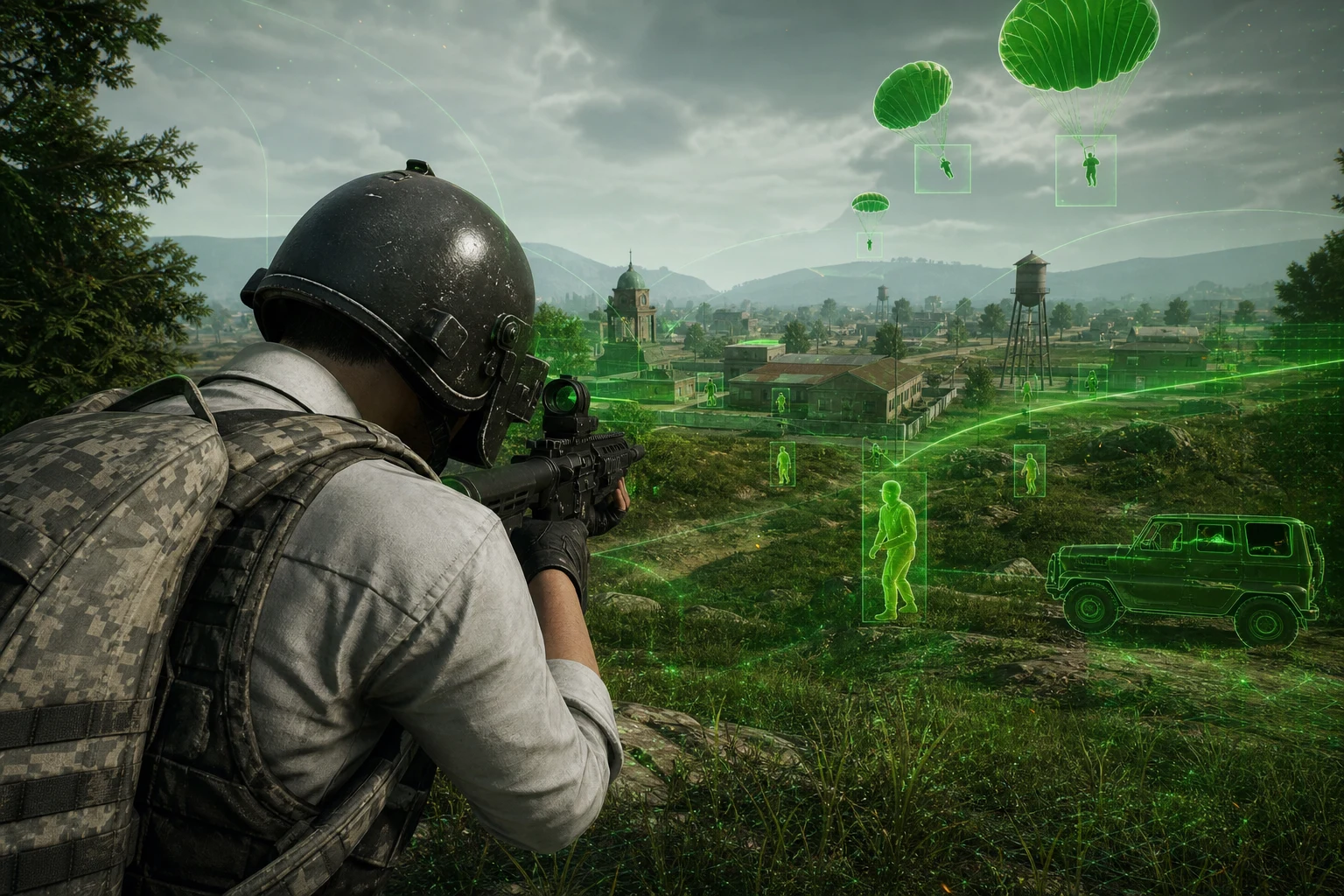
B Tier features aren't universal; they provide advantages specific to certain playstyles or scenarios. If your playstyle aligns with these features, you can use them at A Tier value.
Vehicle ESP (Vehicle Vision)
Seeing all vehicle locations on the map provides significant convenience in circle closing planning, especially on large maps (Miramar, Vikendi). However, on smaller maps or dense areas like Sanhok, vehicle ESP's match impact is limited. Players who play vehicle-focused and make fast rotations can rate this in the upper band of B Tier.
Radar Hack (Mini Map Enhancement)
Seeing all enemies as dots on the mini map is valuable for team coordination, especially in Squad mode. However, since ESP already provides this information on screen, radar hack alone stays in B Tier. Combined with ESP, it approaches A Tier.
No Grass (Grass Removal)
Especially in Erangel's open areas, no grass is extremely effective for detecting prone enemies. With grass removed, lying players become visible to the naked eye. When used with ESP, this feature's value decreases (ESP already shows them), but as a standalone option, it's a strong B Tier choice.
C Tier: Niche Usage Scenarios
C Tier features aren't completely useless, but their match impact is limited or dependent on very specific scenarios compared to the categories above.
Auto Loot
Automatically collecting items within a certain radius theoretically saves time, but in practice, this feature's impact on PUBG Mobile's loot mechanics is limited. Combined with item ESP, you can already prioritize the most valuable items; auto loot provides no additional advantage.
Bullet Trace (Bullet Trail Vision)
Detecting incoming fire direction through bullet trails is something experienced players already do through sound and damage direction. For a player with ESP, this feature becomes unnecessary.
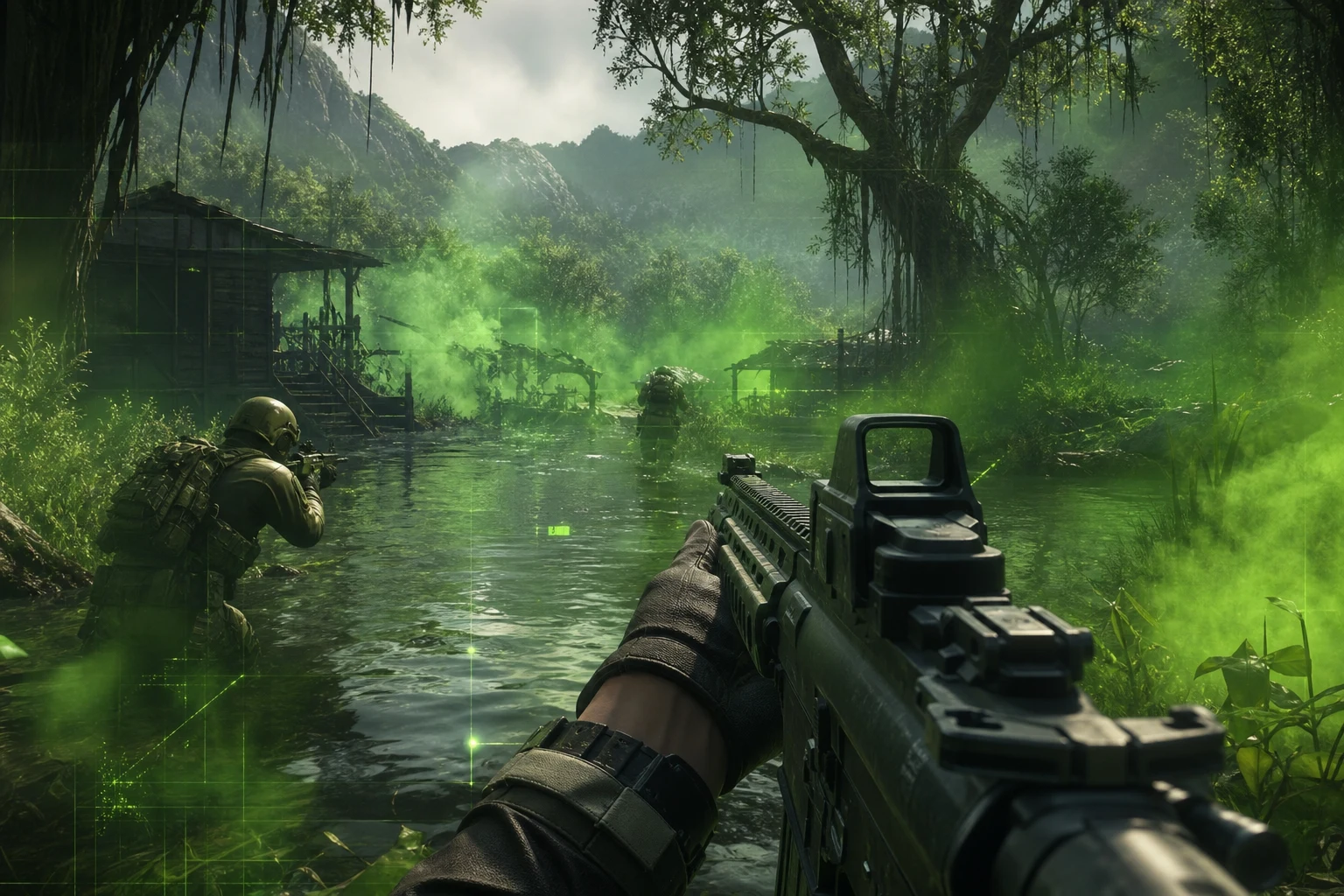
ForceCheat Product Comparison: Which Package Suits You?
Knowing the features in the tier list is good, but choosing the right package that combines these features is even more important. ForceCheat's products in the PUBG Mobile GameLoop catalog directly align with this tier list.
Cougar Bypass: Safe Entry Point
Cougar Bypass is a bypass solution specially developed to overcome PUBG Mobile's anti-cheat system. This package includes basic ESP and wallhack features, runs stably on GameLoop emulator, and remains undetected with regular updates. It's the ideal starting point for those new to cheating or wanting to test bypass quality first. Installation takes approximately 10-15 minutes; a step-by-step guide is included with the package.
NİX Bypass: Mid-Level Full Control
NİX Bypass is an upgraded version of Cougar. It offers advanced bypass algorithms and a broader feature set. ESP layers are more detailed: enemy direction, equipment class, and movement speed information are also added to the overlay. For regular players wanting to climb ranks, this package is in the strongest position for price-to-performance balance.
NixLoop Lite and Full: Premium Experience
NixLoop Lite is a lightweight package optimized for ESP-focused users. It provides maximum visibility while using system resources at minimum levels — an important advantage considering GameLoop's already resource-intensive nature. NixLoop Full combines all S Tier features — ESP, aimbot, wallhack, no recoil — in a single package. For those wanting serious rank jumps or tournament preparation, this is the most comprehensive option.
Installation on GameLoop: Quick Step-by-Step Guide
Installation of ForceCheat products on GameLoop is a standard process. The general flow works as follows:
Pre-Preparation
1. Keep GameLoop emulator on the current version. Older versions may create incompatibilities with certain injection methods.
2. Temporarily disable Windows Defender and third-party antivirus software — cheat files can trigger false positives in signature-based scans.
3. Download the package you purchased from ForceCheat and extract it from the archive. Place the folder on your desktop.
4. Run GameLoop as administrator (right-click → Run as administrator).
Injection Process
5. Start PUBG Mobile within GameLoop and reach the main menu.
6. Run the ForceCheat loader as administrator.
7. The loader automatically detects the GameLoop process. Click the "Inject" button.
8. After successful injection, the in-game overlay menu opens (usually with INSERT or HOME key).
9. Open/close ESP, aimbot, and other modules from the menu and adjust their values.
10. If you encounter installation issues, check our PUBG Mobile Cheat Installation Not Working: Step-by-Step Solution Guide.
Conclusion
ESP and related features in PUBG Mobile transform the game into a completely different experience. The S Tier trio of ESP, aimbot, and wallhack — when used with the right tool — makes you the most informed and effective player on the map. A Tier features support this trio and provide full efficiency. B and C Tier offer additional advantages depending on playstyle.
ForceCheat's PUBG Mobile GameLoop product family offers solutions corresponding to every layer of this tier list. You can choose from beginner level to fully-equipped packages based on your needs. You can start safely with Cougar Bypass or access all S Tier features in a single package with NixLoop Full.
If you're looking for similar advantages in other games, you can check out our complete PUBG Mobile GameLoop category or explore our Valorant cheat category. For more information about different strategies and tools in different games, also check our Battlefield 6 final circle guide and Rainbow Six Siege Triggerbot article.
Your next Chicken Dinner awaits.
Frequently Asked Questions (FAQ)
What's the difference between PUBG Mobile ESP and wallhack?
Wallhack is a basic feature that lets you see players behind walls. ESP is a more advanced system that includes wallhack and adds additional data layers like enemy name, HP bar, distance, equipment information, and movement direction to the overlay. ESP is a superset of wallhack; wallhack is a component of ESP.
How to get 120 FPS on GameLoop?
For 120 FPS on GameLoop, first enable "High Frame Rate" mode in emulator settings. Then go to Graphics settings within PUBG Mobile and set frame rate to "Ultra". Your PC's GPU must support this speed (GTX 1060 and above recommended). Some ForceCheat packages also include additional settings for GameLoop FPS optimization.
How to get free UC?
For free UC, you can follow PUBG Mobile's official events, mission rewards, and seasonal promotions. However, rather than spending UC for cosmetic advantage, investing directly in cheat tools that provide performance increases is much more efficient. Skins and cosmetics don't kill you; ESP does.
Which GameLoop versions do ForceCheat products work on?
ForceCheat products are regularly updated to be compatible with current stable versions of GameLoop. After purchase, the product page contains supported version information. For the most current information, you can contact ForceCheat support.
What settings give the best results when using ESP?
For general use, setting ESP distance limit to 300-400 meters is recommended — if set too wide, the screen can become cluttered with information. Always enable the HP bar; prioritizing low-HP enemies makes decision-making easier. If using aimbot, keeping FOV value between 10-15 degrees and smoothness between 5-7 provides both effective and natural-looking aiming movement.
What other games can I find cheats for on ForceCheat besides PUBG Mobile?
Besides PUBG Mobile, ForceCheat also offers cheat solutions for Valorant and League of Legends. For each game, there are separate bypass and feature packages specifically designed for that game's anti-cheat system.
Share this post
PUBG Mobile Cheat Installation Not Working: Step-by-Step Solution Guide
Unturned Survival Strategies: 2026 Complete Guide
// related posts
Related Posts
Marvel Rivals Aimbot Experience: The Path to Quick Wins
Discover how aimbot and other cheat tools work in Marvel Rivals, which features will give you the edge, and how to choose the right tool for your playstyle.
October 9, 2026
Rust ESP Map Control: Seeing Enemy Positions in Advance
Master map control in Rust using ESP to see enemy positions beforehand. Discover optimal settings, profiles, and strategies for dominating the game in this comprehensive guide.
October 8, 2026
PUBG Final Circle: Best Settings and Strategies to Win
Struggling in PUBG's final circle? Master the right cheat settings and configurations to turn every endgame in your favor. Complete guide to dominating the final zone.
October 8, 2026