
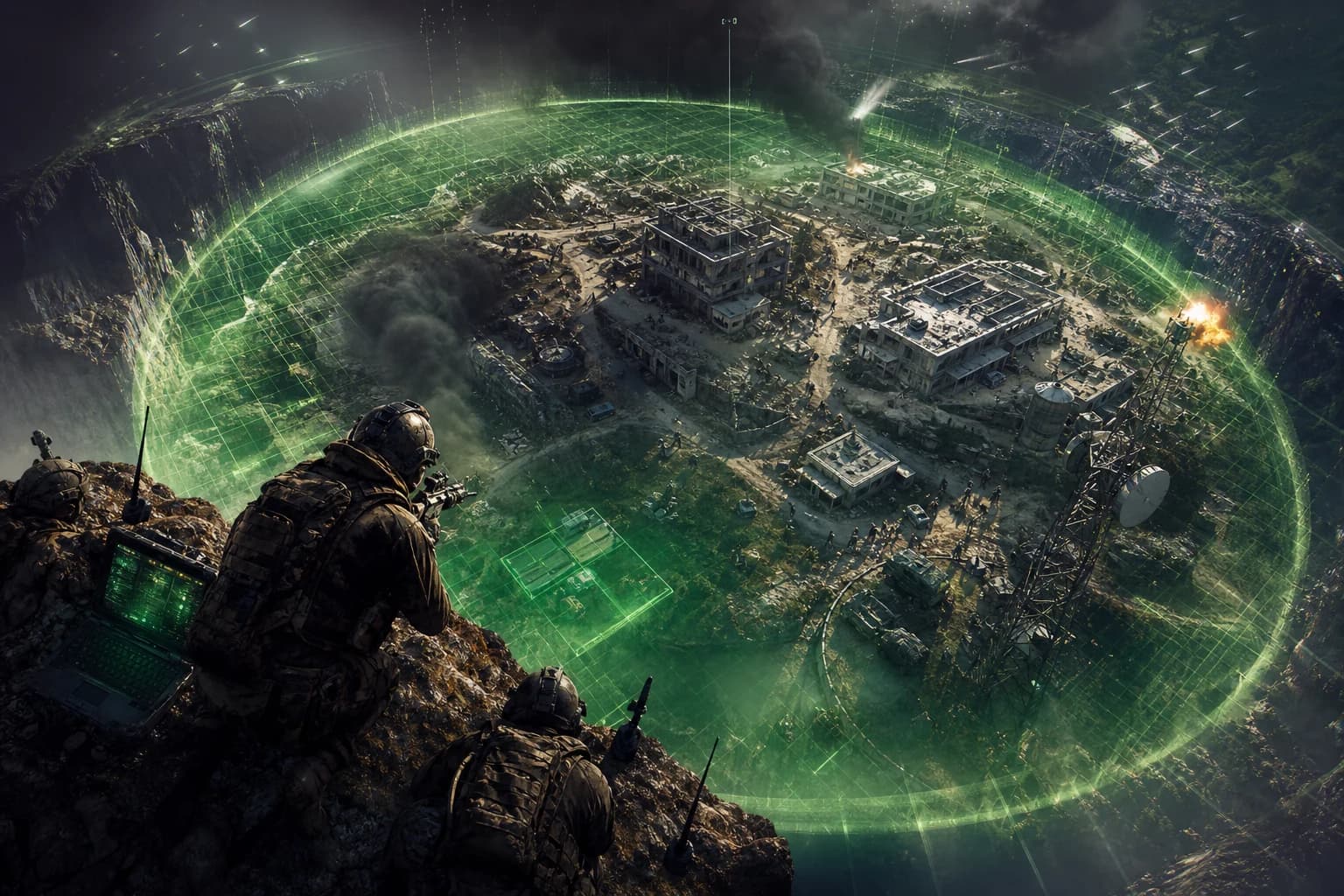



Battlefield 6 Redsec Final Circle Cheats: Complete Configuration Guide
- Introduction: The Final Circle, Where the Real Battle Begins
- Redsec Final Circle Dynamics: Why Different Settings Are Required
- Vehicle Density and Threat Priority
- Aimbot Response Time Under Circle Pressure
- Position Change Speed and Target Lock
- Aimbot Settings: Optimal Configuration for Final Circle
- Headshot vs. Body Target: Final Circle Decision
- Multiple Target Scenarios
- ESP and Visual Settings: Separate Information from Noise
- Reading Position Behind Walls
- Performance and Stability Settings
- System Optimization for Low Latency
- Profiles by Playstyle
- Profile 1: Aggressive — "Final Circle Hunter"
- Profile 2: Balanced — "Calculated Fighter"
- Profile 3: Cautious — "Position Master"
- Safe Usage: How to Stay Undetected
- Behavioral Naturalness Settings
- Session Duration and Performance Consistency
- Update Tracking
- Common Configuration Mistakes
- Mistake 1: Setting FOV Too High
- Mistake 2: Leaving All ESP Layers Active
- Mistake 3: Setting Smooth Value to Zero
- Mistake 4: Setting Target Priority to "Lowest HP"
- Mistake 5: Continuing to Use Software Without Updating
- Conclusion
- Frequently Asked Questions (FAQ)
- How do I download Battlefield 6 Redsec?
- Which cheat features work best in Redsec?
- What should aimbot smooth value be?
- How often are ForceCheat products updated?
- Is ESP or aimbot more important in final circle?
- How does cheat software help against vehicle threats in Redsec?
- Do you have cheats for other games like Dead by Daylight?
Introduction: The Final Circle, Where the Real Battle Begins
Making it through 80% of a Redsec match without issues, only to get eliminated in the final circle — this is the exact disappointment thousands of BF6 players experience every day. You survive the wide map areas, position yourself, coordinate with teammates; but as the circle shrinks, everything becomes chaotic. A single headshot from distance, an enemy finding you in open terrain, or a rival rounding a corner and pulling the trigger before you — and the match is over. Back to the start.
Battlefield 6's Redsec mode combines classic battle royale dynamics with the series' signature large maps and vehicle systems. This combination makes the final circle far more intense and multi-layered than other battle royale games. You must simultaneously handle infantry combat, vehicle threats, and constant area pressure. Managing these three pressures at once with a standard gaming experience is extremely difficult.
This is where properly configured cheat software comes in. But here's the critical point: simply launching cheats and entering a match isn't enough. Incorrectly configured aimbot can make you react slower than rivals in the final circle, not faster. Overly aggressive ESP settings can clutter your screen with information noise. Wrong target priority can lock onto the nearest enemy instead of the most dangerous one, leaving you exposed.
In this guide, we cover cheat settings specifically optimized for Battlefield 6 Redsec's final circle dynamics, profile-based configurations, and common setup mistakes. For maximum efficiency with the products we offer in our Battlefield 6 & Redsec cheat category, this guide will be your starting point. Using settings without understanding them is like deploying a powerful weapon with wrong configuration — the potential is there, but the result is disappointment.
After reading this guide, you'll see clearly that winning in the final circle depends on system, not luck.
Summary: To win in Battlefield 6 Redsec's final circle, set aimbot precision to 2.8–3.5 FOV range, limit ESP to vehicle + player layers, set target priority to "closest threat" instead of "lowest HP". Choose aggressive, balanced, or cautious profile based on your playstyle.
Redsec Final Circle Dynamics: Why Different Settings Are Required
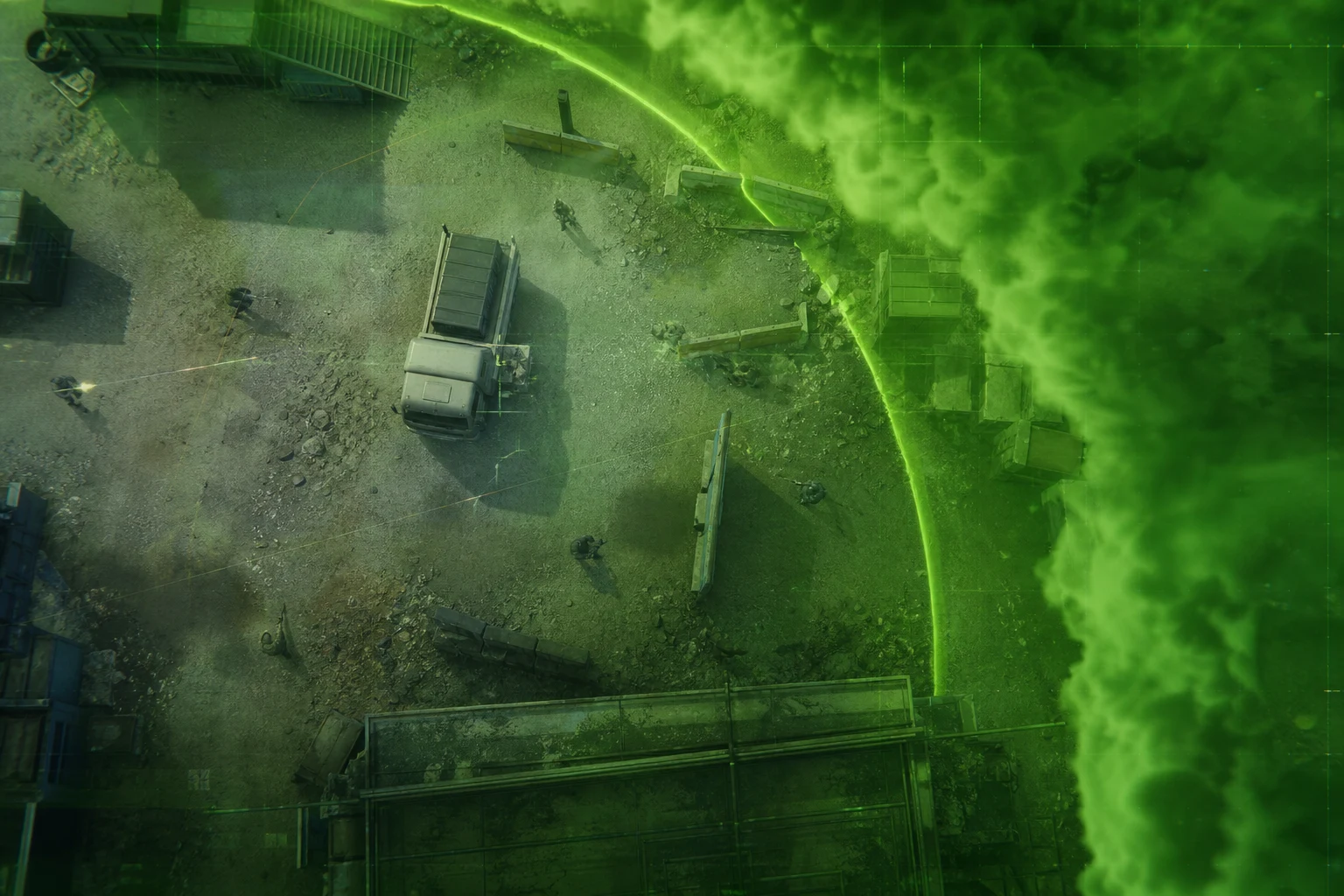
There are several fundamental dynamics that distinguish Redsec from other battle royale modes, and these dynamics directly affect how cheat software must be configured. When you enter the final circle, the map is no longer large; 6 to 15 players are crammed into a 150–200 meter area. At this scale, every millisecond and every pixel makes a difference.
Vehicle Density and Threat Priority
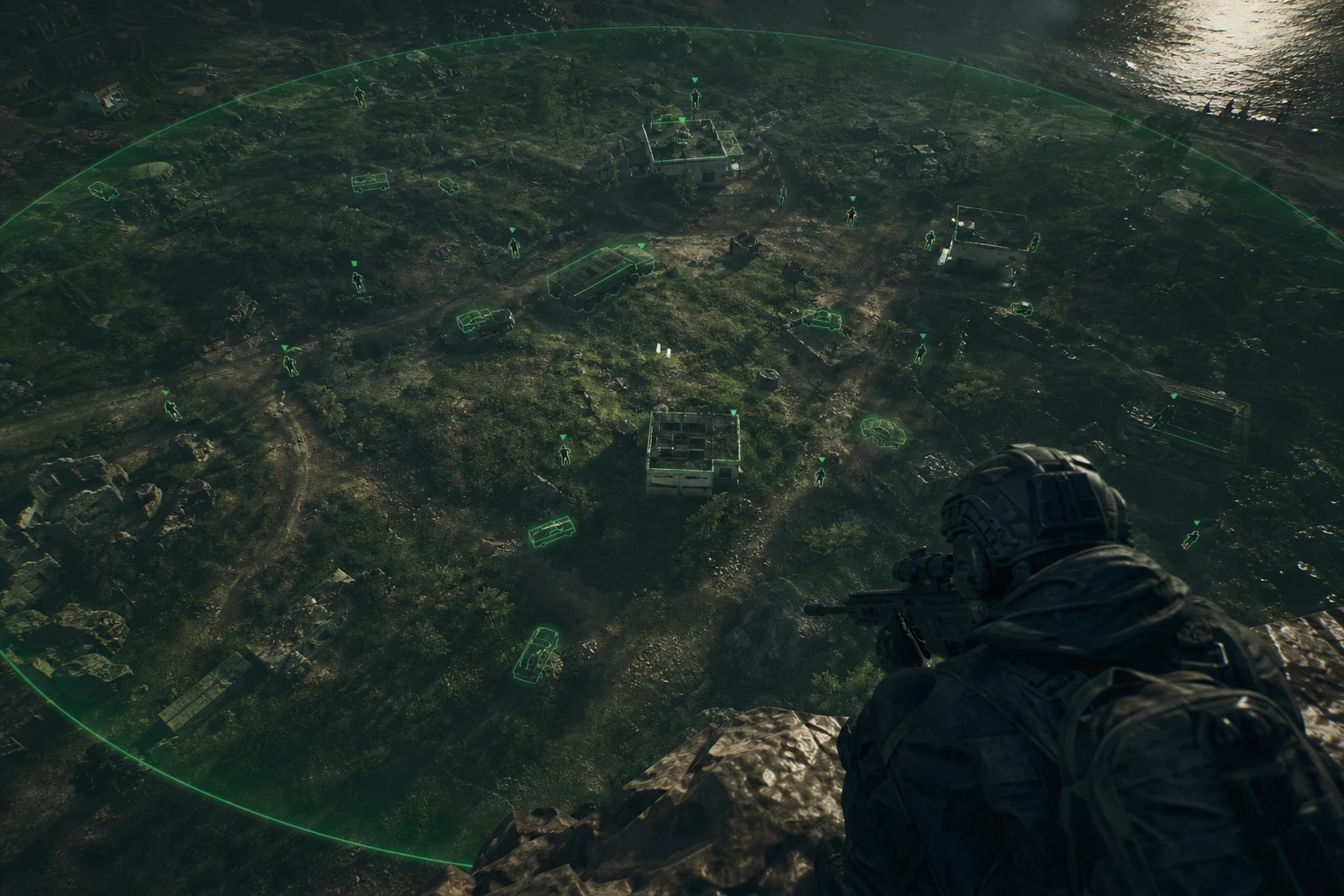
BF6's most distinctive feature is vehicles. The presence of an IFV or helicopter in the final circle changes the entire equation. If standard ESP setup shows vehicles and infantry at the same priority level, information boxes will appear everywhere on screen and you might miss the real threat. This is why using a separate layer and color code for vehicle detection is one of the fundamental conditions for surviving the final circle.
Aimbot Response Time Under Circle Pressure
As the circle shrinks, enemies move both closer and much faster. An aimbot smooth value optimized for 300–400 meter distances on wide maps will be too slow for the 50–80 meter close-quarters of the final circle. You need to lower the smooth value — but setting it to zero also looks unnatural. This balance is the most critical point of Redsec final circle settings.
Position Change Speed and Target Lock
In the final circle, players constantly change positions. An enemy rounding a corner appears and disappears within half a second. In this scenario, correctly setting aimbot's target loss tolerance — how long the lock continues after the enemy leaves your field of view — directly determines the outcome.
Aimbot Settings: Optimal Configuration for Final Circle
Aimbot is the heart of cheat software. But if the heart doesn't beat right, everything collapses. The table below shows tested values for Redsec final circle conditions. These values are specifically optimized for 50–150 meter distance ranges against fast-moving targets.
| Setting | Recommended Value | Why |
|---|---|---|
| FOV (Target Area) | 3.0–3.5 | Prevents unnecessary target jumping in the final circle's narrow area |
| Smooth (Smoothing) | 6–8 | Provides natural appearance, doesn't feel like instant lock |
| Target Bone | Chest / Neck | Headshot not always guaranteed; chest provides wider target area |
| Target Priority | Closest Threat | In the final circle, the most dangerous enemy is the closest one |
| Target Loss Tolerance | 0.3 sec | Provides brief lock continuation for enemies rounding corners |
| Vehicle Player Lock | Active | Targets enemies inside vehicles, reduces IFV threat |
| Aim Key | Right Click (ADS) | Only activates during active aiming, increases naturalness |
Headshot vs. Body Target: Final Circle Decision
Many players automatically set aimbot to headshot mode. But in Redsec's final circle, this approach can slow you down. Tracking a fast-moving enemy's head requires much more calculation than tracking their chest, and if smooth value is high, this manifests as lag. Recommendation: Chest/neck at medium range, switch to headshot mode below 30 meters. You can automate this with "automatic bone selection by range" feature.
Multiple Target Scenarios
When encountering a 3–4 person group in the final circle, how aimbot transitions between targets is critical. "Closest threat" priority is the golden rule here. Increasing FOV value above 3.5 causes aimbot to encompass multiple enemies simultaneously and swing between them — this is both visually abnormal and practically inefficient.
ESP and Visual Settings: Separate Information from Noise
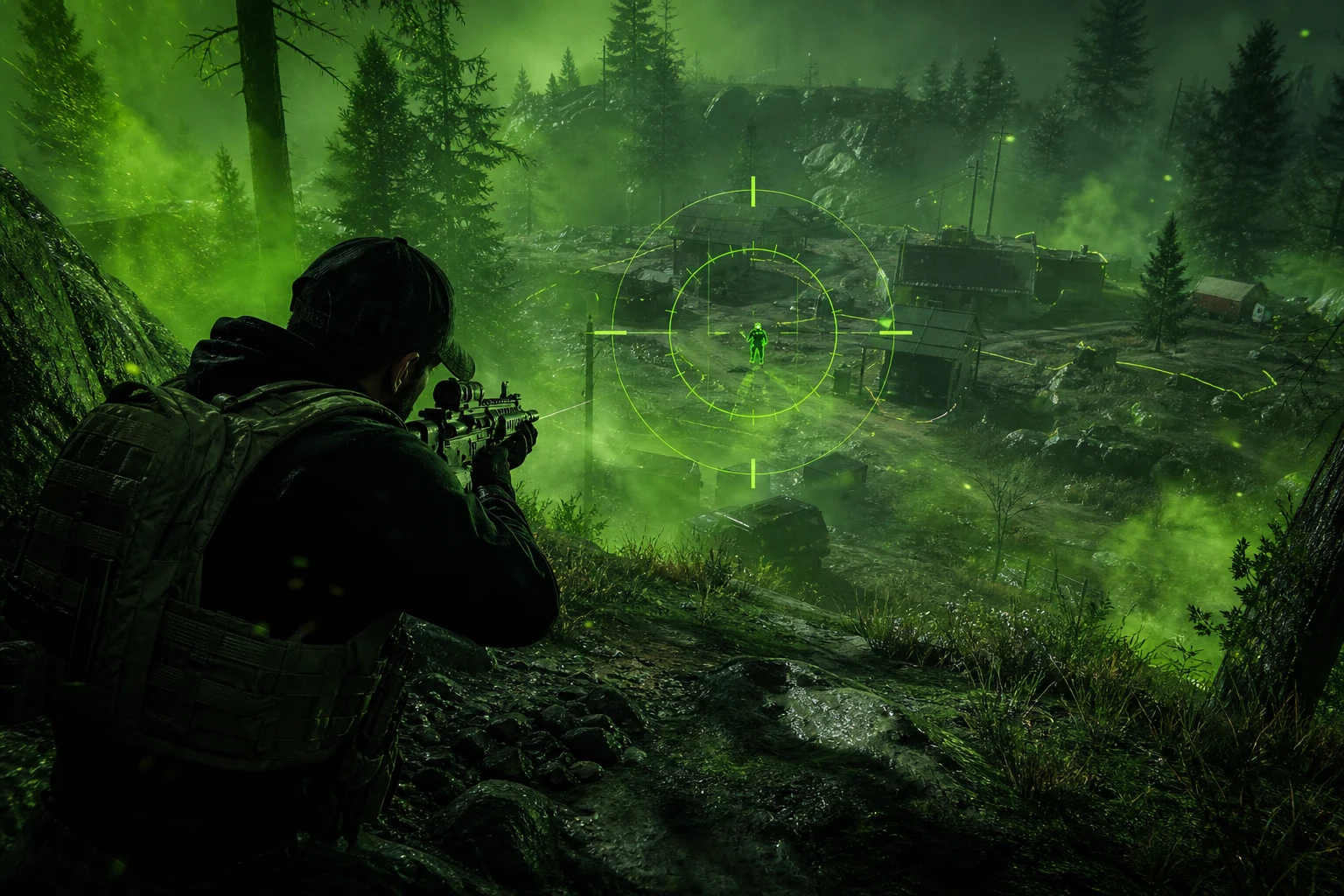
In the final circle, ESP's purpose isn't to show you everything, but to show you the right thing at the right time. Considering 10–15 active players and 3–5 vehicles possible in Redsec's final circle area, leaving all ESP layers active makes the screen unreadable.
| Setting | Recommended Value | Why |
|---|---|---|
| Player ESP Distance | Max 200 m | Beyond 200 m in final circle is already outside the circle |
| Vehicle ESP | Active, Separate Color (Red) | Instantly notice IFV/helicopter threat |
| HP Display | Percentage + Color Scale | Allows you to prioritize low HP targets |
| Skeleton ESP | Active | Critical for reading position behind walls |
| Equipment/Loot ESP | Off | No loot collection in final circle, reduce screen clutter |
| Teammate ESP | Blue, Minimal | Prevents friendly fire, provides position awareness |
| Aim Line (Snapline) | Off | Creates unnecessary visual clutter in final circle |
Reading Position Behind Walls
The most valuable information in the final circle is this: is the enemy behind a wall, about to round a corner, or rushing toward you? Skeleton ESP answers this question. The enemy's leg position tells you they're approaching, their head direction shows which way they're looking. Being able to read these two pieces of information keeps you one step ahead in corner fights every time.
Performance and Stability Settings
Improperly configured cheat software can cause FPS drops, input lag, and even game crashes. Especially in the final circle, these issues lead to instant elimination. The following settings ensure the software places minimum load on game performance.
| Setting | Recommended Value | Why |
|---|---|---|
| Render Loop Rate | Sync with 128 Hz | Works synchronized with server tick rate |
| ESP Update Speed | 60 FPS sufficient | 144 Hz creates unnecessary CPU load |
| Memory Read Mode | External | Minimizes interference with game process |
| Background CPU Priority | Low | Don't sacrifice game FPS for software |
| Overlay Transparency | 85% | Readable but doesn't block game image |
System Optimization for Low Latency
Beyond software settings, you need to take several steps on the system side. Turn off "Game Mode" in Windows — this mode sometimes unexpectedly restricts background processes. Keep your GPU driver updated and set NVIDIA's "Low Latency Mode" to "Ultra". This combination can reduce input-to-screen latency to 5–8 ms. In the final circle, this difference can be the boundary between survival and elimination.
Profiles by Playstyle
Every player enters the final circle with a different approach. Some make aggressive pushes keeping rivals under pressure, others position and wait for opportunity. The following three profiles offer configurations optimized for these different playstyles.
Profile 1: Aggressive — "Final Circle Hunter"
This profile is for players who make active pushes in the final circle, engage in corner fights, and want to win with high kill counts. Aimbot response time is maximized, smooth value kept low.
- FOV: 4.0 — wider target capture area
- Smooth: 4 — fast lock, aggressive fights
- Target Bone: Head — high damage, quick elimination
- ESP Distance: 250 m — learn enemy position before push
- Vehicle ESP: Active, priority alert
When to use: When fewer than 8 players remain in final circle and you have open terrain advantage.
Profile 2: Balanced — "Calculated Fighter"
The recommended profile for most players. Neither too aggressive nor too passive. Configuration that adapts to any situation, works efficiently in both push and rotation scenarios.
- FOV: 3.0–3.5
- Smooth: 7
- Target Bone: Chest/Neck
- ESP Distance: 200 m
- HP Display: Active — take low HP target first
When to use: When 6–10 players remain in final circle, mixed terrain structure.
Profile 3: Cautious — "Position Master"
For players operating from high buildings or strong door positions, waiting for enemies to eliminate each other, and winning with last-moment moves. ESP-heavy, aimbot in minimal intervention mode.
- FOV: 2.5 — only direct threats
- Smooth: 10 — maximum naturalness
- Target Bone: Chest
- ESP Distance: 300 m — wide area awareness
- Loot ESP: Off
When to use: In final circle locations with buildings, when team play is available.
Safe Usage: How to Stay Undetected
ForceCheat's Battlefield 6 Redsec products come with continuously updated protection layers against detection systems. But supporting the software's protection with your usage habits is the key to long-term trouble-free experience.
Behavioral Naturalness Settings
Anti-cheat systems now analyze not just software signatures but player behavior. This is why never lower smooth value below 3 — at these values, aimbot movement doesn't match human physiology. Similarly, instead of keeping aimbot constantly active, have it activate only during ADS (aiming). This setting both provides more natural appearance and prevents unnecessary data generation.
Session Duration and Performance Consistency
Abnormally high K/D ratios in the same session can trigger statistic-based detection algorithms. Especially avoid showing very high performance in low-rank lobbies. Regularly follow the undetected status notes published with each update on ForceCheat's Redsec product page.
Update Tracking
EA's anti-cheat updates come at irregular intervals. Instead of jumping into a match immediately after a major patch, wait for ForceCheat's update notification. This brief wait period provides a much smoother experience long-term.
Common Configuration Mistakes
Wrong configurations can cut software potential in half. Here are the most common configuration mistakes in Redsec final circle and how to fix them:
Mistake 1: Setting FOV Too High
When FOV is set to 6.0 and above, aimbot encompasses multiple enemies simultaneously and swings between targets. In the final circle's narrow area, this means constantly changing targets and failing to effectively eliminate any of them. Solution: Keep FOV in the 3.0–4.0 range.
Mistake 2: Leaving All ESP Layers Active
Loot, vehicles, players, teammates, ammunition — turning all on simultaneously makes the screen unreadable. In the final circle, only player and vehicle ESP is sufficient. Everything else is noise.
Mistake 3: Setting Smooth Value to Zero
At smooth 0 or 1, aimbot locks onto target instantly and mechanically. This movement doesn't match human physiology and is an open signal for behavioral analysis systems. Minimum 5, ideal 6–8 range is both performant and natural.
Mistake 4: Setting Target Priority to "Lowest HP"
It sounds logical: eliminate the weak one first. But in the final circle, the lowest HP enemy might be behind you, not a threat to you. "Closest threat" priority prioritizes the enemy actively targeting you or who can reach you fastest.
Mistake 5: Continuing to Use Software Without Updating
EA updates anti-cheat signatures with every major patch. Using an old software version means operating without protection. When update notification arrives, finish your match, update, then continue.
Conclusion
In Battlefield 6 Redsec, the final circle is the match's most intense, most chaotic, and most decisive moment. All the energy you spent surviving to this point can be wasted because of improperly configured cheat software. Or with correct settings, you can become a player who systematically wins that final circle every time.
Every setting group we covered in this guide — aimbot, ESP, performance, and security — complements each other. Changing a single parameter isn't enough; you need to think of the entire configuration as a whole. Whether aggressive profile, balanced profile, or cautious profile suits you best: start there, then fine-tune with detailed adjustments to match your playstyle.
The vehicle density, fast fights, and constant circle pressure that Redsec offers is an extremely difficult combination to manage with standard gaming experience. With correct cheat software and proper configuration, you turn this combination to your advantage. Now you're not under pressure — your rivals are.
As ForceCheat, the Battlefield 6 Redsec products we offer are kept current and undetected at all times with regular updates and active support team. To get started, check out our Battlefield 6 & Redsec cheat category and choose the package that best suits you. If you're looking for advantages in different games, you can also explore our Valorant cheat category or PUBG Mobile cheat category.
The final circle is no longer about luck, it's about system. And everything you need to use this system optimally is right here.
For similar configuration guides, check out our Rainbow Six Siege ESP settings guide and Rainbow Six Siege Triggerbot guide.
Frequently Asked Questions (FAQ)
How do I download Battlefield 6 Redsec?
Battlefield 6 Redsec can be downloaded free (F2P) through EA's official platforms. You can access Redsec mode by searching "Battlefield 6" on EA App or Steam. For cheat software, visit ForceCheat's Redsec product page; installation instructions are provided after purchase.
Which cheat features work best in Redsec?
The most critical features for final circle, in order: ESP (especially skeleton + HP display), aimbot (with smooth + FOV balance), and vehicle detection. Correctly configuring these three features makes more difference than all other extra features combined.
What should aimbot smooth value be?
For Redsec final circle, the 6–8 range is ideal. For aggressive playstyle you can go down to 4–5, but definitely never below 3. Very low smooth values both look unnatural and can trigger behavioral analysis systems.
How often are ForceCheat products updated?
ForceCheat products receive regular updates parallel to EA's game patches and anti-cheat updates. Updates are typically released within 24–48 hours during major patch periods. Follow the "Undetected Status" section on the product page for current status.
Is ESP or aimbot more important in final circle?
They complement each other but ESP takes priority. Without knowing where enemies are, aimbot is meaningless. Learn position with ESP, take position, then aimbot activates. Using only aimbot with ESP off is like fighting with eyes closed.
How does cheat software help against vehicle threats in Redsec?
Vehicle ESP shows an IFV or helicopter's position and movement in real-time. This way you see the vehicle before it sees you and adjust your route accordingly. In some advanced configurations, aimbot lock can even be applied to players inside vehicles.
Do you have cheats for other games like Dead by Daylight?
Yes. ForceCheat offers a comprehensive product range for different games. You can check our Dead by Daylight cheat guide or explore other games in our catalog.
Share this post
Rainbow Six Siege Triggerbot: Top 9 Features and Usage Tips
PUBG Mobile Cheat Installation Not Working: Step-by-Step Solution Guide
// related posts
Related Posts
Marvel Rivals Aimbot Experience: The Path to Quick Wins
Discover how aimbot and other cheat tools work in Marvel Rivals, which features will give you the edge, and how to choose the right tool for your playstyle.
October 9, 2026
Rust ESP Map Control: Seeing Enemy Positions in Advance
Master map control in Rust using ESP to see enemy positions beforehand. Discover optimal settings, profiles, and strategies for dominating the game in this comprehensive guide.
October 8, 2026
PUBG Final Circle: Best Settings and Strategies to Win
Struggling in PUBG's final circle? Master the right cheat settings and configurations to turn every endgame in your favor. Complete guide to dominating the final zone.
October 8, 2026