
Hunt Showdown Wallhack FAQ: Complete Guide to Enemy Positions
Answers to the most frequently asked questions about wallhack and ESP features in Hunt Showdown. How does seeing enemy positions in advance change your gaming experience?
Introduction: Wallhack and ESP Features in Hunt Showdown
Hunt: Showdown is a competitive survival game developed by Crytek, distinguished by its PvPvE dynamics and intense atmosphere that plunges players into a deep tension environment. Set in the Louisiana swamps, you must simultaneously combat both supernatural creatures and other hunters. Each match requires establishing a balance between strategy and speed; a single wrong move can mean all your efforts go to waste.
The game's core mechanics work as follows: You follow clues scattered across the map to find a boss (creature), kill it, and attempt to reach a safe extraction point with the reward. However, multiple hunter teams are on the map simultaneously, and all are after the same prize. This means every corner, every building, every bush harbors a potential threat. Knowing where your enemy is located is perhaps the most critical factor for survival and keeping the reward in Hunt Showdown.
This is precisely where wallhack and ESP (Extra Sensory Perception) features come into play. In this article, we comprehensively cover how wallhack and ESP features work in Hunt Showdown, what advantages they provide, the most frequently asked questions about ForceCheat's Hunt Showdown products, and how to use these features most efficiently. From installation to performance settings, from feature comparisons to FAQs, you'll find everything in this guide.
Hunt Showdown's maps are vast, structures are multi-story, and vegetation is dense. Solving this labyrinth without knowing your rivals' exact positions is both time-consuming and carries great risk. The wallhack feature provides you with a strategic advantage by making players visible beyond walls and obstacles. This guide explains step-by-step how to best utilize this advantage.
Summary: Hunt Showdown wallhack and ESP features allow you to see enemy positions in real-time. ForceCheat products offer these features in a stable and customizable manner; installation is simple, settings are flexible, and they fundamentally transform your gaming experience.
What is Hunt Showdown and Why is it So Challenging?
What kind of game is Hunt Showdown?
Hunt: Showdown is a survival shooter played in teams of 1-3 players, blending both PvE (player versus environment) and PvP (player versus player) elements. The basic objective is to find and kill a designated boss on the map and reach a safe extraction point with the reward. However, 5-6 teams simultaneously share the same objective. The sound design is extremely realistic; every footstep, every door, every animal sound carries a clue or threat signal. For this reason, both environmental awareness and the ability to predict rival team positions are critically important.
Why Are You at a Disadvantage Without Wallhack and ESP?
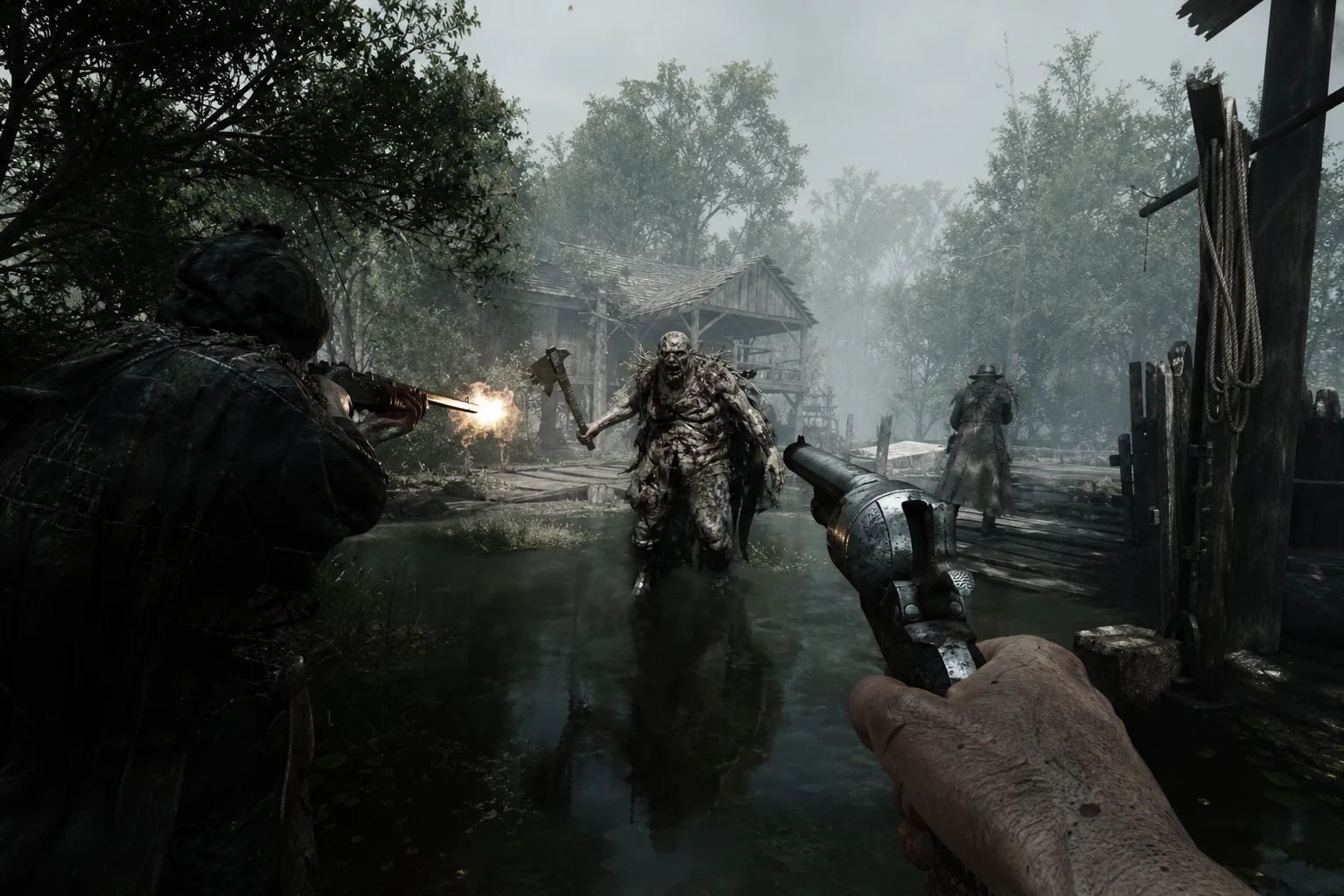
Hunt Showdown's maps—Stillwater Bayou and Lawson Delta—consist of dozens of buildings, narrow corridors, dense forest areas, and multi-story structures. Rival teams can sneak behind these structures and ambush you. With standard game mechanics, you must rely solely on audio cues and your field of view. The wallhack feature completely changes this equation: You can instantly see which floor, which room, and how many meters away the rival is. This information allows you to set up ambushes, perform flanking maneuvers, or avoid confrontation.
How Wallhack and ESP Features Work
What is ESP (Extra Sensory Perception)?
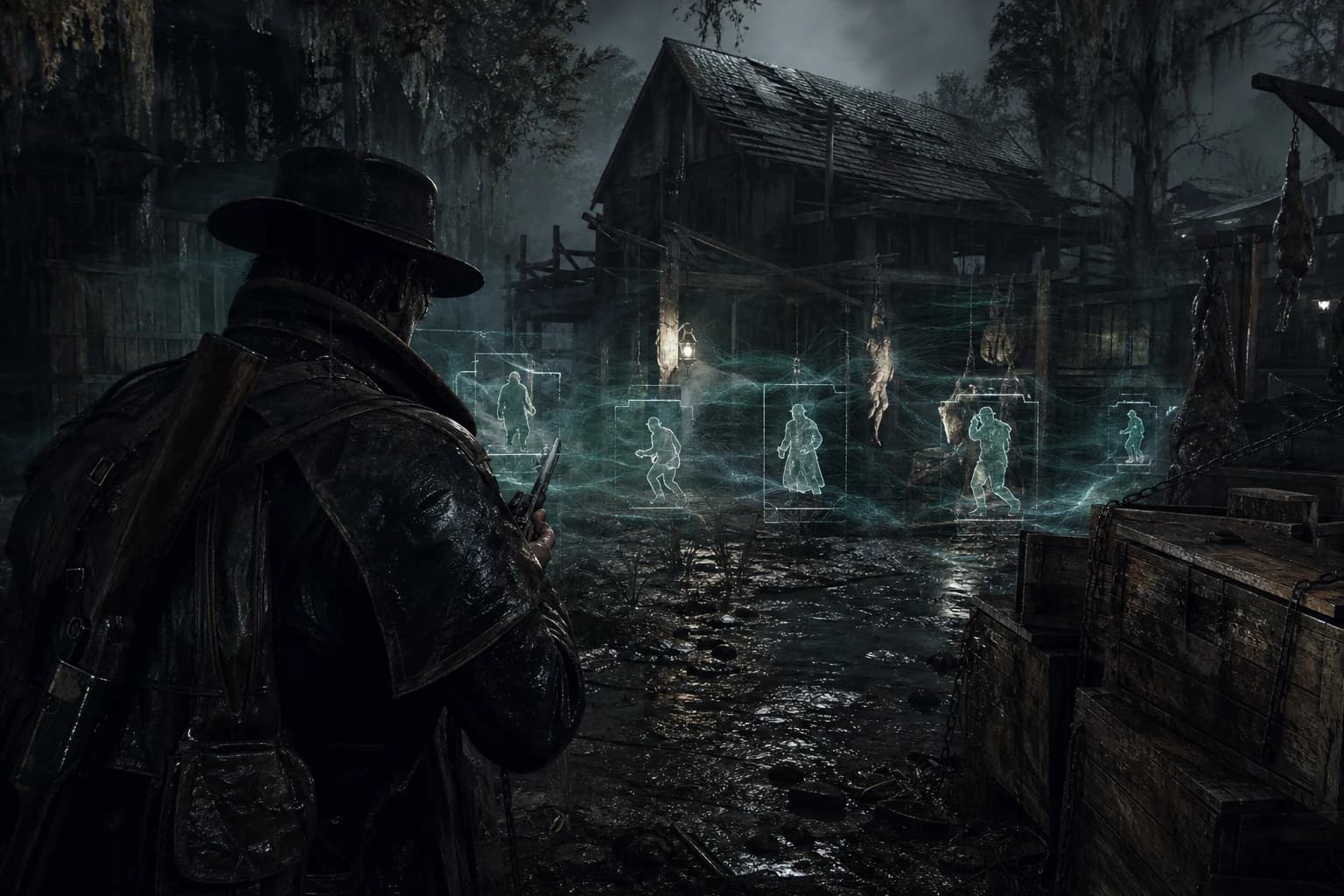
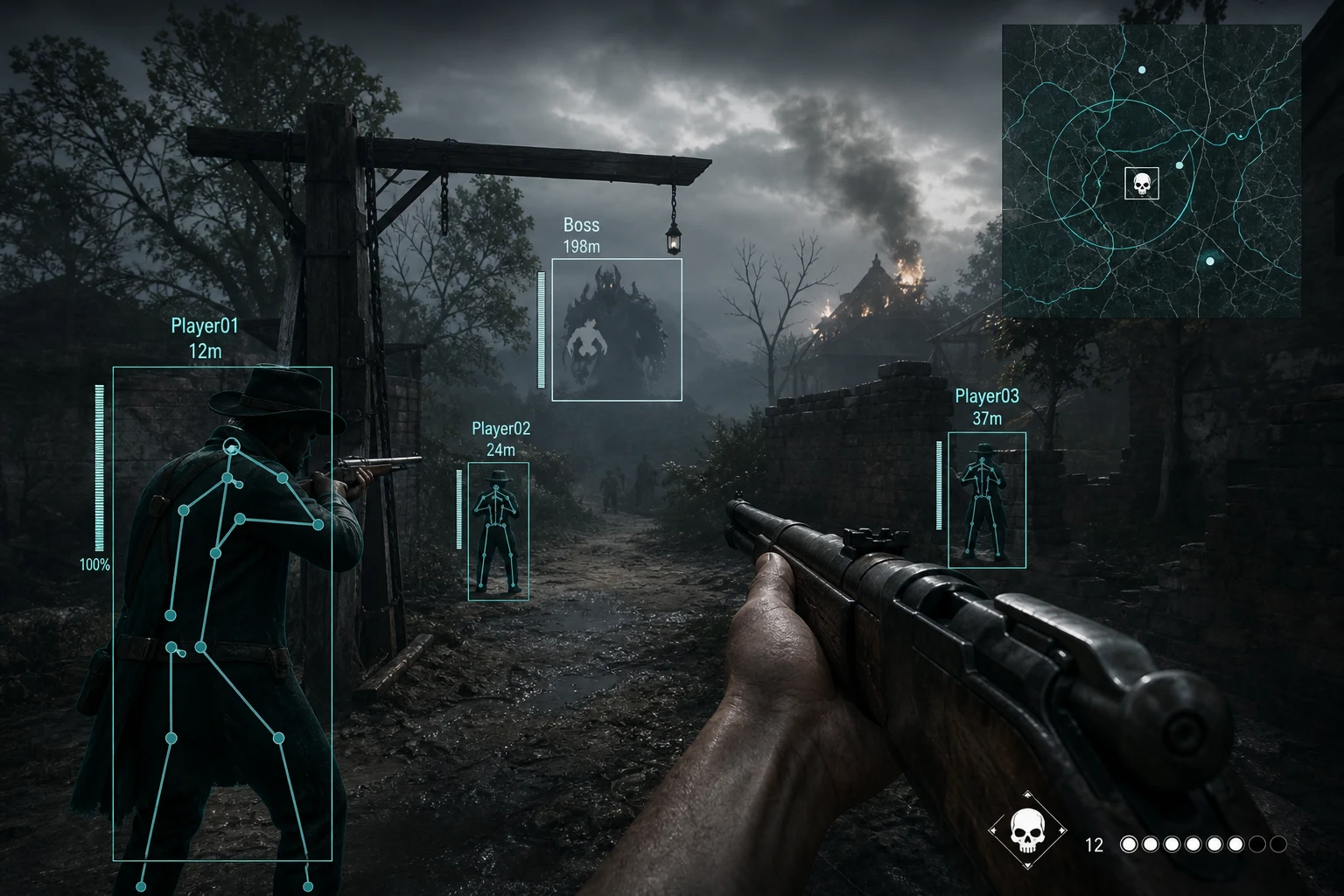
ESP can be thought of as a layer operating on top of the game's rendering engine. The game engine normally only shows you objects within your field of view; ESP bypasses this limitation by highlighting all player models, boss locations, equipment points, and sometimes traps on your screen. ESP solutions specifically developed for Hunt Showdown typically provide the following data: player name, distance (in meters), health status, equipped weapon, and movement direction. This information allows you to build a complete profile of your rival without even seeing them.
What's the Difference Between Wallhack and ESP?
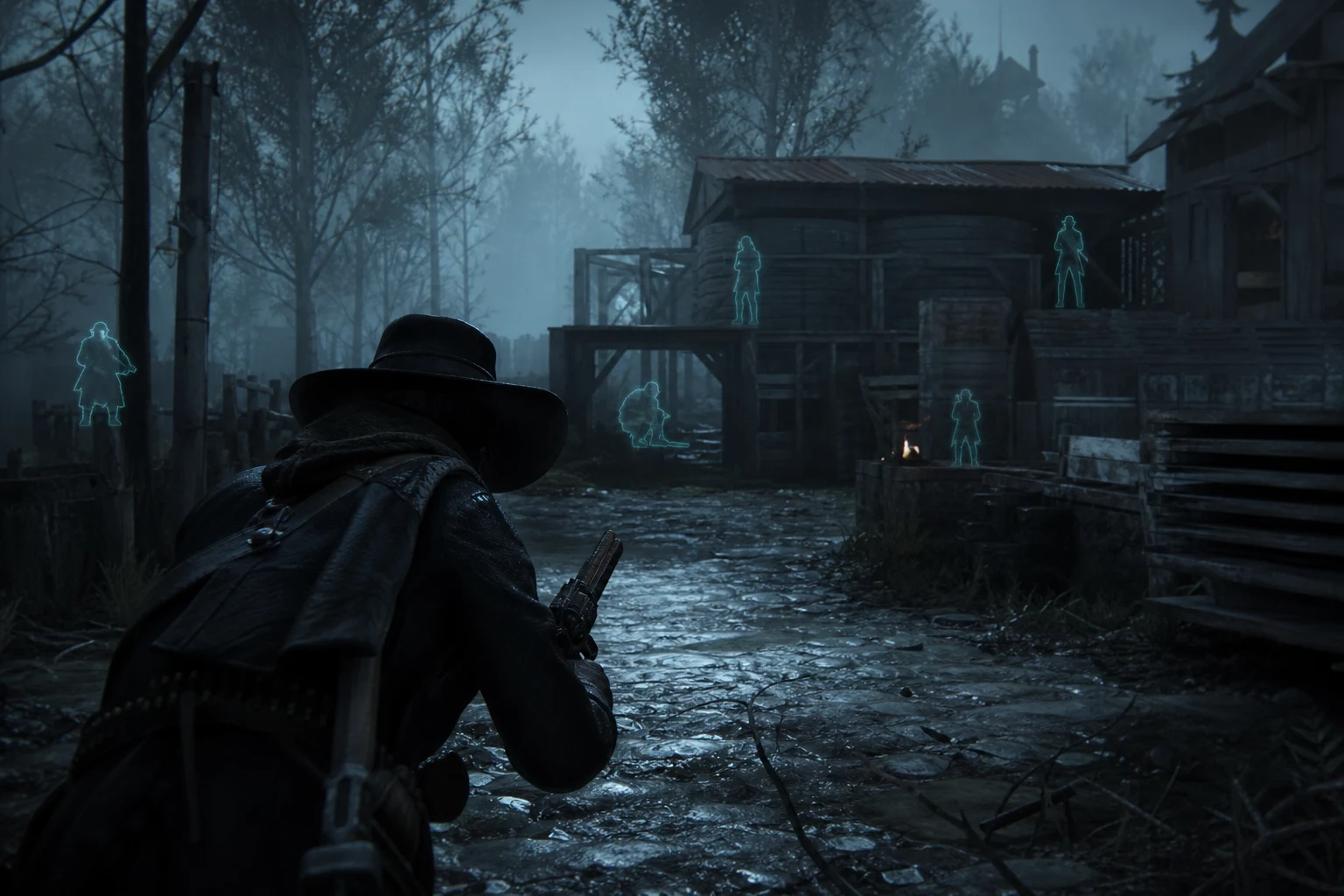
Technically, wallhack provides a visual line or silhouette display passing through walls, while ESP is a broader data layer. In practice, most modern solutions combine both: You see enemies behind walls with colored boxes (bounding box) or skeleton visualization while simultaneously displaying additional information like distance, name, and health on screen. ForceCheat's Hunt Showdown package combines these two features in a single interface, providing a balanced experience in terms of both visual clarity and information density.
ForceCheat Hunt Showdown Package: Features and Settings
What Features Are Included in the Package?
ForceCheat's Hunt Showdown solution includes multiple modules. The basic features are: Player ESP (box, skeleton, distance, name, health indicator), Boss ESP (boss's real-time location on map), Equipment ESP (ammo boxes, medkit locations), 2D Radar (enemy location on mini-map), customizable color schemes, and view distance filter. The view distance filter is particularly important: marking enemies under 50 meters in red, those between 50-150 meters in yellow, and those over 150 meters in blue helps you prioritize targets.
How Do You Use the Settings Menu?
After opening the package, you typically access the overlay menu with the INSERT or HOME key. The menu is divided into three main tabs: "ESP Settings," "Radar," and "Display." In the ESP Settings tab, you can individually adjust box thickness (1-4 px), text size (10-18 pt), maximum render distance (100-600 meters), and toggle which information is displayed. In the Radar tab, you adjust the mini-map's size, opacity, and screen position. The Display tab controls the overall overlay's transparency. This flexibility allows you to configure a setup suited to every player style.
Installation and System Requirements
What Are the Installation Steps?
The installation process consists of five basic steps. First, you download the loader file for the package you purchased from the ForceCheat panel. In the second step, you temporarily disable your antivirus software or add the loader to the exception list; this step doesn't prevent the loader from accessing system files. In the third step, you run the loader as administrator and verify it by entering your license key. In the fourth step, you launch Hunt: Showdown—the loader completes injection before the game starts. In the final step, you open the in-game overlay and configure ESP and radar settings according to your preferences. The entire process takes approximately 3-5 minutes.
What Are the Minimum System Requirements?
ForceCheat's overlay uses very little resources beyond Hunt Showdown's own system requirements. As a general rule: 8 GB RAM is sufficient, but 16 GB provides a smoother experience. On the GPU side, GTX 1060 and higher cards run the overlay without issues. The operating system should be Windows 10 64-bit or Windows 11. The overlay increases CPU usage by an average of 2-4%; this value has no noticeable impact on game performance. On lower-end systems, you can further reduce this by limiting render distance to 200 meters.
How Does the Update Process Work?
Hunt Showdown receives regular patches and content updates from Crytek. Since game files change after each major update, the ESP and wallhack modules must also be updated. ForceCheat typically releases a new loader version within 12-48 hours after major game updates. During this process, the loader installed on your system automatically notifies you when an update is ready. Rather than continuing to use the old version before an update arrives, keeping the loader closed is the safest approach.
Safe Usage: How It Works Without Detection
How Does ForceCheat Avoid Detection?
Hunt Showdown uses the EasyAntiCheat (EAC) infrastructure. ForceCheat's development team continuously analyzes EAC's scanning methodology and updates their products to stay outside these scans. The basic approach is this: The overlay renders as a separate layer on screen rather than writing directly to the game's memory space. This method prevents memory-based scans from being triggered. Additionally, against signature-based detection, the loader is recompiled every few days and the file hash is changed.
What Settings Are Recommended for Safe Usage?
For long-term and trouble-free usage, we recommend this setting combination: Limit render distance to 300-400 meters instead of maximum—this value covers most of the map while keeping system load balanced. Prefer skeleton visualization over box display; skeleton drawing is less conspicuous and less resource-intensive. Position the 2D Radar in a corner of the screen, small size (150x150 px). Keep overlay opacity between 70-80%; this maintains visibility while drawing less attention in screenshots.
Performance and In-Game Advantages
How Does Using Wallhack Affect Match Outcomes?
The course of a match in Hunt Showdown is largely determined by information superiority. The player who knows where the rival is always holds the initiative. Thanks to the wallhack and ESP combination, these scenarios become possible: You can detect the moment a rival team collects the boss reward and set up an ambush at the extraction point. You can see how many enemies are inside a building and in what positions before entering. During a boss fight, you can detect approaching rival teams in advance and manage both the boss and rivals simultaneously. This information advantage significantly increases the chances of solo or duo players against three-player teams.
How Is Boss Tracking Used with ESP?
The bosses in Hunt Showdown—Butcher, Spider, Assassin, and Scrapbeak—are randomly positioned in specific areas of the map. With boss ESP active, the boss's location is marked on the map in a distinct color (usually purple or orange). This allows you to go directly to the boss's location instead of collecting clues and searching for it. Reducing the time to reach the boss location by an average of 3-5 minutes gives you the critical early-game advantage; because the team that finds the boss first gains positional superiority over other teams.
Practical Benefits of Equipment and Resource ESP
Ammo boxes, medkit stations, and equipment points on the map also become visible in the ESP layer. Especially in prolonged matches, ammo management is critically important. With equipment ESP, you head directly to the nearest ammo box and resupply without unnecessary search runs, minimizing wasted time. This feature is particularly valuable in dense map areas—places where rivals frequently roam—reducing downtime to a minimum.
Package Options and Pricing
Which Package Is Right for Me?
ForceCheat offers packages for Hunt Showdown in different durations and feature combinations. Short-term trial packages (daily/weekly) are suitable for players new to the game or seeking instant advantage for a specific tournament or event. Monthly and three-month packages are more economical for regular players targeting a long-term experience. All packages include ESP, wallhack, and 2D radar; higher-tier packages may include additional modules (aimbot, triggerbot, etc.). For current prices and package contents, check out our Hunt Showdown product page.
How Does the Payment and License System Work?
The purchase is completed through the ForceCheat panel. After payment, a license key is instantly generated and added to your account. When this key is entered into the loader, it becomes active and remains valid for the selected duration. A single license key is tied to one device; if you want to use it on a different computer, you can perform a device reset through the panel. When the license period expires, the product automatically deactivates; renewal is completed in just a few clicks from the panel.
ForceCheat Options for Other Games
If you're looking for comprehensive solutions for games beyond Hunt Showdown, the ForceCheat catalog offers a wide range. If you're interested in competitive tactical shooter games, check out our Valorant cheat category. For players who prefer battle royale format, our PUBG Mobile Gameloop category offers comprehensive packages. Each game has separately optimized solutions developed specifically for that game's anti-cheat infrastructure and mechanics.
Additionally, if you want to learn more about precision aiming in Hunt Showdown, our guide titled Hunt Showdown Precision Aiming FAQ covers aimbot and recoil control features in detail. If you're curious about how cheat solutions work in different games, our article GTA 5 Cheats: Leave Your Los Santos Rivals Behind might also interest you.
Conclusion
Hunt: Showdown offers one of the most challenging experiences in the competitive gaming world with its deep mechanics and intense atmosphere. In the Louisiana swamps, every corner is a threat, every sound is a clue, and every second is a critical decision moment. In this environment, information superiority is the most determining factor, surpassing skill. Wallhack and ESP features are designed precisely to provide this information advantage in a systematic and reliable manner.
ForceCheat's Hunt Showdown package combines player ESP, boss tracking, equipment visibility, and 2D radar in a single interface, offering a flexible solution that appeals to every player profile. The installation process is completed in minutes; the settings menu allows you to personalize every detail. From render distance to color schemes, from skeleton visualization to box thickness, every parameter is under your control.
The update process is also transparent and fast: New loader versions are released within 12-48 hours after game patches, and existing users receive automatic notifications. This means no matter how frequently the game is updated, your advantage continues uninterrupted.
Whether you want to gain superiority as a solo hunter against rival teams or hunt bosses coordinately with your team, the wallhack and ESP combination fundamentally transforms your Hunt Showdown experience. You no longer make guesses but decisions based on information; instead of clearing every corner, you focus directly on your objective.
To review all current package options, prices, and features in comparison, visit our Hunt Showdown cheat category and take your gaming experience to the next level.
Frequently Asked Questions
What kind of game is Hunt Showdown?
Hunt: Showdown is a survival shooter played in teams of 1-3 players, blending PvE and PvP elements. The basic objective is to find and kill a boss on the map and reach a safe extraction point with the reward; however, 5-6 rival teams simultaneously share the same objective.
How does wallhack work for Hunt Showdown?
Wallhack bypasses the game engine's view limitations, making enemy players visible on screen beyond walls and obstacles. It typically works with colored box or skeleton visualization; additional information like distance, name, and health are displayed in real-time.
How long does installation of the ForceCheat Hunt Showdown package take?
Installation takes approximately 3-5 minutes. The loader is downloaded, run as administrator, the license key is entered, and then the game is launched. The in-game overlay can be configured according to your preferences in a few minutes.
Does ESP continue to work after game updates?
ForceCheat typically releases a new loader version within 12-48 hours after major Hunt Showdown updates. When an update is ready, existing users receive automatic notification. It's recommended to keep the loader closed until the update arrives.
What ESP features are included in the Hunt Showdown package?
The basic features included in the package are: Player ESP (box, skeleton, distance, name, health), Boss ESP, Equipment ESP (ammo, medkit), 2D Radar, and customizable color schemes. Higher-tier packages may include additional modules.
Share this post
Related Posts
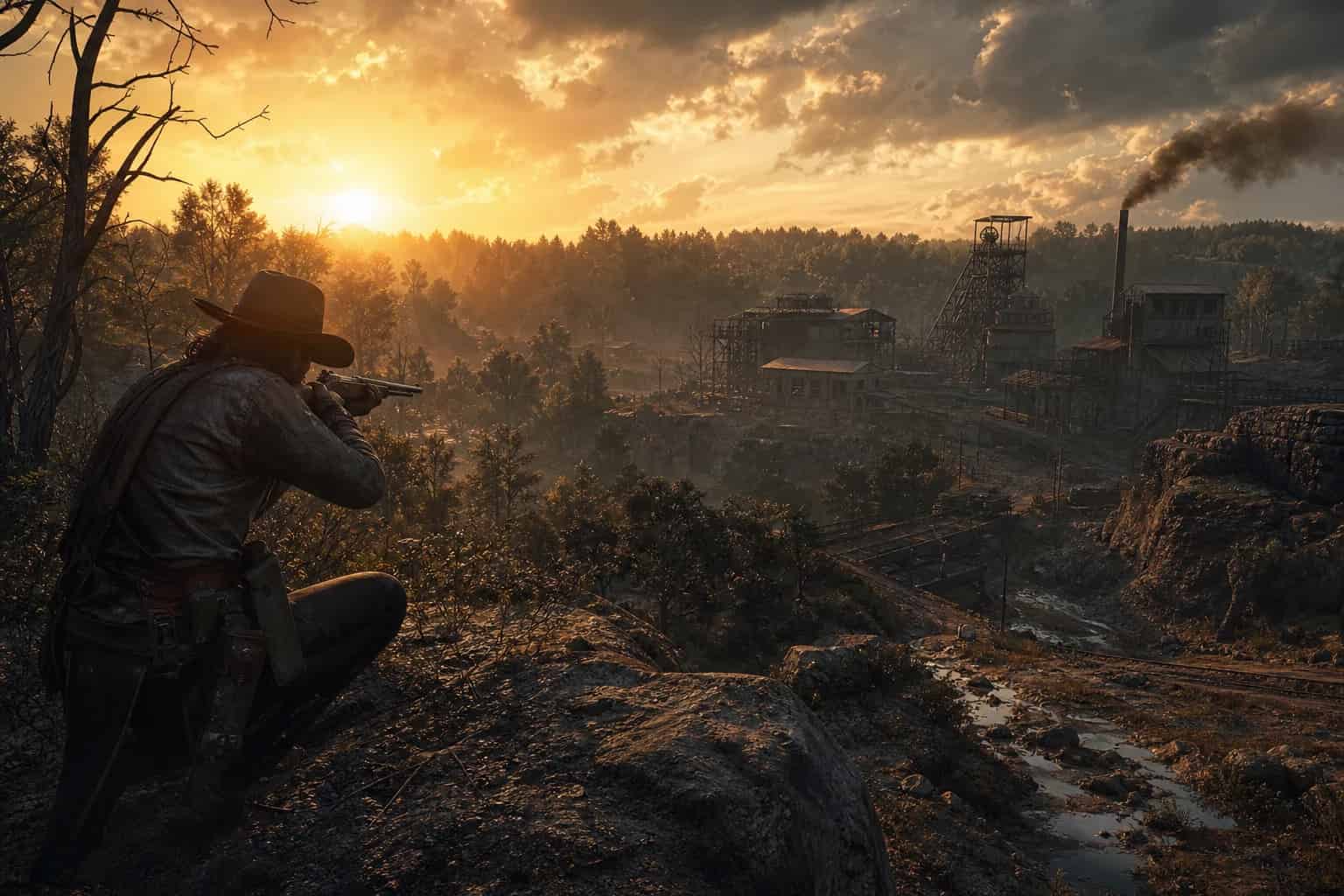
Hunt Showdown ESP Not Working? 7-Step Enemy Location Fix
Hunt Showdown ESP not showing enemy locations? Overlay won't open, wallhack not working? We solve the 7 most common issues step by step.
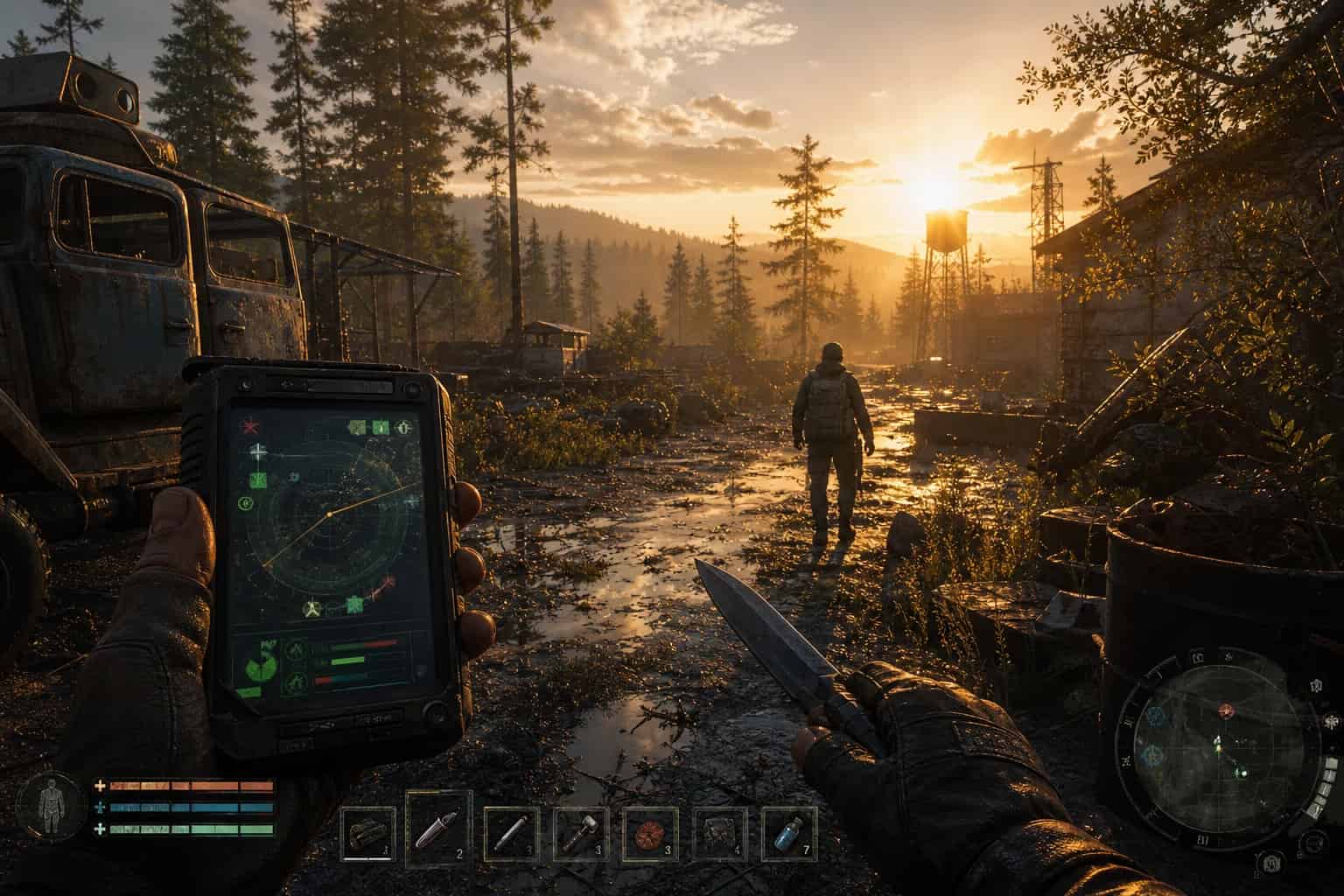
Will to Live Cheats: 5 Ways to Master Survival
Master Will to Live with aimbot and ESP cheats! Discover 5 proven survival strategies to dominate PvP, optimize farming, and stay ahead of rivals with advanced cheat tools.
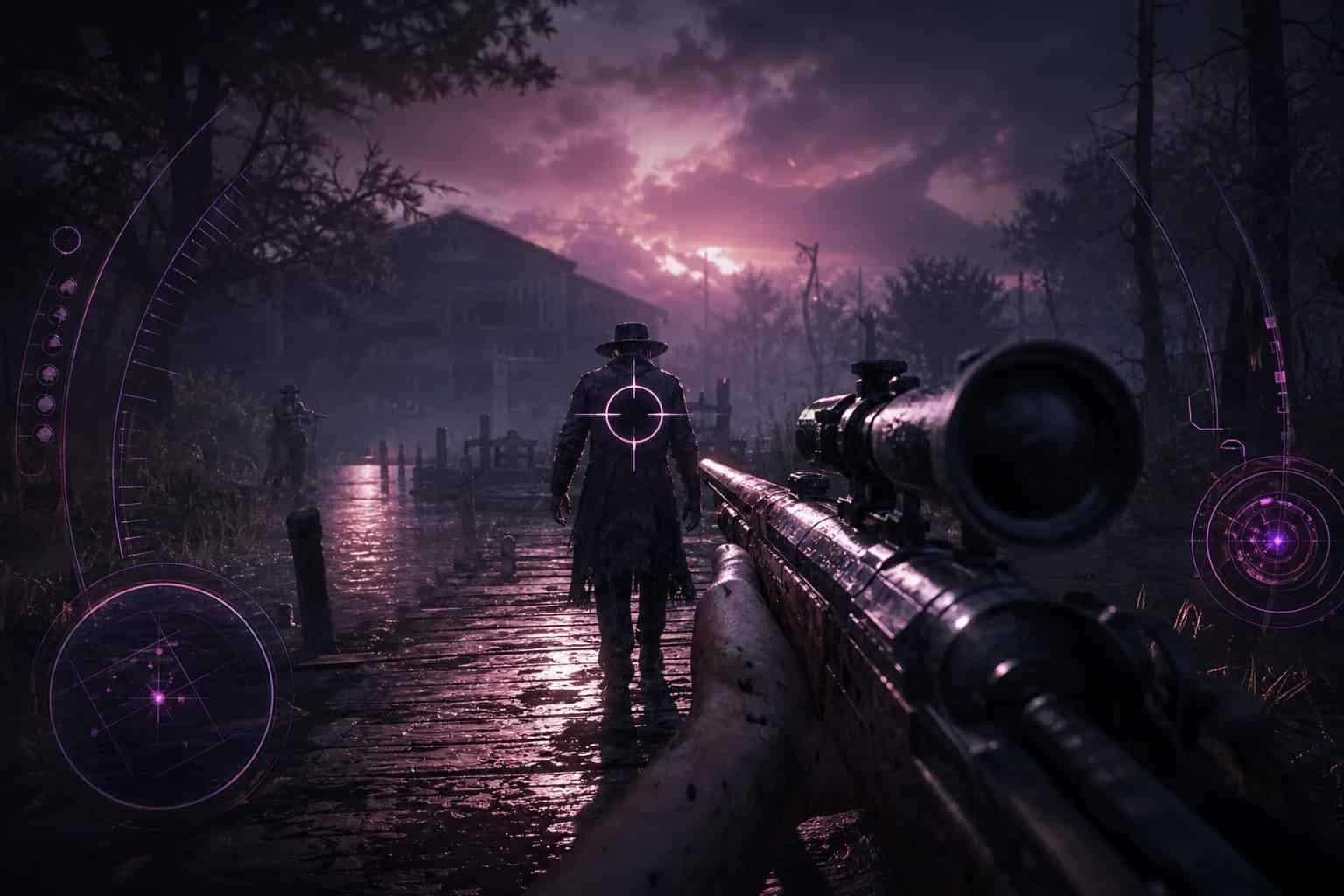
Hunt Showdown Triggerbot Setup: Automatic Fire Guide in 5 Steps
Having trouble setting up triggerbot in Hunt Showdown? Automatic fire not working or experiencing lag? This guide solves every issue in 6 steps with proven solutions.