
Hunt Showdown Precise Aiming Guide: Comprehensive FAQ
Want to stay one step ahead of rivals in Hunt Showdown? Discover precise aiming mechanics, settings optimization, and in-game advantages in this complete guide.
Introduction: Precise Aiming and Game Advantage in Hunt Showdown
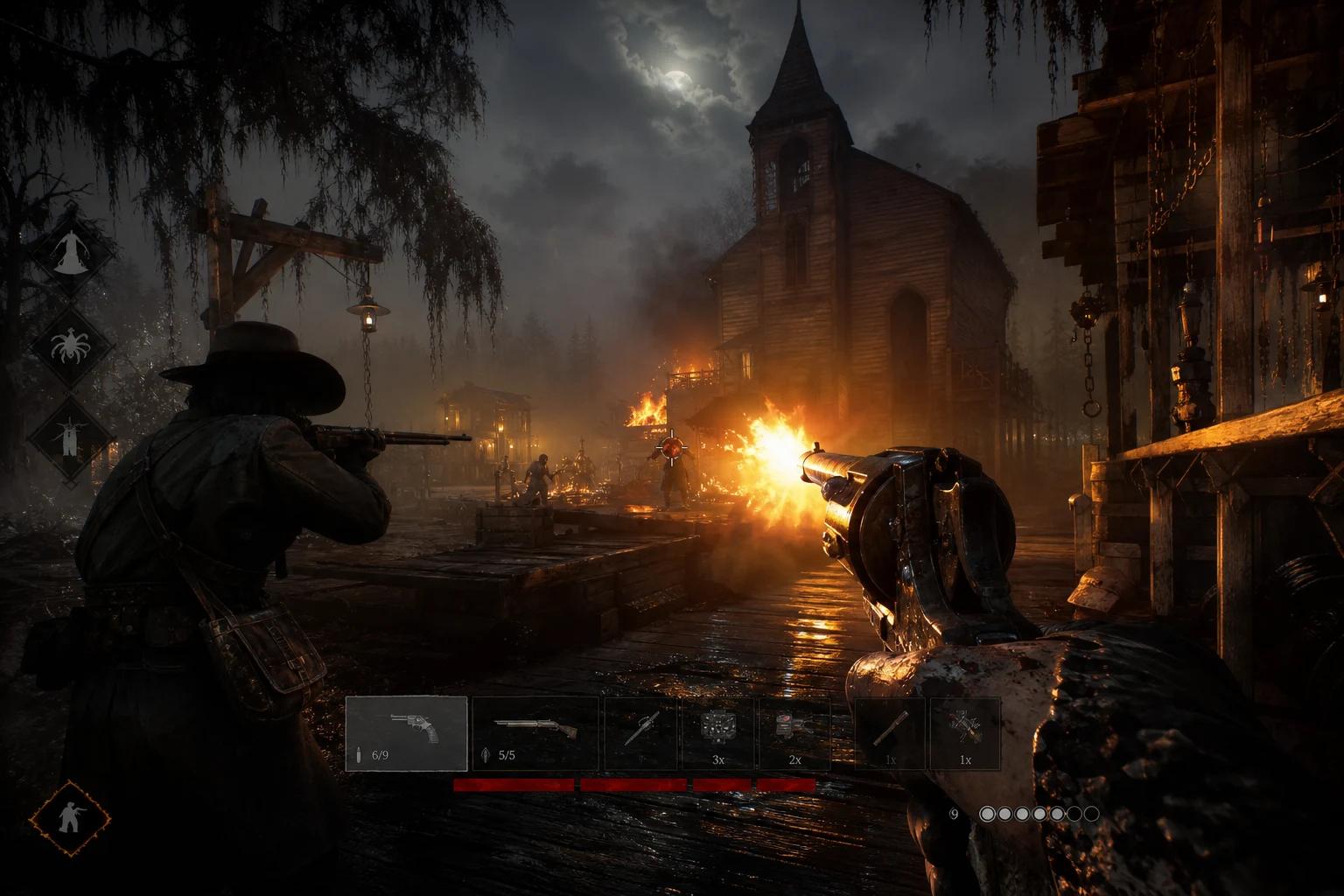
Hunt: Showdown is an exceptionally challenging shooter game with atmospheric maps, realistic sound design, and a high-pressure PvPvE structure. Surviving in dark swamps while hunting both creatures and rival hunter teams requires reflexes, proper equipment selection, and meticulous aiming precision. The game's unique bullet physics, each weapon's distinct recoil profile, and narrow field of view angles make the first hours particularly painful for new players.
This guide was prepared to answer questions on the minds of players who want to maximize their Hunt Showdown experience. We cover everything from mouse sensitivity settings to field of view optimization, weapon selection to map positioning. Additionally, we explain in detail how the software solutions we offer in our Hunt Showdown cheats category work, which features suit which player profiles, and how to use these tools most efficiently.
If your opponent sees you before you see them, waits in dark corners, or lands every shot, it may not be just skill behind it. You could be facing a player profile equipped with the right tools, optimized settings, and deep understanding of game mechanics. This guide is designed to bring you to that level.
Whether you're researching this type of software solution for the first time or are an experienced user wanting to fine-tune your settings, the Q&A sections below provide exactly the information you need. Each section is designed to be read independently; you can jump directly to topics that interest you.
Summary: Precise aiming in Hunt Showdown depends critically on mouse settings, FOV optimization, and correct weapon selection. ForceCheat's Hunt Showdown solutions transform your gaming experience with aimbot, ESP, and various auxiliary features. Setup is simple, usage is intuitive.
Hunt Showdown Core Mechanics: What You Need to Know
Why is Hunt Showdown's aiming mechanic different from other FPS games?
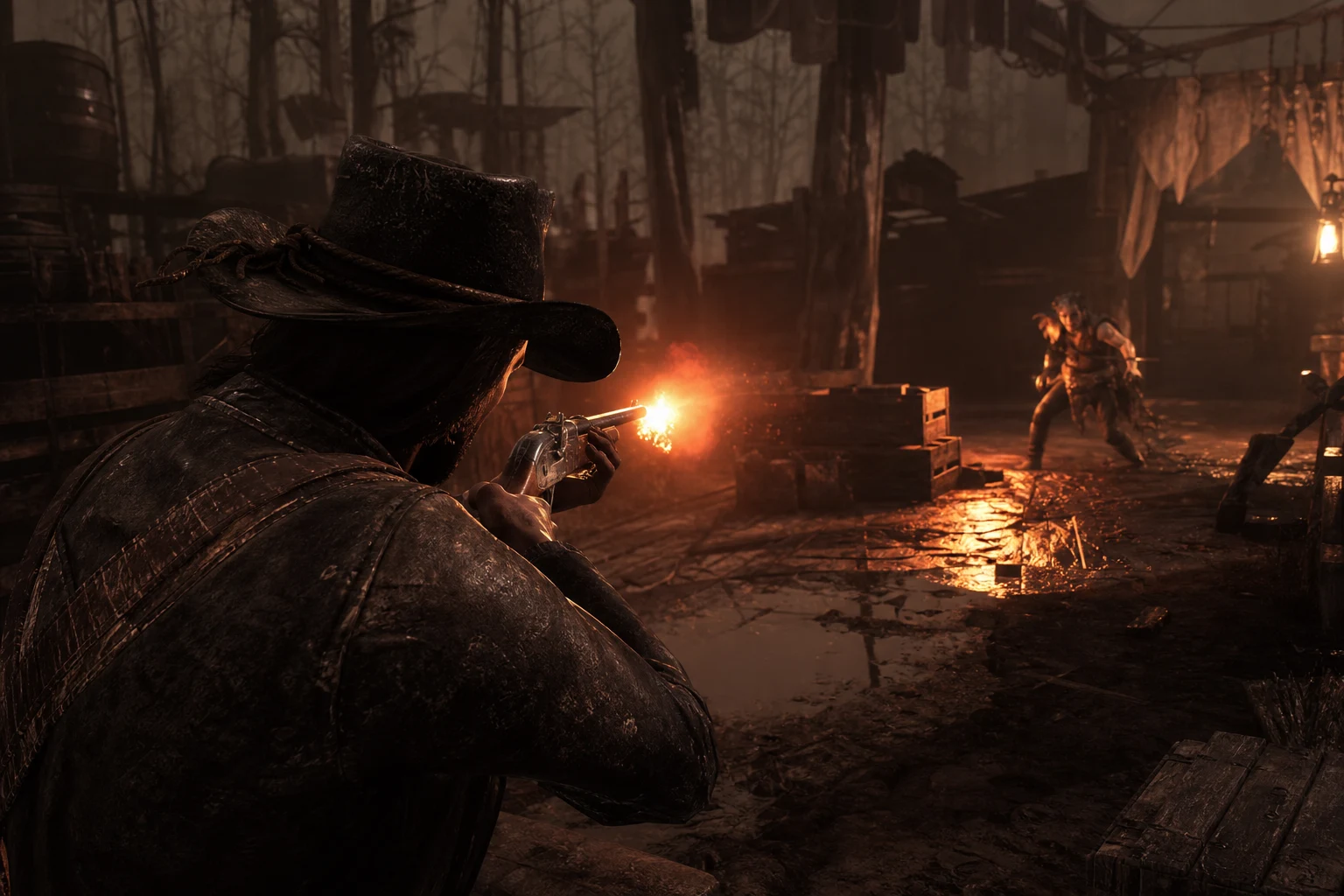
Hunt: Showdown, unlike most modern FPS games, uses bullet drop, sound propagation, and realistic recoil systems. Each weapon has its own unique recoil pattern, and this pattern varies significantly from weapon to weapon. For example, with the Mosin-Nagant you need to account for bullet drop on long-range shots, while with short-barreled weapons like the Caldwell Conversion Pistol, close-range speed takes priority. This complex system requires an adaptation process beyond standard reflexes and aiming skills.
How does FOV (Field of View) adjustment affect aiming precision?
FOV adjustment in Hunt Showdown is directly decisive for both comfort and competitive performance. Lower FOV values (for example 70-80) make targets appear larger and provide an advantage in long-range shooting; however, they limit environmental awareness. Higher FOV values (90-103) offer a wider field of view, improving reaction time in close combat. The vast majority of competitive players prefer a value between 90-95. Remember that FOV automatically decreases when aiming down sights (ADS); this situation significantly increases effective sensitivity.
Aimbot Features and Settings Optimization
What is aimbot for Hunt Showdown and what does it do?
Aimbot is a software component that analyzes target coordinates in-game and automatically directs your aiming point at the enemy model. Given Hunt Showdown's complex recoil system and bullet physics, a well-configured aimbot accounts for these variables and enables extremely accurate shots. ForceCheat's Hunt Showdown solutions include an advanced aimbot module with bone priority options, allowing you to customize target points such as head, chest, or pelvis.
How should the smoothness value be adjusted?
The smoothness parameter determines how quickly or slowly the aim locks onto the target. Low smoothness values (1-3 range) create instant and jerky transitions, while high values (8-15 range) produce more natural and organic aiming movement. For Hunt Showdown's slow-paced, tactical structure, a smoothness value between 6-10 generally produces the most balanced result. This range creates both effective and naturally-appearing aiming rhythm to observers. Don't neglect adjusting the setting to be compatible with your own mouse sensitivity.
What does the FOV lock feature mean?
Aimbot FOV lock restricts the area where the software will actively search for targets to a specific circle from the center of your screen. For example, a 15-degree FOV lock only targets enemies near your aiming point; it doesn't react to characters at the screen's edges. This feature is important for both control and naturalness. Given Hunt Showdown's map width and long corridors, a FOV lock between 10-20 degrees is ideal for most scenarios.
ESP and Vision Features
How does ESP (Extra Sensory Perception) work in Hunt Showdown?
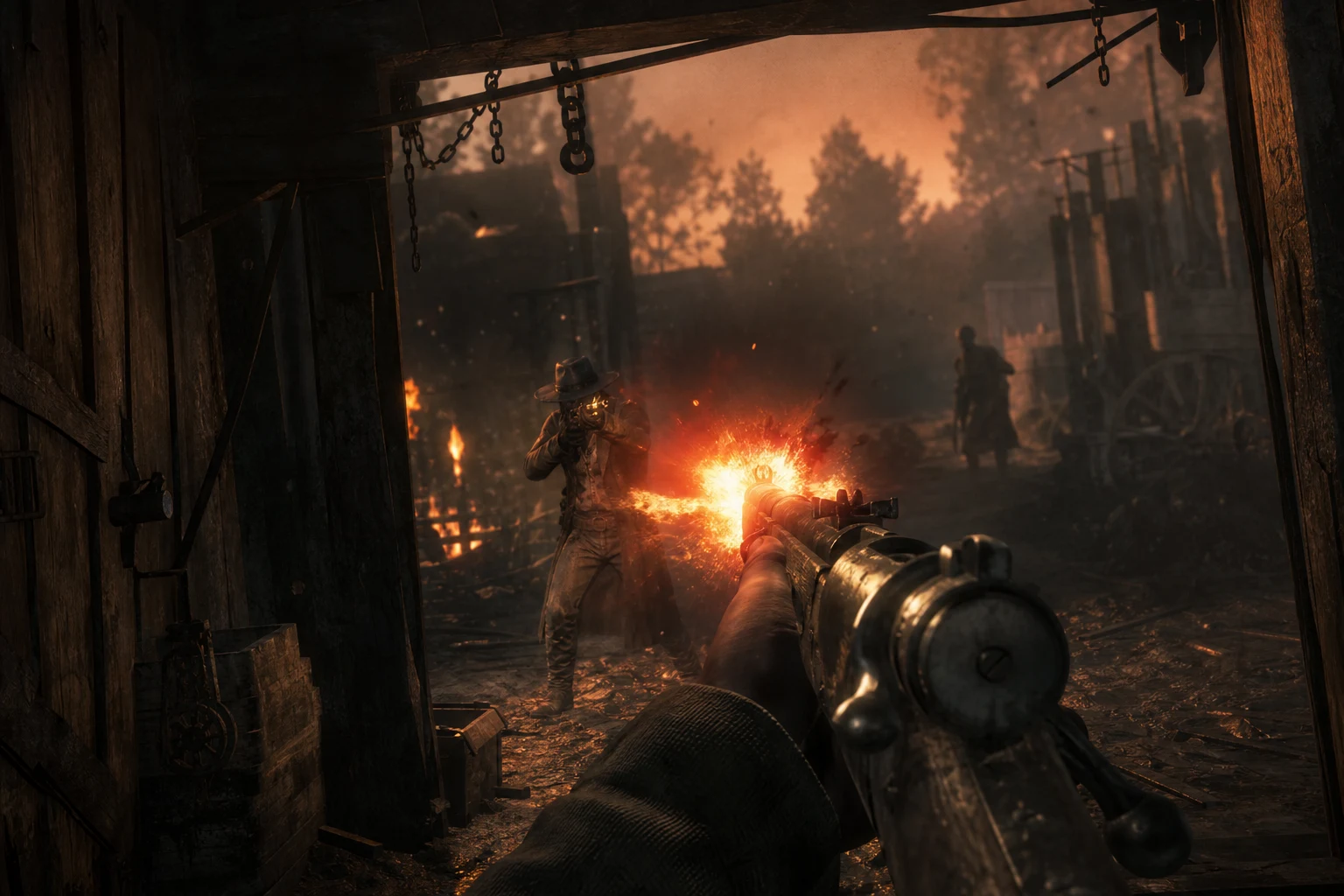
ESP reads game data in real-time and visually marks the positions of enemy players, NPCs, and important objects on your screen. In Hunt Showdown, ESP can show hunter teams behind walls as colored boxes or skeleton outlines, display each target's health status and distance on screen. This provides an exceptionally powerful advantage, especially in the game's dense fog and dark environments. For more information, check out our Hunt Showdown ESP guide.
Which ESP color and filter settings provide the best readability?
Hunt Showdown's dark and atmospheric color palette directly affects the readability of ESP visuals. Bright red or orange for enemy boxes, green for teammates, and yellow for NPCs is the most common and effective color coding combination. Additionally, preferring "skeleton only" mode to reduce background noise provides a clear image without cluttering the screen. Setting a maximum distance filter of 150-200 meters eliminates unnecessary information overload.
Installation and Technical Settings
How is ForceCheat Hunt Showdown software installed?
The installation process consists of several steps: First, purchase your license from the ForceCheat panel and log into your account. Then download the loader application and run it with administrator privileges. Keep the loader open before starting the game; the software automatically activates in the background. After launching Hunt Showdown, you can open the menu with a pre-set hotkey and configure all features from within the game. Remember that your antivirus software may block the loader on first installation; simply add the loader folder to your exclusion list.
What are the system requirements?
ForceCheat Hunt Showdown software runs smoothly on any computer that meets Hunt: Showdown's own system requirements. Windows 10 or Windows 11 (64-bit) operating system is mandatory. At least 8 GB RAM and a DirectX 11 compatible graphics card are recommended. The software itself consumes minimal system resources; on average it uses 1-2% CPU and 50-80 MB RAM, which barely affects your gaming performance.
Safe Usage and Staying Undetected
How does ForceCheat software work without being detected?
ForceCheat uses an architecture that bypasses the game's anti-cheat detection methods (Hunt Showdown uses EasyAntiCheat) rather than disabling them. The software continuously updates memory signatures to stay ahead of known detection methods. A kernel-level protection layer ensures the software uses indirect methods rather than direct interaction with game processes. The ForceCheat team closely monitors game updates and releases updated software after each major patch.
What setting recommendations apply for safe usage?
For the safest experience, follow a few practical tips: Keep aimbot smoothness value high (8+), so aiming movement appears organic. Activate aimbot only at critical moments, not on every shot. You can always keep ESP on; this feature cannot be observed from outside. Avoid excessively fast kill rates; adapt to the game's natural rhythm. Before entering the game after a new update, verify the software is current. These simple habits provide long-term trouble-free usage experience.
Pricing, Package Selection, and Support
Which ForceCheat package is suitable for Hunt Showdown?
ForceCheat offers various license options for different player profiles. Short-term packages (daily or weekly) provide an economical entry point for users planning to play intensively for a specific period. Monthly and three-month packages offer the best value-to-price ratio for regular players. All packages include the same feature set; only the license duration differs. For current prices and package details, visit our Hunt Showdown product page.
How can I get support if I encounter technical issues?
ForceCheat provides 24/7 technical support through an active Discord server and ticket system. You can reach the support team for installation issues, compatibility problems after game updates, or setting recommendations. Average response time is under a few hours. Additionally, the user community on the Discord server is a highly active resource for setting sharing and tips.
Weapon and Strategy Combinations
Which weapons create the best synergy with aimbot?
Bolt-action rifles (Mosin-Nagant, Sparks LRR) create a game-changing combination when used with aimbot in Hunt Showdown. These weapons' high single-shot damage, combined with aimbot's head-targeting feature, makes one-shot kills much more consistent. High-damage weapons like Romero 77 or Caldwell Conversion Uppercut for close range create similar effects. With automatic weapons, the recoil control feature activates, maintaining high accuracy even in full-auto fire.
How should map positioning and ESP combination be used?
Combining enemy position information provided by ESP with map advantage creates an overwhelming superiority in Hunt Showdown. For example, when approaching the Slaughterhouse area on Stillwater Bayou map, you can detect the enemy team inside through ESP and position yourself before they notice you. This approach, combined with high ground control, produces decisive results in both boss fights and exit gate confrontations. For similar strategy-focused content, also check out our ARK Survival Evolved guide.
Conclusion
Hunt: Showdown is a game with a steep learning curve and extremely narrow margin for error. A single wrong move can mean hours of hunting wasted. Faced with this reality, players turning to every tool available to improve their performance is an entirely understandable choice.
ForceCheat's Hunt Showdown solutions provide concrete and measurable advantage in this challenging game through aimbot module, ESP system, recoil control, and various auxiliary features. Thanks to the software's undetected architecture, regular updates, and easy installation process, you can start using it quickly without requiring technical knowledge.
The setting recommendations we covered in this guide — smoothness values, FOV lock, ESP color coding, weapon-feature combinations — were compiled from real-world usage scenarios. You can personalize these values by fine-tuning them to your own playstyle. Remember: the best results come from players who combine software features with deep understanding of game mechanics.
If you're looking for similar advantages in other competitive games like Valorant or PUBG Mobile, check out our Valorant cheats category and PUBG Mobile Gameloop solutions. To access all our Hunt Showdown products and see current prices, visit our Hunt Showdown category. For more content about survival game advantage strategies, also check out our Once Human guide.
Frequently Asked Questions
Is it difficult to use aimbot for Hunt Showdown?
No. ForceCheat's aimbot module is easily configurable through the in-game menu. Parameters like smoothness, FOV lock, and bone priority are adjusted through an intuitive interface; no technical knowledge required.
Does the software continue to work after every Hunt Showdown update?
The ForceCheat team closely monitors game updates and updates the software after each major patch. Updates are provided free to existing license holders.
Can ESP and aimbot be used simultaneously?
Yes. All features can work simultaneously. You can independently toggle each module on and off from the in-game menu, and switch instantly with hotkeys.
Which Hunt Showdown package is recommended for beginners?
For first-time users, a weekly license is a good starting point. After getting familiar with the software, switching to monthly or three-month packages becomes more economical.
What features does ForceCheat's Hunt Showdown software include?
Core features include: bone-priority aimbot, smoothness and FOV lock adjustments, wall ESP (players, NPCs, items), distance and health indicators, recoil control, and in-game customization menu.
Share this post
Related Posts

Hunt Showdown ESP Not Working? 7-Step Enemy Location Fix
Hunt Showdown ESP not showing enemy locations? Overlay won't open, wallhack not working? We solve the 7 most common issues step by step.
Will to Live Cheats: 5 Ways to Master Survival
Master Will to Live with aimbot and ESP cheats! Discover 5 proven survival strategies to dominate PvP, optimize farming, and stay ahead of rivals with advanced cheat tools.
Hunt Showdown Triggerbot Setup: Automatic Fire Guide in 5 Steps
Having trouble setting up triggerbot in Hunt Showdown? Automatic fire not working or experiencing lag? This guide solves every issue in 6 steps with proven solutions.