
7 Ways to Improve Your Headshot Rate in Rainbow Six Siege
- Introduction: Why Is Headshot Rate So Important in Rainbow Six Siege?
- Solution 1: Optimize Mouse Sensitivity and DPI Settings
- Problem: Incorrect Sensitivity Makes Headshots Difficult
- Solution 2: Develop Crosshair Placement Habits
- Problem: Your Crosshair Constantly Stays at Ground or Chest Level
- Solution 3: Choose Weapons and Attachments Based on Headshots
- Problem: Incorrect Weapon Configuration Reduces Accuracy
- Recommended Attachment Combinations for Headshots
- Solution 4: Create a Regular Aim Training Routine
- Problem: Without Training, Muscle Memory Does Not Develop
- Solution 5: Improve Map and Angle Knowledge
- Problem: Unexpected Angles Extend Reaction Time
- Steps to Improve Map Knowledge
- Solution 6: Recoil Control and Burst Fire Technique
- Problem: Full-Auto Fire Pushes Your Aim Away from the Head
- Solution 7: Optimize Monitor and Display Settings
- Problem: Low FPS and Display Lag Slow Down Reaction
- Technical Optimization Steps
- If Still Unresolved: More Resources and Support
- Conclusion
- Frequently Asked Questions (FAQ)
- How quickly can headshot rate be improved?
- What DPI and sensitivity value is best?
- Do aim trainer applications really work?
- Is the recoil pattern different for each weapon?
- Does crouching or prone position affect headshot rate?
- Is monitor refresh rate really that important?
Introduction: Why Is Headshot Rate So Important in Rainbow Six Siege?
Rainbow Six Siege is one of the most technical and strategy-focused tactical shooter games on the market. In a game where each operator has unique abilities, each map has its own corridors, and each match has its own flow, correct decision-making and accurate aiming are more decisive than raw reflexes. In this environment, your headshot rate is not just a statistic; it is also a concrete indicator of how quickly and effectively you can neutralize enemies.
In Siege, a standard body shot may not immediately kill an operator; however, a single headshot is often sufficient in most situations. This difference creates a fine line between survival and defeat, especially in high-pressure moments like 1v1 or 1v2 situations. Therefore, improving your headshot rate is one of the most critical skills that directly affects your win rate.
So why does headshot rate drop? There are several fundamental reasons: incorrect mouse sensitivity settings, weapon selection unsuitable for the operator, technical errors in aiming habits, lack of a warm-up routine, and insufficient map knowledge are among the main culprits. All of these problems are solvable, and concrete, actionable steps exist for each one.
In this guide, we address seven fundamental issues that lower your headshot rate and provide step-by-step solutions for each. From settings adjustments to training routines, from weapon selection to positioning habits, you will find techniques that truly work. Whether you play at Platinum or Diamond rank, the improvements in this guide will make a difference.
Performance improvement is always a hot topic within the Siege community. Players actively use training modes, aim trainer applications, and video analysis. When you combine the right tools with the right information, you can see a noticeable increase in your headshot rate in a short time. Apply the solutions below in order and observe the impact of each in your own gameplay.
Summary: Low headshot rates are usually caused by mouse settings, aiming habits, or lack of training. With the correct DPI/sensitivity balance, crosshair placement discipline, and regular aim training, you can significantly increase this rate in a short time.
Solution 1: Optimize Mouse Sensitivity and DPI Settings
Problem: Incorrect Sensitivity Makes Headshots Difficult
One of the most common performance issues in Siege is mouse sensitivity being set either too high or too low. Sensitivity that is too high turns even small hand tremors into large cursor movements, making it difficult to lock onto the headshot point. Sensitivity that is too low slows down sudden angle changes and creates a disadvantage in close-range combat.
- Set your mouse DPI between 400–800. Most professional players prefer this range.
- Calculate your "eDPI" (effective DPI) by evaluating your mouse DPI together with in-game sensitivity: DPI × Game Sensitivity.
- The ideal eDPI range for Siege is generally between 800–1600; around 1200 is recommended as a starting point.
- Train with your chosen sensitivity for at least 2–3 days; do not change it immediately.
- Record your headshot percentage in training mode to measure the impact of the setting change.
After proper sensitivity adjustment, you will notice that your target lock-on time decreases significantly. This single step alone can provide a 15–20% increase in your headshot rate.
Solution 2: Develop Crosshair Placement Habits
Problem: Your Crosshair Constantly Stays at Ground or Chest Level
Crosshair placement—the habit of keeping your crosshair at enemy head level at all times—is one of the most critical mechanics affecting headshot rate. Many players move through maps with their crosshair pointed at the ground or walls; this requires an additional vertical correction movement when encountering an enemy, and this delay can be fatal.
- When moving through corridors, always keep your crosshair at the estimated head height of corner exits.
- At door and window passages, pre-align your crosshair to the opening point.
- In training mode, practice only crosshair placement; do not shoot, just focus on maintaining the correct height.
- Memorize the average head height of operators for each map (standing, crouching, prone).
- Pre-aim when entering a corridor: aim in advance at points where enemies might emerge.
Once this habit is established, you will only need to make horizontal corrections when encountering an enemy; this cuts your reaction time in half.
Solution 3: Choose Weapons and Attachments Based on Headshots
Problem: Incorrect Weapon Configuration Reduces Accuracy
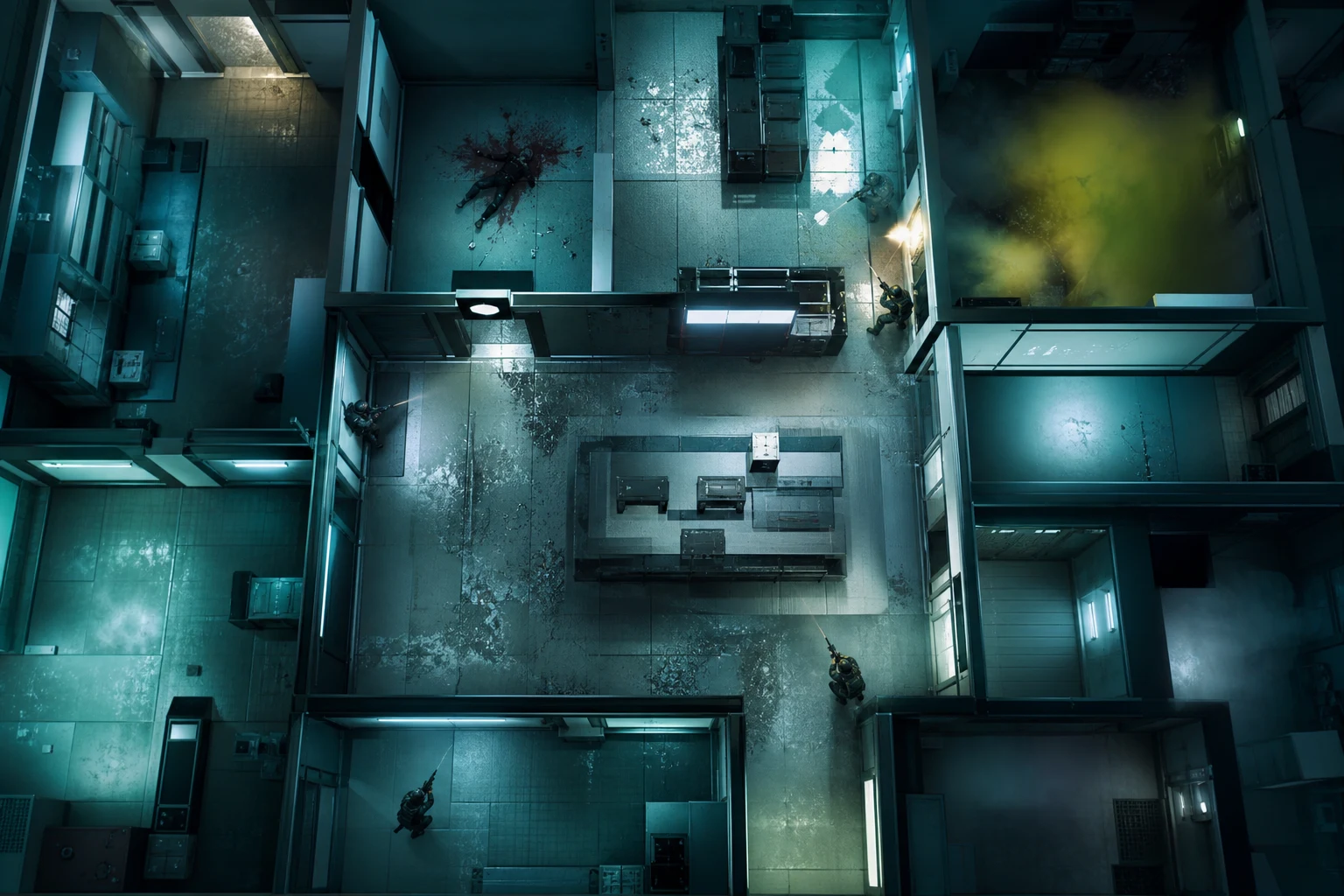
Not all weapons in Siege are equal. Some weapons are ideal for headshots with low recoil and high single-shot damage, while others have high fire rates but make recoil management difficult. Attachment selection is also part of this equation.
Recommended Attachment Combinations for Headshots
- For muzzle attachments, prefer "Muzzle Brake" or "Flash Hider"; these attachments improve first-shot accuracy.
- For scope selection, 1.5x or 2x optics provide the most suitable field of view for close to mid-range headshots.
- Vertical Grip reduces vertical recoil in full-auto fire, helping keep your aim at head level.
- Prefer semi-automatic or single-shot mode in long corridor engagements.
- Review your operator's weapon pool and select the weapon with the lowest recoil value as your primary.
For example, when using the R4-C with Ash operator, the Muzzle Brake + 1.5x + Vertical Grip combination minimizes both recoil and crosshair drift. When you complete 50 headshots in training mode with this configuration, you will clearly see the difference.
Solution 4: Create a Regular Aim Training Routine
Problem: Without Training, Muscle Memory Does Not Develop
Headshot rate depends largely on muscle memory. Players who do not warm up before matches, especially in the first few rounds, make inaccurate shots, and these early losses can determine the course of the match.
- Spend at least 10 minutes in Siege's built-in training mode before each session.
- Conduct daily 15-minute "Gridshot" or "Microshot" sessions in external aim trainer applications like Aim Lab or KovaaK's.
- During training, focus on accuracy, not speed; speed comes naturally over time.
- Record your training statistics once a week and compare them with the previous week.
- Identify the distance range where you are particularly weak (close, medium, long) and focus on exercises for that range.
A consistent training routine can provide a 20–30% increase in headshot rate within 3–4 weeks. The vast majority of professional players always apply a warm-up routine before matches begin.
Solution 5: Improve Map and Angle Knowledge
Problem: Unexpected Angles Extend Reaction Time
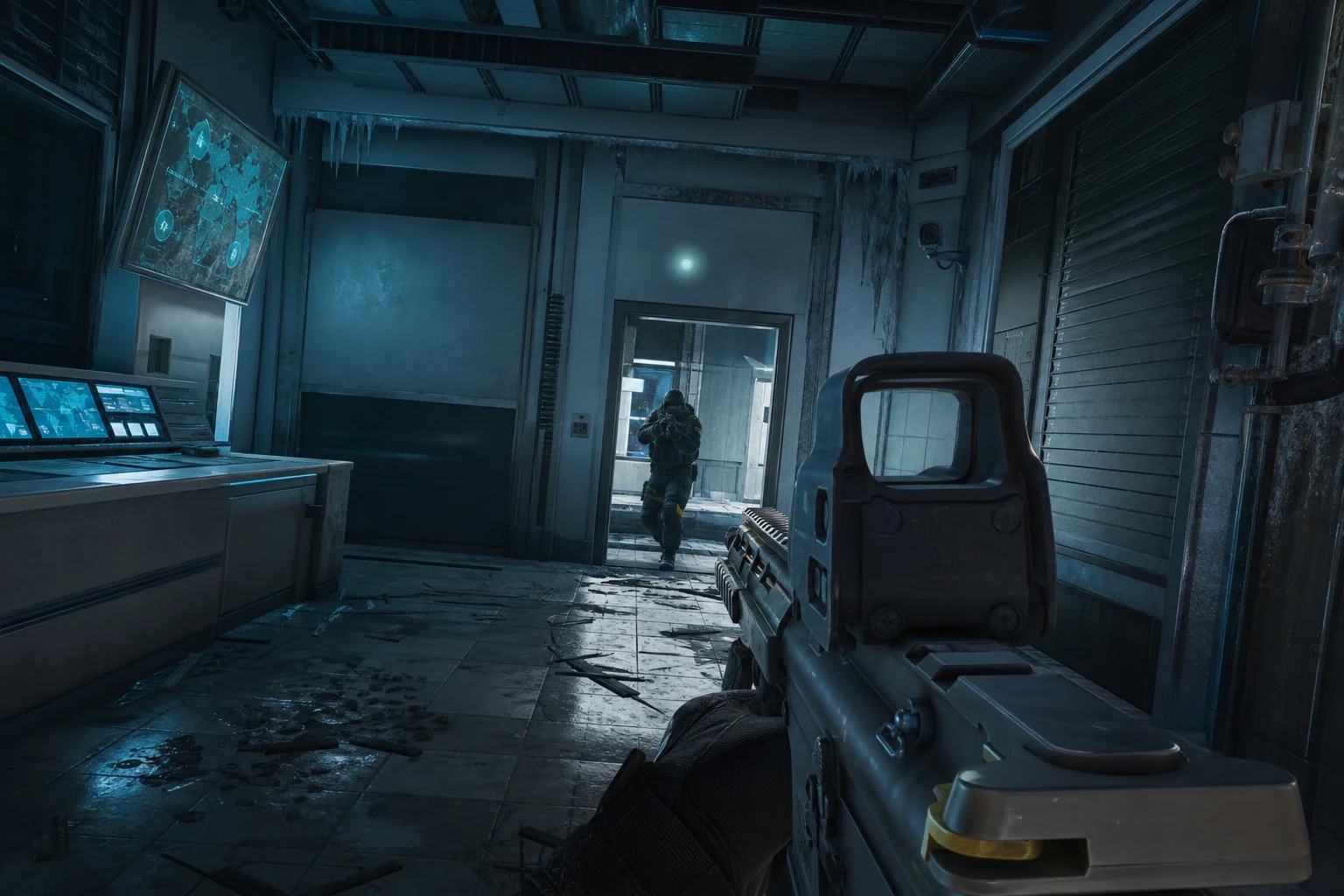
A significant reason for missing headshots in Siege is not knowing where enemies will come from. The stronger your map knowledge, the more accurate your crosshair placement, because you can pre-aim at the correct angle.
Steps to Improve Map Knowledge
- Memorize 5–7 of the most frequently used attack and defense angles on each map.
- In custom match mode, explore the map alone and examine all destructible wall openings, window positions, and drone routes.
- When watching Pro League matches, note the angles from which players aim and how they position themselves.
- When determining operator placement in defense, establish pre-aim positions based on the enemy's most likely entry points.
- On attack, use drones to identify defender positions and use this information to pre-align your crosshair.
When map knowledge combines with crosshair placement, you will need almost zero correction movement when encountering an enemy. This combination is one of the fastest factors in increasing headshot rate.
Solution 6: Recoil Control and Burst Fire Technique
Problem: Full-Auto Fire Pushes Your Aim Away from the Head
In full-auto fire, each weapon has its own unique recoil pattern. If you cannot control this pattern, even if your first one or two shots hit the head, subsequent shots may hit the body or miss entirely.
- Learn each weapon's recoil pattern by shooting at walls in training mode; observe the pattern created by the shots.
- At medium and long range, use 3–5 shot burst technique; avoid full-auto.
- Practice counter-strafing—reversing the recoil pattern with mouse movement.
- If you must use full-auto at close range, align your first shot to the head and leave the rest for the body; this still provides quick neutralization.
- Avoid shooting while moving; in Siege, movement accuracy is significantly reduced.
Recoil control directly affects headshot rate, especially in mid-range engagements. Mastering this technique requires 1–2 weeks of intensive practice, but the results are lasting.
Solution 7: Optimize Monitor and Display Settings
Problem: Low FPS and Display Lag Slow Down Reaction
Technical performance is as important as mechanical skill. Low frame rate (FPS), high input lag, or incorrect monitor settings can cause even a perfect aim to miss.
Technical Optimization Steps
- Lower in-game graphics settings; in Siege, high and stable FPS takes priority over visual quality. Target: 144 FPS and above.
- Enable your monitor's refresh rate (144Hz or 240Hz) fully; verify this in Windows display settings.
- Turn off V-Sync; this option increases input lag.
- Enable Nvidia Reflex (if supported) or AMD Anti-Lag feature.
- Increase monitor brightness and gamma value to see enemies in dark corners more clearly; this improves pre-aim accuracy.
A player playing at 144+ FPS on a 144Hz monitor experiences a much smoother visual experience compared to a competitor playing at 60Hz, and this difference directly translates to headshot accuracy, especially in fast peek situations.
If Still Unresolved: More Resources and Support
You have applied all the solutions above, but your headshot rate has not reached the level you expected. In this case, the problem may stem from a deeper mechanical habit. Here are a few things you can do:
First, watch your own gameplay recordings. Analyze missed headshots frame by frame; identify when your aim drifts. Then, check out our Rainbow Six Siege ESP map control guide; knowing enemy positions in advance can fundamentally improve your crosshair placement.
If you want a broader perspective on performance improvement, our Hunt Showdown Aimbot guide also covers similar mechanical principles in a different game context and includes transferable techniques. Additionally, our CS2 gameplay improvement article offers valuable insights on aiming mechanics.
For more help, you can contact the ForceCheat support team. Check out our Rainbow Six Siege category to explore available performance tools.
Conclusion
Improving your headshot rate in Rainbow Six Siege does not come from a single magic solution; it comes from simultaneously improving multiple interconnected areas. Mouse sensitivity, crosshair placement, weapon configuration, training routine, map knowledge, recoil control, and technical optimization—each of these seven factors contributes a small improvement individually, but when applied together, the cumulative effect is extremely powerful.
Crosshair placement and regular training routine are the two areas that produce the most noticeable results in the shortest time. Start by focusing on these two, then gradually add other improvements. Regularly record your training mode statistics to measure your changes; this data will motivate you and show you which areas need more work.
Siege continues to be a dynamic game with constantly changing meta and new operators. This dynamism means that learning headshot mechanics remains current and valuable at all times. The habits you develop today will serve you well through all future meta changes.
If you want to take your performance to the next level, visit our Rainbow Six Siege product category. You can also check out our Valorant category and PUBG Mobile category; we have performance improvement tools for different games as well.
Remember: every major improvement is built from the accumulation of small, consistent steps. Start today, see results soon.
Frequently Asked Questions (FAQ)
How quickly can headshot rate be improved?
With a consistent training routine and correct settings, most players see noticeable improvement within 3–4 weeks. Changes that require habit development, like crosshair placement, may take longer; however, technical adjustments like mouse sensitivity optimization show effects much faster.
What DPI and sensitivity value is best?
There is no universal "best" value, but the 400–800 DPI range and the resulting 800–1600 eDPI range achieved with appropriately adjusted game sensitivity is the most common and tested range in the Siege community. You will need to fine-tune based on your own physical space and wrist/arm usage style.
Do aim trainer applications really work?
Yes, applications like Aim Lab and KovaaK's offer scenarios tailored to Siege mechanics. Regular daily use of 15–20 minutes, particularly improves micro-correction and tracking skills. However, its effectiveness is limited unless combined with in-game practice.
Is the recoil pattern different for each weapon?
Yes, each weapon in Siege has its own unique recoil pattern, and these patterns can change with patches. When you start using a new weapon, always shoot at walls in training mode to learn that weapon's pattern. This is a necessary step to maintain your headshot rate.
Does crouching or prone position affect headshot rate?
Yes, crouching and prone positions change both your and the enemy's head height. Especially when defending in a crouched position, the attacking enemy's crosshair is usually adjusted for a standing operator. Knowing and using this position difference allows you to create advantageous headshot angles.
Is monitor refresh rate really that important?
The difference between 144Hz and 60Hz is quite noticeable in a fast-paced tactical game like Siege. Especially in fast peeks and corner passages, a 144Hz monitor allows you to see enemies much earlier and more clearly. This directly affects pre-aim accuracy and headshot rate.
Share this post
Hunt Showdown Aimbot: Advantages, Features and Usage Guide
Marvel Rivals Aimbot: Dominate Your Opponents with Expert Tips
// related posts
Related Posts
Marvel Rivals Aimbot Experience: The Path to Quick Wins
Discover how aimbot and other cheat tools work in Marvel Rivals, which features will give you the edge, and how to choose the right tool for your playstyle.
October 9, 2026
Rust ESP Map Control: Seeing Enemy Positions in Advance
Master map control in Rust using ESP to see enemy positions beforehand. Discover optimal settings, profiles, and strategies for dominating the game in this comprehensive guide.
October 8, 2026
PUBG Final Circle: Best Settings and Strategies to Win
Struggling in PUBG's final circle? Master the right cheat settings and configurations to turn every endgame in your favor. Complete guide to dominating the final zone.
October 8, 2026