
Hunt Showdown Map Control with Radar: 9 Best Methods
Master Hunt Showdown map control using radar and ESP tools. Discover 9 essential methods for real-time enemy tracking, bounty location, and extraction point control to dominate every match.


Introduction: Why Map Control Is Everything in Hunt Showdown?
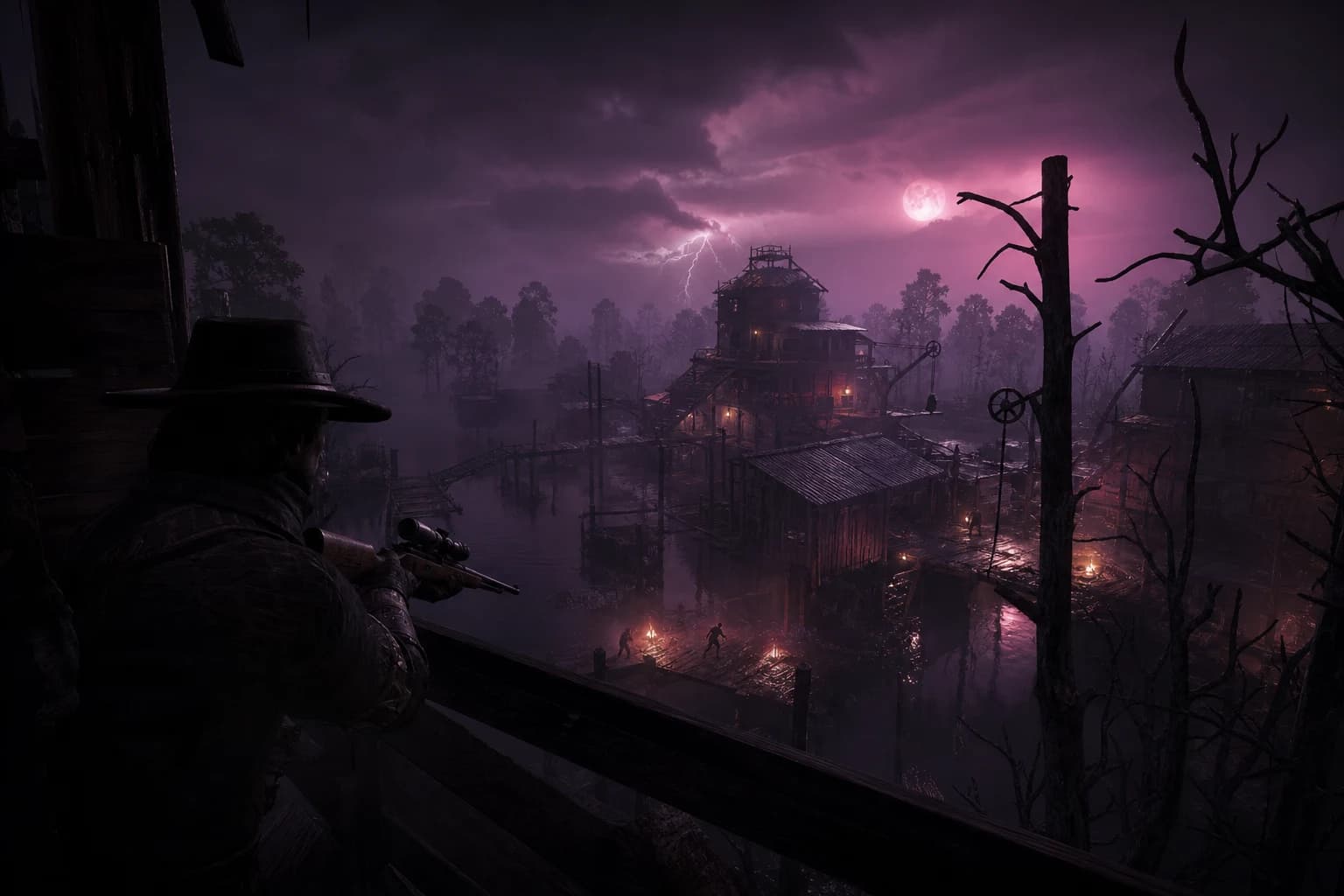
Hunt Showdown is a unique extraction shooter set across vast maps sprawling through Louisiana swamps, requiring you to manage both PvE and PvP dynamics simultaneously. Unlike other battle royales or tactical shooters, you must contend not only with rival players but also with monsters lurking in every corner of the map, a sound-sensitive environment, and strict zone management requirements. In this chaotic setting, there is only one key to success: information superiority.
Knowing where rival hunters are positioned on the map, which sector contains the bounty target, and from which direction approaching threats are coming means winning every firefight before it even starts. Hunt Showdown's standard HUD provides only a small fraction of this information: nearby sounds, animal reactions, occasional gunshot echoes. You must piece together the rest yourself — or you can access this information directly using the right tools.
Radar and ESP-based tools enter the picture at this exact point. Seeing rival hunters' real-time positions, tracking monster spawn points, monitoring bounty zones and exit gates instantly on the map — all this data makes you the master of the map. You no longer play reactively but proactively: you find your opponent before they search for you, you initiate the firefight, and you finish it.
In this guide, we will cover 9 essential methods for using radar and map control tools most efficiently in Hunt Showdown. Each point includes concrete usage scenarios, practical configuration recommendations, and tips based on real match situations. Whether you're a beginner or an experienced hunter, every method on this list will elevate your map mastery to the next level.
You can also check out our Hunt Showdown Wallhack guide to explore wall-hack vision mechanics in depth — when used together with radar, this duo provides truly complete map control.
Summary: Radar and ESP tools in Hunt Showdown display enemy positions, bounty zones, and exit points in real-time. With these 9 methods, you control every corner of the map, initiate every firefight from an advantageous position, and complete extraction safely.
What Is Radar Cheat and How Does It Work in Hunt Showdown?
Radar cheat is a software tool that reads the game's memory data and visualizes the coordinates of all entities on the map (players, monsters, items, bounty targets) in real-time on a separate overlay or window. In Hunt Showdown specifically, radar functions as a mini-map layer overlaid on top of the standard game map or running on a second monitor.
The Difference Between Radar and ESP
Radar and ESP (Extra Sensory Perception) are often confused, but their functions differ. Radar provides a bird's-eye map view: each entity is displayed as a colored dot or icon, distances are measured, movement directions are tracked. ESP, on the other hand, operates in the game's 3D environment: it draws name boxes, health bars, distance indicators, and skeleton contours showing through walls above enemies. Using both together provides both macro map control (radar) and micro firefight advantage (ESP). You can explore packages containing both features on ForceCheat's Hunt Showdown product page.
Game Engine and Data Reading Mechanism
Hunt Showdown has a CryEngine-based architecture. This engine stores entity data at specific memory addresses; current radar software tracks these addresses dynamically to continue working independently of game updates. Hunt Showdown tools within ForceCheat are supported with offset updates following each major game update; this ensures seamless operation after patches.
The 9 Best Radar and Map Control Methods
1. Real-Time Enemy Tracking for Rotation Planning
The most basic and most powerful use of radar is tracking rival hunters' real-time positions on the map. Especially in matches with three-hunter teams (trios), catching the moment when two rival teams are engaged with each other and then hunting the exhausted winner of that firefight ("third-party") is a classic strategy. Without radar, predicting this moment is very difficult; with radar, you watch second-by-second as rivals approach each other, the firefight begins, and ends. You adjust your rotation timing accordingly, always entering combat fresh and ready. Practical tip: Pin your radar window to the bottom-right corner and set the zoom level to a 150-meter radius; this field of view is neither too wide nor too narrow, providing an ideal balance for tactical decisions.
2. Instantly Detecting Bounty Target Spawn Location
In Hunt Showdown, the basic objective of each match is to kill the bounty monster (Boss) and collect its soul. The Boss's location is hidden at the start of the game; in standard play, you collect clues to narrow down the approximate area. With radar, the Boss's exact coordinates are visible from the start of the match. This allows you to head directly to the target instead of wasting time on the opposite side of the map. More importantly, you can instantly track the position of the team that kills the Boss and collects its soul — knowing where they are while heading to the extraction point, you can set up an ambush. Practical tip: After seeing the Boss location, identify two different approach routes on the map; by watching which route rival hunters use via radar, you can choose the empty route.
3. Monster Density Map for Silent Passage Routes
In Hunt Showdown, noise means death. Triggering or killing a monster alerts all nearby players to your location. Radar reveals all AI enemy (grunt, hive, immolator, etc.) positions on the map, showing which corridors are clear. When passing through an area, check monster density on radar; avoid dense areas to advance without revealing your position to rivals. This method is especially critical when carrying the bounty soul; at that moment, everyone on the map knows your general area, and making noise pinpoints your exact location. Practical tip: Set radar zoom to 300 meters for broad route analysis, then reduce to 100 meters to track immediate threats.
4. Extraction Point Control and Trap Setting
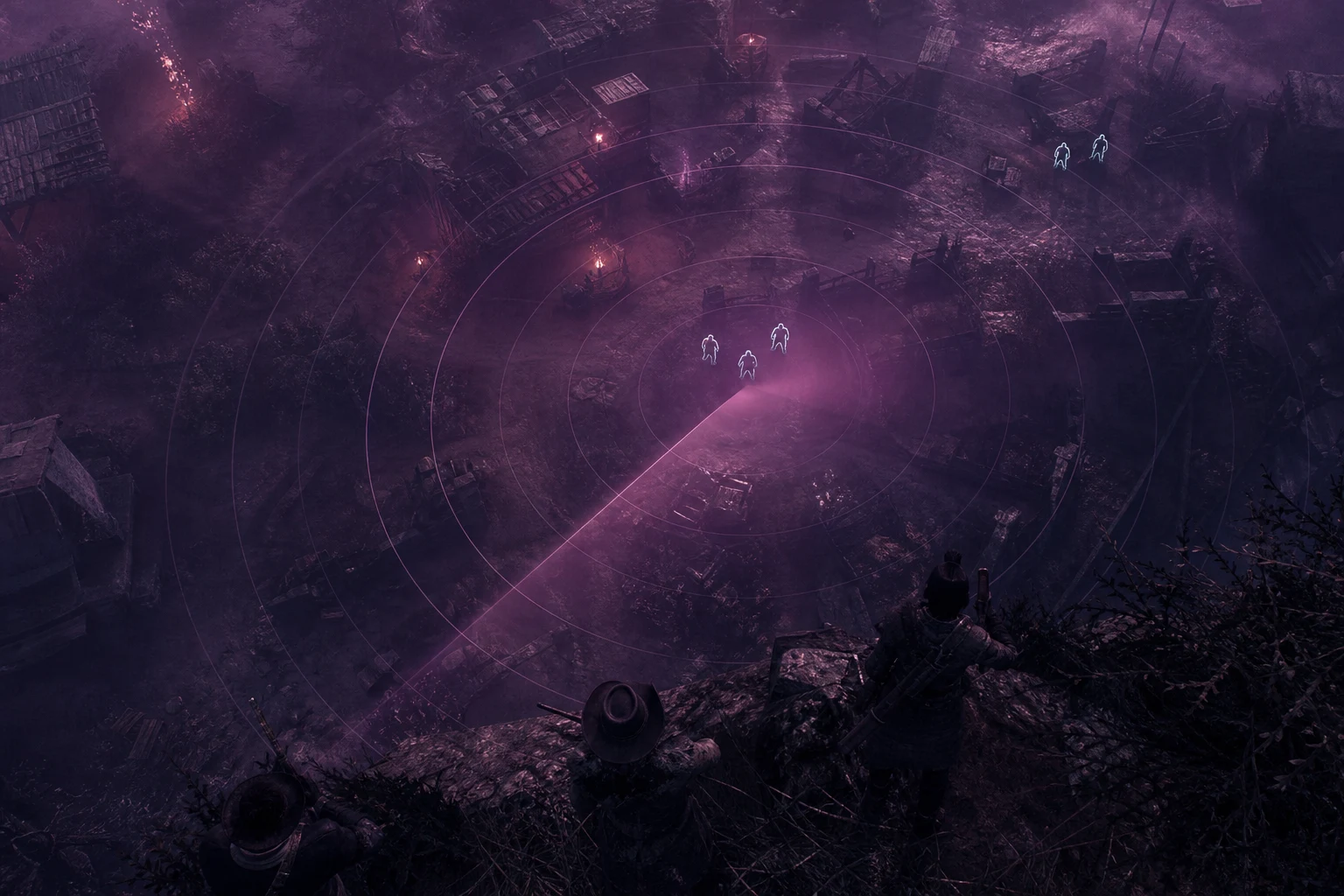
After collecting the bounty soul, the real challenge begins: reaching the extraction point. Multiple extraction gates exist on the map, and rivals can wait for you at these locations. With radar, you can see which extraction points have rival hunters nearby and choose the empty gate. Conversely, by tracking the rival team carrying the bounty, you can identify which extraction they're heading to and reach there first to set up an ambush. This dual strategy — both protecting yourself and hunting your opponent — is nearly impossible without radar. Practical tip: When 200 meters from the extraction point, reduce radar zoom to 150 meters and verify no one is within 100 meters of the gate for at least 30 seconds before proceeding.
5. Team Coordination Through Position Sharing
When playing as a duo or trio, radar fundamentally changes team coordination. In standard play, you can only track teammates' positions by opening the map and using the marking system; this is slow and limited. Radar displays all team members' positions in real-time and lets you evaluate them alongside rival positions. Instead of "You push from the left, I'll go around the right," you can communicate at the level of "I see on radar, two are in the east building, one is north alone — let's take them out first." Practical tip: Within your team, the player using radar can take the "observer" role and provide continuous position updates via voice communication; this functions as a mini command center.
6. Health and Equipment Detection for Loot Optimization
Advanced ESP features display not only player and monster locations but also important items on the map — health packs, ammo crates, special equipment. Especially in long matches when your ammunition reaches critical levels, instantly identifying the nearest resupply point can be lifesaving. Additionally, seeing the loot on downed rivals helps you decide whether to take unnecessary risks for valuable equipment. Practical tip: In ESP filter settings, keep the "high-value items" category active and filter out standard loot; this prevents your radar screen from becoming cluttered with unnecessary information and lets you focus on critical data.
7. Bypassing Sound Traps for Stealthy Approach
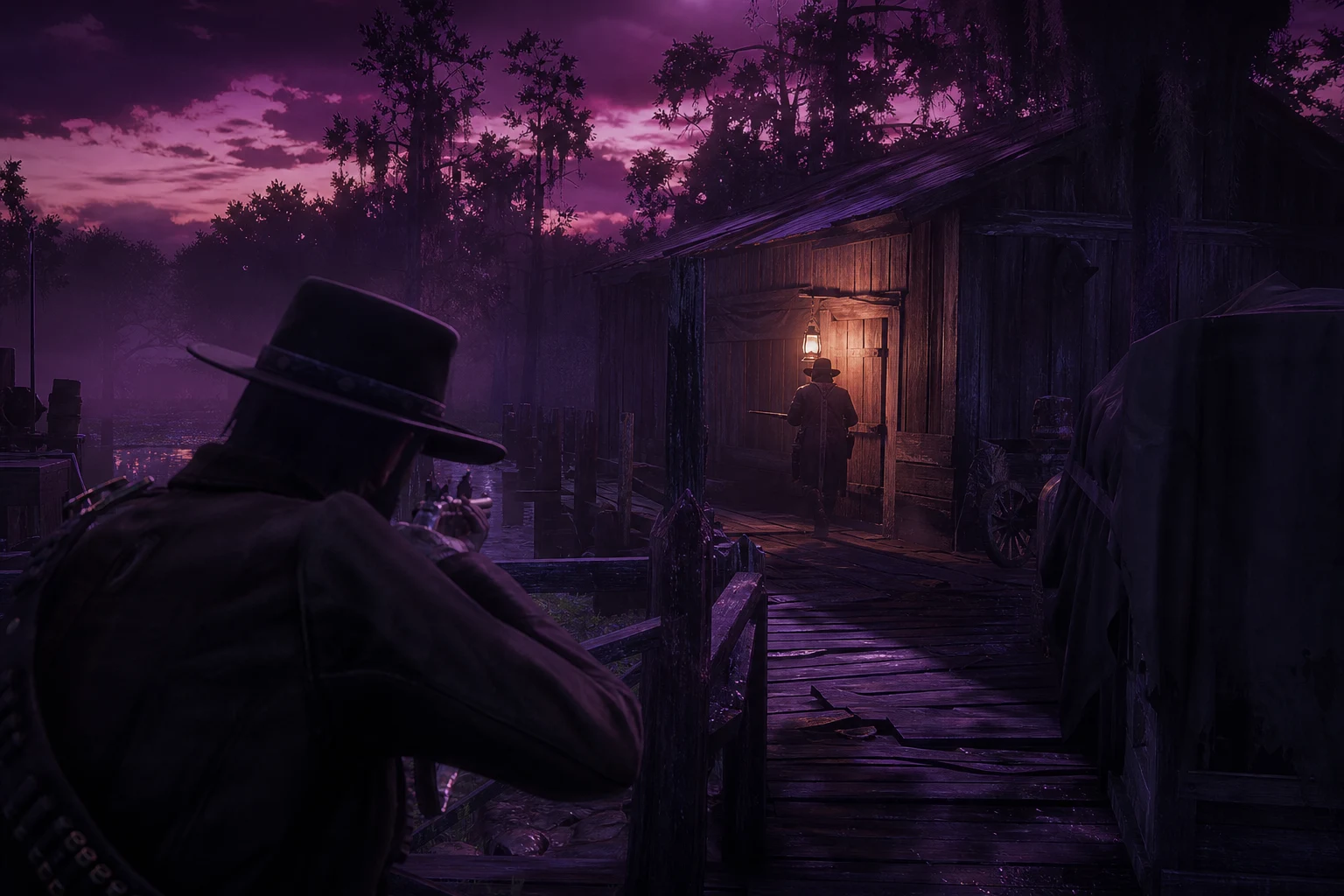
Hunt Showdown maps are filled with crows, dogs, and various sound traps. Startling a crow alerts everyone within 200 meters to your location. When radar and ESP are used together, these sound trap locations become visible; you can pause before crossing them and choose an alternative route. This feature is especially critical when sneaking close to a rival team: by avoiding sound traps, you can approach within 50 meters and position yourself without rivals noticing. Practical tip: Mark sound trap icons on the map in a different color (for example, yellow); this visual distinction automatically draws your attention while moving.
8. Downed Teammate Soul Rescue Operation
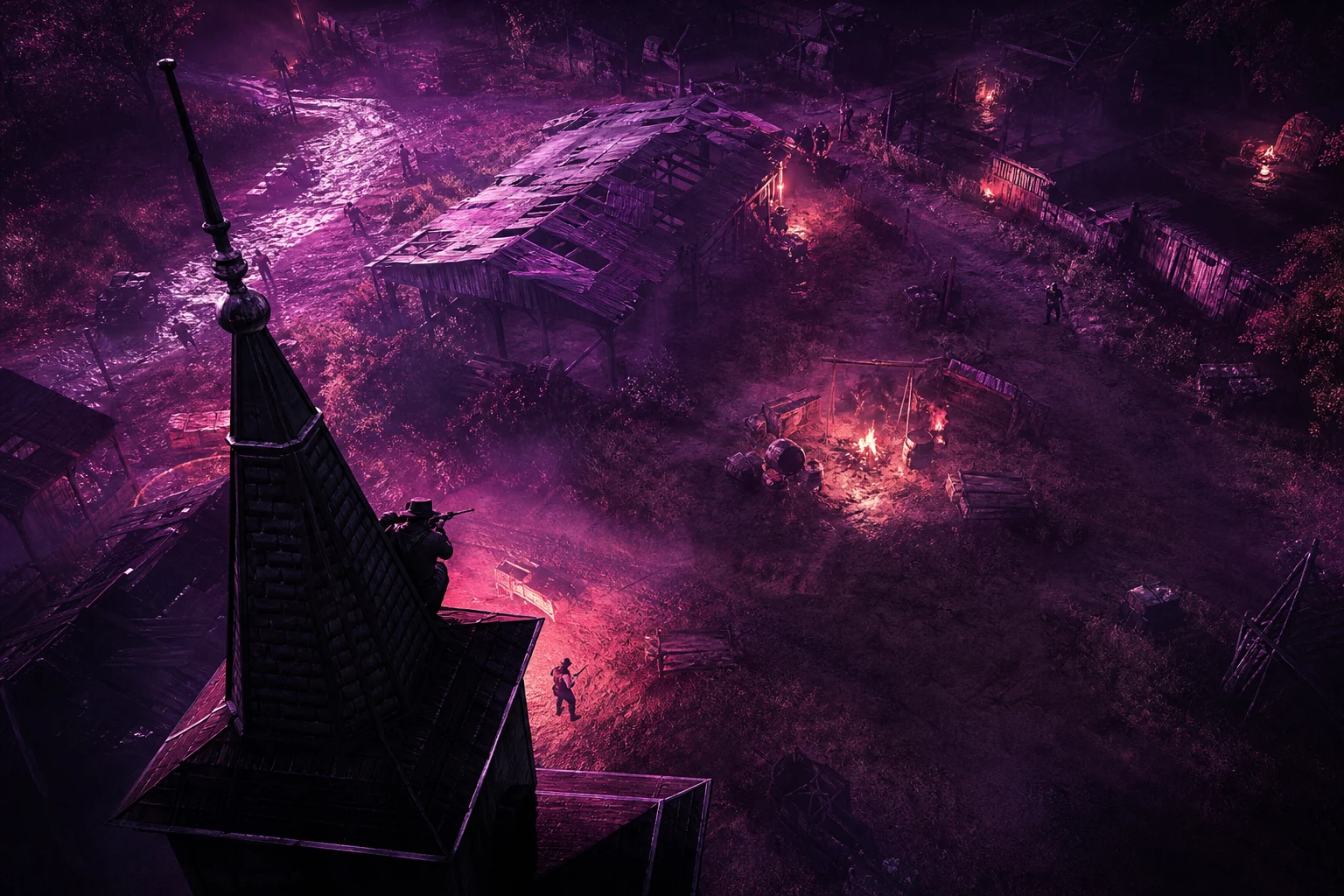
One of Hunt Showdown's most stressful moments is when a teammate is downed and you attempt to rescue their soul. In standard play, finding the soul location is easy, but knowing if rivals are nearby is impossible. With radar, you can see rival positions around the soul point and execute the rescue operation at a safe moment. If rivals are watching the soul point, an alternative plan activates: draw them in another direction to leave the soul point exposed. This tactic makes the difference between being left alone and continuing as a two-person team in duo matches. Practical tip: During rescue operations, set radar zoom to 200 meters and only proceed if there are no rivals within 150 meters of the soul point.
9. Post-Match Analysis for Personal Development
There's another dimension to radar that most users overlook: post-match analysis. Some advanced radar software records all player movements throughout the match. By reviewing these recordings, you can see your own rotation mistakes, missed opportunities, and how rivals hunted you. The answer to "Why did I lose that firefight?" is no longer guesswork but concrete data. This analytical approach lets you use radar not just for immediate advantage but for long-term skill development. We covered similar analytical approaches for a different game in our PUBG Mobile Gameloop cheats guide; it's worth reading. Practical tip: After each match, review at least two critical moments (lost firefights or missed opportunities) from the recording; this habit provides noticeable weekly improvement.
Undetected Usage: ForceCheat Security Infrastructure
When using radar and ESP tools, the most important concern is ensuring the software isn't detected by the game's anti-cheat systems. Hunt Showdown uses the EasyAntiCheat (EAC) infrastructure. ForceCheat's Hunt Showdown tools include various technical measures to bypass EAC signatures and scanning routines.
Kernel-Level Protection
ForceCheat's premium Hunt Showdown package uses kernel-mode driver architecture. This approach allows the software to run at the operating system kernel level, remaining outside the access area of user-mode scanning tools. It creates an effective barrier against EAC's standard detection methods like process listing, memory scanning, and behavioral analysis. Updates are released within 24-48 hours following each major EAC signature update; this enables long-term seamless usage.
Visual Settings and Avoiding Attention
Beyond technical security, behavioral discretion is also important. Following some basic rules when using radar minimizes the risk of drawing suspicion: don't keep ESP boxes too bright or large (they'll be noticed in your own screenshots), use reasonable radar zoom levels, and avoid reflecting your information advantage too obviously in every move. All security features and current undetected status are explained in detail on our Hunt Showdown product page.
Which Package Should You Choose? Radar, ESP, and Full Package Comparison
ForceCheat offers several different packages for Hunt Showdown tailored to different needs. Choosing the right package both optimizes your budget and prevents you from paying for features you don't need.
Radar-Focused Package
For those wanting to focus solely on map control and position tracking, the radar package is ideal. It displays enemy, monster, and item locations in real-time on the map. It doesn't include aimbot or ESP; therefore, it runs with a lighter software footprint. It's especially perfect for players adopting a strategic playstyle — those who avoid firefights, collect the bounty, and safely complete extraction.
ESP + Radar Combined Package
For those wanting both macro map control and micro firefight advantage, the combined package is recommended. While radar provides map mastery, ESP offers wall-hack vision and enemy health information during active firefights. This package provides the most comprehensive information advantage in Hunt Showdown and ensures maximum effectiveness in both solo and team play. If you're looking for similar comprehensive tool sets for other games, check out our Valorant cheat category or PUBG Mobile Gameloop category.
Conclusion
Hunt Showdown is built on information asymmetry. Whoever has more information — where rivals are, the Boss's location, extraction point safety — that player or team is the true master of the map. Radar and ESP tools fundamentally change this information asymmetry, always positioning you on the informed side.
The 9 methods we covered in this guide — from real-time enemy tracking to post-match analysis, from sound trap avoidance strategies to extraction control — show that radar is far more than just "seeing enemies." When used correctly, radar functions as a command center that understands all map dynamics and makes every decision based on data.
For a start, you can try the radar-focused package and transition to the ESP + Radar combined package based on your playstyle and needs. Both options are offered with ForceCheat's technical guarantee: kernel-level protection, regular updates, and 24/7 support.
If you're ready to take Hunt Showdown map control to the next level, you can explore all our Hunt Showdown cheat tools in our category, select the package that best suits you, and get started immediately. The map is yours; all you need to do is exit with the right tools.
Frequently Asked Questions (FAQ)
What information does Hunt Showdown radar cheat display?
ForceCheat's Hunt Showdown radar tool displays all rival hunters' real-time positions, AI monster (grunt, hive, immolator, etc.) positions, the bounty target's (Boss) location on the map, extraction points, and important loot items. All this data provides a view far beyond the in-game mini-map.
What's the difference between radar and ESP, and which should I choose?
Radar provides a bird's-eye map view and performs macro-level position tracking. ESP operates in the game's 3D environment; it displays wall-hack enemy contours, name boxes, and health bars. Radar is sufficient for strategic playstyle; for those wanting advantage in active firefights too, the ESP + Radar combined package is recommended.
How do ForceCheat's Hunt Showdown tools protect against EasyAntiCheat?
ForceCheat's Hunt Showdown tools use kernel-mode driver architecture; this structure operates outside the access area of EAC's standard user-mode scanning methods. Additionally, software updates are released within 24-48 hours following each major EAC update. You can check the product page for current undetected status.
Can I use the radar tool on a second monitor?
Yes. ForceCheat's radar tool can operate in both overlay (overlay on game screen) and independent window mode. If you're using a second monitor, you can move the radar window there, keeping your game screen clean and comfortably monitoring both screens simultaneously. This feature provides significant comfort advantage, especially in long matches.
Do I need to use aimbot together with radar?
No, radar and aimbot are independent tools. Radar provides map control and information advantage; aimbot interferes with aiming mechanics. Many players prefer using only radar to win matches through map superiority. You can choose either the radar package alone or a combined package based on your needs.
Does radar continue working after Hunt Showdown updates?
Game updates sometimes change memory addresses (offsets), which can temporarily prevent radar tools from working. ForceCheat releases offset updates within 24-48 hours following major Hunt Showdown updates. Active subscribers automatically receive these updates; no additional payment is required.
Share this post
Related Posts

Hunt Showdown ESP Not Working? 7-Step Enemy Location Fix
Hunt Showdown ESP not showing enemy locations? Overlay won't open, wallhack not working? We solve the 7 most common issues step by step.
Will to Live Cheats: 5 Ways to Master Survival
Master Will to Live with aimbot and ESP cheats! Discover 5 proven survival strategies to dominate PvP, optimize farming, and stay ahead of rivals with advanced cheat tools.
Hunt Showdown Triggerbot Setup: Automatic Fire Guide in 5 Steps
Having trouble setting up triggerbot in Hunt Showdown? Automatic fire not working or experiencing lag? This guide solves every issue in 6 steps with proven solutions.