
Competitive Gaming: 10 Ways to Improve Your Aiming Skills
- Introduction: Why Improving Aiming in Competitive Games Matters
- 1. Optimize Your Mouse DPI and Sensitivity Settings
- Finding the Right DPI Value
- Creating In-Game Sensitivity Profiles
- 2. Crosshair Placement and Configuration
- The Importance of Crosshair Placement
- Color and Size Optimization
- 3. Regular Practice with Aim Training Applications
- Tools Like Aim Lab and Kovaak's
- Using In-Game Practice Modes
- 4. Hardware Optimization: Monitor and Computer Performance
- High Refresh Rate Monitors
- FPS Optimization and System Settings
- 5. In-Game Strategies and Map Knowledge
- Map Control and Positioning
- Team Coordination and Communication
- 6. Sound Design and Auditory Awareness
- Direction Detection and Sound Analysis
- Sound Profiles and Equalizer Settings
- 7. Psychological Preparation and Mental Resilience
- Tilt Management and Focus
- Routines and Warm-Up Habits
- 8. Performance Support Through Software Tools
- Advanced Game Support Software
- Anti-Cheat Systems and Compatibility
- 9. Video Analysis and Learning from Professionals
- Pro Player Streams and Tournament Watching
- Analyzing Your Own Matches
- 10. Stay Current: Patch Notes and Meta Changes
- Following Game Updates
- Community and Networking
- Conclusion
- Frequently Asked Questions (FAQ)
- What's the fastest way to improve aiming?
- What's the ideal mouse DPI for competitive games?
- Do high refresh rate monitors really make a difference?
- Do aim training applications actually improve real game performance?
- What should you do to overcome tilt?
- Which games does ForceCheat.net's software support?
- How important are sound settings in competitive games?
Introduction: Why Improving Aiming in Competitive Games Matters
Success in the competitive gaming world depends not just on hours played, but on learning the right techniques and practicing consistently. In FPS (First Person Shooter) and TPS (Third Person Shooter) games, aiming skill is one of the most critical factors directly affecting match outcomes. In titles like CS2, Valorant, PUBG, and Call of Duty—played by millions worldwide—milliseconds and pixel precision determine the thin line between victory and defeat.
So how can players improve their aiming skills? The answer requires both technical and strategic approaches. Proper mouse settings, monitor refresh rates, crosshair configurations, and in-game practice modes can dramatically elevate a player's performance. Beyond these, developing a deep understanding of game mechanics is equally important as technical equipment.
Today's competitive gaming ecosystem becomes more sophisticated each day. Game developers continuously release new content, maps, and balance updates, forcing players to adapt. Especially in tournament environments and high-rank matches, staying ahead of your opponent requires mastering both in-game mechanics and optimizing your personal performance.
In this guide, we'll explore 10 essential methods to improve aiming and overall performance in competitive games. Each method can be adapted based on your game type and personal playstyle. Whether you're a beginner or an experienced competitive player, these tips will help elevate your performance to the next level. We'll also discuss the role of specialized software tools available on ForceCheat.net in this process.
Lasting success in gaming is far more valuable than instant wins. Being truly skilled requires a combination of strategy, practice, and the right tools. Let's embark on this journey together and discover the techniques that will set you apart in competitive gaming.
Summary: We cover 10 essential methods for improving aiming skills in competitive FPS and TPS games, including mouse settings, crosshair configuration, practice modes, and in-game strategies. A comprehensive guide for both beginners and experienced players.
1. Optimize Your Mouse DPI and Sensitivity Settings
Finding the Right DPI Value
Mouse DPI (Dots Per Inch) is one of the fundamental pillars of competitive gaming performance. Most professional players prefer playing in the 400-1600 DPI range. Lower DPI values enable more precise aiming with larger hand movements, while higher DPI values can provide advantages in situations requiring quick reaction times.
The key is balancing your DPI value with in-game sensitivity settings. For example, the combination of 800 DPI with low in-game sensitivity is an approach adopted by many professional players. This combination facilitates both target tracking and quick aim adjustments.
Mouse pad size is also an important part of this equation. A large mouse pad allows comfortable movement even with low DPI settings. The widespread use of large mouse pads in professional tournament environments confirms this reality.
Creating In-Game Sensitivity Profiles
Creating separate sensitivity profiles for each game is a practical way to improve overall performance. Since games like Valorant, CS2, and PUBG have different aiming mechanics, using optimized settings for each makes sense. Most modern games offer advanced settings menus that allow this type of profile management.
2. Crosshair Placement and Configuration
The Importance of Crosshair Placement
One of the most fundamental principles of aiming is keeping your crosshair close to where your opponent might be. This technique, known as "crosshair placement," is one of the most discussed topics among professional players. Good crosshair placement effectively reduces your reaction time because the distance your aim needs to travel to the target is minimized.
In practice, this means keeping your crosshair at head level whenever you turn a corner, approach a door, or enter a new area. While developing this habit requires conscious effort initially, it becomes an automatic reflex over time.
In-game crosshair design is also important. A static crosshair generally supports more precise aiming compared to a dynamic (expanding) crosshair. Especially in games like CS2 and Valorant, you can use crosshair customization options to find the design that works best for you.
Color and Size Optimization
Crosshair color is a critical factor for visibility. Green or yellow tones provide the best visibility on most maps, while bright red or cyan colors may be preferred in certain environments. In terms of size, small and simple crosshair designs increase focus on the target and reduce unnecessary visual noise.
3. Regular Practice with Aim Training Applications
Tools Like Aim Lab and Kovaak's
Aim training applications are specialized platforms designed to develop aiming skills outside of games. Aim Lab and KovaaK's FPS Aim Trainer are among the most popular options in this field. These applications allow you to develop specific skills like target tracking, flick shots, and quick aiming through different scenario types.
Research shows that regular aim training practice significantly improves in-game performance. Even just 15-20 minutes of focused daily practice can lead to significant improvements over time. What matters is that practice sessions are regular and focused; short but intense sessions are preferable to long but scattered ones.
Using In-Game Practice Modes
Many modern competitive games offer built-in practice modes. Valorant's "The Range," CS2's "Aim Training" maps, and PUBG's training area are excellent examples. Using these modes regularly provides a more natural and reflexive aiming experience in real match environments.
When practicing, focus not just on static targets but also on moving ones. Since your opponents will be constantly moving in real matches, dynamic target tracking practice is extremely valuable. Advanced software tools like GANTE Full on ForceCheat.net offer features that support these practice processes.
4. Hardware Optimization: Monitor and Computer Performance
High Refresh Rate Monitors
Monitor refresh rate directly affects visual smoothness and response time in competitive games. Monitors with 144Hz or higher refresh rates provide much smoother visuals compared to 60Hz monitors. This smoothness provides a noticeable advantage, especially when tracking fast-moving targets and making quick aim adjustments.
Today, gaming monitors with 240Hz and even 360Hz refresh rates are available on the market. These monitors cater especially to top-level competitive players and can make a significant difference in response time advantage. However, to fully benefit from a monitor's refresh rate, your computer must also be capable of producing sufficient FPS (frame rate).
FPS Optimization and System Settings
Stable and high FPS values are essential for a consistent gaming experience. FPS fluctuations negatively affect aiming consistency and make control difficult at unexpected moments. Optimizing in-game graphics settings, closing unnecessary background applications, and adjusting operating system performance settings are effective ways to stabilize your FPS values.
Additionally, low latency modes and G-Sync/FreeSync technologies are important factors that improve gaming experience. These technologies eliminate screen tearing issues, providing a smoother image.
5. In-Game Strategies and Map Knowledge
Map Control and Positioning
Success in competitive games depends not only on individual aiming skill; strategic thinking and map knowledge are equally important as technical ability. Knowing critical points on the map, corner angles, and frequently used routes provides a significant advantage against opponents.
Especially in battle royale games like PUBG, map control strategies supported by advanced tools like Cougar Bypass can extend your survival time and improve overall performance. Zone control, resource management, and safe zone planning are critical strategic elements in these types of games.
Team Coordination and Communication
In multiplayer competitive games, team coordination can outweigh individual skill. Effective communication, role distribution, and strategic alignment are fundamental determinants of success in team-based games. Using voice communication tools effectively, reporting opponent positions promptly, and moving in sync with teammates can significantly improve match results.
Additionally, advanced visual support tools like Ph Esp can enhance your awareness in the game environment, making strategic decisions easier.
6. Sound Design and Auditory Awareness
Direction Detection and Sound Analysis
In competitive games, sound is as critical an information source as visuals. Footsteps, gunshots, door openings, and environmental interactions provide valuable clues about opponent positions. A quality gaming headset and proper sound settings allow you to perceive this information more clearly.
Headsets with 7.1 surround sound technology significantly improve sound directioning. This technology helps you determine more accurately from which direction opponents are approaching. You also need to optimize in-game sound settings; increasing footstep volume and reducing unnecessary ambient sounds can provide a significant advantage in competitive matches.
Sound Profiles and Equalizer Settings
Many gaming headsets offer customized sound profiles for different game types. Profiles designed for FPS games typically emphasize mid and high-frequency sounds (footsteps, gunshots). Using these profiles or manually adjusting equalizer settings is a practical way to enhance auditory awareness.
7. Psychological Preparation and Mental Resilience
Tilt Management and Focus
In competitive games, psychological factors can be as decisive as technical skill. Emotional imbalance, known as "tilt," can trigger a poor performance cycle and negatively affect match results. Tilt management is a topic professional players emphasize heavily.
Taking a short break after a bad match, doing deep breathing exercises, and developing a positive mental attitude are effective ways to overcome tilt. For long-term success, viewing each match as a learning opportunity and extracting lessons from mistakes is extremely important.
Routines and Warm-Up Habits
Like professional athletes, competitive players develop regular routines to optimize their performance. A short aim training session before a match prepares you mentally and physically for the game. Additionally, adequate sleep, regular breaks, and an ergonomic gaming environment are critical factors for long-term performance.
Also, analyzing your game performance by reviewing match recordings and identifying your mistakes is a valuable habit for continuous improvement. Many competitive games offer detailed statistics and replay features that can be used for this purpose.
8. Performance Support Through Software Tools
Advanced Game Support Software
Various software tools that support game performance can provide significant advantages to competitive players. ForceCheat.net stands out as a platform offering comprehensive solutions in this area. For example, tools like Ph Spoofer contain advanced features for players wanting to optimize their gaming experience.
When using such tools, it's important to consider the game's terms of service and platform rules. When used with a conscious and responsible approach, these tools can enrich your gaming experience. We recommend reviewing our related guide on The Risks and Legal Consequences of Using Game Cheats for more information.
Anti-Cheat Systems and Compatibility
Modern competitive games use advanced anti-cheat systems. Choosing tools compatible with these systems is critical for your account's long-term security. Tools like PH on ForceCheat.net are developed with careful attention to compatibility. Our guide titled Outplay Your Competition: 9 Best Competitive Gaming Cheats provides detailed information on this topic.
9. Video Analysis and Learning from Professionals
Pro Player Streams and Tournament Watching
Watching professional player streams and tournament matches is an extremely valuable learning method in your development process. This content provides rich information about crosshair placement, movement mechanics, economy management, and strategic decision-making processes. Focusing especially on pro player content featuring the characters or weapons you play is particularly practical.
Educational content found on platforms like YouTube and Twitch is both free and accessible. Regularly following these resources to improve your game is one of the most effective ways to ensure continuous improvement in competitive environments.
Analyzing Your Own Matches
Analyzing your own match recordings is the most direct way to identify your mistakes and areas for improvement. By identifying missed shots, poor positioning choices, and strategic errors, then consciously working on them, you create a powerful method for rapid improvement. Many games offer built-in replay features that can be used for this purpose.
10. Stay Current: Patch Notes and Meta Changes
Following Game Updates
Competitive games are constantly updated; weapon balance, character abilities, and game mechanics change regularly. Adapting quickly to these changes provides a significant advantage in competitive environments. Reading patch notes regularly and tracking meta changes helps keep your strategy current.
Joining game communities, following discussions on platforms like Reddit, and watching meta analysis from content creators are valuable information sources on this topic. Our article on New Trends in Game Cheats also contains current information on this subject.
Community and Networking
Connecting with players who share similar goals is valuable for both motivation and information sharing. Discord servers, in-game clubs, and online communities are resources that can accelerate your development process and provide a supportive environment. Getting mentorship from experienced players or practicing regularly with teammates can significantly speed up individual improvement.
Conclusion
Achieving top-level performance in competitive games requires a multidimensional development process. The 10 methods we've covered in this guide span a wide range, from technical hardware optimization to psychological preparation, from aim training practices to strategic map knowledge. While each method is valuable on its own, applying them all together produces the strongest results.
Optimizing mouse DPI and sensitivity settings, paying attention to crosshair placement, and practicing aim training regularly form the foundation of your aiming skill. Additionally, high refresh rate monitors and powerful system hardware enable you to use these skills most efficiently. Sound awareness and map knowledge are indispensable elements for strategic superiority.
Psychological resilience and tilt management are as critical as technical skill for long-term success. Even the best players go through difficult periods; what matters is overcoming these periods and learning from every experience. Watching professional player streams and analyzing your own matches accelerate this learning process.
Regarding software tools, the solutions offered by ForceCheat.net provide valuable options for supporting your gaming experience. However, always maintaining a responsible and conscious approach is of great importance for long-term account security and gaming experience.
Finally, remember that success in competitive games is a marathon, not a sprint. Focusing on continuous improvement rather than immediate results is the most powerful strategy that will keep you ahead of your competition in the long run. By regularly applying the tips in this guide, you can systematically improve both your aiming skills and overall gaming performance. Good luck!
Frequently Asked Questions (FAQ)
What's the fastest way to improve aiming?
For fastest improvement, it's recommended to use aim training applications like Aim Lab or KovaaK's for 15-20 minutes daily. Additionally, optimizing your mouse DPI and in-game sensitivity settings can make a difference quickly. However, lasting improvement requires a consistent and patient practice process.
What's the ideal mouse DPI for competitive games?
Most professional players prefer the 400-1600 DPI range. The most common choice is 800 DPI combined with low in-game sensitivity. However, the ideal value varies from person to person; you can find the combination that works best for you by experimenting with different values based on your playstyle and physical preferences.
Do high refresh rate monitors really make a difference?
Yes, especially in fast-paced FPS games, 144Hz and higher monitors provide a noticeable advantage. Smoother visuals make target tracking and quick aim adjustments easier. However, to fully benefit from this advantage, your computer must also be capable of producing sufficient FPS values.
Do aim training applications actually improve real game performance?
Research and professional player experiences show that regular aim training practice positively affects in-game performance. Specific skills like target tracking, flick shots, and microadjustments can be effectively developed through these applications. Noticeable results typically require several weeks of consistent practice.
What should you do to overcome tilt?
When tilted, it's recommended to take a short break first. Deep breathing exercises, a light walk, or a different activity can help rest your mind. Long-term, focusing on learning and improving rather than winning every match reduces tilt tendencies. Also, viewing lost matches as learning opportunities rather than personal failures provides a healthier mental approach.
Which games does ForceCheat.net's software support?
ForceCheat.net offers various software tools for many popular competitive games including PUBG Mobile, Valorant, SCUM, and more. You can visit the platform to explore available products and supported games. Each tool contains features optimized for its respective game.
How important are sound settings in competitive games?
Sound settings play as critical a role as visuals in competitive games. A quality gaming headset and proper sound settings allow you to detect opponent positions through sound. Especially footsteps and gunshots provide valuable information about opponent movements. Headsets with 7.1 surround sound technology can provide a significant advantage in direction detection.
Share this post
Gaming Cheats: Risks and Legal Consequences Explained
Gaming Cheats: Effective Methods and Tips Guide
// related posts
Related Posts
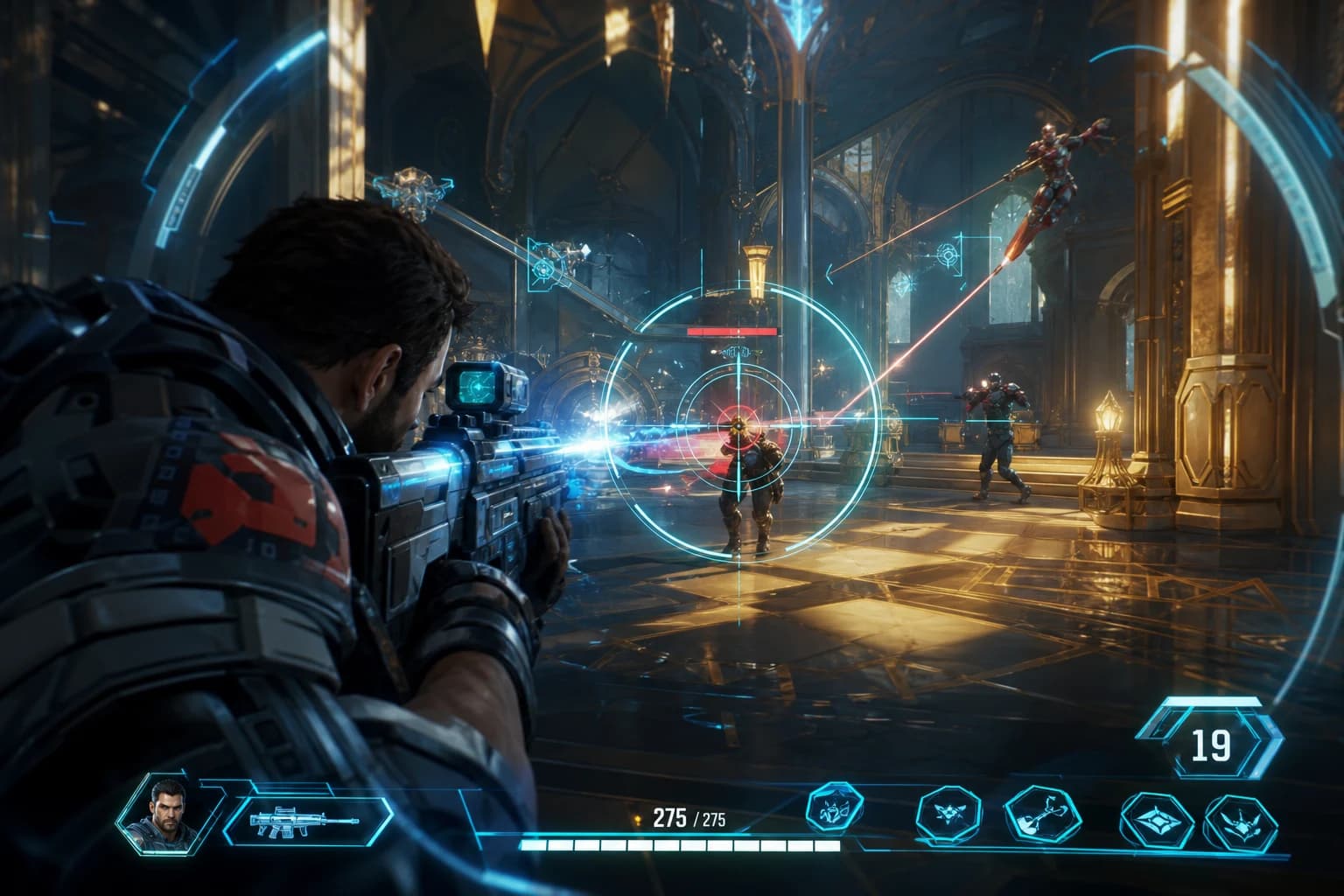
Marvel Rivals Aimbot Experience: The Path to Quick Wins
Discover how aimbot and other cheat tools work in Marvel Rivals, which features will give you the edge, and how to choose the right tool for your playstyle.
October 9, 2026
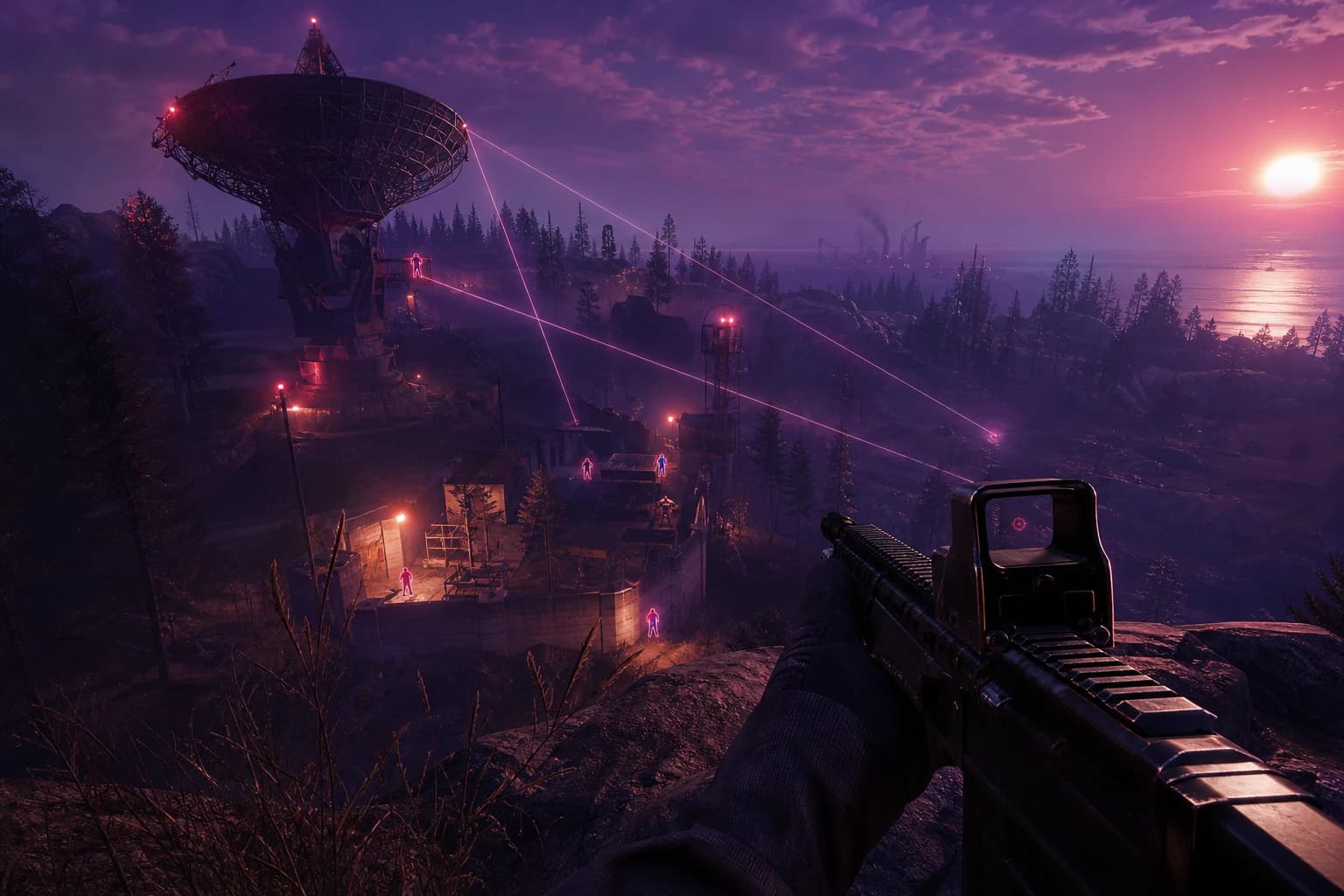
Rust ESP Map Control: Seeing Enemy Positions in Advance
Master map control in Rust using ESP to see enemy positions beforehand. Discover optimal settings, profiles, and strategies for dominating the game in this comprehensive guide.
October 8, 2026
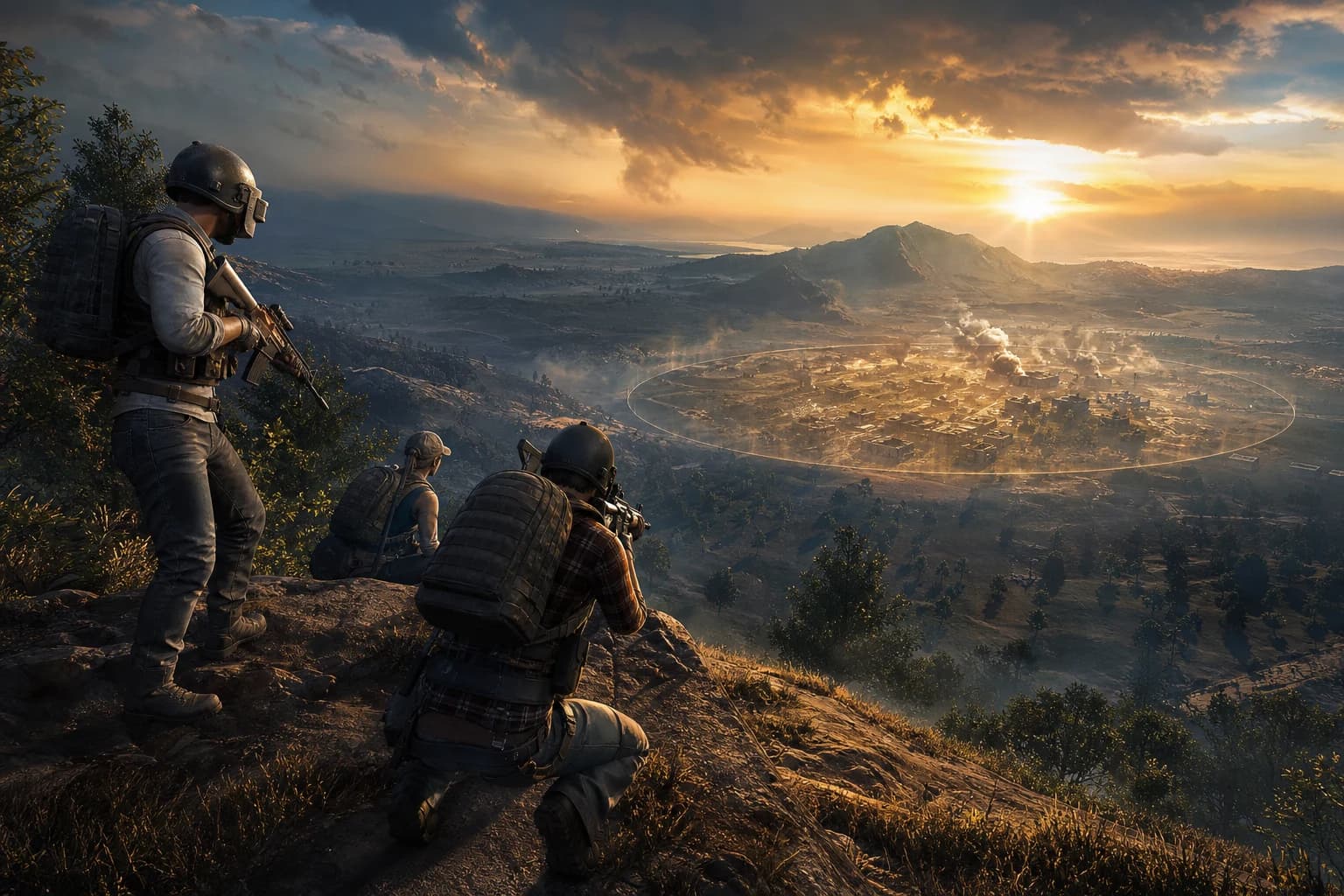
PUBG Final Circle: Best Settings and Strategies to Win
Struggling in PUBG's final circle? Master the right cheat settings and configurations to turn every endgame in your favor. Complete guide to dominating the final zone.
October 8, 2026