If you're tired of getting caught off guard in Rust, Stealth Lite is the tool that puts the information back in your hands. Built for players who want a clean, focused edge without a bloated feature list, this cheat delivers exactly what matters most — knowing where your enemies are before they know you exist.
Why Choose This Product?
Stealth Lite is designed for Rust players who value precision over excess. Rather than overloading you with features you'll never use, it zeroes in on high-impact ESP tools that sharpen your awareness and keep your gameplay feeling natural. It's the smart pick for anyone who wants results without drawing unnecessary attention.
Key Features
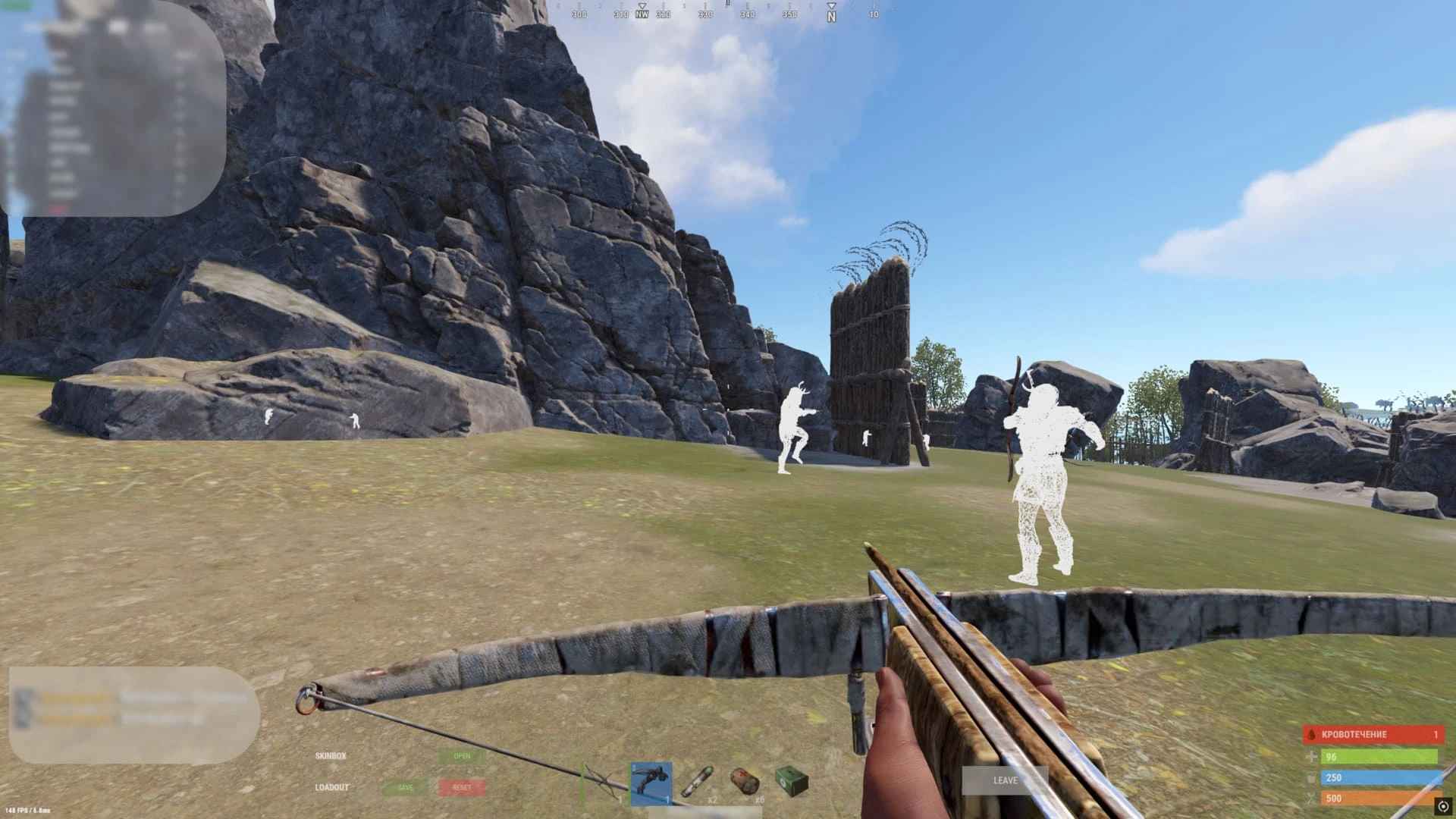
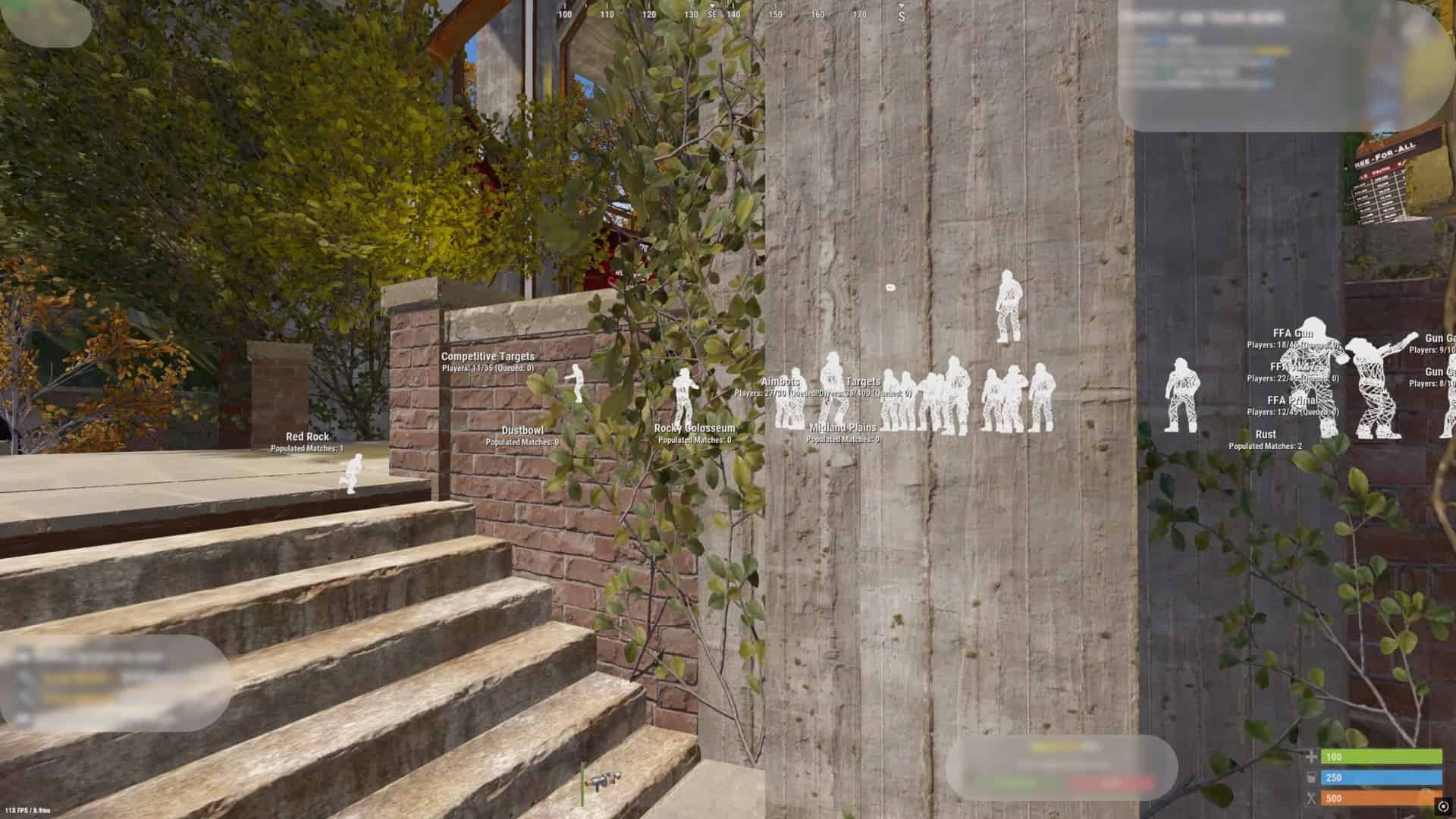
White Chams & Black Chams — Render enemy players through terrain and structures using your choice of chams style, so targets are always visible no matter the environment.
Chams Type Selection — Swap between different chams modes to suit your playstyle and adapt to different lighting or map conditions on the fly.
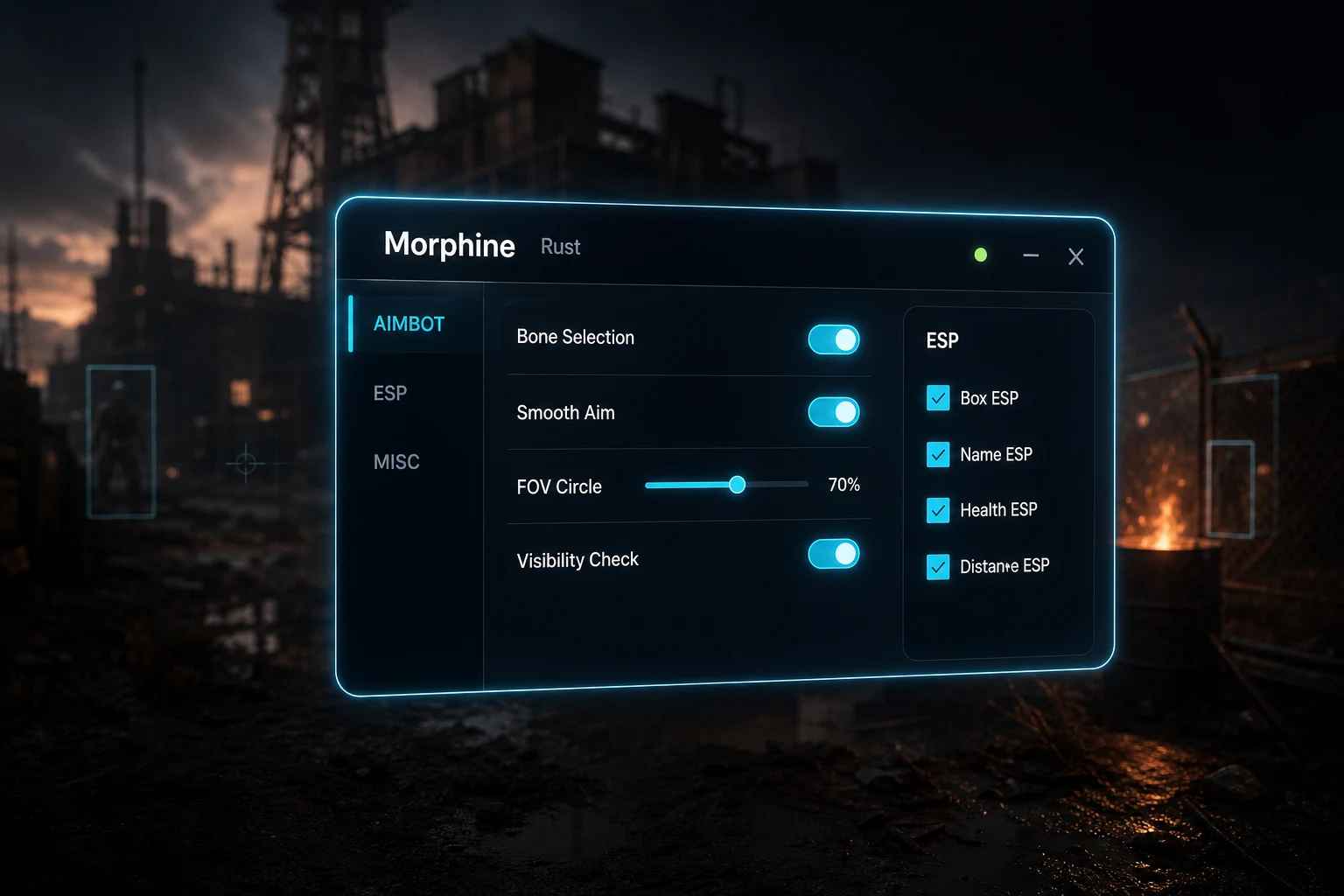
Box ESP — Get clean, reliable bounding boxes around players so you can track positions and gauge distance at a glance.
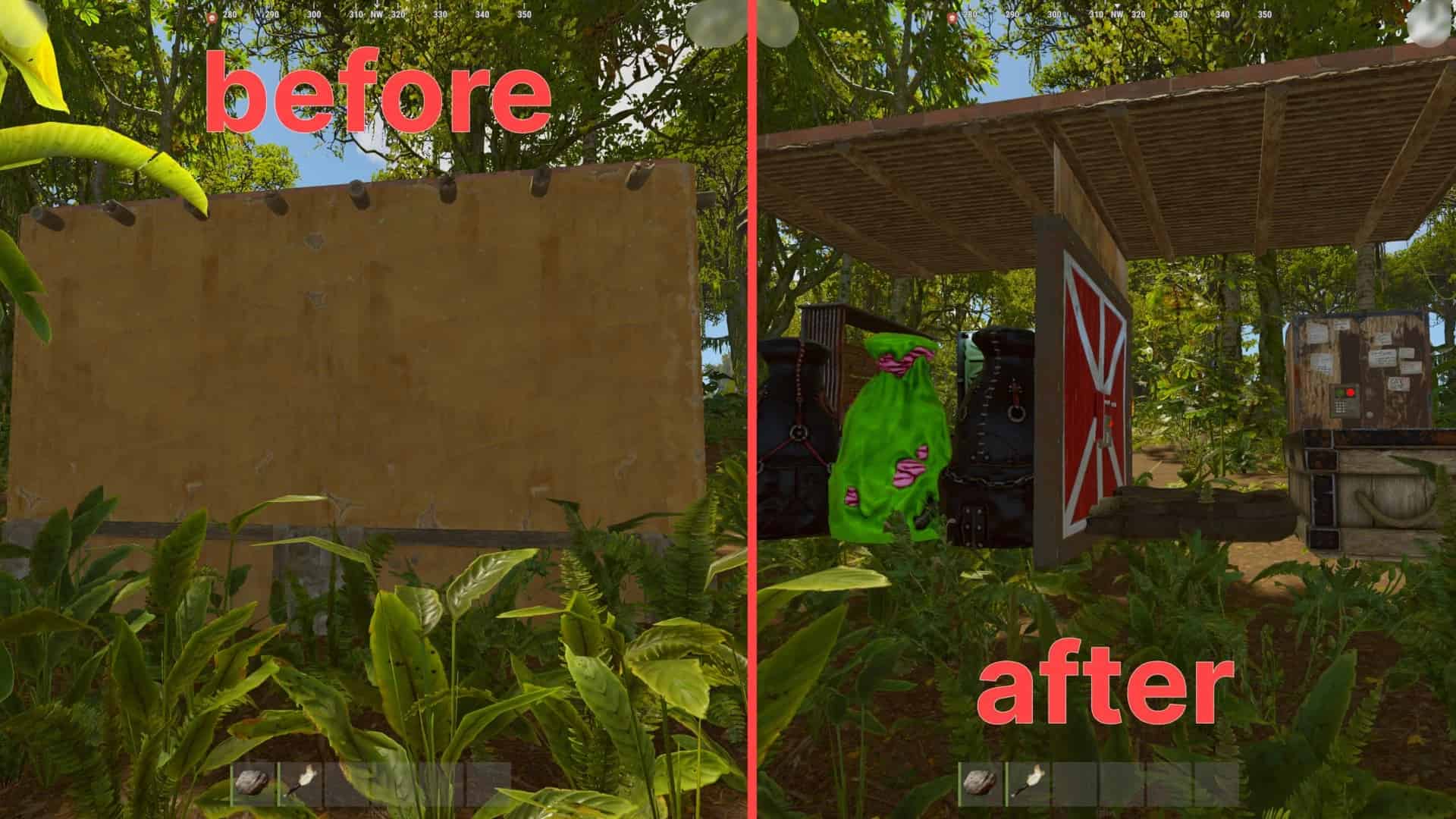
Bright Night — Turn Rust's punishing darkness into a non-issue. See clearly during nighttime raids and ambushes when other players are flying blind.
Debug Camera — Access an elevated perspective to scout your surroundings, giving you a serious situational advantage when planning your next move.
Setup & Usage
Getting started with Stealth Lite is straightforward — no advanced technical knowledge required. Once you complete your purchase, you'll receive clear setup instructions that walk you through the injection process step by step. The interface is kept simple and intuitive, so you can spend less time configuring and more time dominating your server.
FAQ
Frequently Asked Questions
Everything you need to know before purchasing
Is there a ban risk and can I use it safely?
Our product is designed with low ban risk and receives continuous updates. However, no cheat tool is 100% safe—game companies constantly develop new detection methods. Responsible usage and avoiding excessive features minimize risk.
How long does it take to receive access after payment?
After your payment is confirmed, access credentials are typically sent to your Customer Panel within 5-15 minutes. In rare cases, the process may take up to 1 hour. We recommend contacting our live support if you experience any delays.
How do I install it? Is it complicated?
You can view the installation instructions on the Installation page. If you encounter any issues, feel free to contact us.
When does the subscription period start and how long is it valid?
The subscription period begins the moment you activate the license key provided to you in the cheat. It remains valid according to the package duration you selected (30 days, 90 days, etc.). You can renew it or upgrade to a different package before the period expires.
Is a refund possible? What is the refund policy?
We recommend that you read the Purchase Agreement. By purchasing any product, you are considered to have accepted this agreement.
Can I use the same key or license on multiple computers?
The License Key is valid for only 1 computer.
How and when can I reach the support team?
You can reach our support team through Telegram and Discord. You can join Discord or Telegram from the Contact section and get in touch with us. If you explain your issue in detail, we can find a solution faster.
Does the product automatically update when game updates or patches are released?
Yes, our product automatically updates against game updates and new anti-cheat patches. Updates are performed in the background at no additional cost. You can monitor the status of updates from the Product's bottom section or the Updates page.