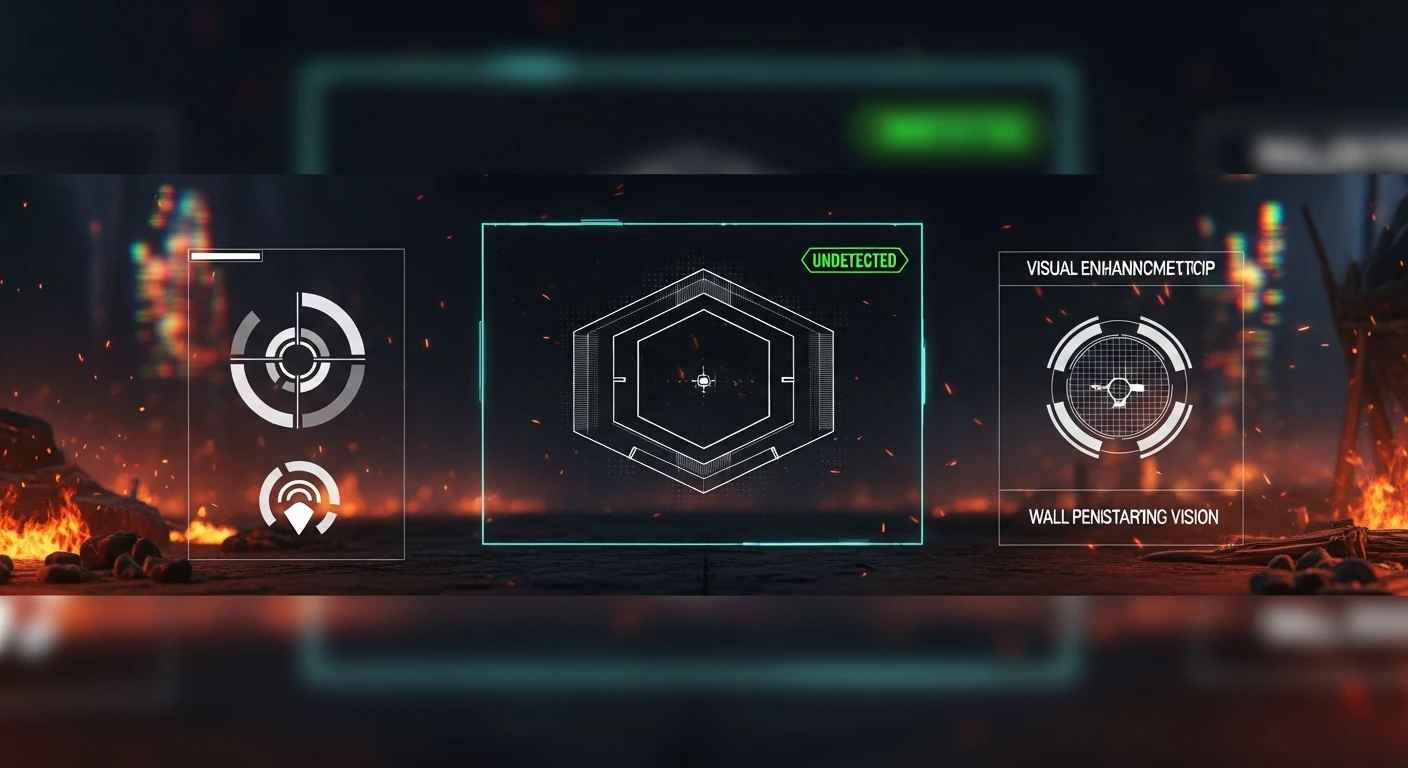
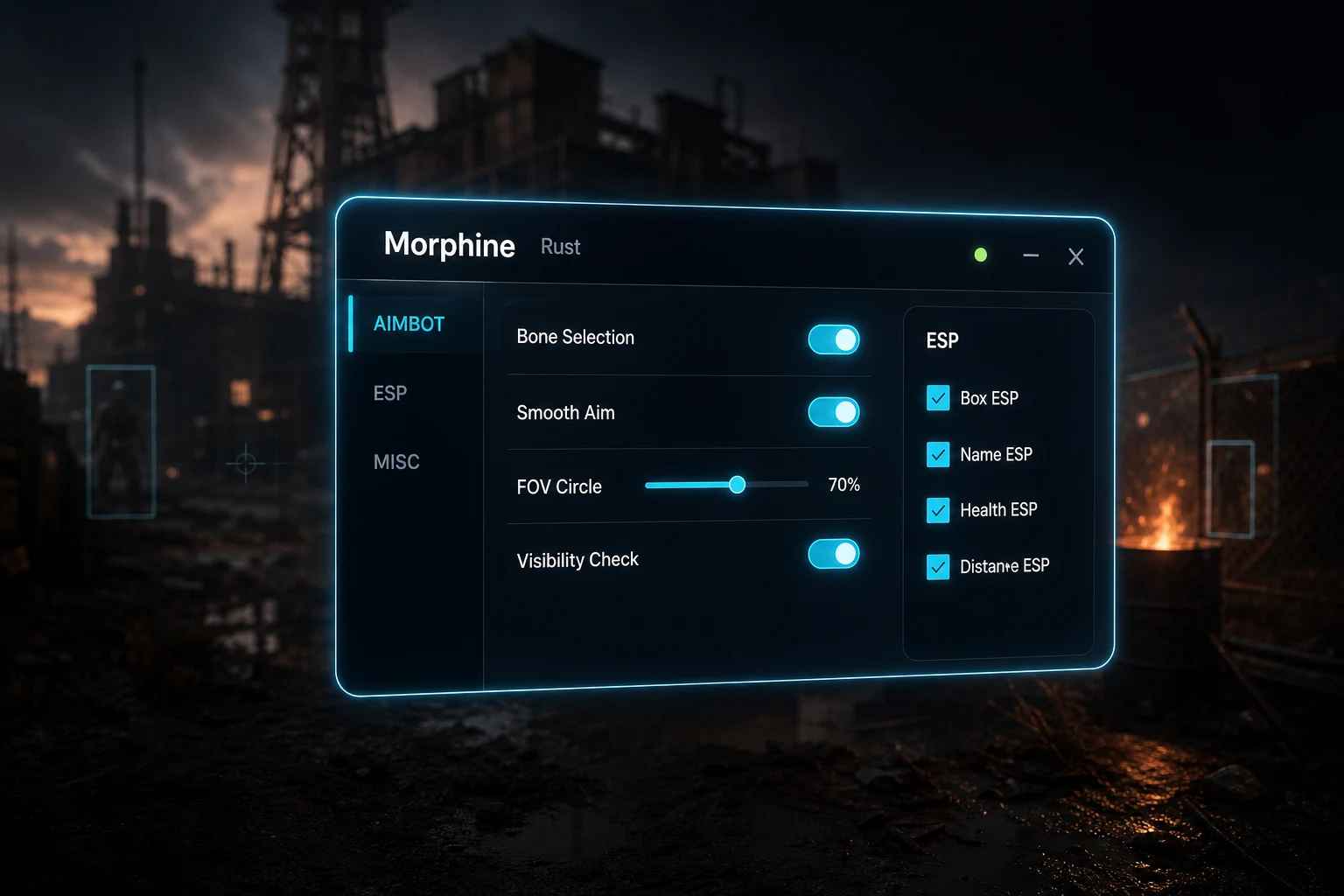
If you're tired of getting caught off guard by enemies you never saw coming, the Rust ESP is exactly what you need to flip the script. This powerful visual overlay gives you a constant read on everything happening around you — players, loot, and threats — so you're always one step ahead in every raid, roam, or fight.
Why Choose This Product?
Rust is a brutal, unforgiving game where information is everything. This ESP tool gives you that critical edge by feeding you real-time data that other players simply don't have access to. Whether you're solo surviving or running with a crew, knowing enemy positions and high-value loot locations changes the entire dynamic of every session.
Key Features
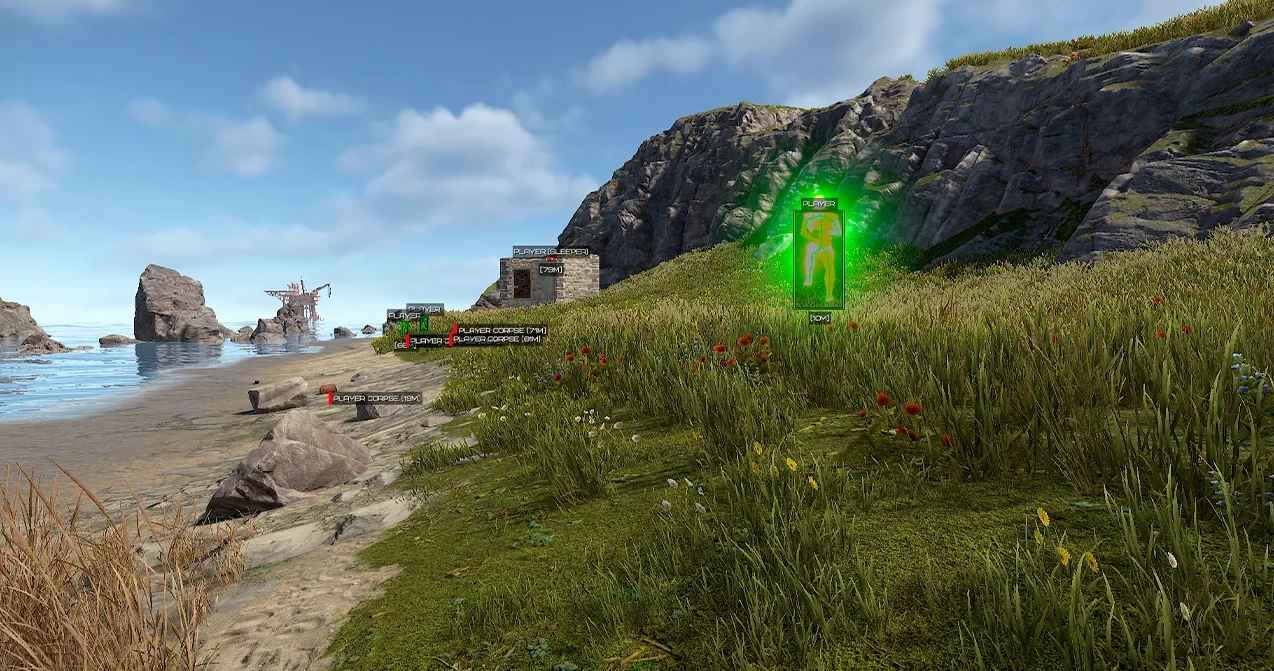
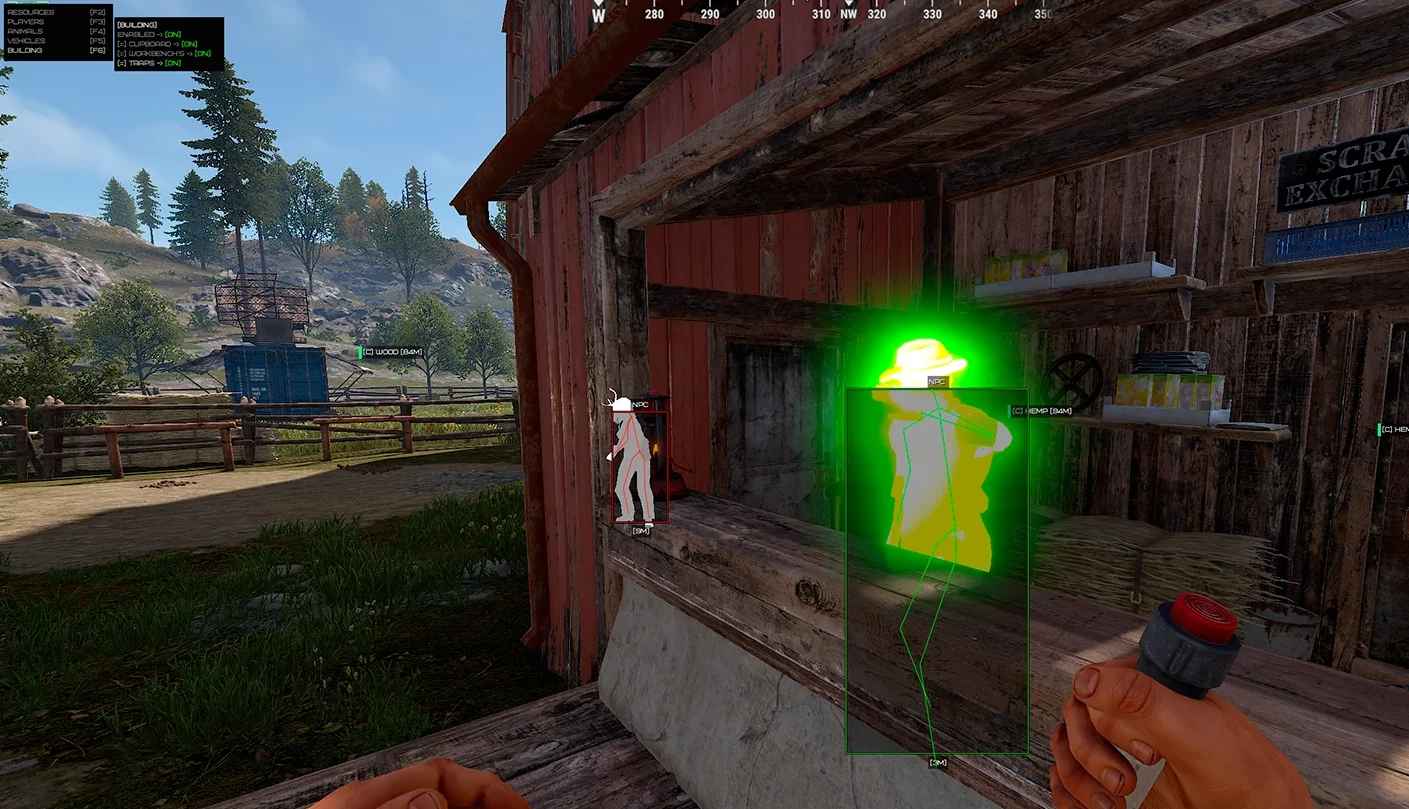
Player 2D Boxes & Filled Boxes — Spot enemies instantly with clear bounding box overlays, available in both outline and filled styles for maximum visibility at any range.
Player Lines — Direction lines show you exactly where threats are coming from, even through walls and terrain, so you're never flanked without warning.
Distance & Nicknames — See how far away each player is and who they are at a glance, letting you make smarter decisions about when to engage or avoid.
NPC & Bot ESP — Track scientists, patrol bots, and other NPCs on the map so you can plan your routes and avoid unnecessary fights that waste your gear.
Loot ESP (Resources, Weapons, Ammo, Food, Backpacks & Traps) — Never miss a crate, stash, or weapon drop again. The loot layer highlights everything worth grabbing so you can gear up faster than anyone else on the server.
Trap Detection — Spot player-placed traps before you walk into them, saving your gear and your life in contested areas.
Setup & Usage
Once the update is live, setup is designed to be straightforward — no deep technical knowledge required to get the overlay running and configured to your playstyle. You'll be able to toggle specific ESP layers on or off depending on what information you need most in a given situation. Keep an eye on your dashboard for the latest version drop and update notes so you're always running the most current build.
FAQ
Frequently Asked Questions
Everything you need to know before purchasing
Is there a ban risk and can I use it safely?
Our product is designed with low ban risk and receives continuous updates. However, no cheat tool is 100% safe—game companies constantly develop new detection methods. Responsible usage and avoiding excessive features minimize risk.
How long does it take to receive access after payment?
After your payment is confirmed, access credentials are typically sent to your Customer Panel within 5-15 minutes. In rare cases, the process may take up to 1 hour. We recommend contacting our live support if you experience any delays.
How do I install it? Is it complicated?
You can view the installation instructions on the Installation page. If you encounter any issues, feel free to contact us.
When does the subscription period start and how long is it valid?
The subscription period begins the moment you activate the license key provided to you in the cheat. It remains valid according to the package duration you selected (30 days, 90 days, etc.). You can renew it or upgrade to a different package before the period expires.
Is a refund possible? What is the refund policy?
We recommend that you read the Purchase Agreement. By purchasing any product, you are considered to have accepted this agreement.
Can I use the same key or license on multiple computers?
The License Key is valid for only 1 computer.
How and when can I reach the support team?
You can reach our support team through Telegram and Discord. You can join Discord or Telegram from the Contact section and get in touch with us. If you explain your issue in detail, we can find a solution faster.
Does the product automatically update when game updates or patches are released?
Yes, our product automatically updates against game updates and new anti-cheat patches. Updates are performed in the background at no additional cost. You can monitor the status of updates from the Product's bottom section or the Updates page.