
Updating


Every step comes with clear numbered actions — most setups take just a few minutes.
Choose a plan
Instant key delivery after payment · Pay with balance
Details
Everything you need to know
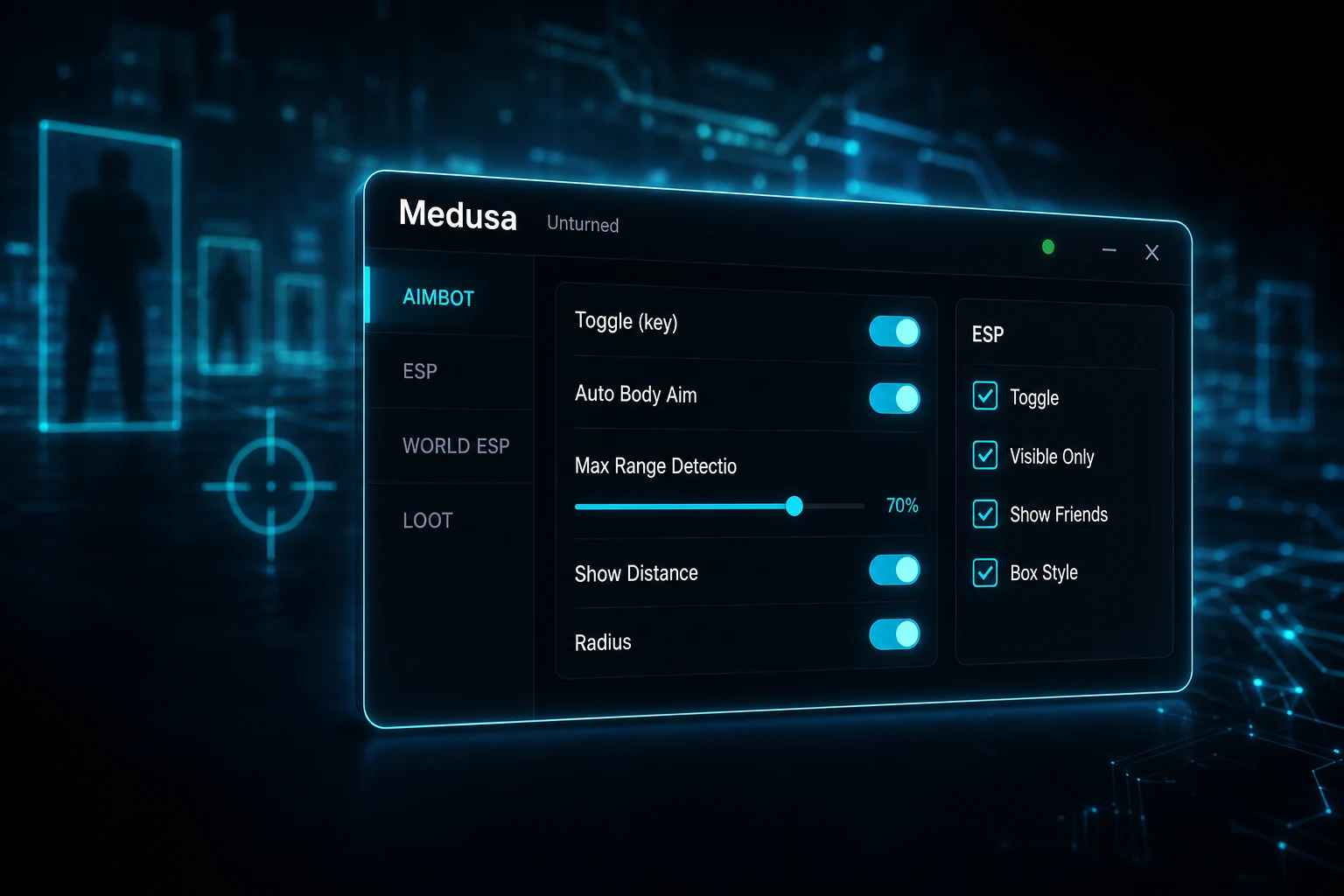
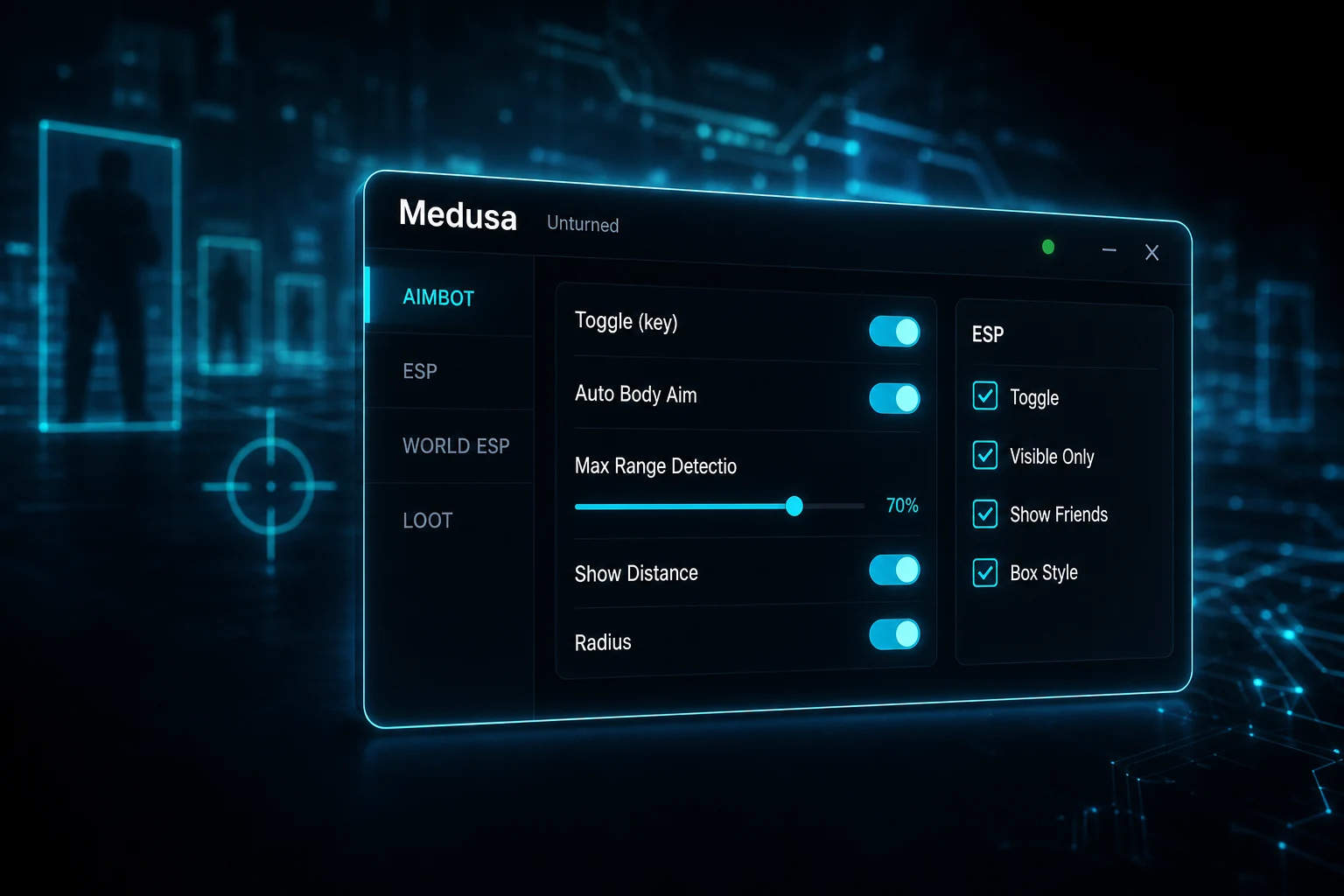
Medusa is a private tool for Unturned players who want more control over the survival loop — scavenging, building a base and staying alive against everyone else on the server. It brings aim assistance, player and world visuals, rarity-based loot display and camera utilities together in one menu. It suits the solo player picking through zombie-filled towns just as well as the squad scouting an area before a raid. Since every function has its own color, distance and key settings, you can keep your screen as clean or as detailed as your playstyle needs.
In short: Medusa offers an Aimbot, player and world ESP, loot ESP, weapon and camera tweaks, weather control and a full config system. It is currently Undetected and receives regular updates.
Fights in Unturned usually break out across uneven terrain at unpredictable ranges. Medusa's aim module locks onto the bone you choose and works out the effective range of the weapon in your hands.
On crowded PvP servers, knowing who is in your group and who is pointing a rifle at you is half the battle.
Unturned maps are large, and knowing where vehicles, objects and animals are makes travel and base planning far quicker.
Loot display is where Medusa saves you the most time: much of Unturned is spent hunting for the right item, and this module cuts that search down to seconds.
Weapon, camera and everyday quality-of-life options live here; the anti-tracking option switches every function off automatically when someone is watching you.
Night and fog can wreck visibility in Unturned. Weather control lets you recolor the sky, equator, ground, sun, rays, fog and clouds, and tune ray, fog and cloud intensity for a clear view in any conditions.
From the config list you can add, save, load, rename and delete setups, with default autoload, single or bulk export, import and reset. In settings you choose the menu, panic and battle mode keys, primary color, solid or gradient color style, dark or light theme, 100-150% DPI scale, English/Russian/Chinese language and watermark, then save your settings.
Medusa is currently Undetected, meaning it is actively working with low detection risk. After game patches the software is checked and updated quickly when needed.
You can follow the current status through the badge on the product page and the updates page. Options like anti-tracking, the panic key and battle mode also help you stay in control in game.
Your access details are delivered to your account the moment your purchase is complete. Setup takes only a few steps and is explained in our installation guide.
If you get stuck, our support team is ready to help. Before you start, make sure your system meets these requirements:
You can try Medusa on a short plan first and move to a longer one later; longer plans bring the daily cost down noticeably.
It shines on PvP servers and survival-focused games. Loot and world visuals help while exploring, while the Aimbot and player ESP matter most in fights.
The battle mode key hides object, vehicle, animal and loot visuals so you can focus on players only. Distance limits keep the screen clean as well.
Medusa supports borderless and windowed modes, so you need to run the game in one of them.
Access is delivered right after payment. Follow the installation guide and you can be in game within minutes.
After a major update the software is checked and updated if necessary. You can see status changes on the product page.
If you want to spend less time searching and more time winning in Unturned, buy Medusa and start with the plan that suits you.
FAQ
Everything you need to know before purchasing
Check these out