
PH · Delta Force
Installation overview
Every step comes with clear numbered actions — most setups take just a few minutes.
- 1Turn Off Defender
- 2Use Defender Control
- 3Adjust Screen Mode
- 4Download the Loader
- 5Run the Cheat as Administrator
- 6Wait for the Update
- 7Enter the License
- 8Start the Game
- 9Open the Menu
- 10If You Want to Turn Off the Cheat
Technical Specs
- Operating system
- Windows 10, Windows 11 (21H2, 22H2, 23H2, 24H2, 25H2)
- Processor
- AMD & Intel
- Video card
- NVIDIA & AMD
- Client
- Steam, Epic Games (EGS), Delta Force Launcher (Global), Garena, WeGame (China)
Payment
Choose a plan
- Instant Delivery
- Secure Payment
- 24/7 Support
Details
Product details
Everything you need to know
If you're serious about gaining a real edge in Delta Force, the PH cheat delivers one of the cleanest ESP experiences available right now. Built around a powerful visual awareness system, this tool lets you read the battlefield before your enemies even know you're there.
Why Choose This Product?
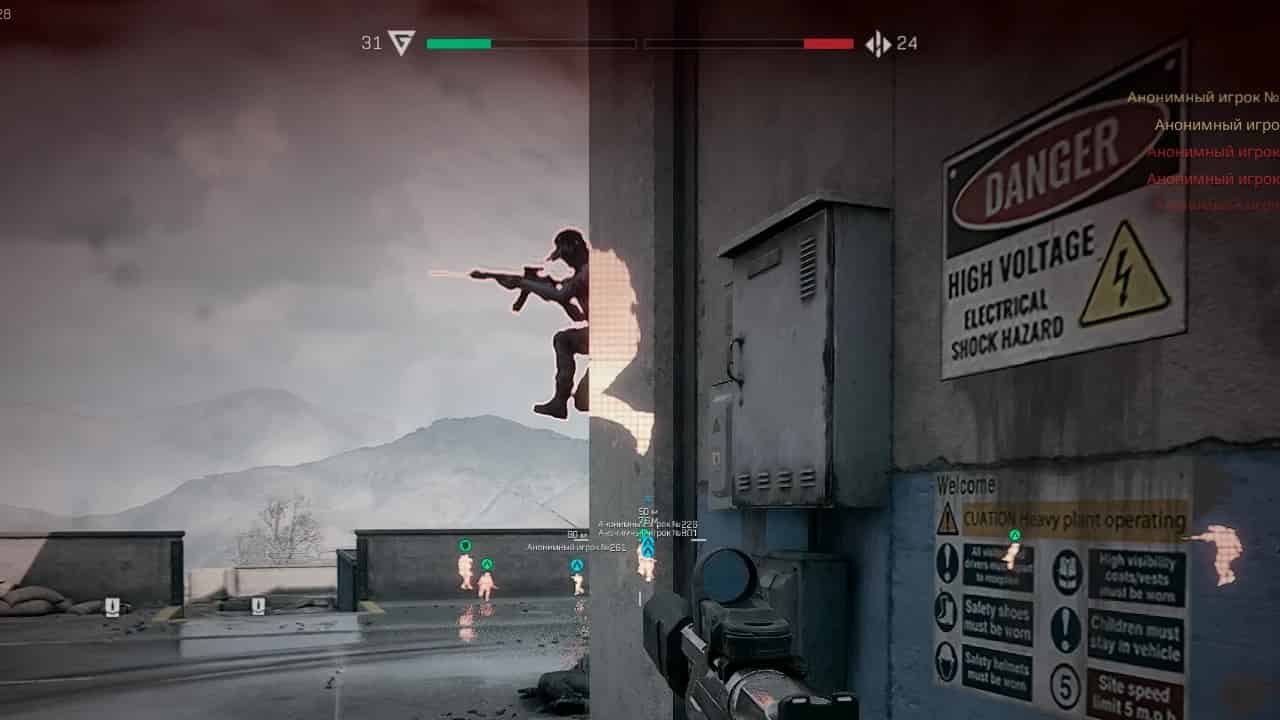
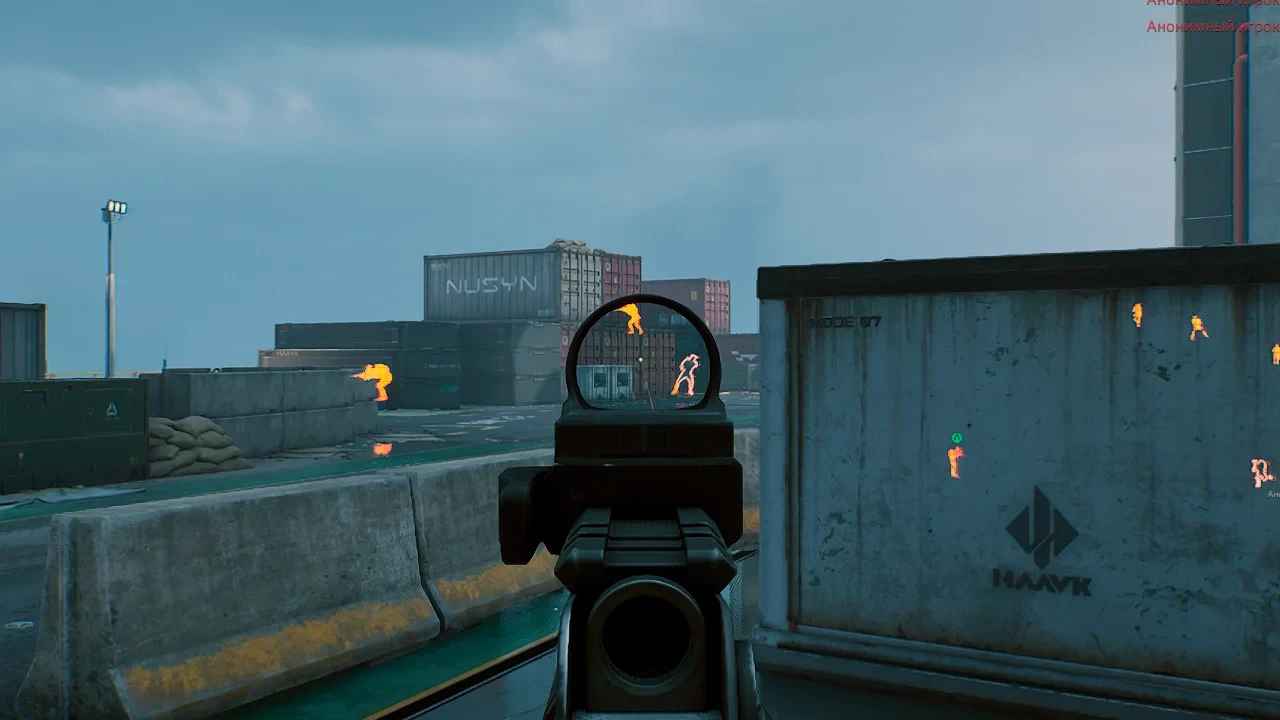
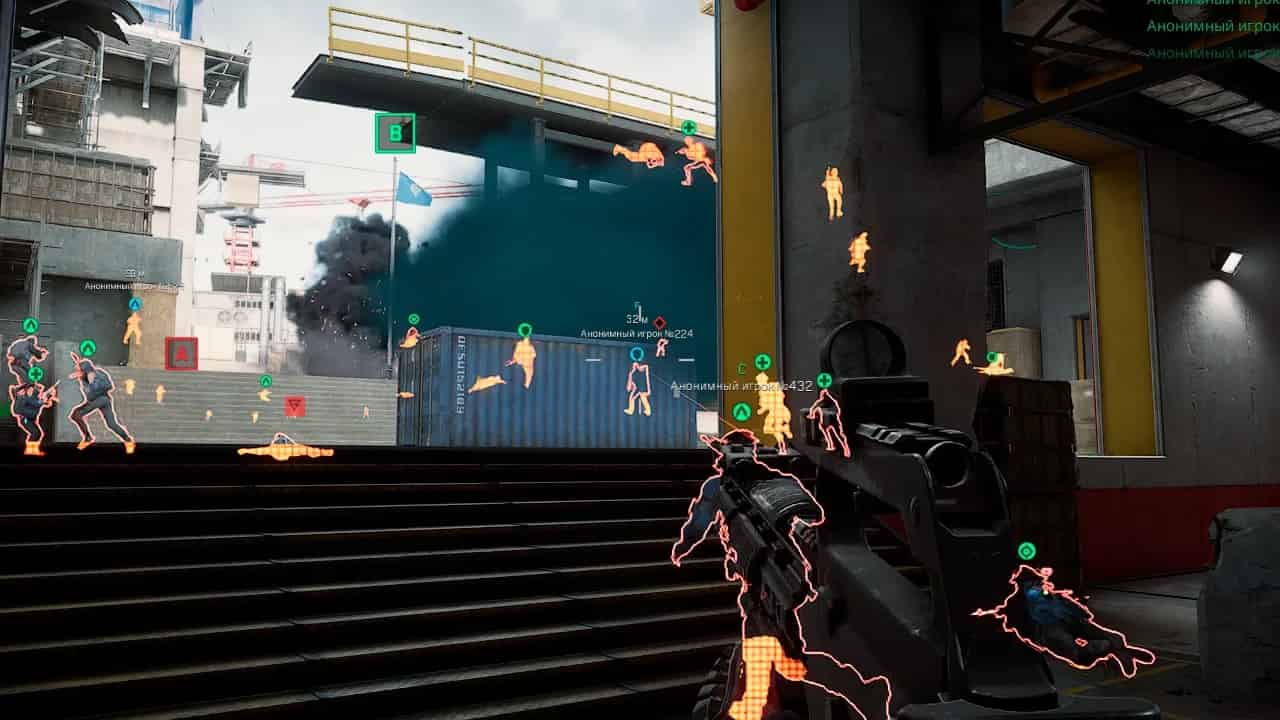
PH stands out because its ESP is powered directly through the game engine, meaning player models are rendered with full Chams coloring that looks sharp and stays reliable during gameplay. You're not dealing with clunky overlays — this is a deeply integrated wallhack solution designed to feel natural and responsive.
Key Features
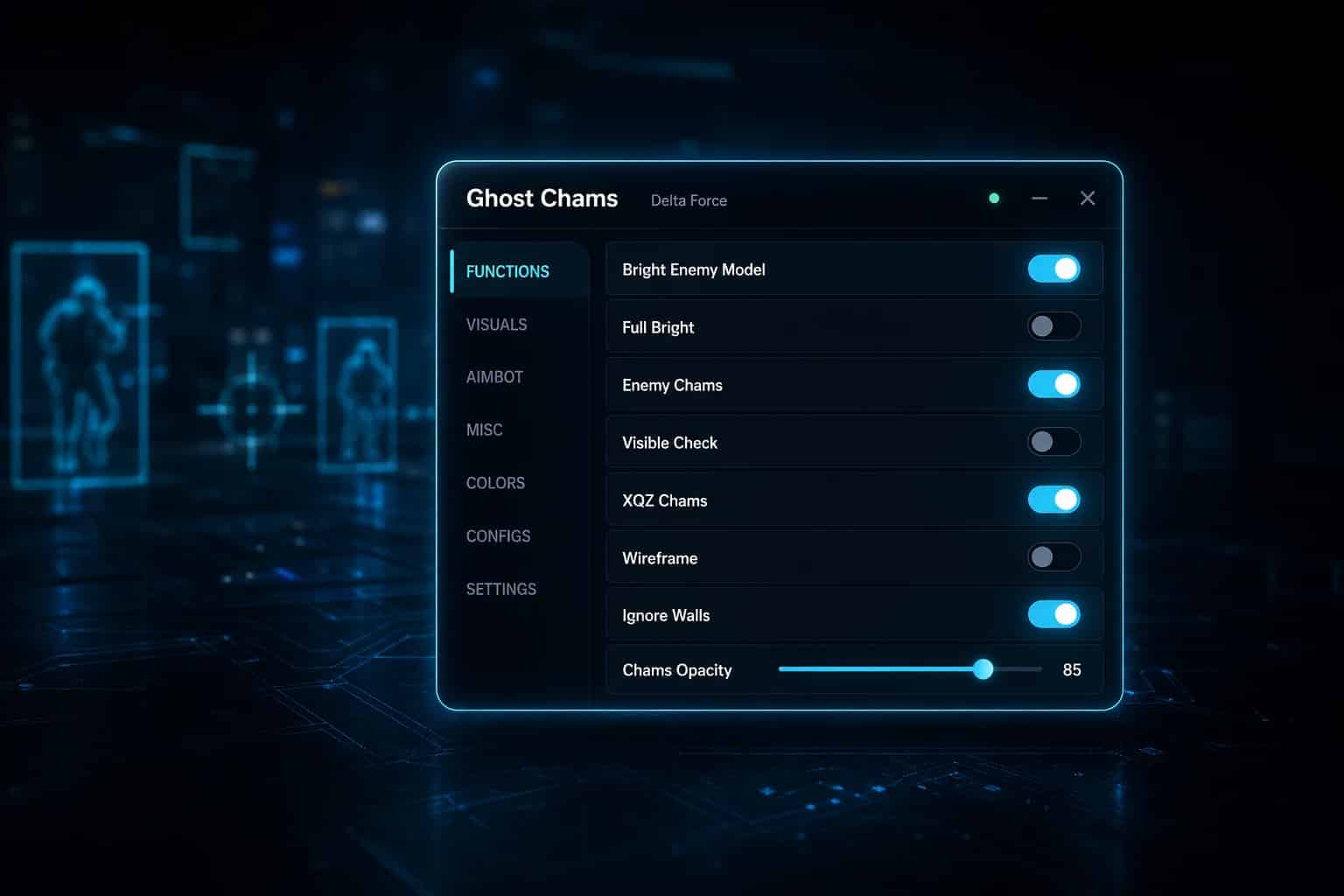
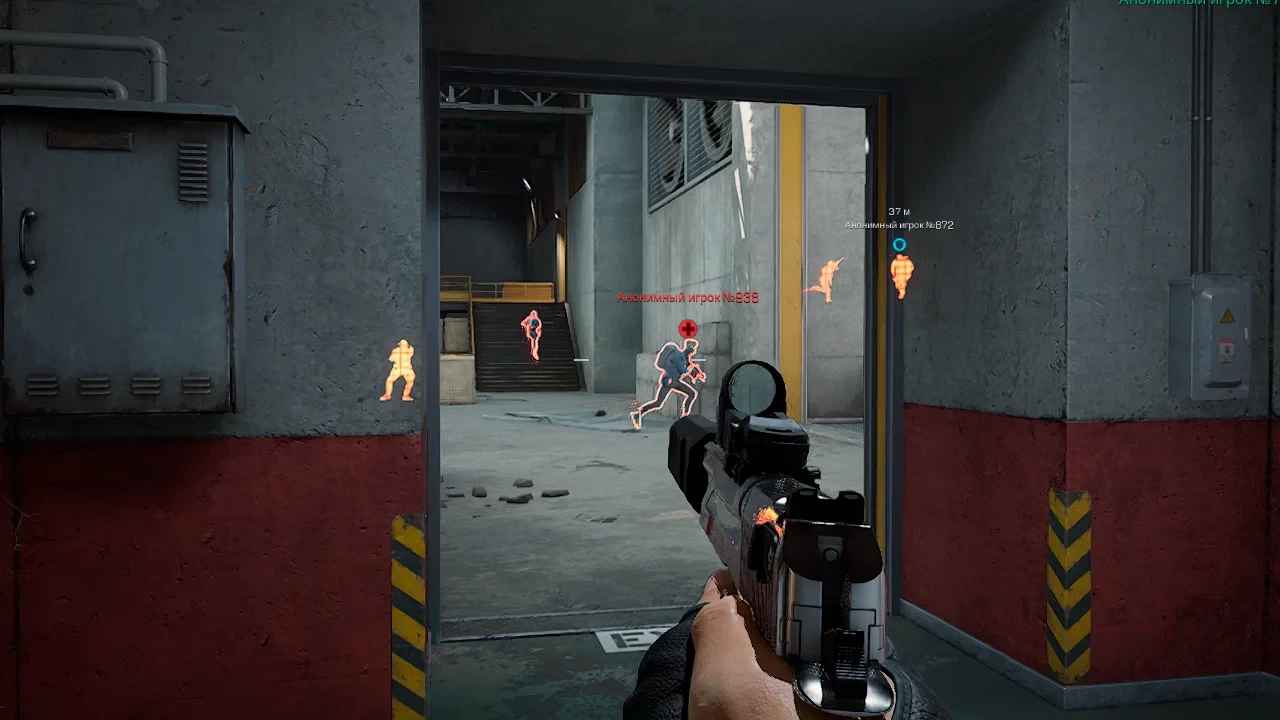
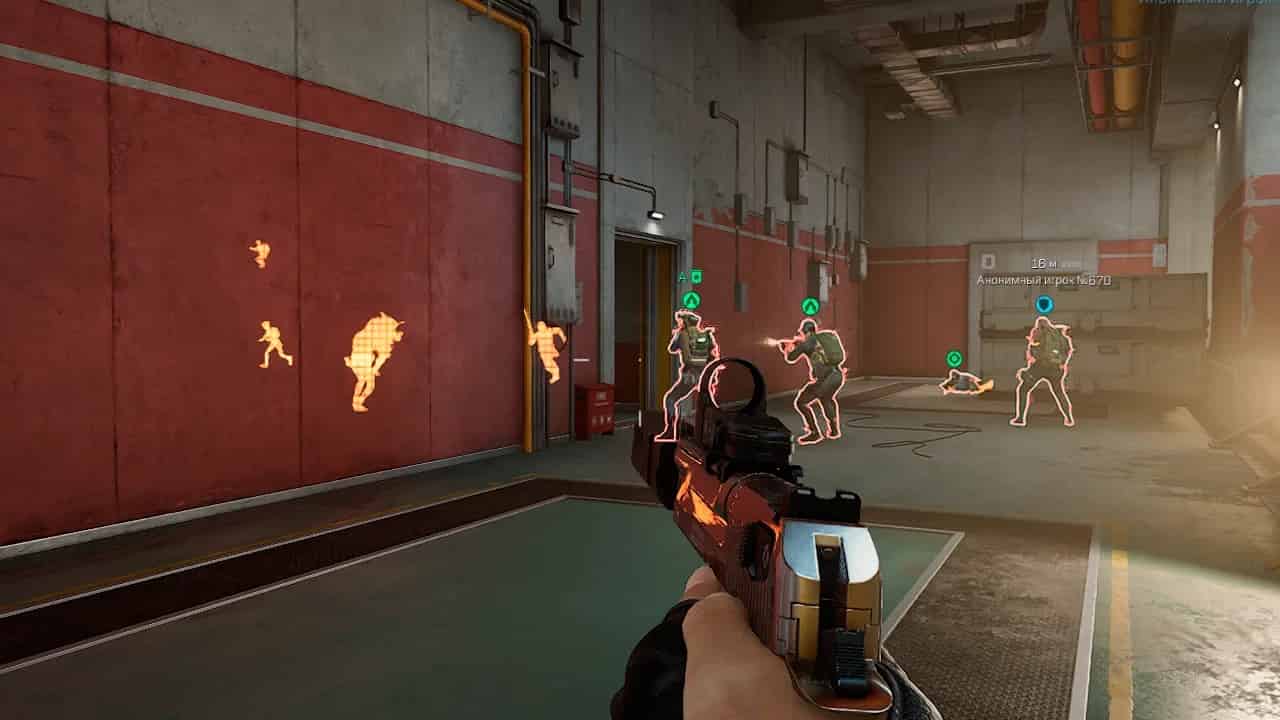
- Chams Wallhack: Full model coloring applied through the game engine gives you crisp, consistent visibility through walls and terrain at all times.
- Visible Check: Players you have a direct line of sight on are highlighted in one color, while enemies behind cover appear in a separate color — so you always know exactly what threat is exposed and what's hiding.
- Player ESP: Real human opponents are tracked and displayed, keeping you one step ahead in every engagement.
- Bot Detection: The wallhack also tags bots from Operations mode, so you never waste time or ammo guessing whether a target is AI or human.
- Animal Chams: Wildlife on the map is visually marked through the Chams system, helping you navigate the environment and avoid unnecessary distractions.
- Box ESP: Clean bounding boxes around targets give you instant positional data, letting you track movement and plan pushes with confidence.
Setup & Usage
Getting started with PH is straightforward — after purchase, you'll receive clear setup instructions that walk you through the injection and configuration process step by step. The Chams and ESP options are easy to toggle, so you can customize what's visible on screen to match your playstyle. Whether you prefer a minimal HUD or full visual coverage, PH gives you the flexibility to dial it in exactly how you want.
FAQ
Frequently Asked Questions
Everything you need to know before purchasing
Is there a ban risk and can I use it safely?
How long does it take to receive access after payment?
How do I install it? Is it complicated?
When does the subscription period start and how long is it valid?
Is a refund possible? What is the refund policy?
Can I use the same key or license on multiple computers?
How and when can I reach the support team?
Does the product automatically update when game updates or patches are released?
Check these out
More Delta Force cheats