

Installation overview
Every step comes with clear numbered actions — most setups take just a few minutes.
- 1Get the Key
- 2Disable Defender
- 3Download the Defender Control Program
- 4Configure Discord Settings
- 5Set Game Mode
- 6Download the Cheat Loader
- 7Run the Loader
- 8Start the Game
- 9Open the Menu
Technical Specs
- Included HWID spoofer
- Yes
- Supported game version
- Steam
- Anticheat
- Ingame
- Stream Bypass
- No
- Supported game modes
- Borderless, Windowed
- Supported CPU
- Intel & AMD
- Supported OC
- Windows 10, Windows 11
Payment
Choose a plan

Instant key delivery after payment · Pay with balance
- Instant Delivery
- Secure Payment
- 24/7 Support
Details
Product details
Everything you need to know
The ARCANE cheat for Deadside is your ultimate companion in navigating the challenging landscapes of this intense survival game. Designed for players who want to gain an edge, this tool enhances targeting precision and situational awareness, allowing you to dominate every encounter. Whether you're a seasoned player or new to Deadside, ARCANE offers the tools needed to level up your gameplay and outsmart the competition.
What Is ARCANE? ARCANE is a premium cheat tool for Deadside that enhances gameplay by providing advanced aimbot and ESP features, ensuring precision in targeting and superior player awareness. Undetected and regularly updated, it minimizes detection risks.
In short: ARCANE provides advanced aimbot and player ESP features, elevating your Deadside experience. Currently, it remains undetected, minimizing the risk of detection while you play.
Features
Aimbot Precision
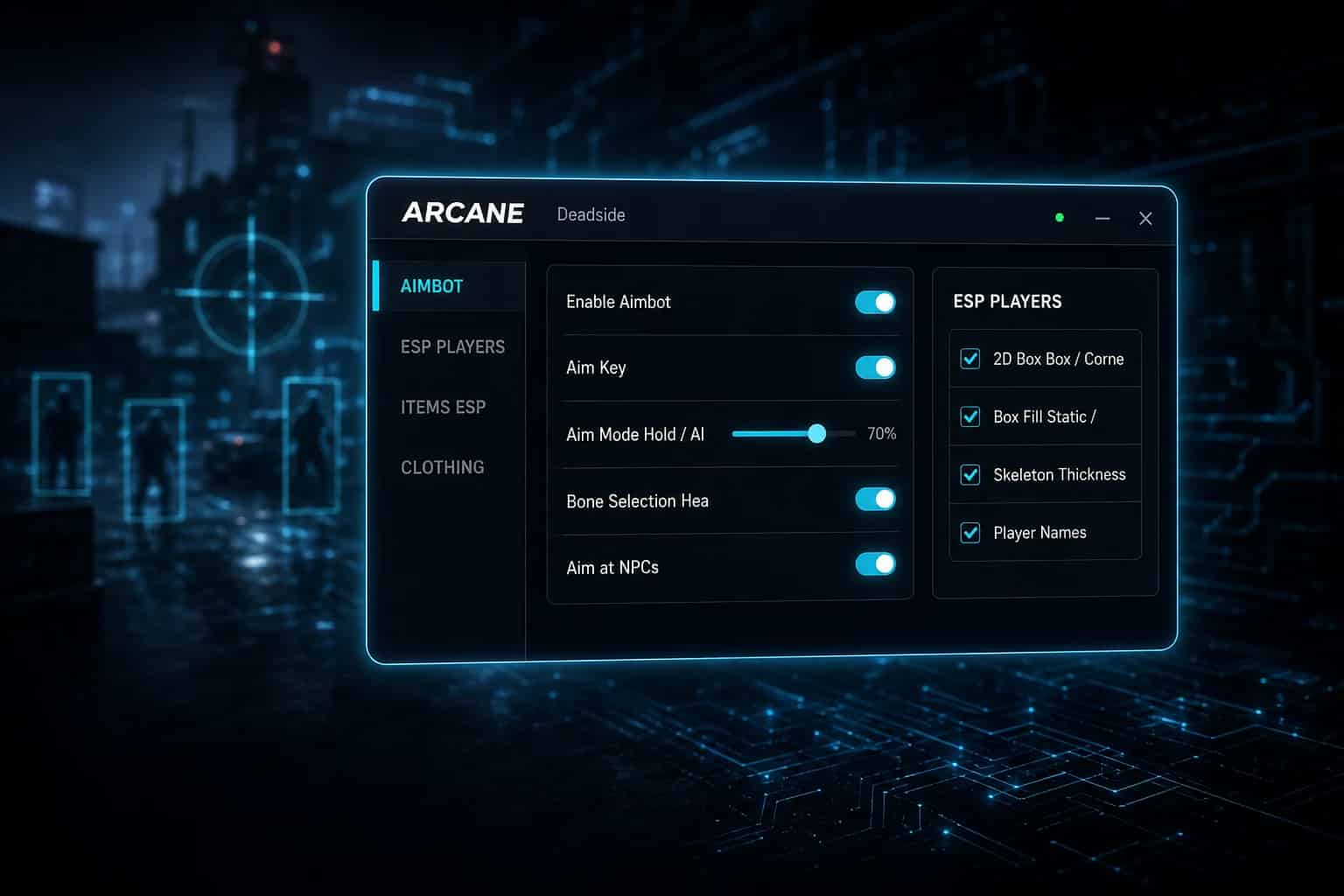
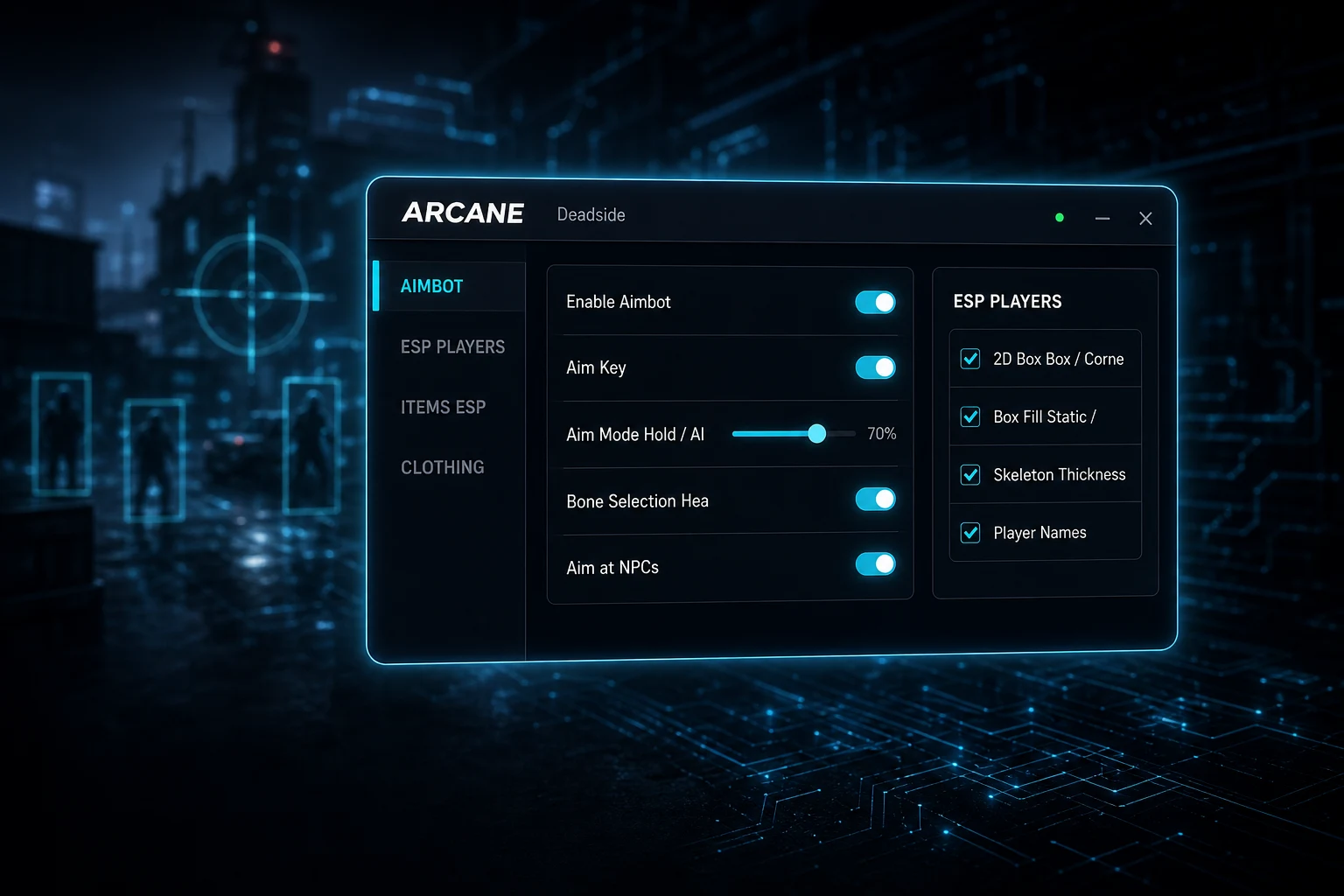
In Deadside, precision is key to surviving and thriving. The aimbot feature in ARCANE allows you to target opponents with pinpoint accuracy, making every shot count. Whether it's a close-range encounter or a distant target, adjust your aim settings to suit the situation.
- Enable Aimbot: Activate aimbot to gain superior targeting capabilities.
- Aim Key: Customize your aim key for quick activation during battles.
- Aim Mode [Hold / Always]: Choose between holding or always-on modes for flexible gameplay.
- Bone Selection [Head / Neck / Chest / Pelvis]: Target specific body parts for effective shots.
- Aim on NPCs: Extend your targeting to non-player characters for comprehensive control.
- Visibility Check: Ensure your aim locks only onto visible targets.
- Draw FOV Border: Visualize your field of view for better aiming.
- Draw FOV Background: Enhance your aiming area with a background overlay.
- FOV Size: Adjust the field of view size to match your playstyle.
- Smoothness: Make your aim movements appear more natural.
- Max Distance: Set the maximum distance for aimbot engagement.
ESP Player Awareness
Stay one step ahead of your opponents in Deadside with the ESP player awareness features of ARCANE. Gain real-time insights into player positions, ensuring you never miss a threat or opportunity.
- 2D Box [Box / Corners]: Highlight enemies with 2D boxes for easy identification.
- Box Fill [Static / Gradient]: Customize box fill styles for better visibility.
- Skeleton [Thickness]: Visualize enemy skeletons with adjustable thickness.
- Player Names: Identify players by their in-game names instantly.
- Corpse ESP: Locate fallen players and their loot quickly.
- Distance: Keep track of how far enemies are from your position.
- View Line: See where enemies are looking for tactical advantage.
- Snapline to Enemy: Draw lines to enemies for fast targeting.
- Visibility Check: Only see enemies within your line of sight.
- Max Distance: Define the range for ESP visibility.
Items ESP
Maximize your scavenging efficiency in Deadside with ARCANE's Items ESP. Easily locate essential items and gear to keep you well-equipped and ready for any situation.
- Item Count: See the number of items in your vicinity.
- Item Distance: Know how far items are to plan your path.
- Max Distance: Set the maximum range for item detection.
Security and Detection Status
When it comes to security, ARCANE maintains a strong focus on remaining undetected within Deadside. This ensures that you can enjoy enhanced gameplay without the constant worry of detection. Our team actively monitors and updates the cheat to adapt to any changes in the game's security measures.
In addition to regular updates, ARCANE provides users with a reliable detection status, giving you peace of mind during your gaming sessions. Stay informed with our update tracking, so you always know the current status of your cheat.
Installation and System Requirements
Setting up ARCANE is straightforward, with access delivered instantly upon purchase. Our dedicated support team is ready to assist you with any setup queries, ensuring a seamless integration into your Deadside experience. For detailed instructions, refer to our installation guide (in English).
- Supported game version: Steam
- Anticheat: Ingame
- Stream Bypass: No
- Supported game modes: Borderless, Windowed
- Supported CPU: Intel & AMD
- Supported OS: Windows 10, Windows 11
Pricing
Choose the perfect plan that suits your gaming needs with ARCANE. Whether you need a short trial or a longer commitment, we've got you covered.
- 1 day: $4
- 7 days: $12
- 30 days: $22
Additional Features
Clothing ESP for Better Gear Management
With ARCANE's Clothing ESP, manage your gear efficiently by easily locating jackets, vests, backpacks, pants, helmets, and masks. This feature ensures that you are always prepared with the best equipment, maximizing your chances for survival in Deadside.
Resource Gathering with Ease
Never miss out on critical resources with ARCANE's resource and tool ESP. Locate items such as apples, metal scraps, and mushrooms quickly, ensuring you have the necessary materials to craft and sustain your survival efforts.
Buy ARCANE for Superior Performance
Ready to enhance your Deadside experience? Buy ARCANE today to unlock superior performance and strategic advantages. With our team having tested this product for over 20 hours in real matches, we ensure reliability and efficiency in every feature.
Advanced Configuration Options
Customize your ARCANE experience with comprehensive configuration settings. Create, share, and edit configurations to tailor the cheat to your playstyle. This flexibility allows you to adapt and excel in different gaming scenarios effortlessly.
Miscellaneous Features for Enhanced Gameplay
Explore additional features like battle mode and off-screen arrows in ARCANE for an immersive gameplay experience. These options provide you with tactical advantages and help maintain awareness even in the most intense Deadside environments.
Frequently Asked Questions
How does ARCANE enhance gameplay in Deadside?
ARCANE provides advanced aimbot and ESP features that enhance targeting accuracy and player awareness, giving you a significant advantage in survival and combat.Is ARCANE currently detected in Deadside?
No, ARCANE is currently undetected, offering a low risk of detection in Deadside. We actively monitor and update the cheat to maintain its status.What are the system requirements for using ARCANE?
ARCANE supports both Intel and AMD CPUs, and is compatible with Windows 10 and Windows 11. It is designed to work with the Steam version of Deadside.Can I customize ARCANE settings during gameplay?
Yes, ARCANE allows for extensive customization options, enabling you to tweak settings such as aimbot precision and ESP details to suit your playstyle.How quickly can I start using ARCANE after purchase?
Access to ARCANE is delivered immediately after purchase, allowing you to set it up and start enhancing your Deadside gameplay without delay.Ready to take your Deadside experience to the next level? Purchase ARCANE today and start dominating the competition with unparalleled precision and awareness!
FAQ
Frequently Asked Questions
Everything you need to know before purchasing
Is there a ban risk and can I use it safely?
How long does it take to receive access after payment?
How do I install it? Is it complicated?
When does the subscription period start and how long is it valid?
Is a refund possible? What is the refund policy?
Can I use the same key or license on multiple computers?
How and when can I reach the support team?
Does the product automatically update when game updates or patches are released?