
Installation overview
Every step comes with clear numbered actions — most setups take just a few minutes.
- 1Turn Off Defender
- 2Use Defender Control
- 3Adjust Screen Mode
- 4Download the Loader
- 5Run the Cheat as Administrator
- 6Wait for the Update
- 7Enter the License
- 8Start the Game
- 9Open the Menu
- 10If You Want to Turn Off the Cheat
Technical Specs
System requirements have not been added for this product yet.
Payment
Choose a plan

Instant key delivery after payment · Pay with balance
- Instant Delivery
- Secure Payment
- 24/7 Support
Update history
- UndetectedUndetected
Aimbot and ESP features updated for Deadlock. Bone selection for aimbot and player's hero name ESP added. [Note: category 'ESp' doesn't exist on site, admin must add it manually]
Details
Product details
Everything you need to know
MASON is a powerful game cheat designed for the game Deadlock. This tool helps enhance your competitive gaming experience, allowing you to enjoy the game to the fullest. It is especially ideal for players looking for better aiming and visualization capabilities. Stay one step ahead of your opponents with MASON and guarantee your victory.
In short: MASON provides superiority in aiming and visualization in Deadlock. It is currently undetected.
Features
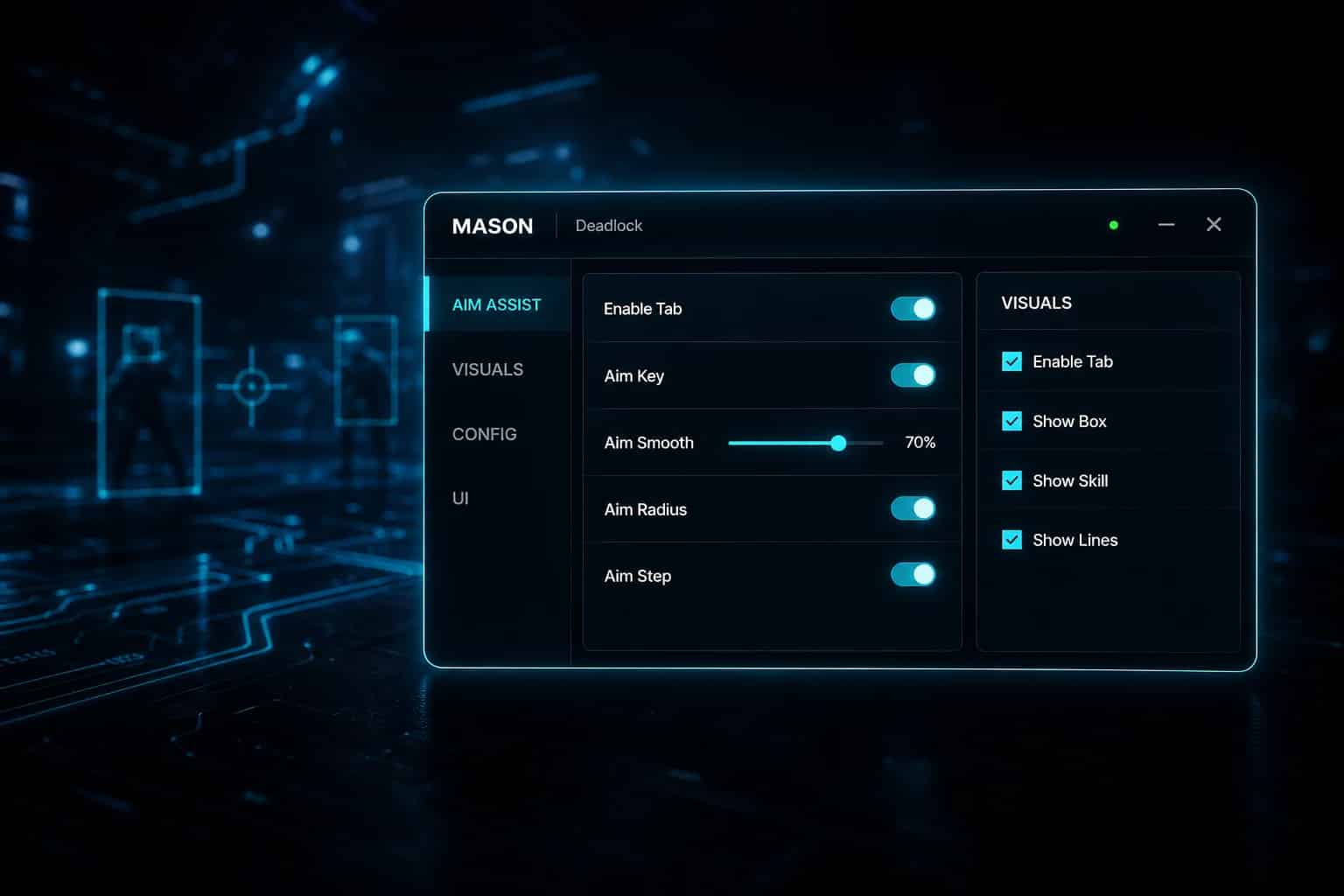
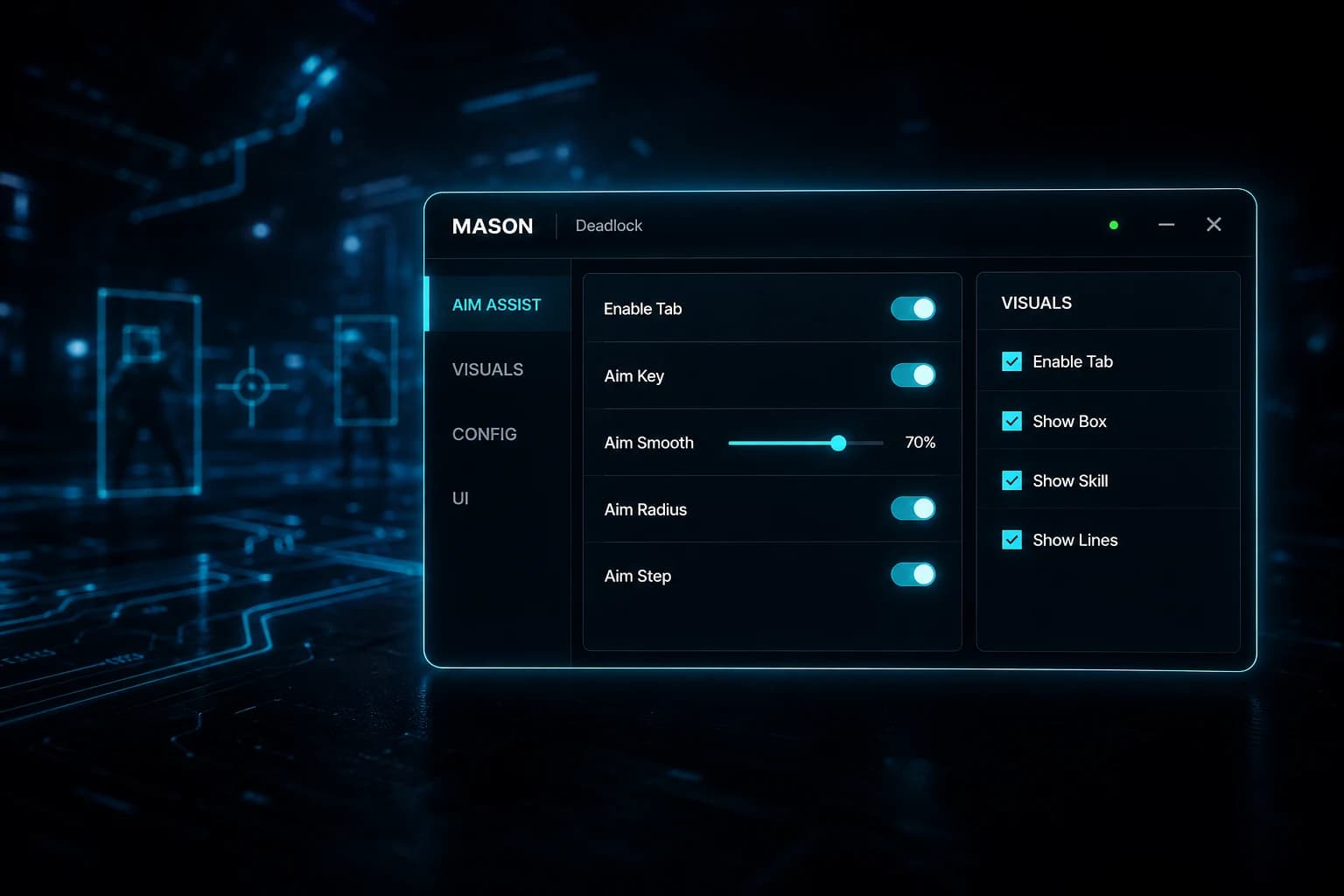
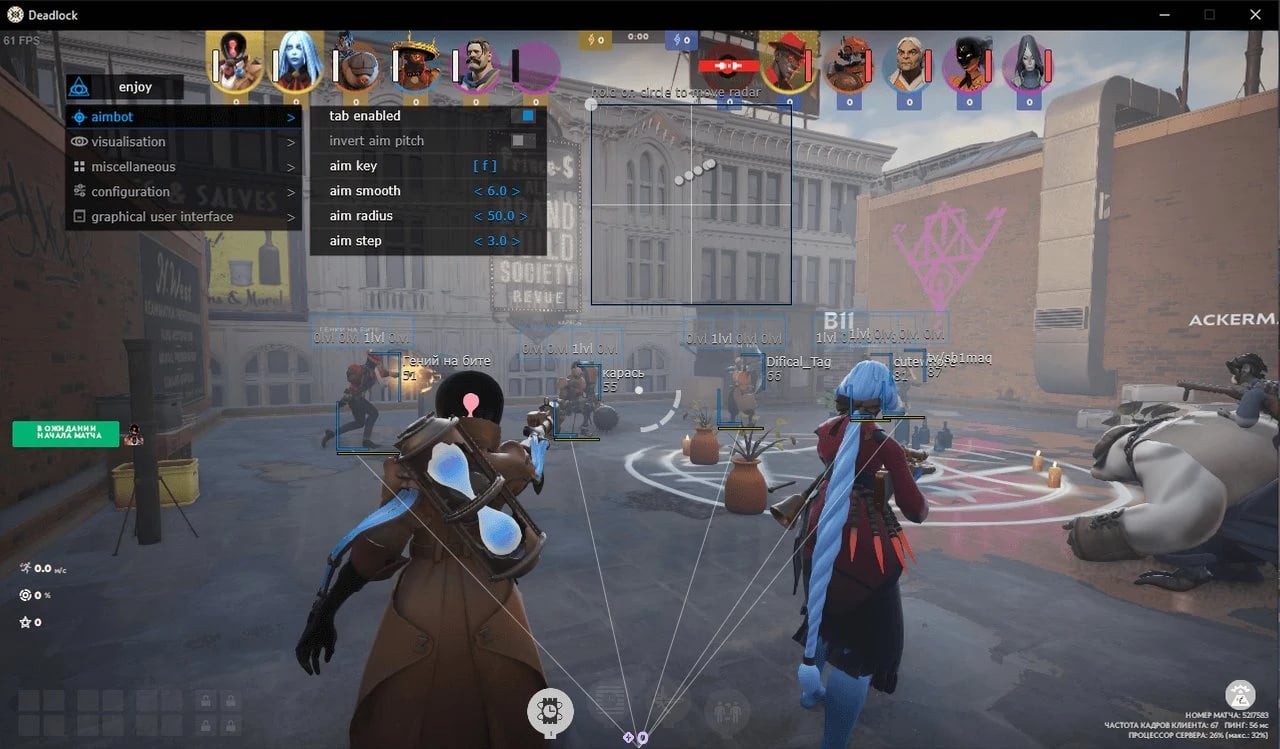
Aim Assistance
Aiming in the game Deadlock is a critical factor on the road to success. MASON's aim assistance features allow you to make sharp and accurate shots.
- Tab enable: Easily enable and disable aim assistance.
- Aim key: Control aim assistance with the designated key.
- Aim smooth: Makes your aiming smoother.
- Aim radius: Define the target acquisition area.
- Aim step: Adjust aim assistance step by step.
- Auto switch: Automatically switch between targets.
Visualization
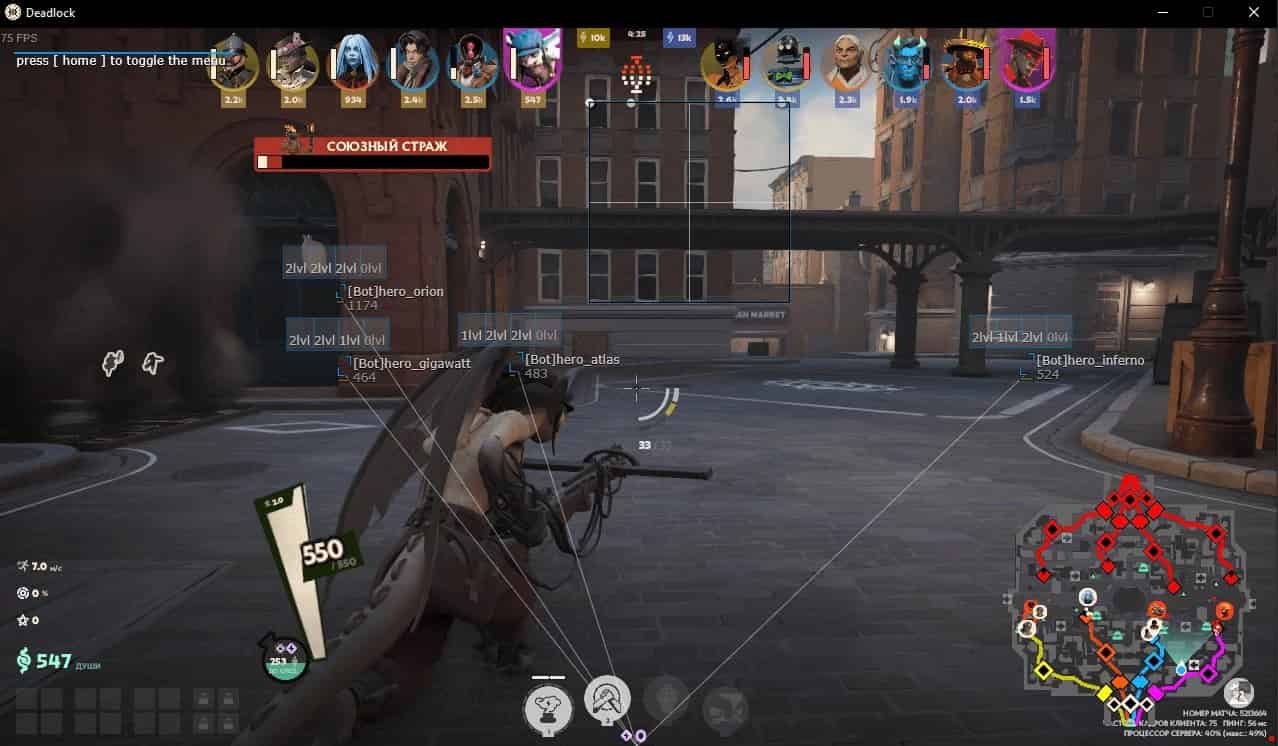
These features, designed to help you see your opponents better, increase your control over the game and provide a strategic advantage.
- Tab enable: Control visualization features.
- Show bounding box: See your opponents within a frame.
- Show skill bar: View the skill status of your opponents.
- Show snaplines: Create lines between you and your opponents.
- Show health bar: Keep track of your opponents' health status.
- Show player name: Learn the names of opposing players.
- Show distance: Know the distance between you and your opponents.
- Ignore team: Ignore teammates.
Configuration
Personalize the game for a smoother experience. These features allow you to customize your in-game performance.
- Save cpu: Reduce CPU load.
- Load config from clipboard: Load settings from the clipboard.
- Save config to clipboard: Save settings to the clipboard.
Graphical User Interface
This interface helps you better control your game, enhancing your strategic decisions.
- Show radar: Get location information on the map with radar.
- Radar size: Adjust the radar size.
- Radar radius: Define the radar coverage area.
Security and Detection Status
MASON is currently undetected for the game Deadlock. Operating with a low detection risk, it ensures your in-game security. Our regularly updated system minimizes the likelihood of detection.
Our updates are designed to be compatible with the latest versions of the game and anti-cheat systems. Thus, MASON offers a safe experience in the game Deadlock. For more information about detection status and our updates, you can regularly visit our website.
Installation and System Requirements
Access to MASON is provided immediately after purchase, and it becomes ready for use in a short time with an easy installation process. Our support team will be there for you whenever you need it. You can visit our installation guide (in Turkish) page for a detailed installation guide.
- Supported game version: Steam
- Anticheat: VAC
- Supported game modes: Window / Full Screen in Window / Full Screen
- Supported CPU: Intel & AMD
- Supported OS: Windows 10 & 11 x64, versions (2004 / 20H2 / 21H1 / 21H2 / 22H2 / 23H2)
Pricing
The flexible pricing options for MASON allow you to choose the ideal plan that suits your needs.
- 1 day: $2.8
- 7 days: $7.7
- 30 days: $16.4
Frequently Asked Questions
In which game modes does MASON work in Deadlock?
MASON works in Deadlock's Window, Full Screen in Window, and Full Screen modes. This way, you can play your game in the mode you prefer.
What is the detection risk of MASON?
It is currently undetected and operates with a low detection risk. We strive to minimize detection risk with our updates.
How does the installation process work?
Access is provided immediately after the purchase is completed, allowing you to start quickly with simple installation steps. For a detailed guide, you can visit our website.
How can updates be tracked?
MASON is regularly updated and made compatible with the latest game versions. You can follow updates on our website.
Which operating systems are supported?
It works seamlessly on Windows 10 & 11 x64, versions (2004 / 20H2 / 21H1 / 21H2 / 22H2 / 23H2).
Purchase MASON to elevate your competitive gaming experience and gain an advantage in the game Deadlock!
FAQ
Frequently Asked Questions
Everything you need to know before purchasing
Is there a ban risk and can I use it safely?
How long does it take to receive access after payment?
How do I install it? Is it complicated?
When does the subscription period start and how long is it valid?
Is a refund possible? What is the refund policy?
Can I use the same key or license on multiple computers?
How and when can I reach the support team?
Does the product automatically update when game updates or patches are released?