Installation overview
Every step comes with clear numbered actions — most setups take just a few minutes.
- 1Turn Off Defender
- 2Use Defender Control
- 3Adjust Screen Mode
- 4Download the Loader
- 5Run the Cheat as Administrator
- 6Wait for the Update
- 7Enter the License
- 8Start the Game
- 9Open the Menu
- 10If You Want to Turn Off the Cheat
Technical Specs
- OS
- Windows 10, Windows 11 (21H2, 22H2, 23H2, 24H2, 25H2)
- CPU
- Intel & AMD
- GPU
- NVidia & AMD
- Client
- Steam
Payment
Choose a plan

Instant key delivery after payment · Pay with balance
- Instant Delivery
- Secure Payment
- 24/7 Support
Details
Product details
Everything you need to know
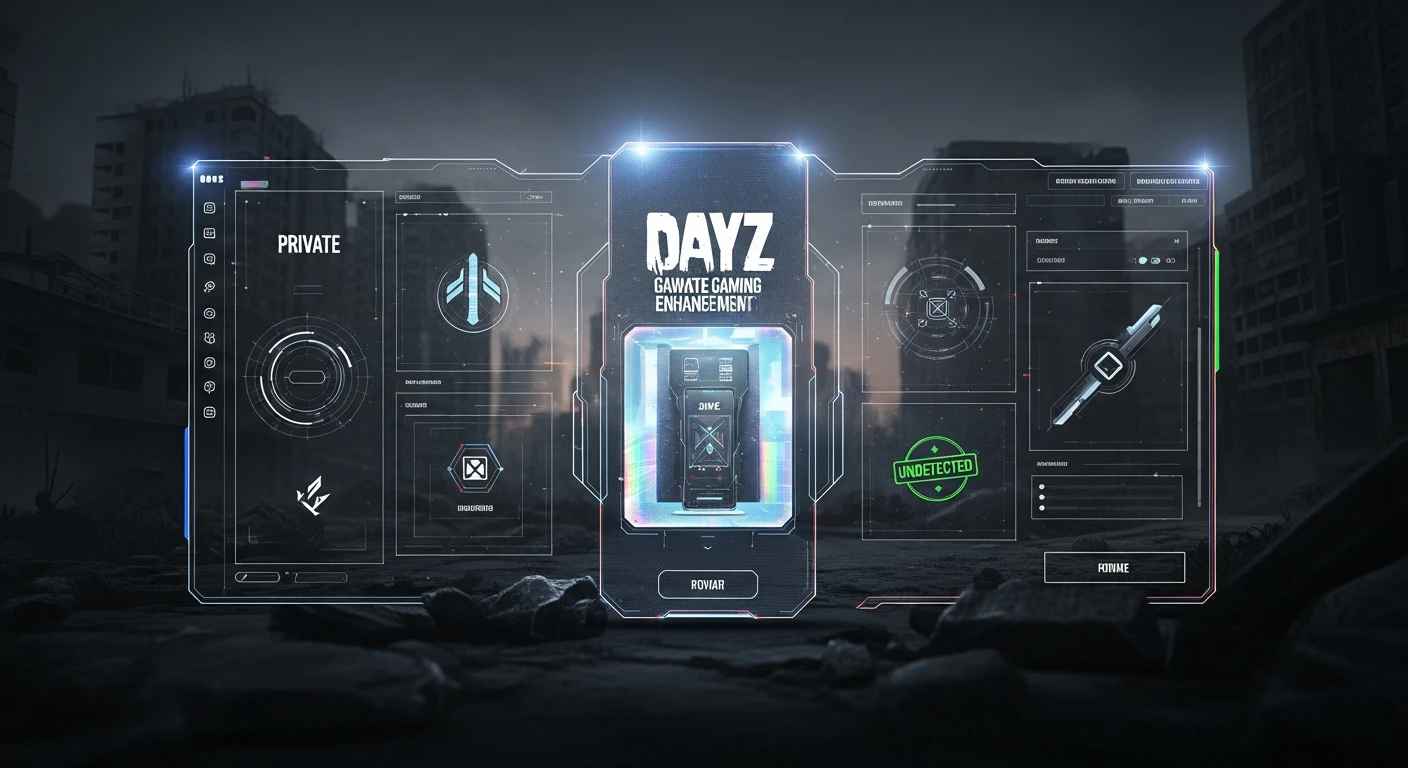
Surviving in DayZ is brutal — every second counts, every corner hides a threat, and loot is never where you need it. The Crusader cheat gives you the edge to stop being the hunted and start being the hunter. Packed with precision tools and full situational awareness features, this is the toolkit serious DayZ players have been looking for.
Why Choose This Product?
Crusader is built specifically for DayZ's unforgiving environment, combining combat assistance, environmental awareness, and quality-of-life improvements into one clean package. You're not just getting an aimbot — you're getting a complete system designed to keep you alive and looted up. Whether you're running solo or wiping squads, Crusader adapts to your playstyle.
Key Features
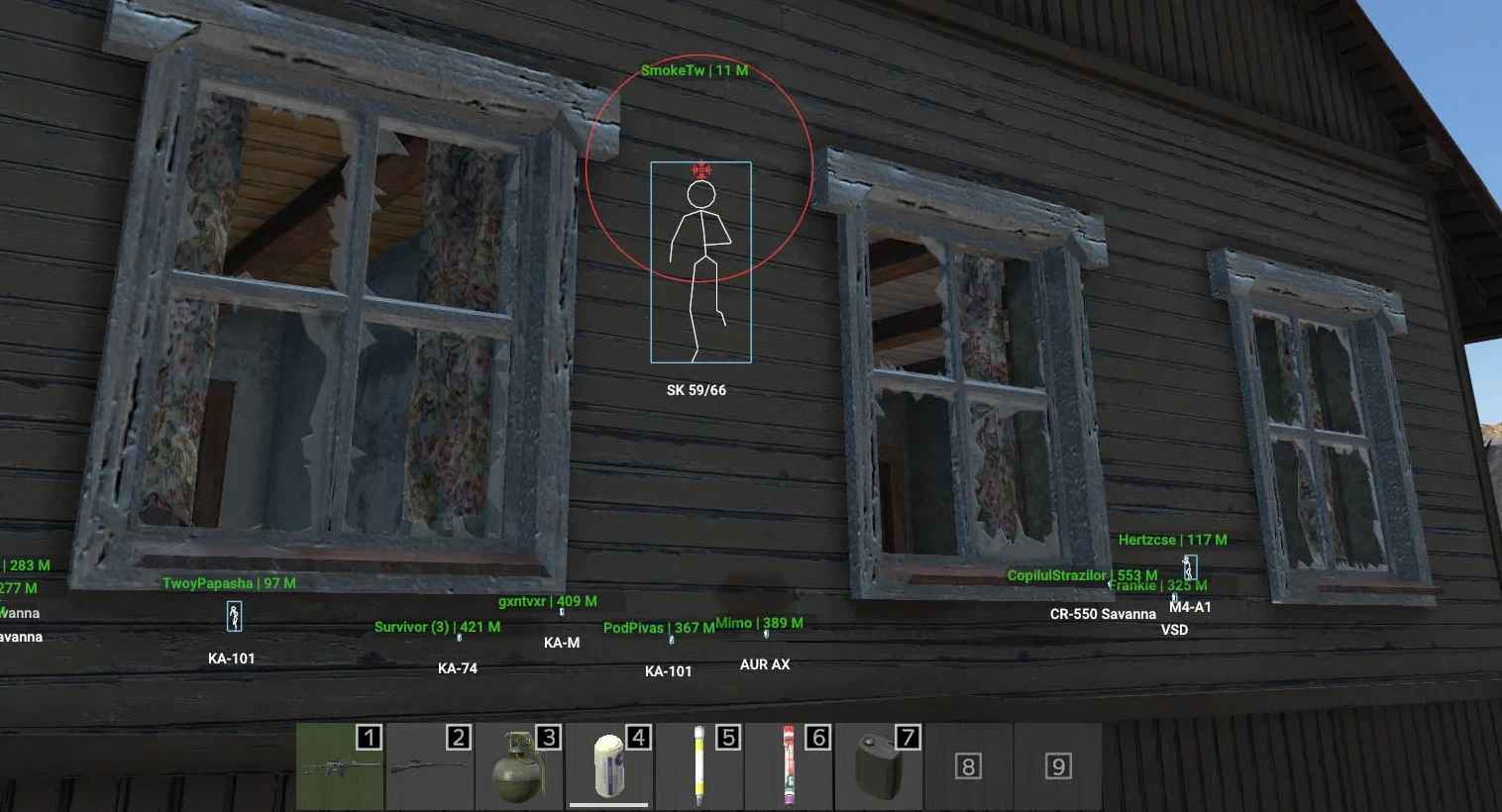
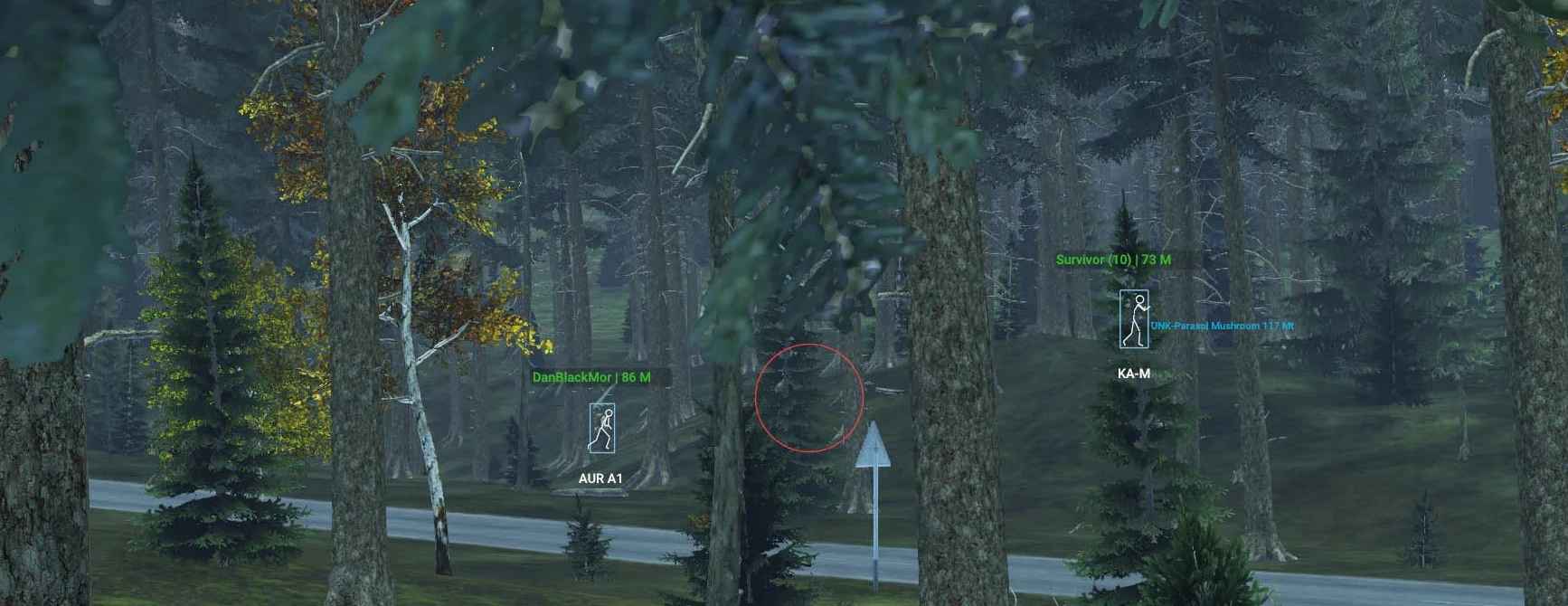
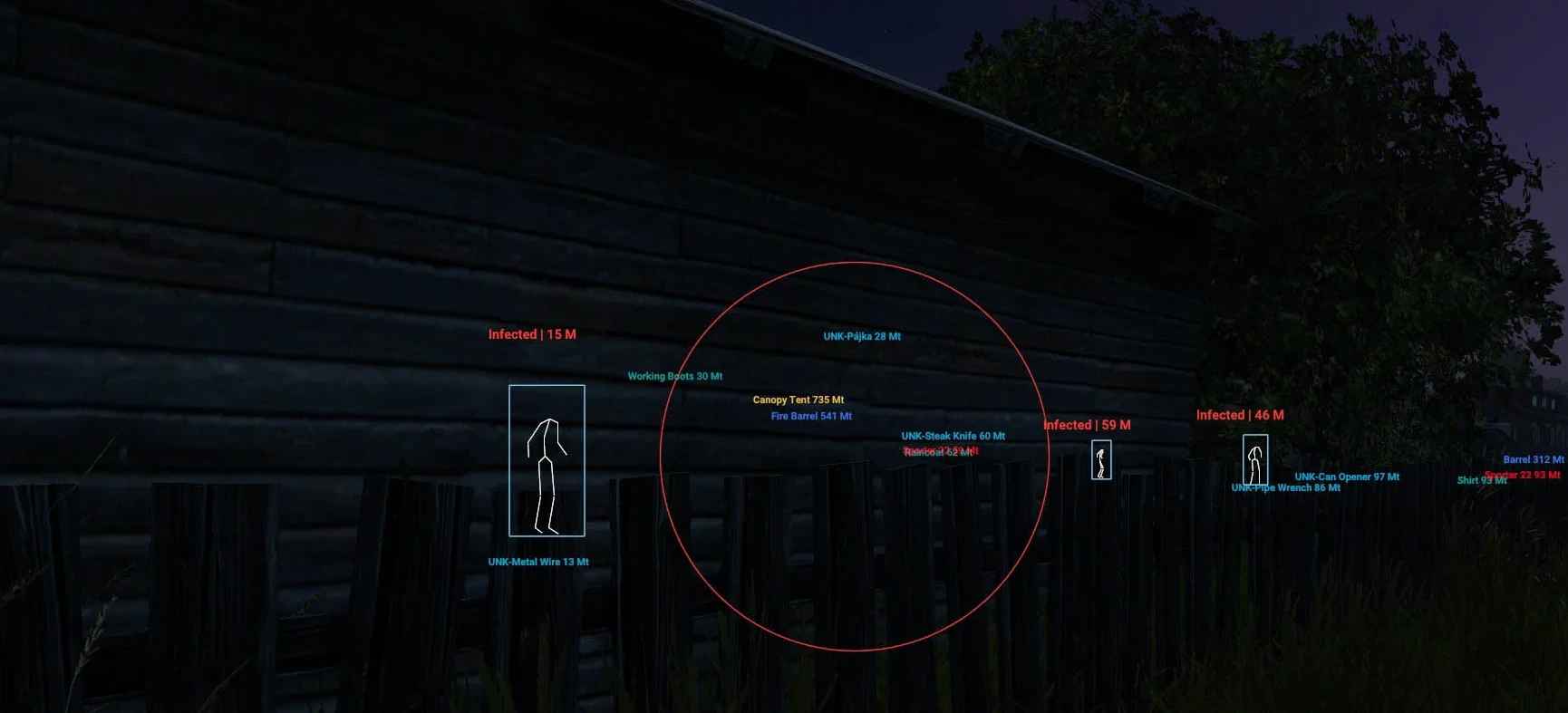
- Aimbot with full customization — bind your preferred key, dial in your FOV size, visualize the targeting circle, adjust sensitivity, and choose your target bone for maximum precision on every shot.
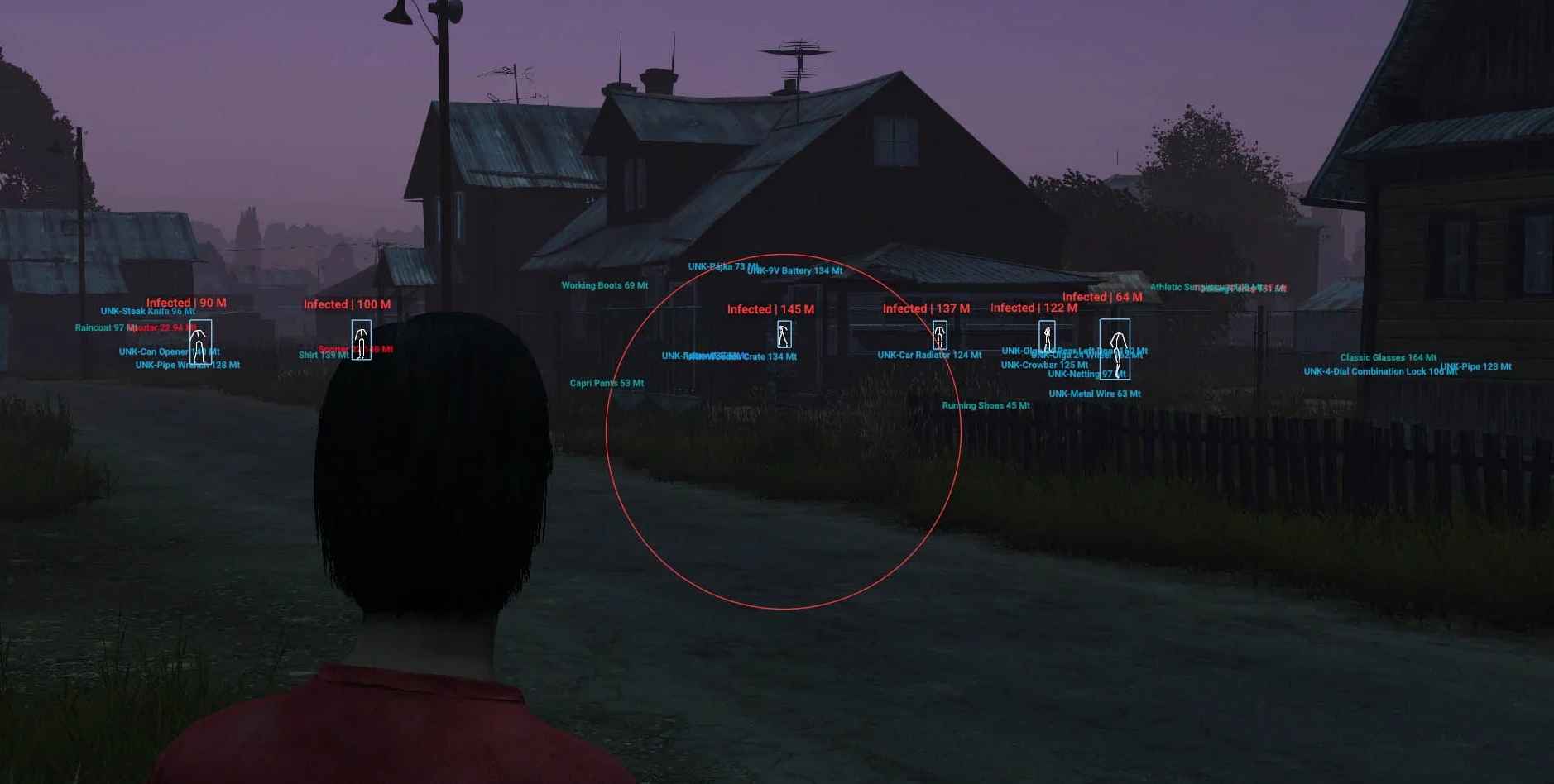
- Player ESP — spot enemies through terrain with skeleton rendering, name tags, head hitbox highlights, directional lines, and real-time distance readouts in meters so you always know how far the threat is.
- Comprehensive Loot ESP — filter exactly what you need: firearms, melee weapons, ammunition, wearable gear, vehicles and their parts, plus food and drinks. Stop wasting time searching buildings blindly.
- Remove Grass — eliminate ground-level clutter that hides crawling players, and enjoy a noticeable FPS boost as a bonus.
- Custom Brightness Control — push visibility beyond the game's default limits, making night raids and dark interiors far less of a disadvantage.
- Static Crosshair — keep a reliable center-screen reference point at all times, regardless of weapon or stance.
Safety & Detection Status
Crusader is currently undetected, and the development team pushes regular updates to maintain a low detection risk as the game's anti-cheat evolves. Like any external tool, no software can offer absolute guarantees, so we always recommend using sensible, measured settings rather than going full aggressive out of the gate. Staying under the radar is as much about how you play as the software itself.
Setup & Usage
Getting Crusader running is straightforward — after purchase you'll receive clear instructions to get you into your first session quickly, with no advanced technical knowledge required. The menu is intuitive, letting you toggle and fine-tune every feature on the fly without interrupting your game. If you hit any snags, support is available to walk you through the process.
FAQ
Frequently Asked Questions
Everything you need to know before purchasing
Is there a ban risk and can I use it safely?
How long does it take to receive access after payment?
How do I install it? Is it complicated?
When does the subscription period start and how long is it valid?
Is a refund possible? What is the refund policy?
Can I use the same key or license on multiple computers?
How and when can I reach the support team?
Does the product automatically update when game updates or patches are released?